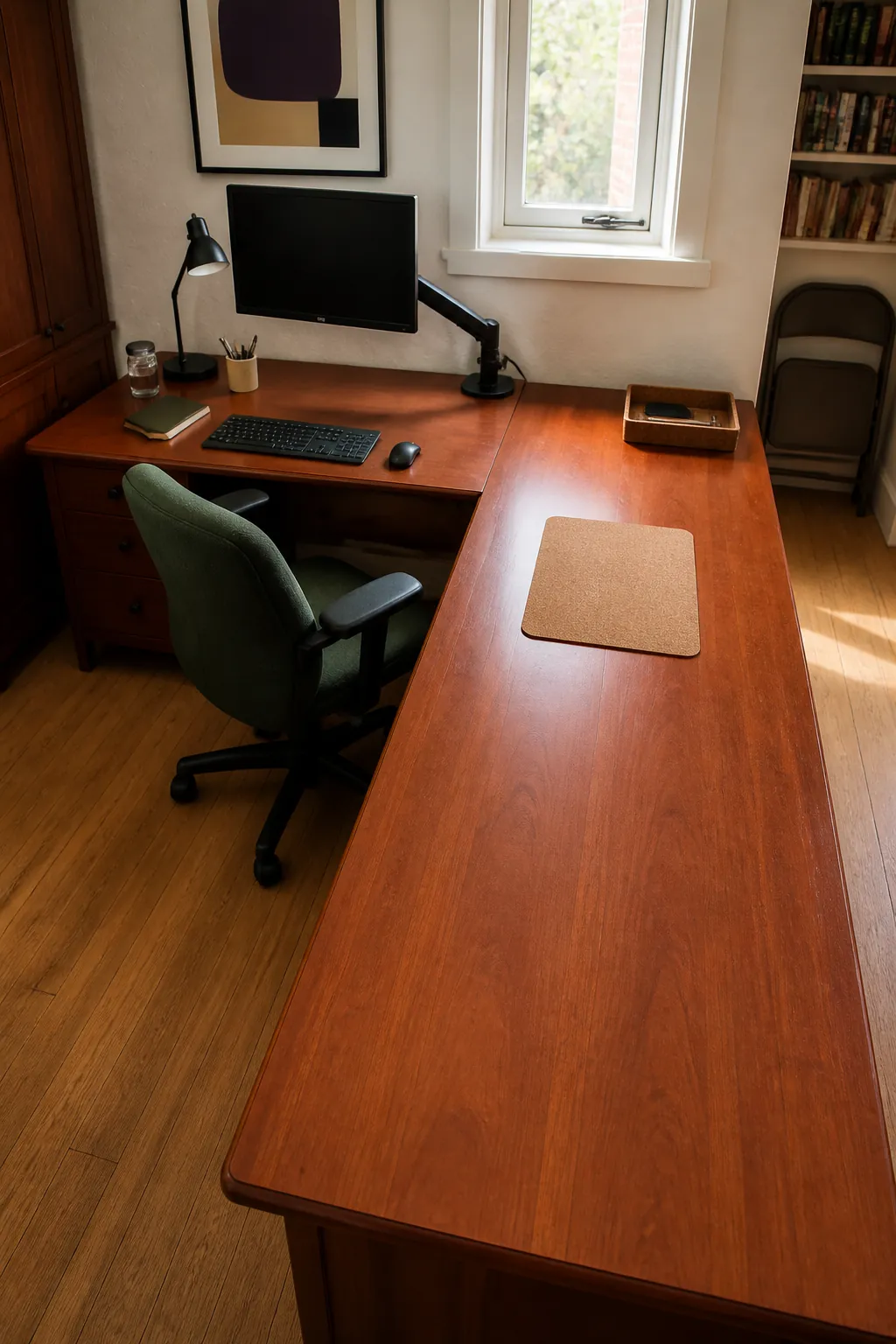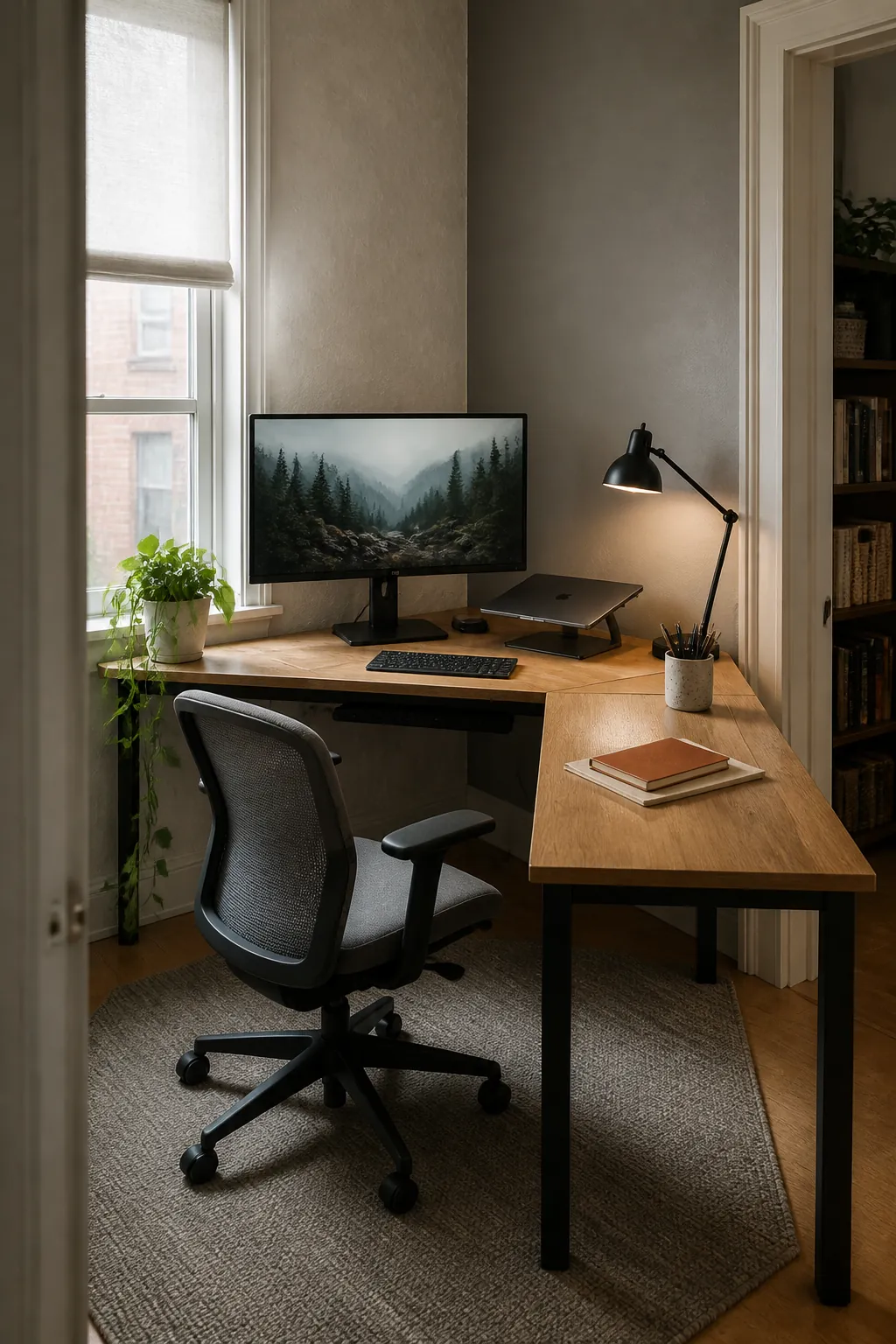
A corner can either become the most useful square footage in a room or a place where cables, screens, and paperwork compete for space. The difference comes from deciding what the desk must support before buying organizers and decor. Start with your main task, comfortable reach, and the direction of natural light, then let the setup grow around those priorities.
Float the Desk Toward the Room
Turn the working edge toward the room when facing two walls feels cramped. This placement keeps the door in view and creates a calmer background for video calls. Leave enough clearance behind the chair for a full roll back and an easy path around the return.
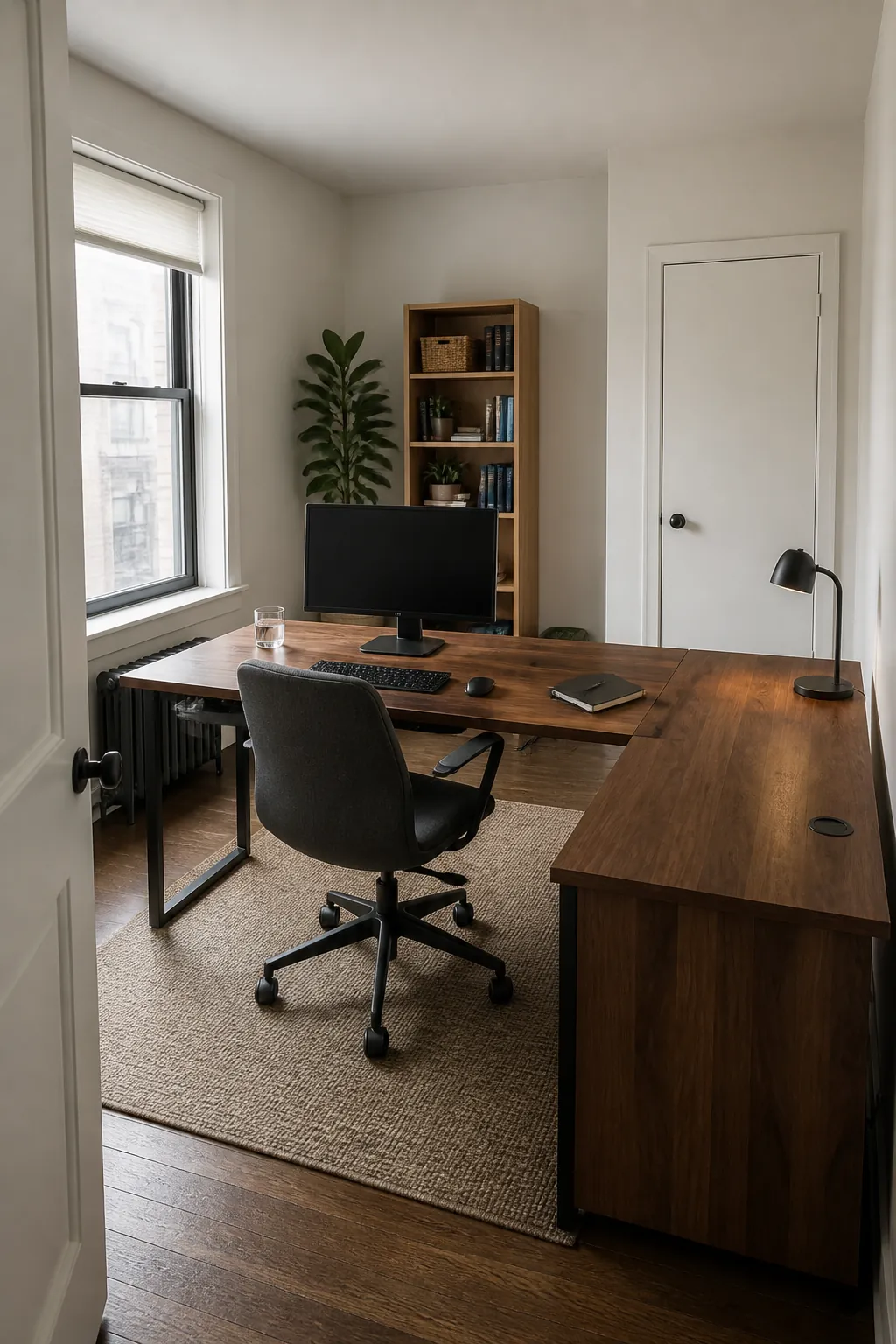
Center the Main Monitor on One Run
Place the screen used most often directly in front of the chair rather than splitting attention across the inside corner. A secondary display can angle inward from the return for reference material, messages, or a calendar. This arrangement reduces repeated neck rotation while preserving the generous surface that makes a corner desk useful.
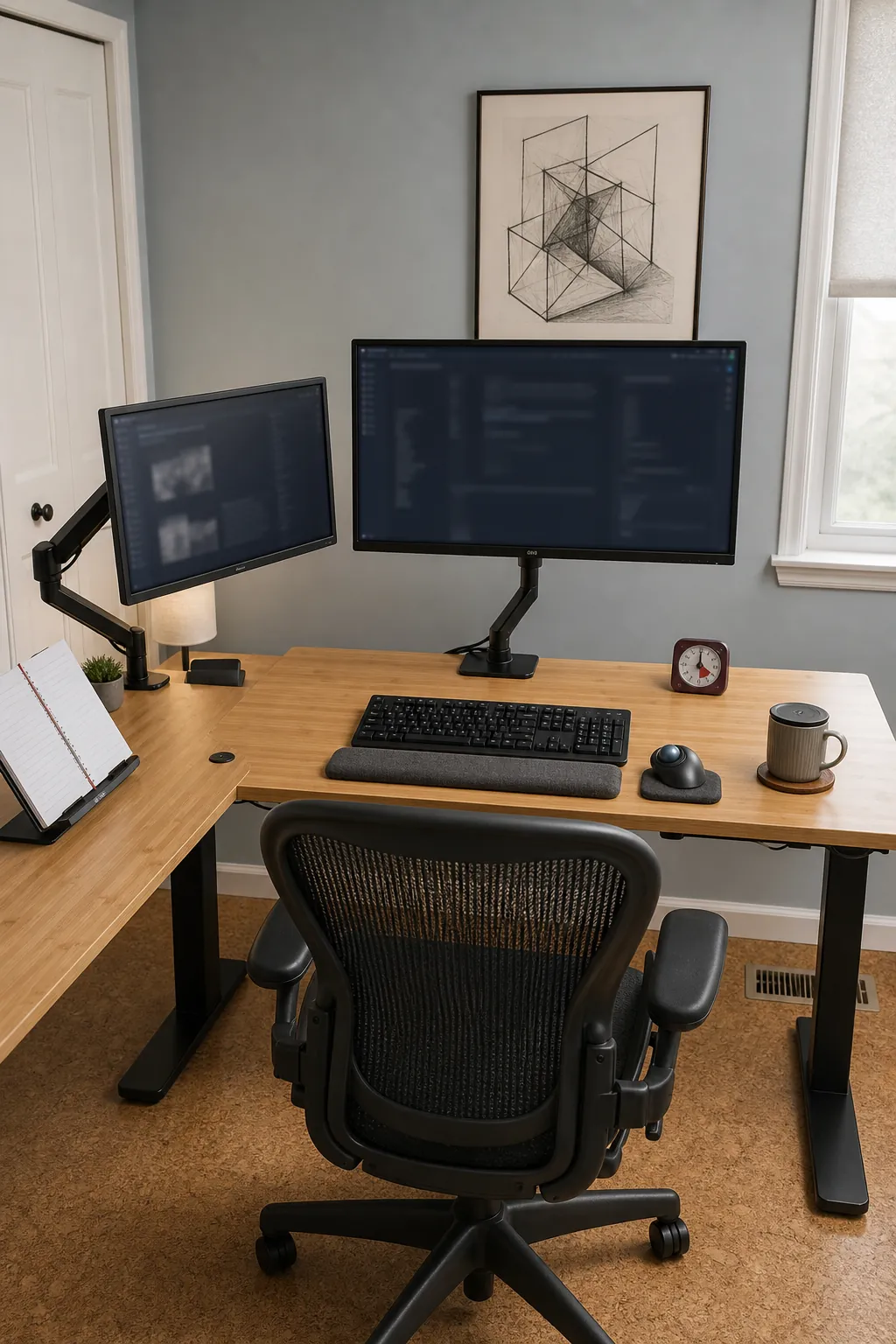
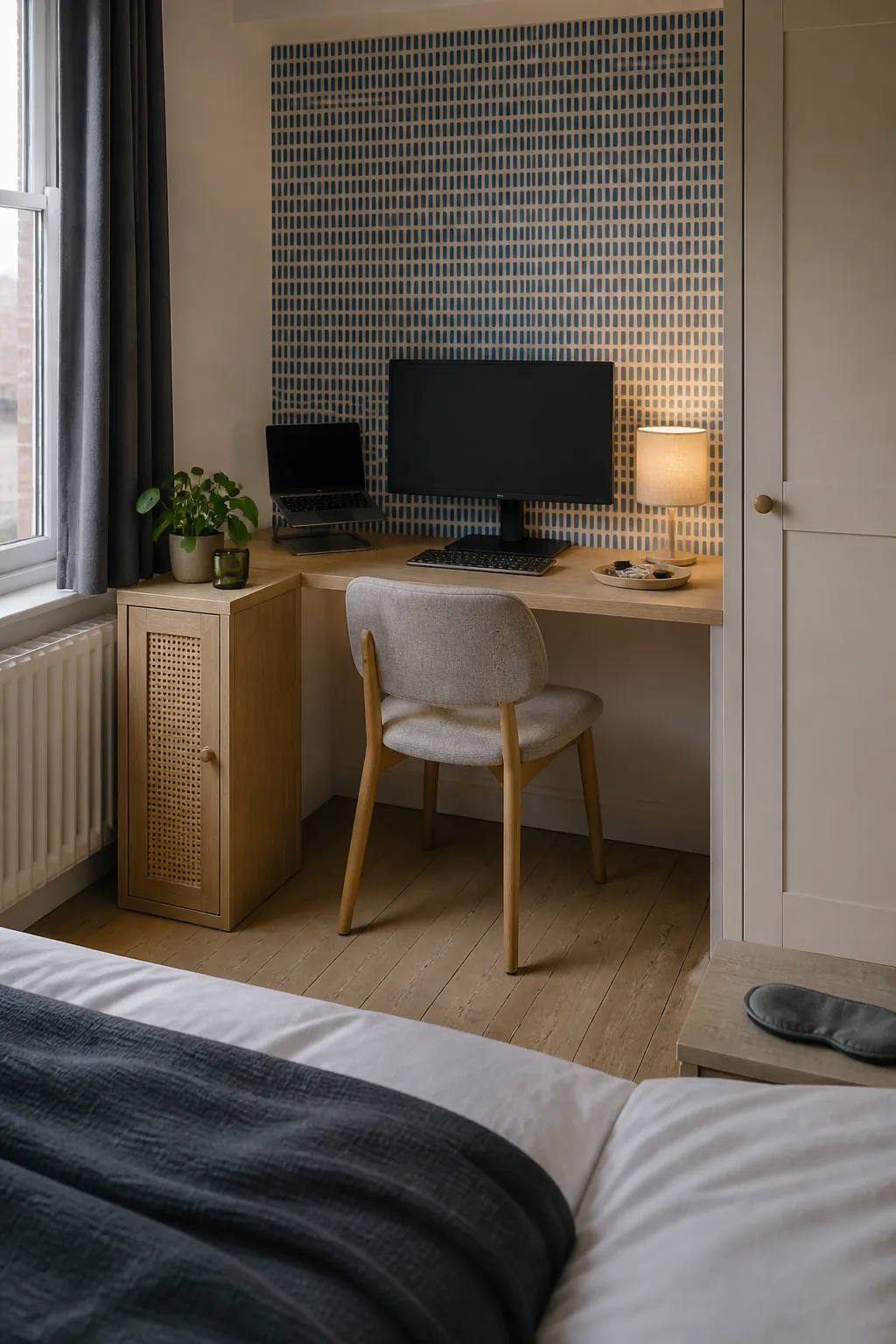
Build a Compact Bedroom Work Nook
Use a shallow return beside a deeper main surface when the office must share a bedroom. The main run holds the monitor at a comfortable distance, while the shorter side handles a notebook, lamp, and charging tray. Closed storage and a restrained palette help the corner settle visually when the workday ends.
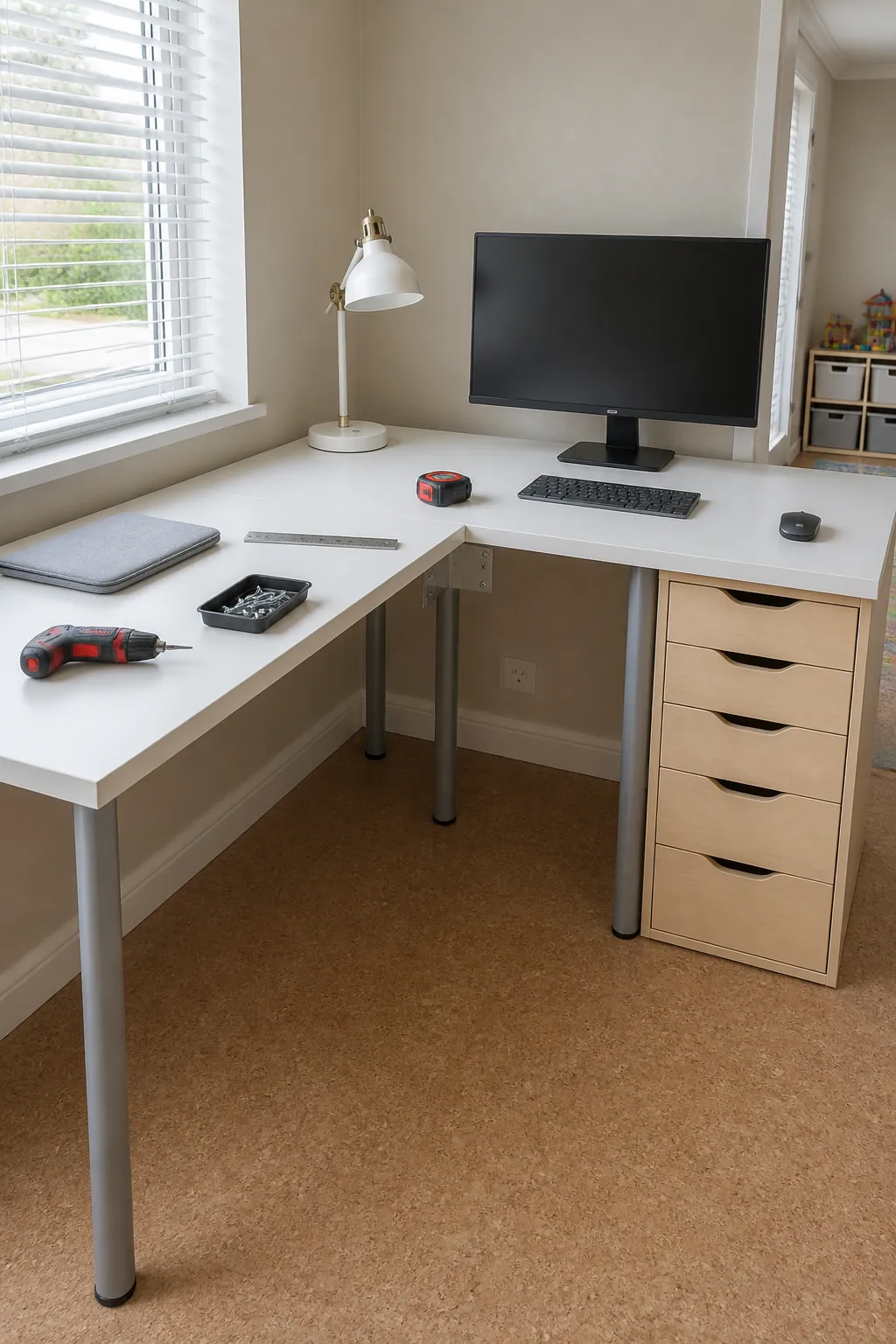
Create an Affordable Modular Desk
An Ikea corner desk hack can combine two compatible tops, sturdy drawer units, and properly placed legs. Measure the room, door path, and chair movement before choosing top lengths. Support the inner joint carefully so the meeting point stays level under monitor weight.
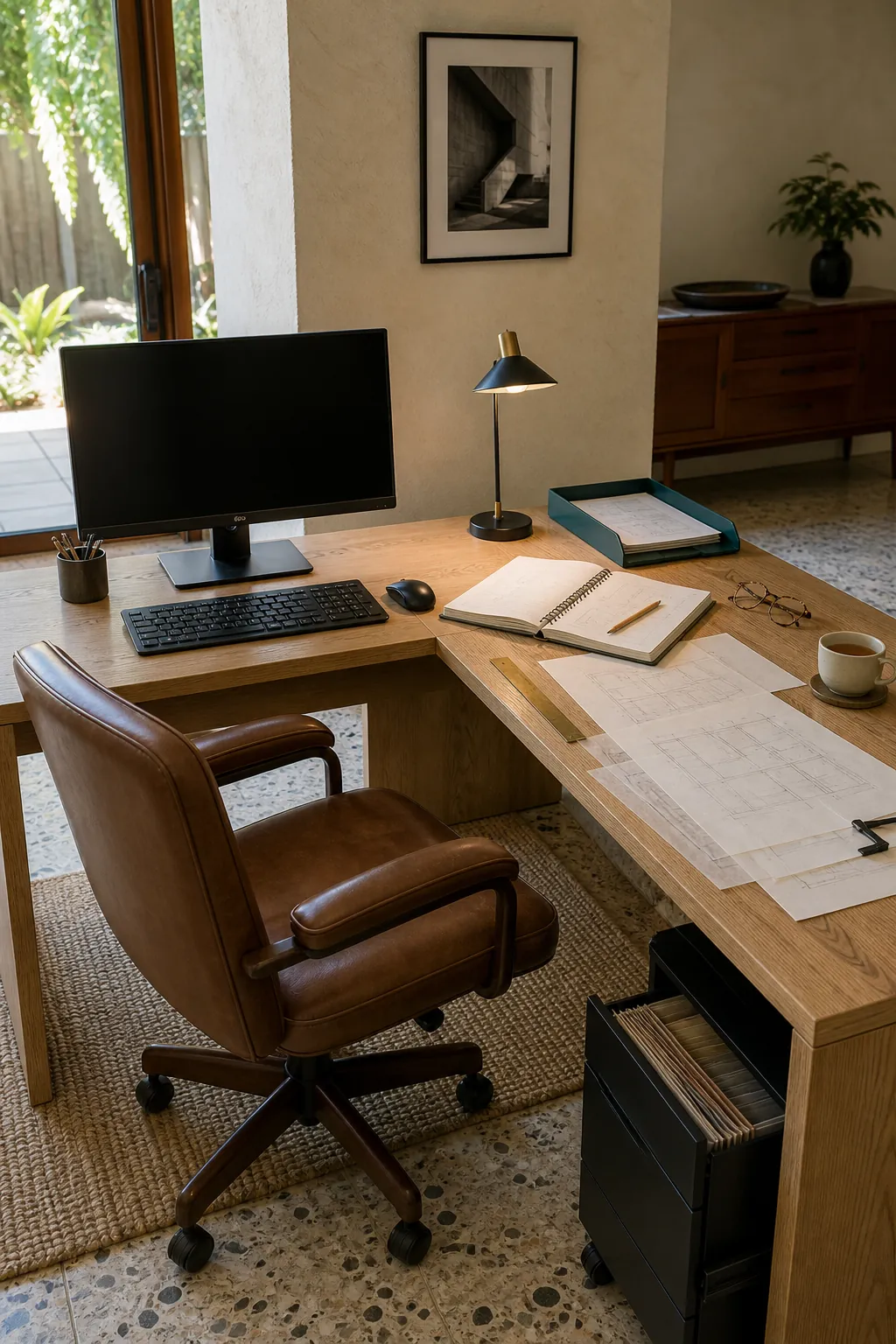
Reserve the Return for Paperwork
Keep one side digital and the other tactile if your day moves between a computer and documents. A clear return gives you room to open a planner, review drawings, or sort mail without pushing the keyboard aside. Put the return beside your dominant hand when frequent writing and filing make that movement feel more natural.
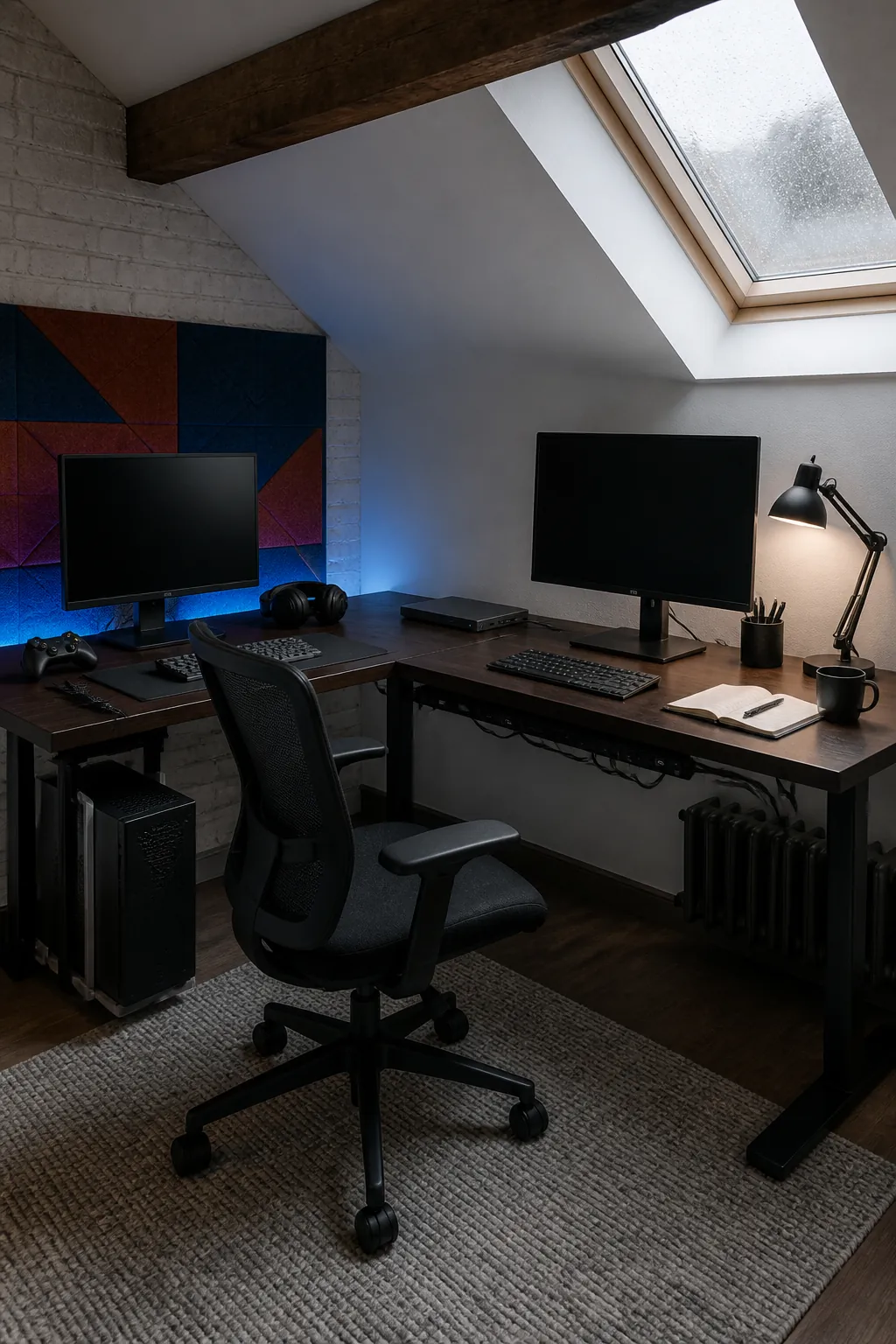
Separate Work and Gaming Stations
Assign each leg of the desk a distinct role when the same room supports employment and gaming. A shared chair can pivot between systems, but each side should have its own screen, input devices, and cable route. The physical shift helps protect work focus and makes shutdown easier at the end of the day.
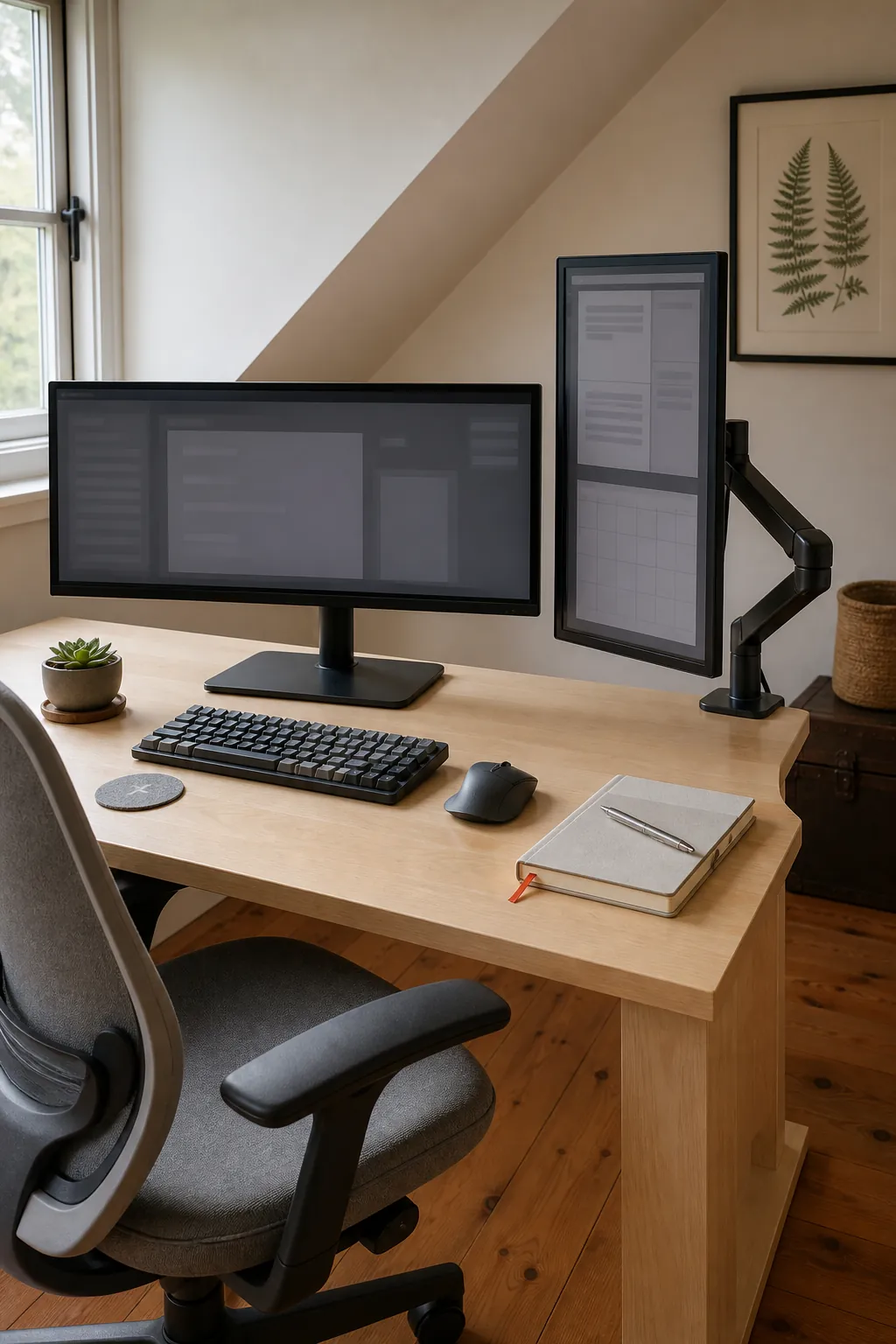
Use a Vertical Screen for Reference
A portrait display fits neatly on the shorter return and keeps long documents visible with less scrolling. Angle it close enough that the text remains readable without leaning, but do not let it pull the primary screen away from the center line. A monitor arm can recover surface space and simplify future adjustments.
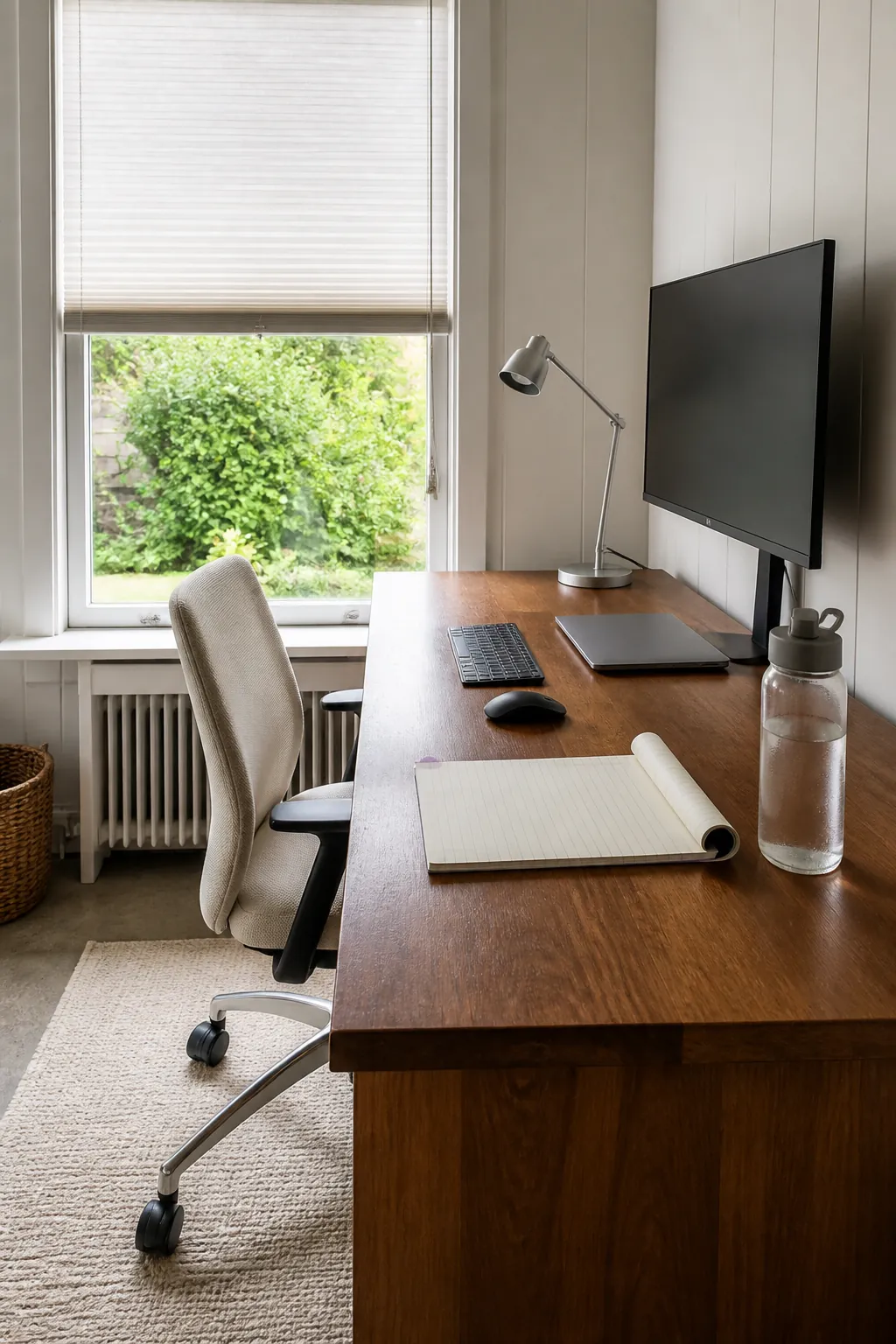
Face a Window Without Creating Glare
Place the monitor perpendicular to the window when you want daylight without a bright reflection on the screen. A translucent shade softens harsh afternoon sun while preserving the view and a sense of connection outdoors. Test the position at the brightest hour before committing to wall shelves or fixed lighting.
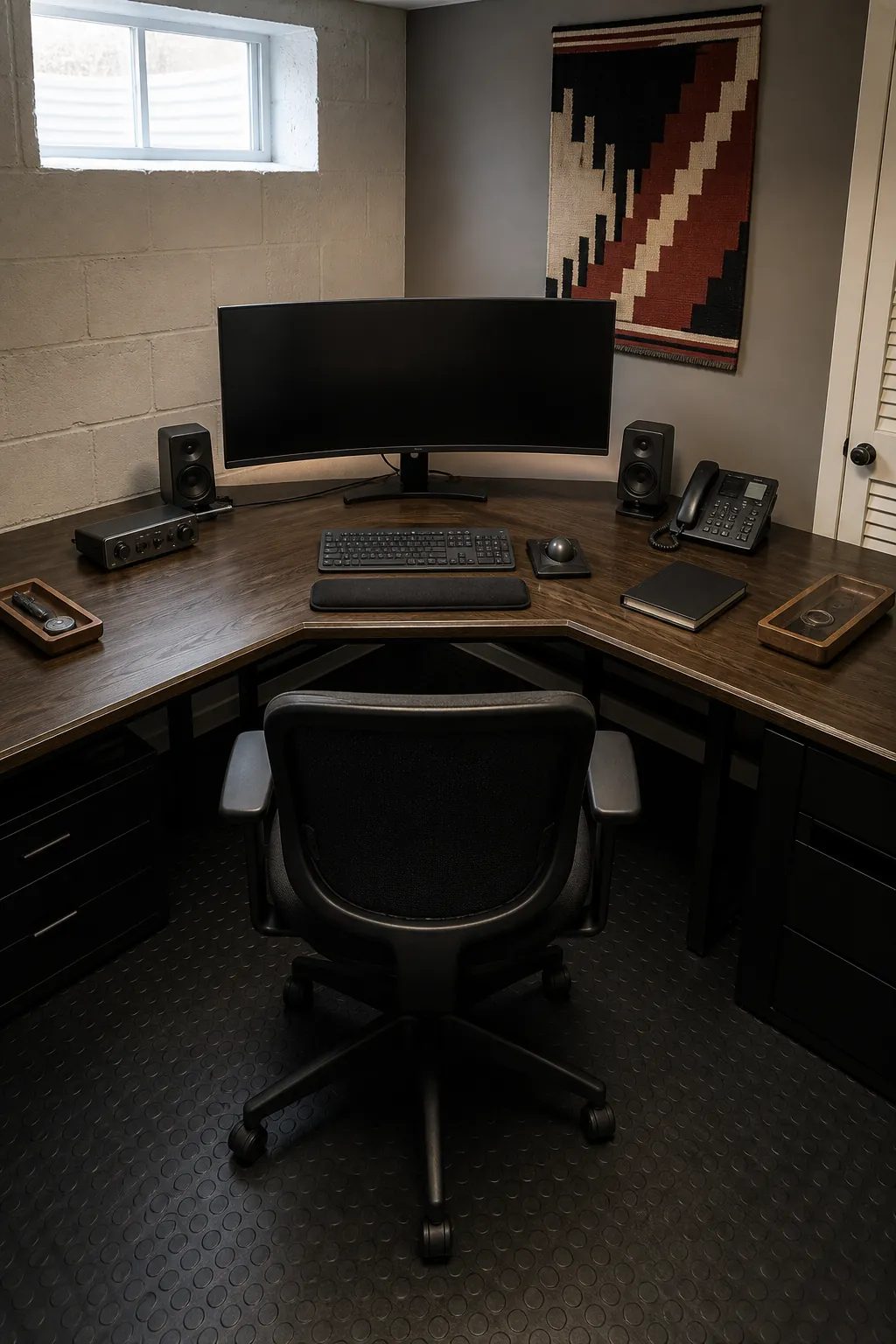
Turn the Inner Corner Into a Command Center
A curved or chamfered inside edge lets your forearms rest comfortably while both desk runs remain within reach. Keep the main keyboard and monitor aligned with your torso, then place the tools used less often along the wings. This works best when the corner is deep enough to avoid crowding your knees and screen.
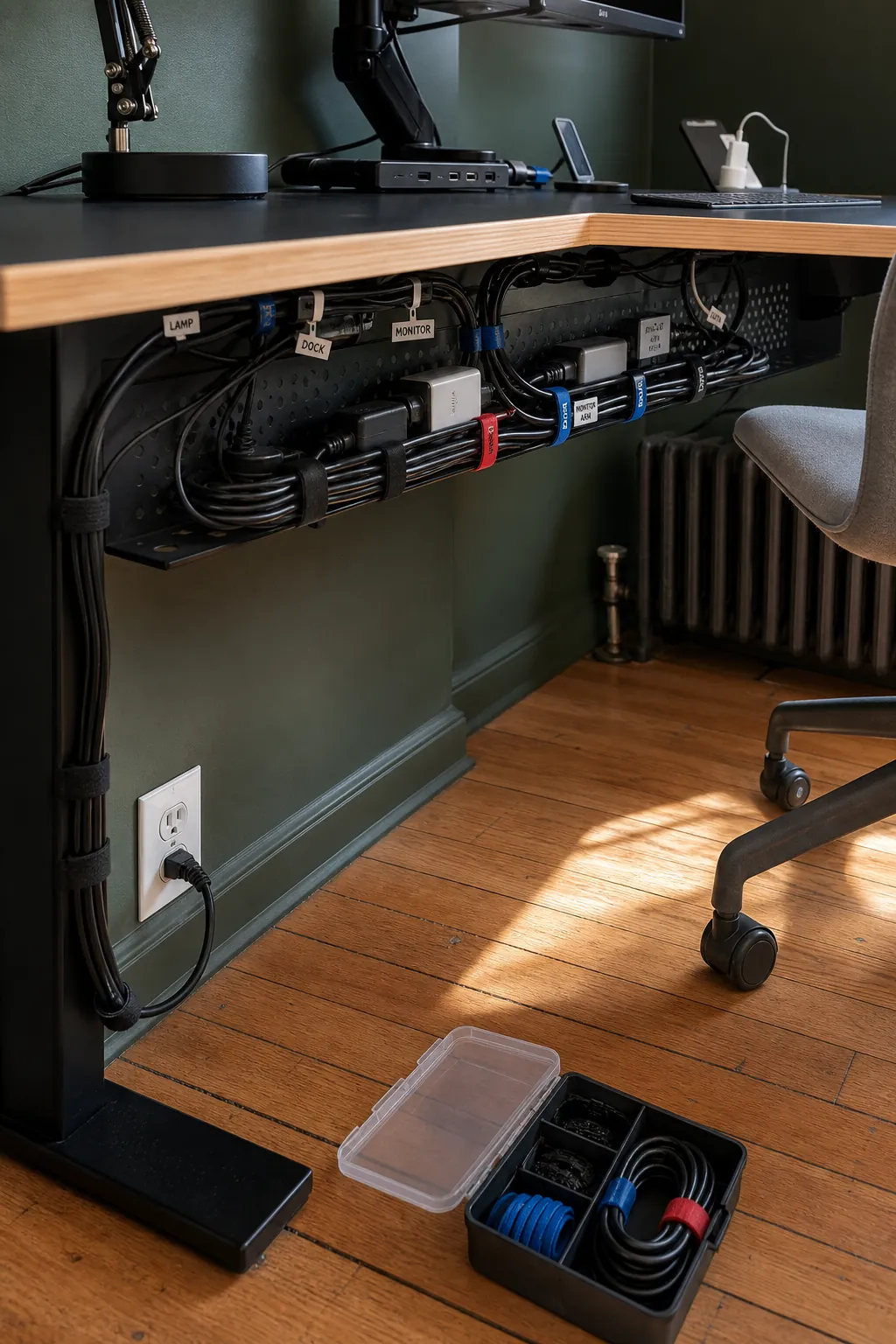
Hide Cables in a Service Channel
Mount a cable tray below the rear edge and route each cord toward one accessible power point. Leave a small service loop near moving monitor arms and any height adjustable frame. Labels at both ends make future changes easier than bundling every cable into one tight sleeve.
Add Storage Without Trapping Your Legs
Place drawer units at the outer ends rather than under the inside corner. That keeps the central knee area open for turning between work zones. A slim rolling file can occupy the return only if the chair clears it comfortably during normal movement.
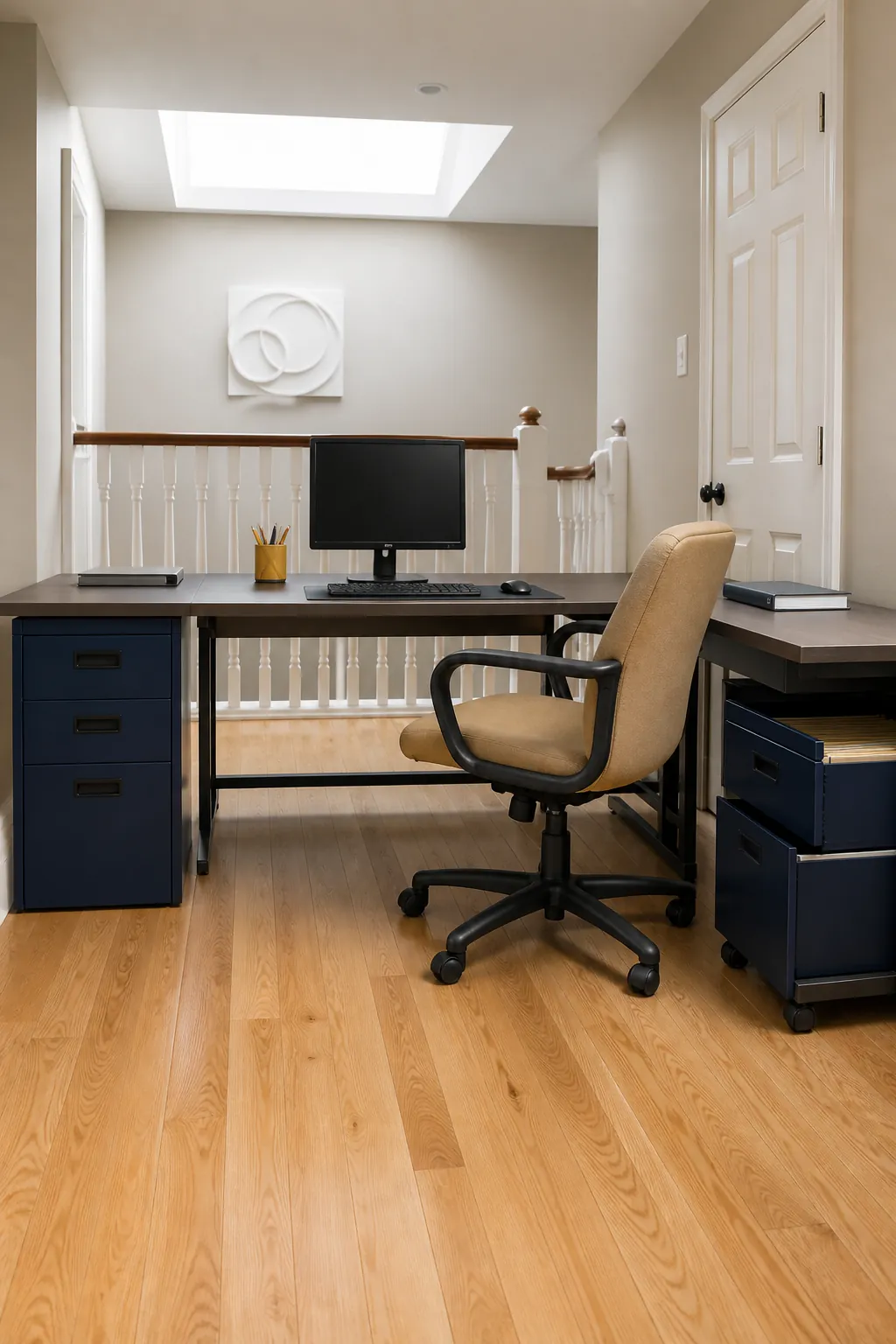
Layer Task and Ambient Lighting
Combine a focused lamp on the writing side with soft ambient light behind the monitor. Separate controls let you brighten paperwork without washing out the screen. Choose neutral light for daytime concentration and a gentler warm setting for evening use.
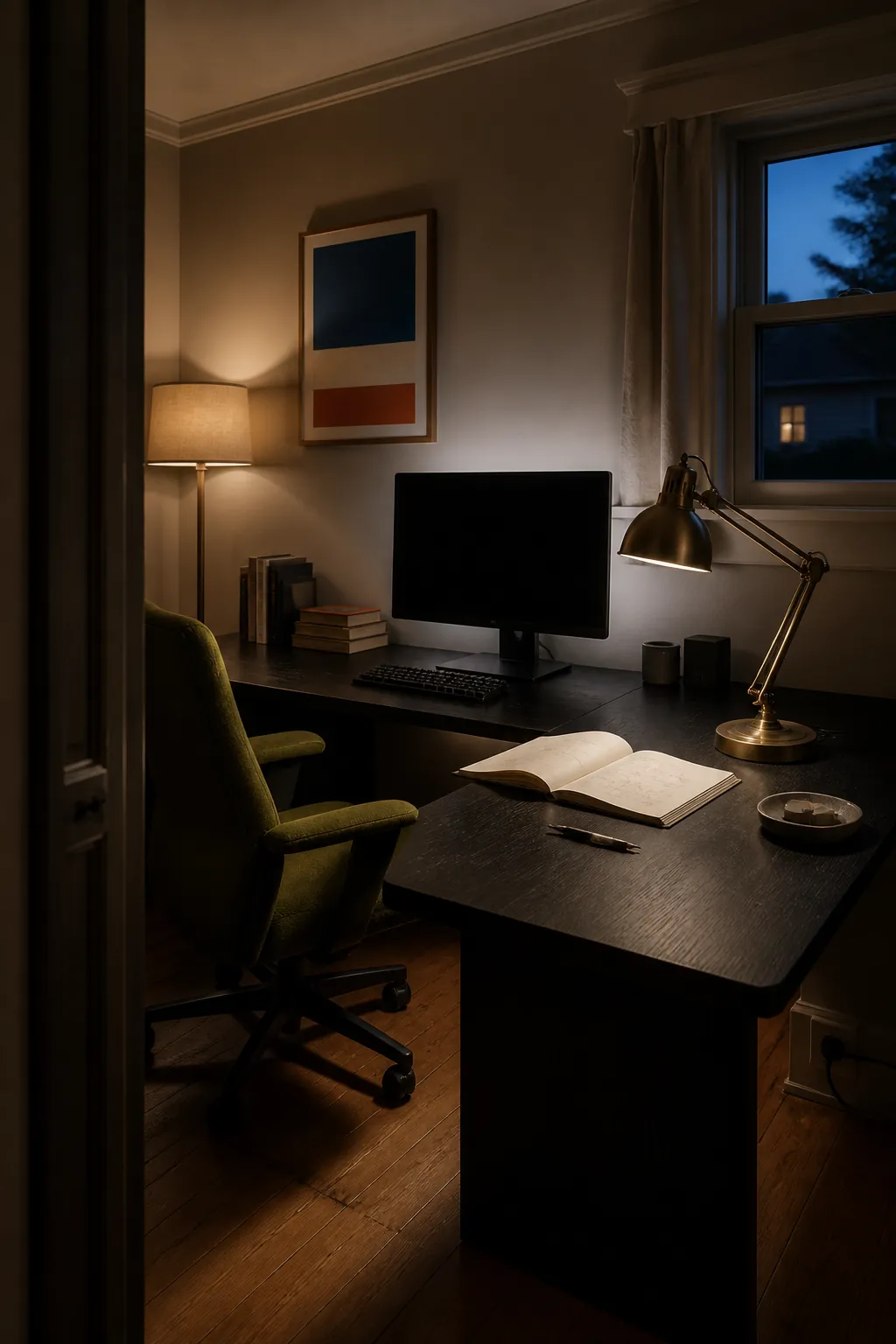
Fit a Standing Frame Into the Corner
A three leg frame gives an L shaped desk steadier lift than loosely joining two separate standing bases. Check that cables, wall outlets, and nearby shelves clear the full travel range. Save sitting and standing heights only after your keyboard, monitor, and floor support feel comfortable.
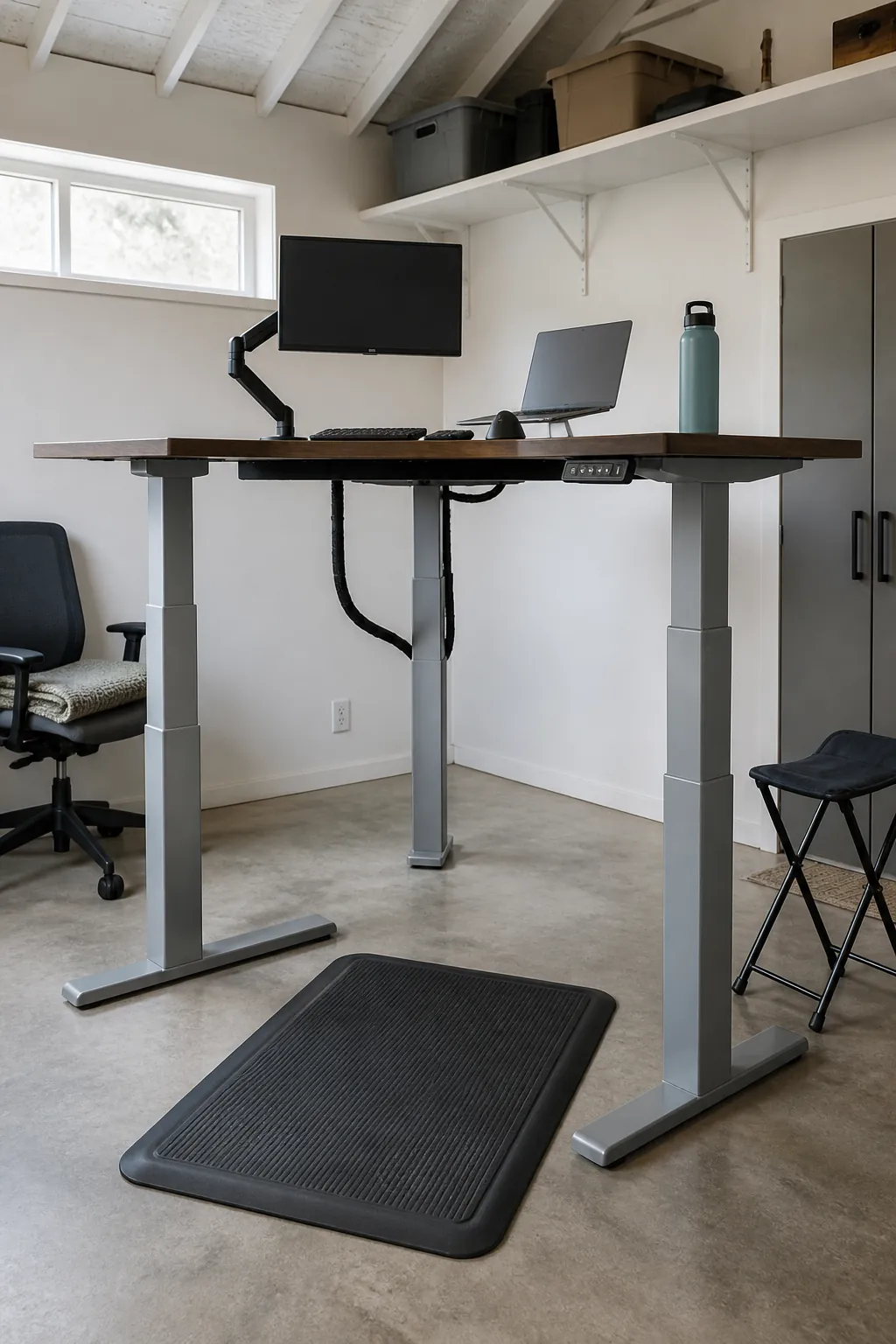
Make a Narrow Alcove Productive
In a tight recess, use a wall length worktop with a compact return that stops before the doorway. Floating shelves above the outer zone can hold supplies without reducing chair space. A pale surface and one concentrated color accent keep the small desk setup from feeling visually crowded.
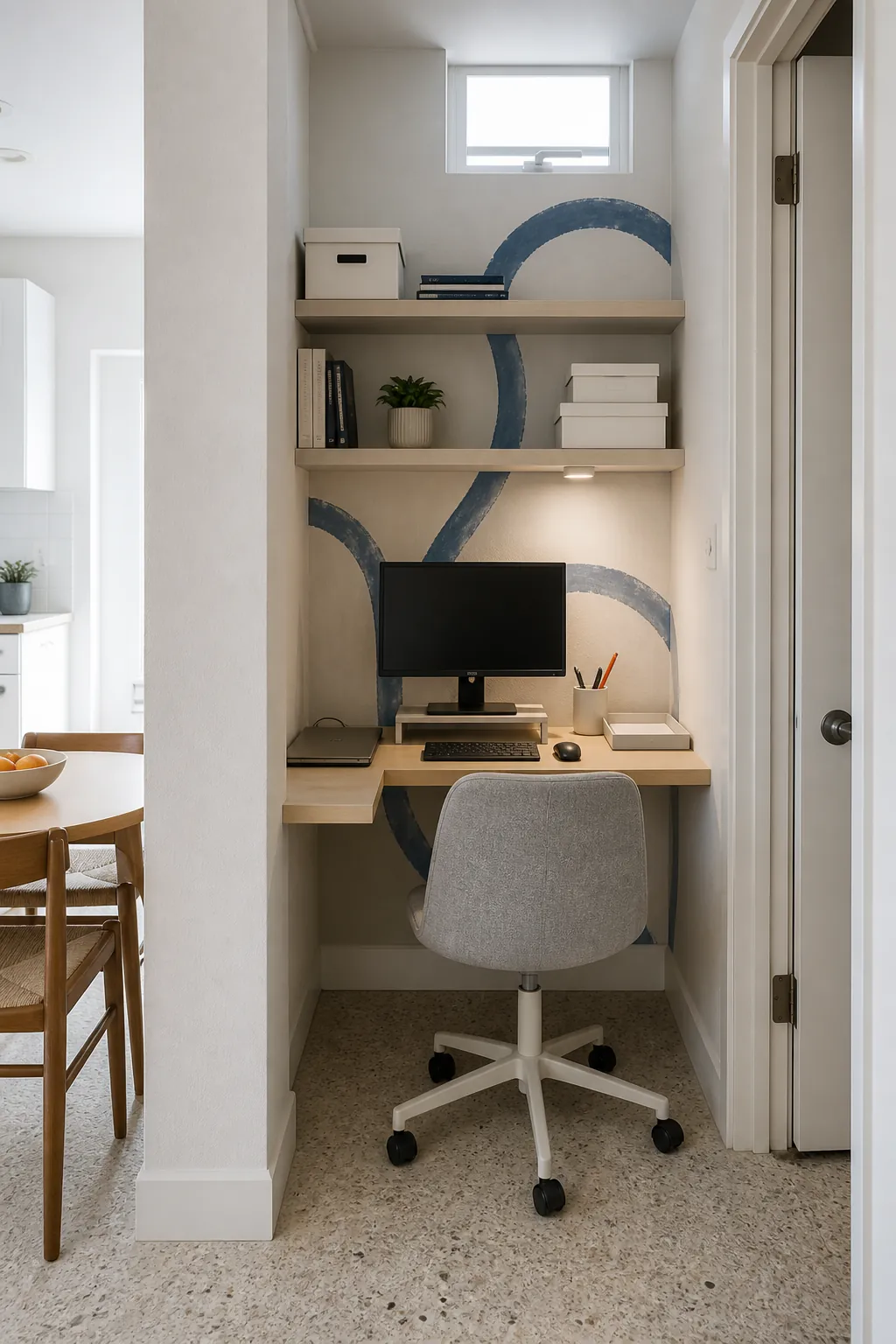
Use Shelves as a Vertical Supply Zone
Install shallow shelves over the nonworking side so daily supplies remain visible but do not crowd the monitor. Keep heavy books low and reserve the upper shelf for light boxes or decor. The arrangement should support reach from the chair without requiring you to stretch across fragile equipment.
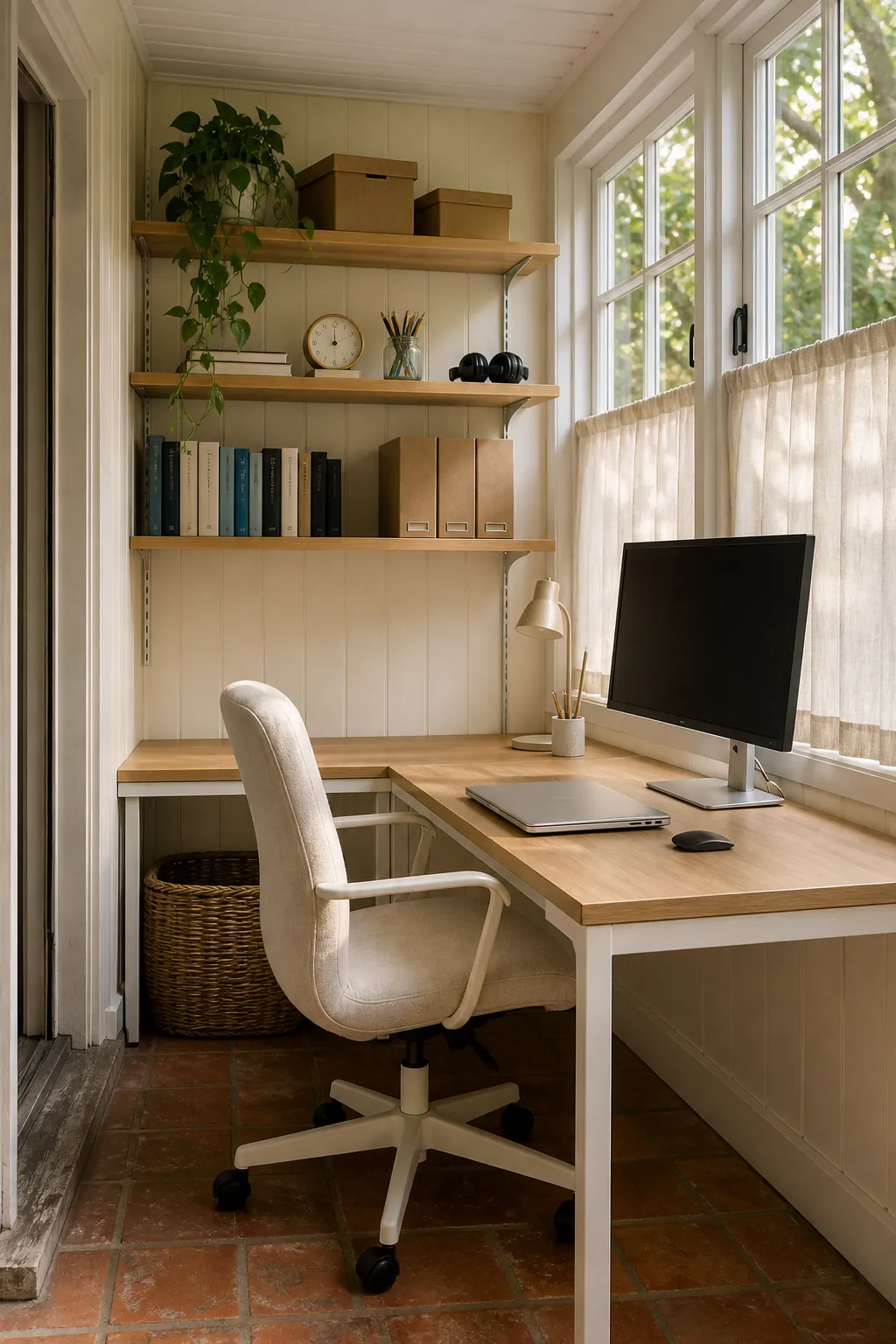
Choose a Calm Natural Material Palette
Wood grain, woven storage, and a muted textile chair can soften the technical look of a computer corner. Repeat only two or three materials so the corner desk aesthetic feels intentional rather than decorated all at once. Natural texture also hides ordinary wear better than a flawless glossy surface.
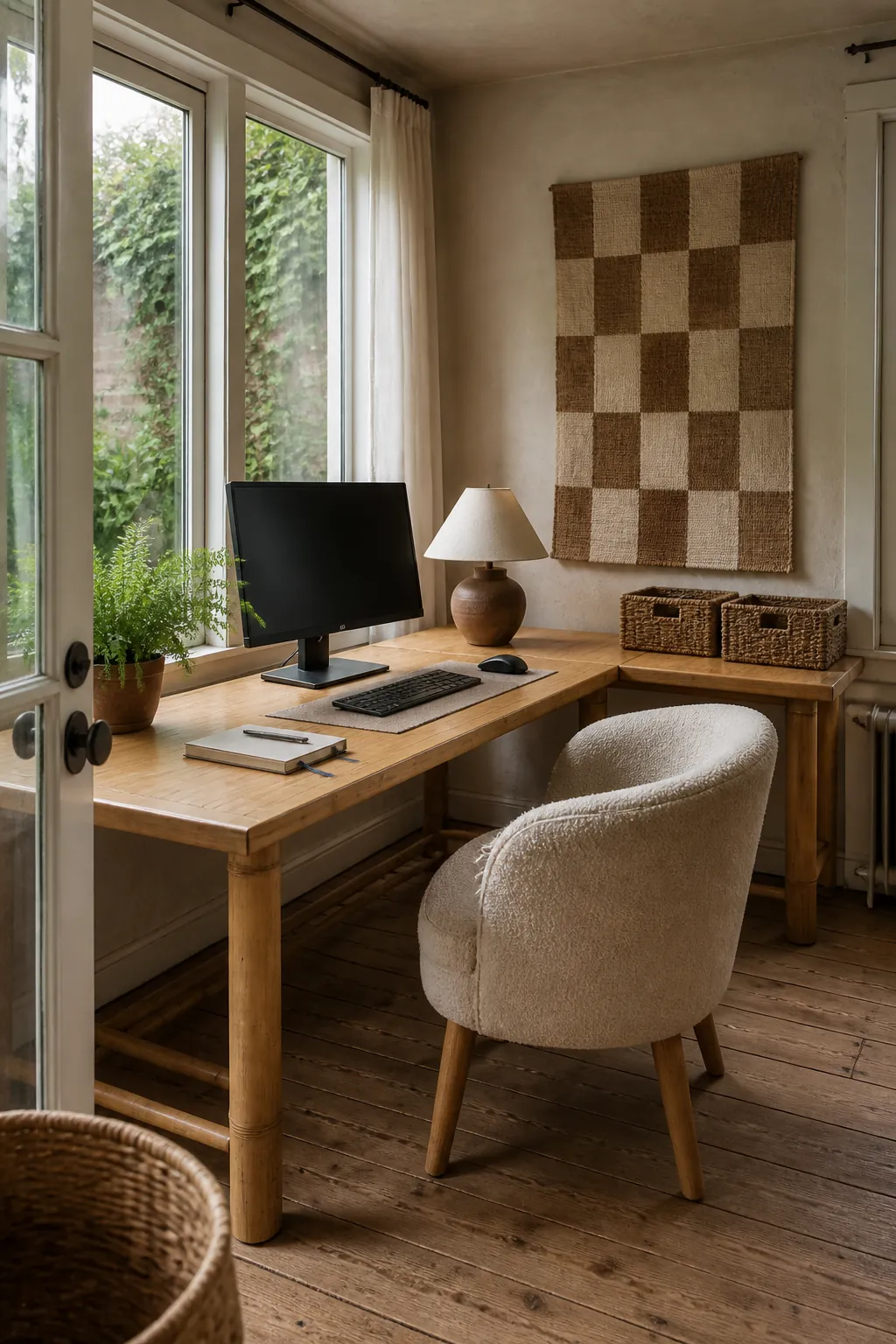
Plan a Shared Two Person Corner
Two people can use an extended corner layout when each person has a defined chair zone and enough elbow clearance. Put shared storage near the meeting point and personal equipment toward the ends. Separate task lights and headsets reduce friction when both stations are active.
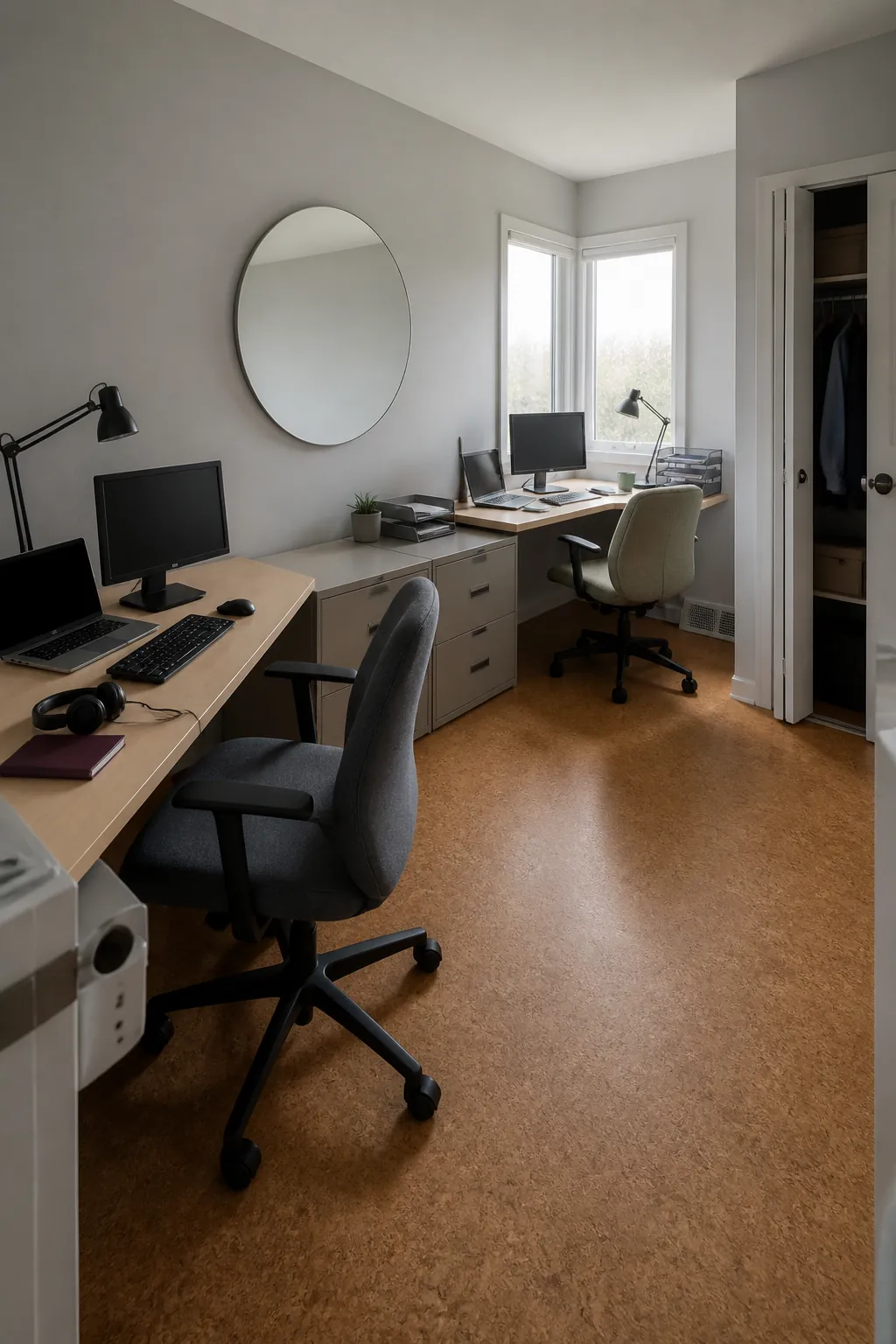
Keep Creative Tools Within a Single Pivot
Designers and makers can keep the computer on the main run and active tools on the return. A cutting mat, tablet, or sample board should remain close enough for a chair pivot but far enough from drinks and cables. Store occasional materials vertically so the active surface stays ready for the current project.
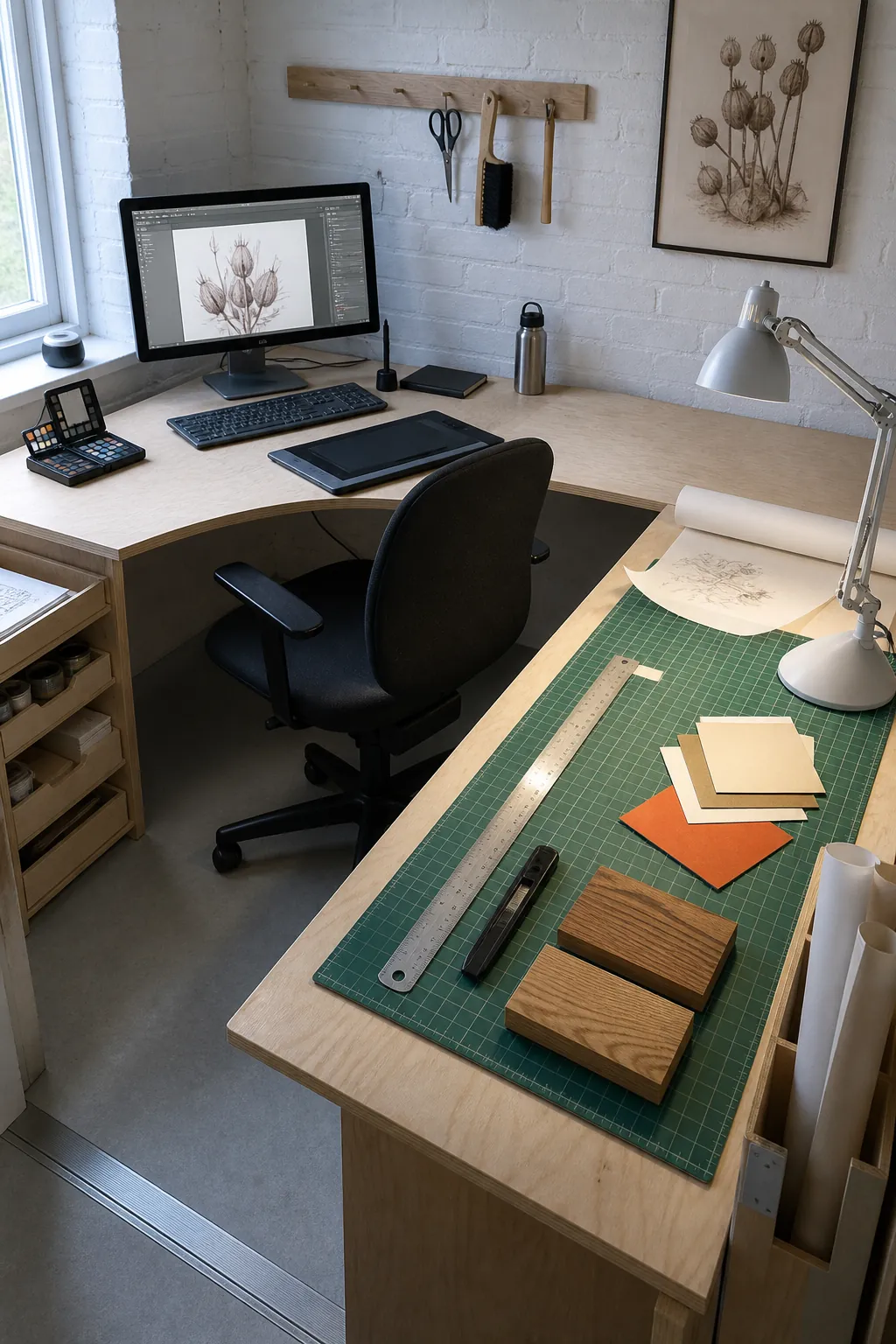
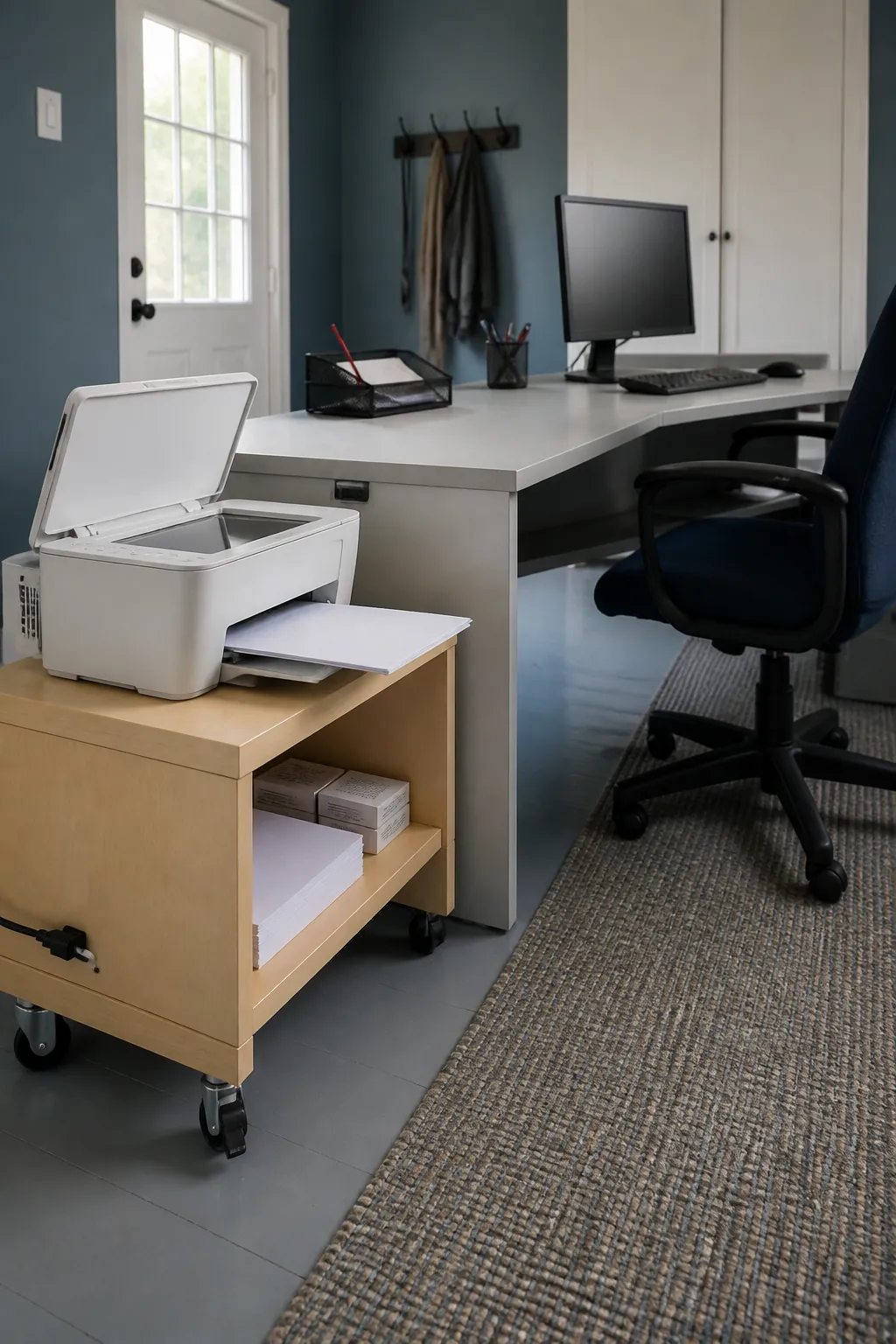
Tuck the Printer Into an Outer Zone
A printer belongs at the far end or on a ventilated cart, not beside the main keyboard. This keeps noise, paper, and replacement supplies out of the concentration zone. Make sure the lid and trays can open fully without striking a shelf or wall.
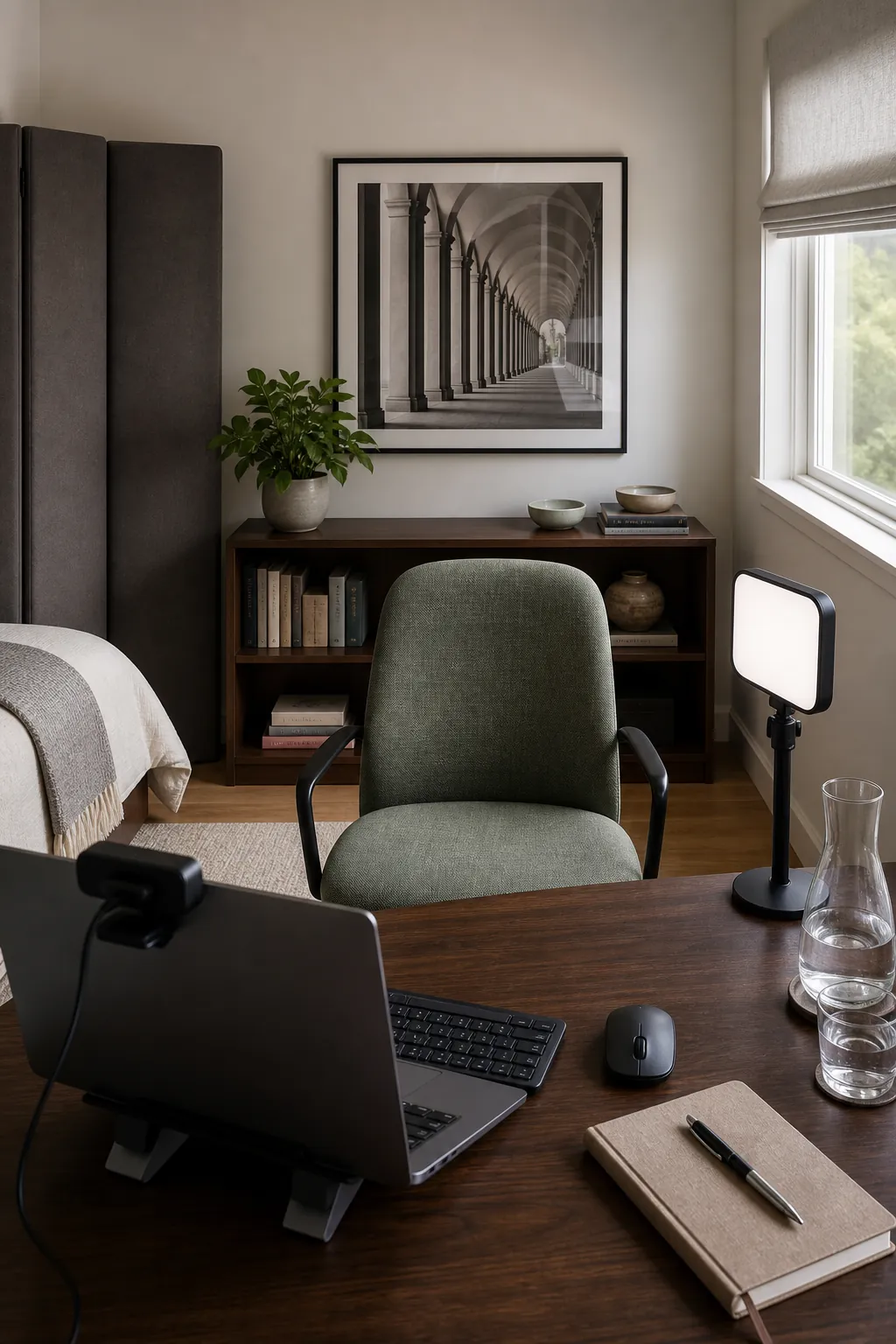
Design a Polished Video Call Background
Choose the desk direction with the camera view in mind, especially when the room also serves another purpose. A tidy bookcase, textured wall, or healthy plant behind the chair gives depth without demanding constant styling. Place a soft light near face level and keep a bright window from sitting directly behind you.
Leave One Surface Intentionally Open
The most adaptable at home desk set up includes a patch of genuinely empty space. It can receive a laptop, craft project, lunch tray, or unexpected paperwork without forcing a complete reset. Protect that flexibility by giving every permanent accessory a tested purpose and a specific home.