A compact work surface fails when the screen base, keyboard, laptop, and cables all compete for the same few inches. The best setup gives the monitor a stable home first, then protects enough clear depth for your forearms and enough height adjustment for a neutral viewing position. Measure the wall, desk edge, chair travel, outlet location, and monitor weight before choosing any mount or shelf.
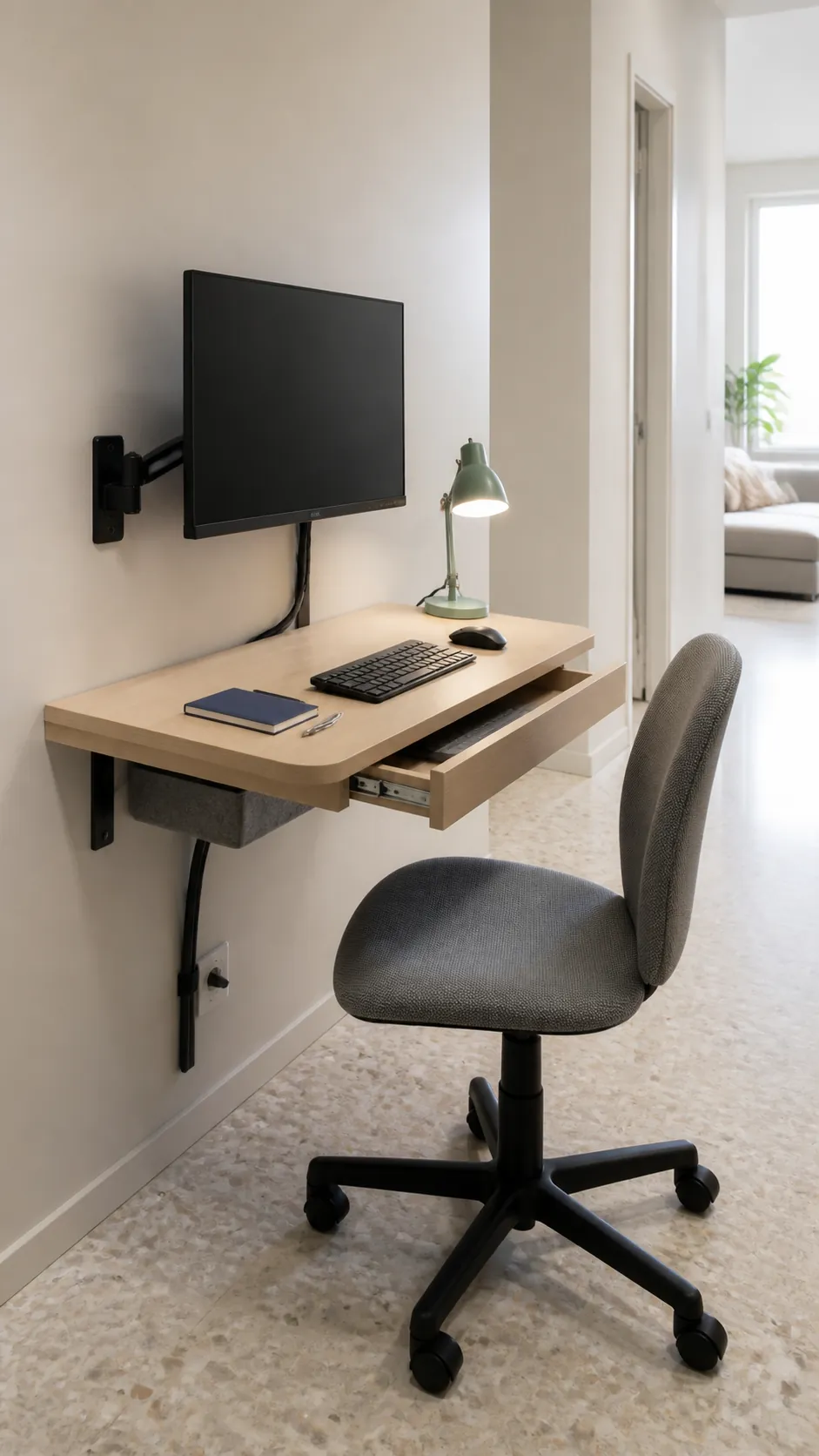
Wall mounted desk with a single screen
A shallow wall mounted top can fit where legs and base frames would make a normal desk feel bulky. Fix the monitor to a separate wall arm so screen movement does not shake the work surface, and confirm the wall can carry both loads. A narrow drawer beneath the top can hold the keyboard when the space returns to household use.
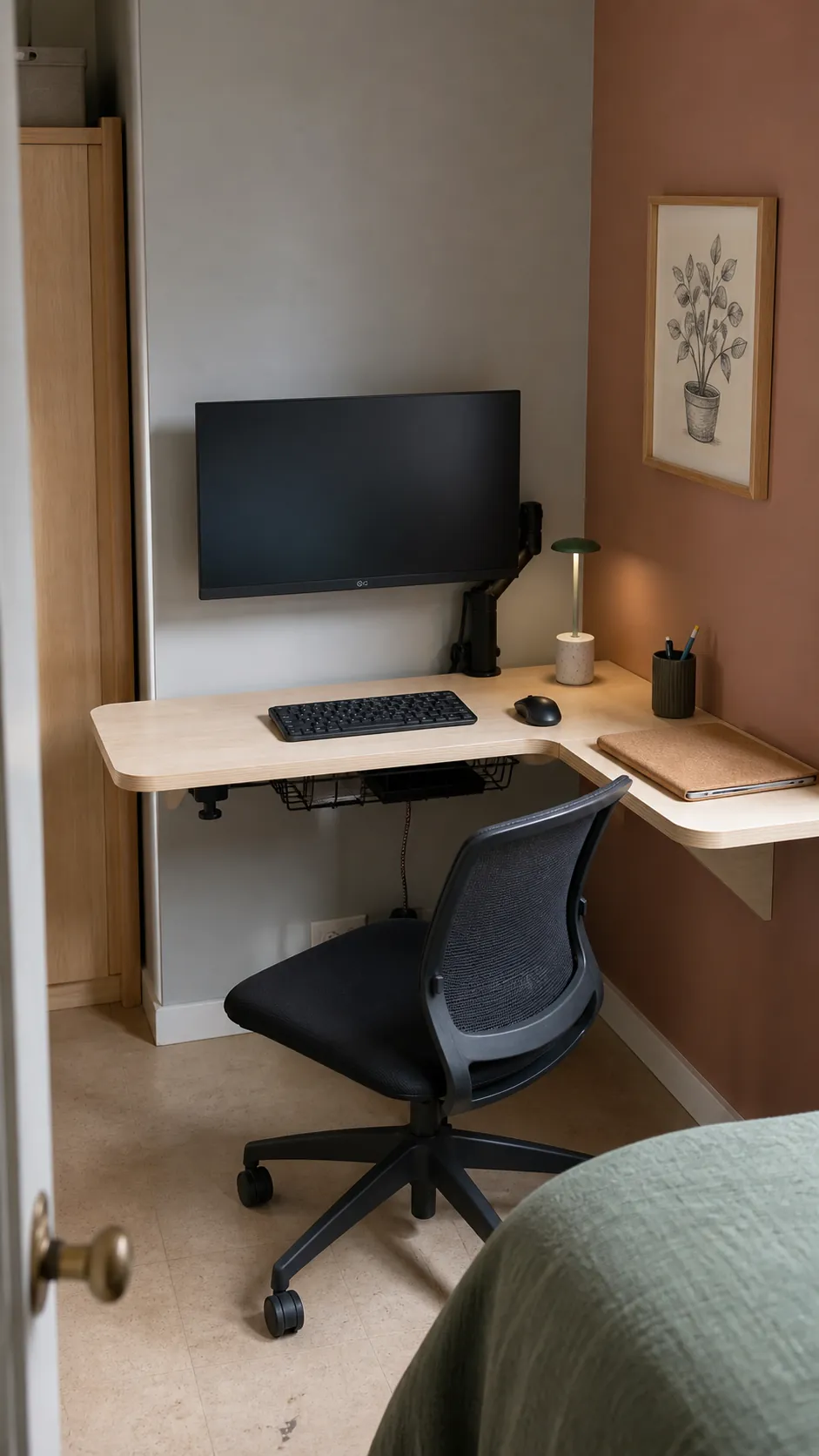
Corner desk with a compact monitor arm
A corner lets the screen sit farther from your eyes without demanding a deeper rectangular desk. Choose an arm that folds close to the wall and check that its joints can move without striking either side. Keep the keyboard square to the primary display so the corner shape does not twist your shoulders.
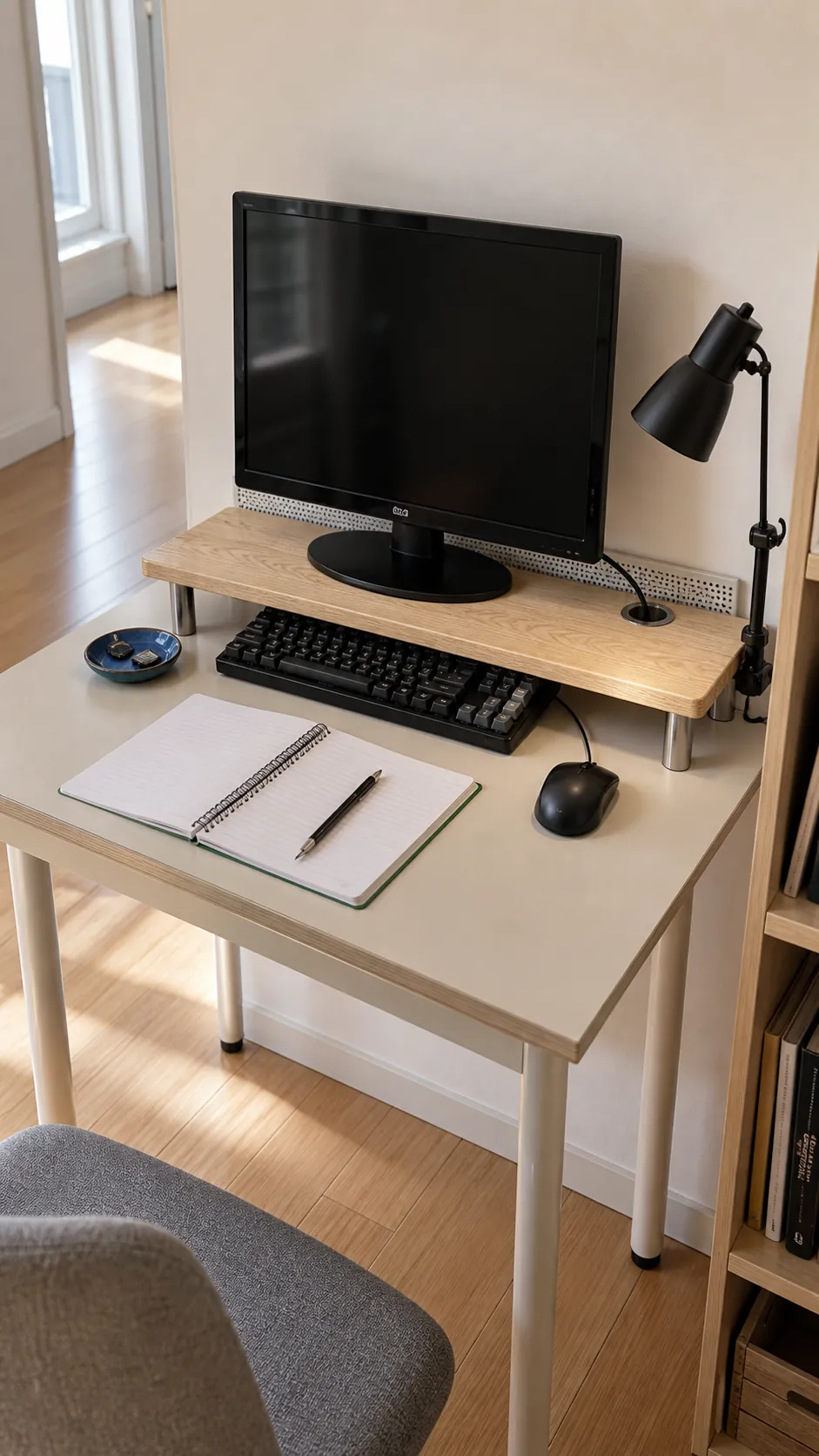
Monitor shelf that restores usable depth
A slim monitor shelf moves the original stand toward the back edge while creating storage below it. The shelf should be wide enough for the entire base and strong enough to resist sagging, especially on a particleboard desk. Use the open space for a keyboard or notebook rather than filling it with decorative objects.
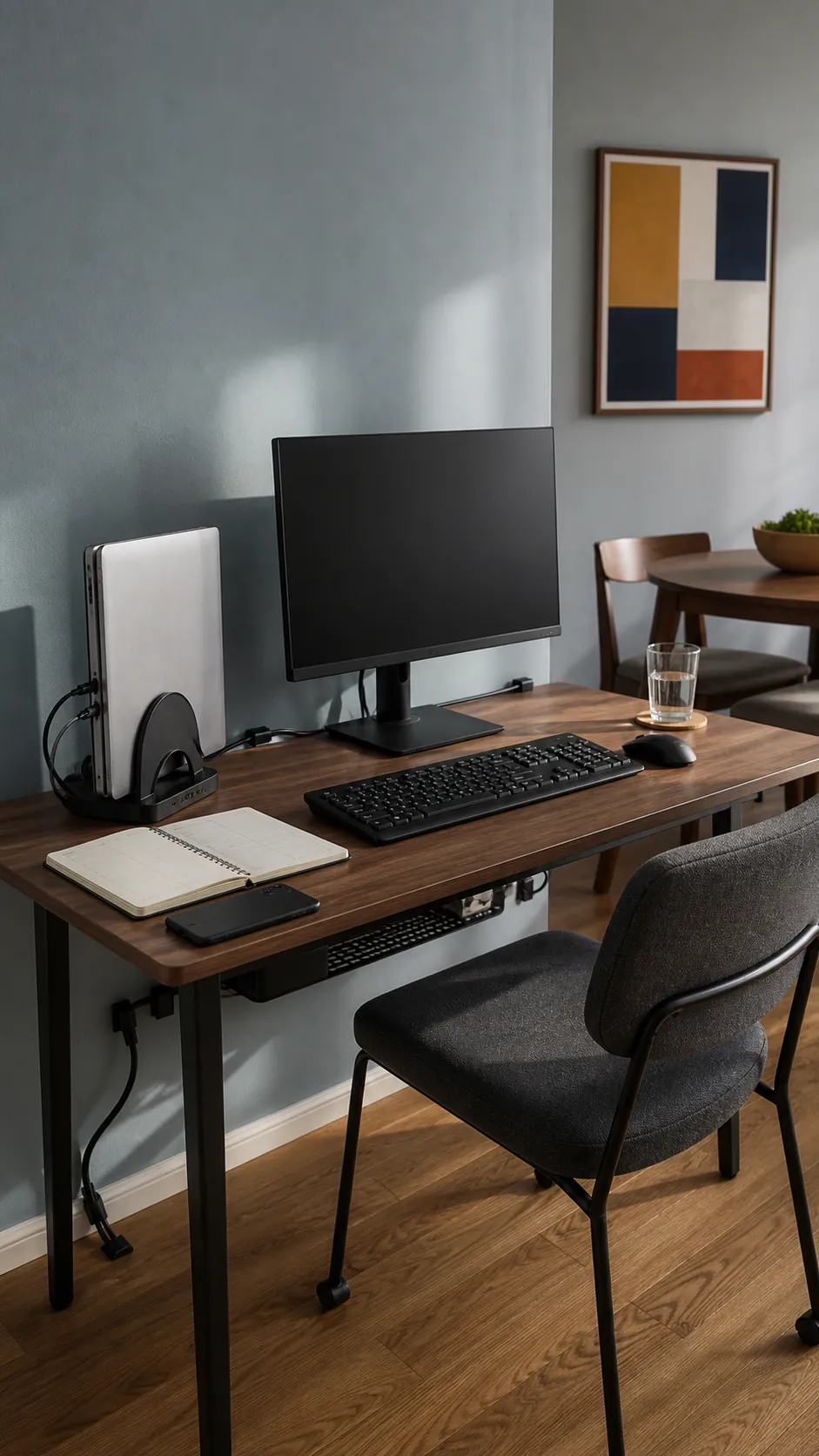
Vertical laptop stand beside the main display
A closed laptop stored vertically needs only a narrow strip beside the monitor. Connect a separate keyboard and mouse, then leave enough air around the laptop vents for safe operation. This arrangement suits people who use the larger display as the primary screen and do not need the laptop panel open.
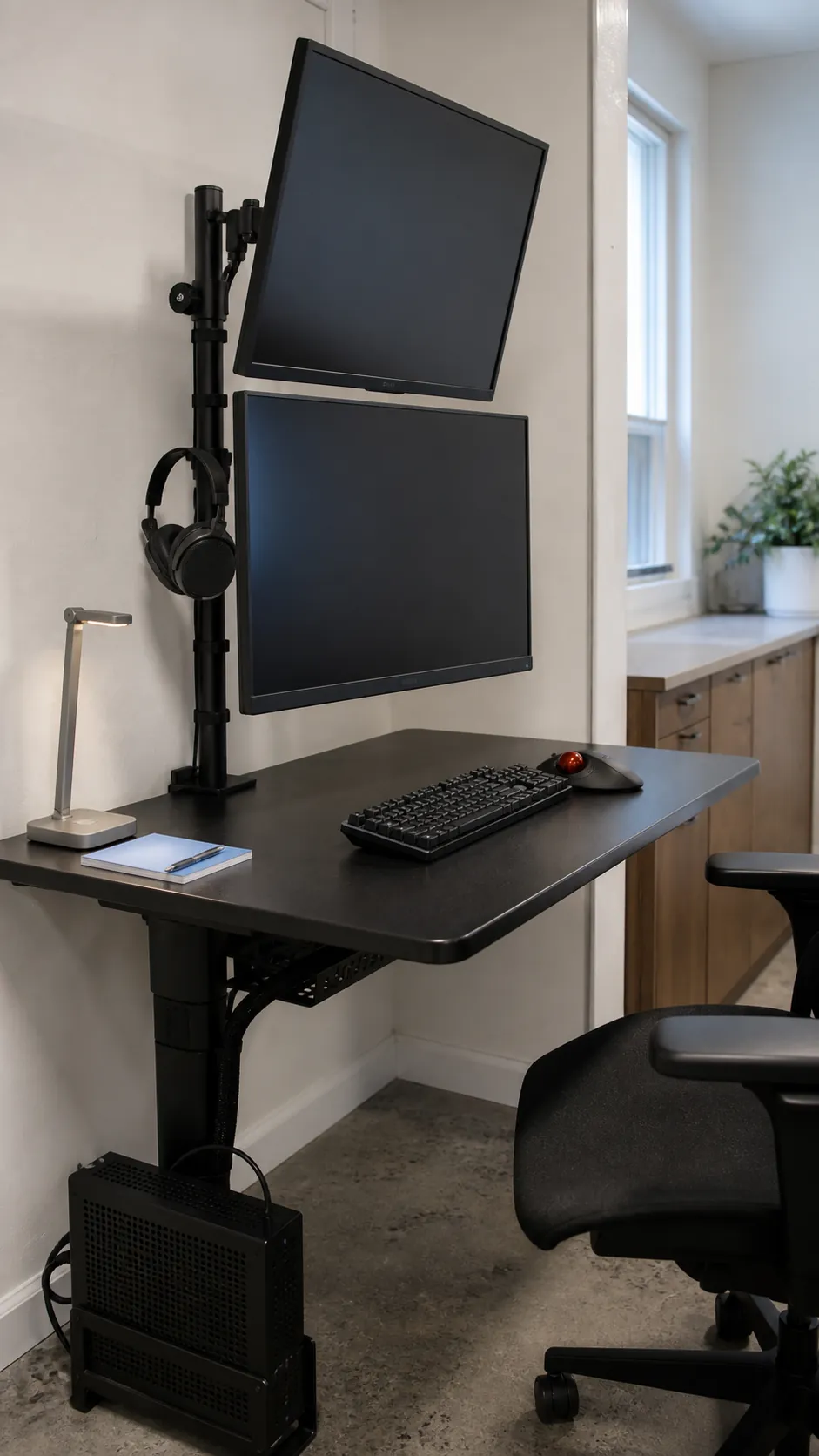
Stacked screens for a narrow desk
Vertical stacking can fit two displays within the width of one, but the upper screen should support occasional reference work rather than constant viewing. Place the lower monitor at the comfortable primary height and tilt the upper one downward. A strong pole mount and a desk top rated for the clamp load are essential.
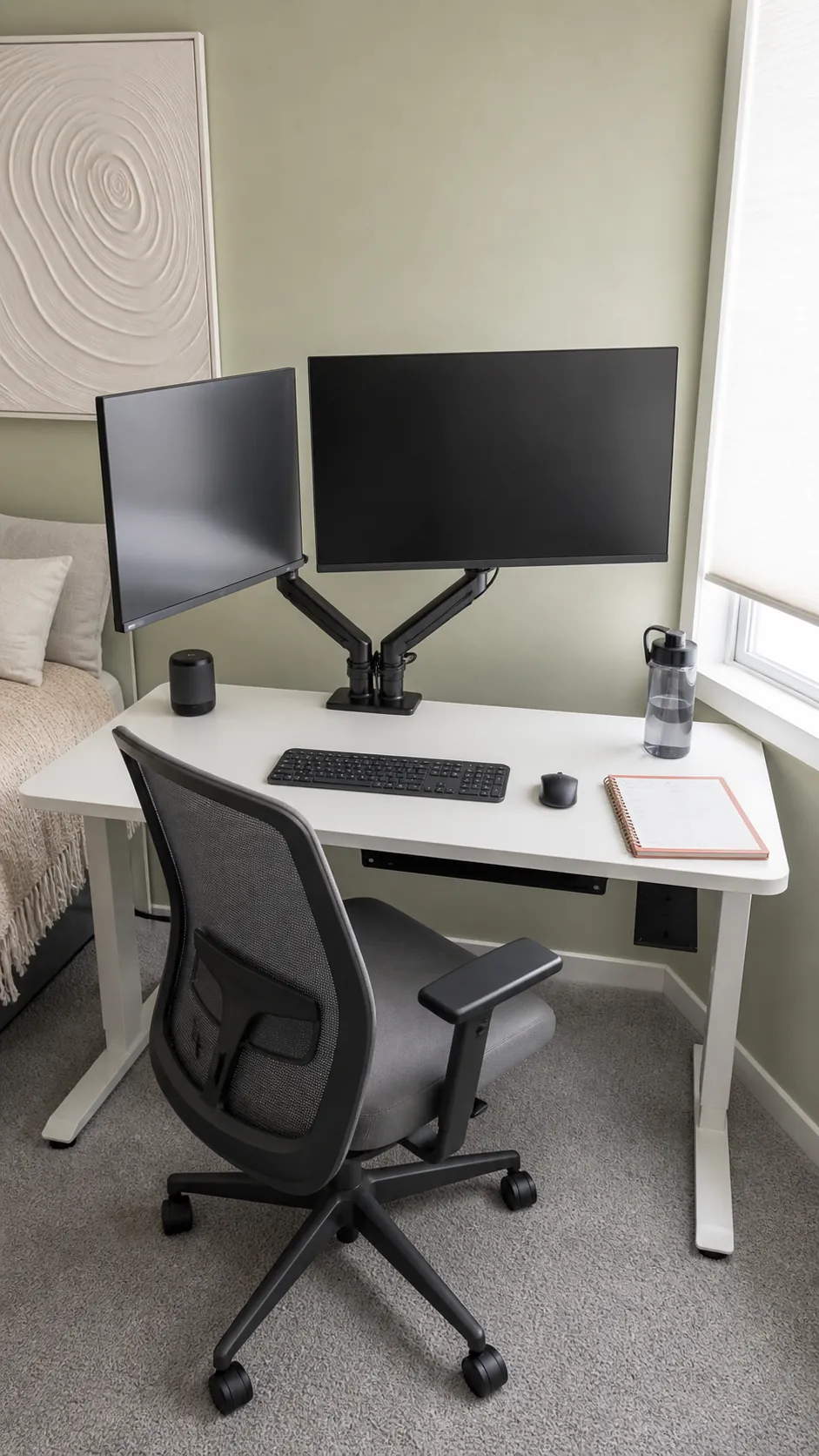
Side by side displays on one arm
A dual monitor desk mount can free nearly the whole surface even when the screens extend beyond the desk edges. Center the seam in front of you only if both displays receive equal use; otherwise center the primary screen and angle the secondary inward. Confirm that the arm can support both weights without slowly dropping.
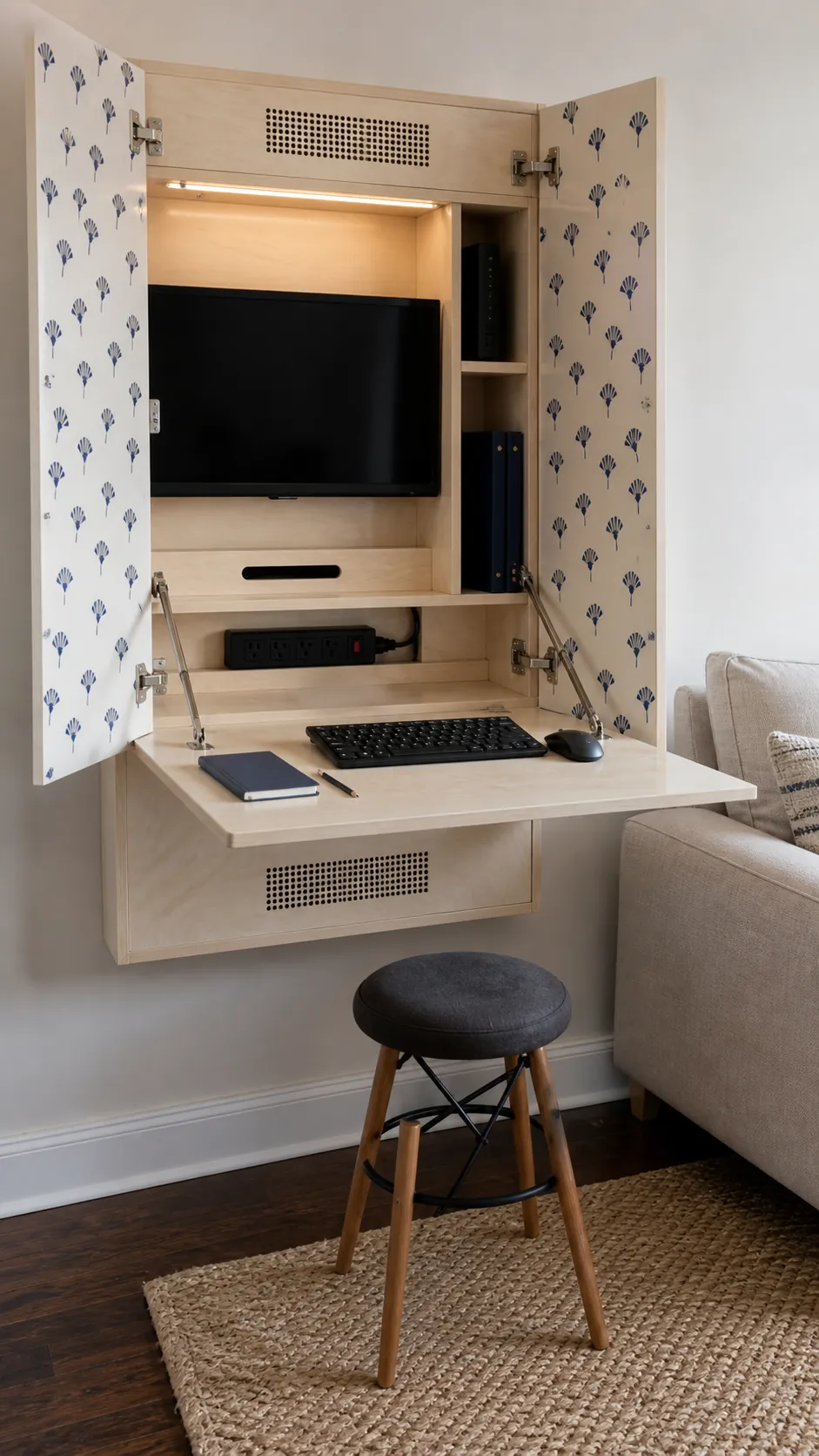
Fold away workstation inside a wall cabinet
A cabinet desk can hide a small monitor and work supplies when the room serves another purpose. The folding panel must support typing pressure, while the screen needs secure clearance when the doors close. Add ventilation and a switched power strip so equipment is not left running inside a sealed box.
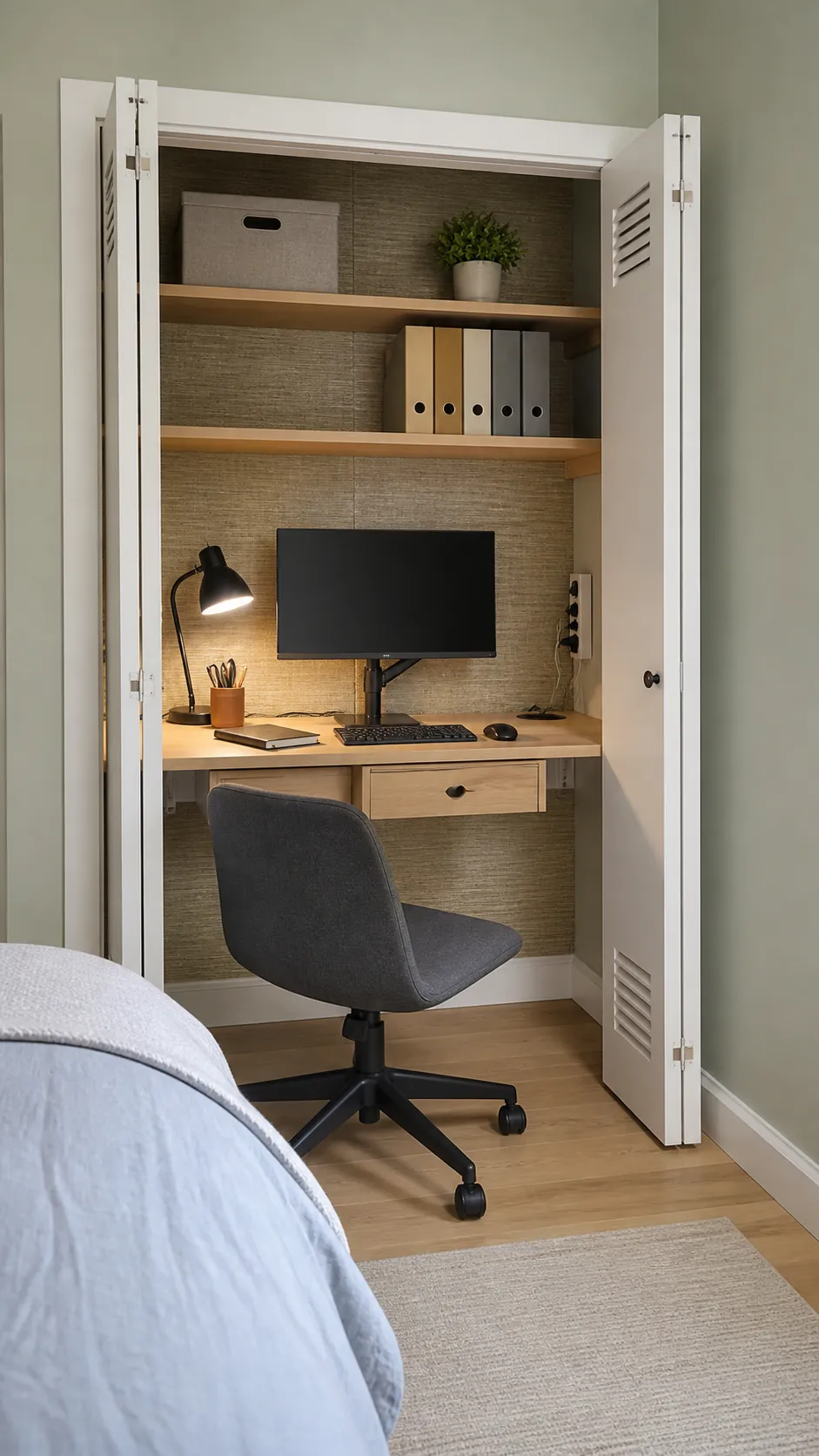
Closet office with a centered display
A shallow closet can become a focused work bay when the chair fits comfortably outside the opening. Mount the monitor at eye level, keep shelves above head height, and route cables along one side where they remain reachable. Doors can conceal the setup, but they should stay open during long sessions for air and elbow room.
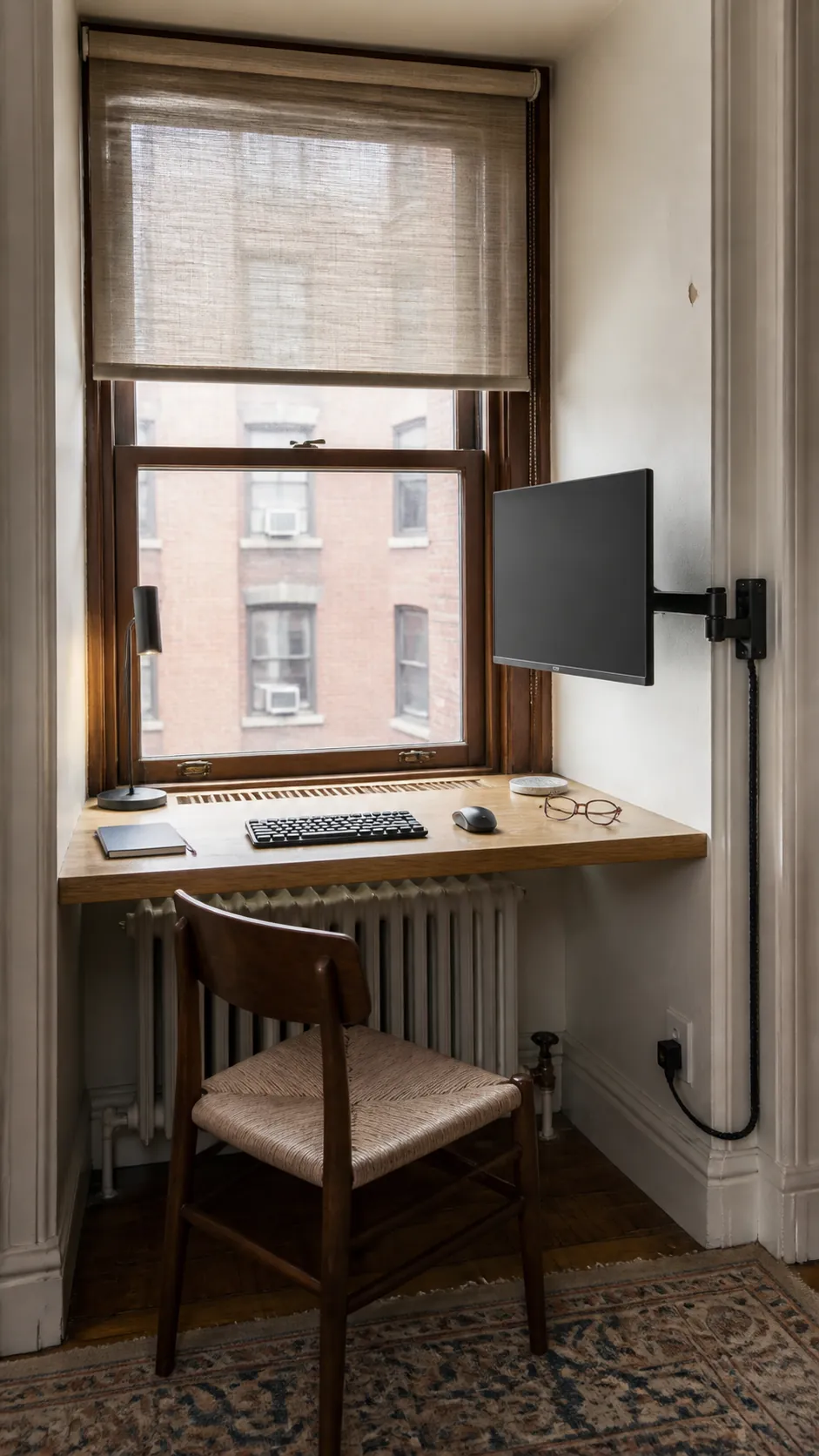
Window niche desk with side mounted screen
Natural light can make a tiny desk pleasant, but a screen directly in front of a bright window often creates glare and eye strain. Mount the display on the solid side wall and use a shade to balance daylight. Leave the center of the niche clear so the room still benefits from the view and fresh air.
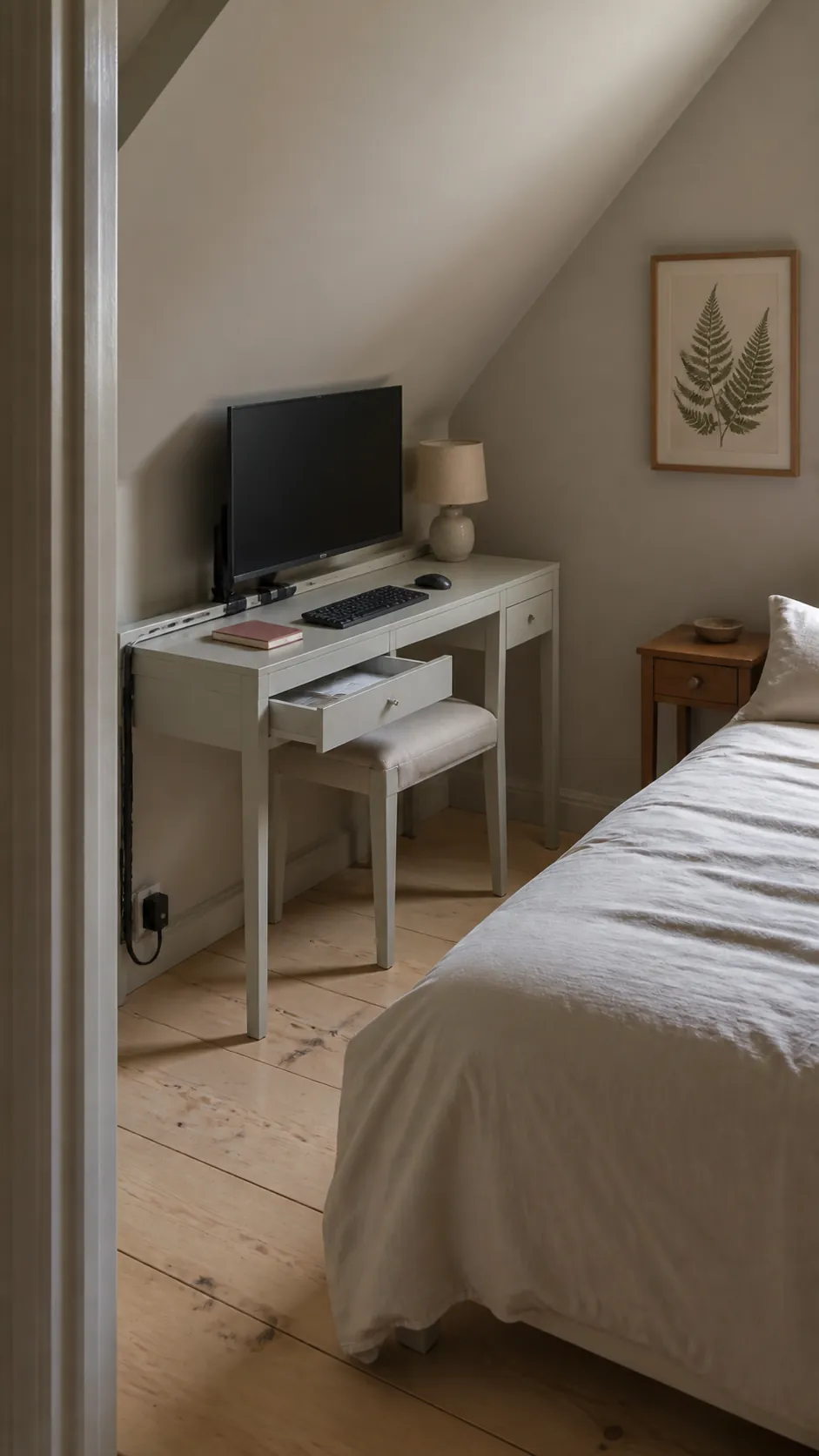
Bedroom desk that doubles as a console
A slim desk can look calm beside a bed when the monitor sits on a low profile arm and cables disappear into a rear channel. Choose closed storage for chargers and work papers so visual noise does not follow you into sleep. The chair should tuck fully under the top without blocking drawers or the walking path.
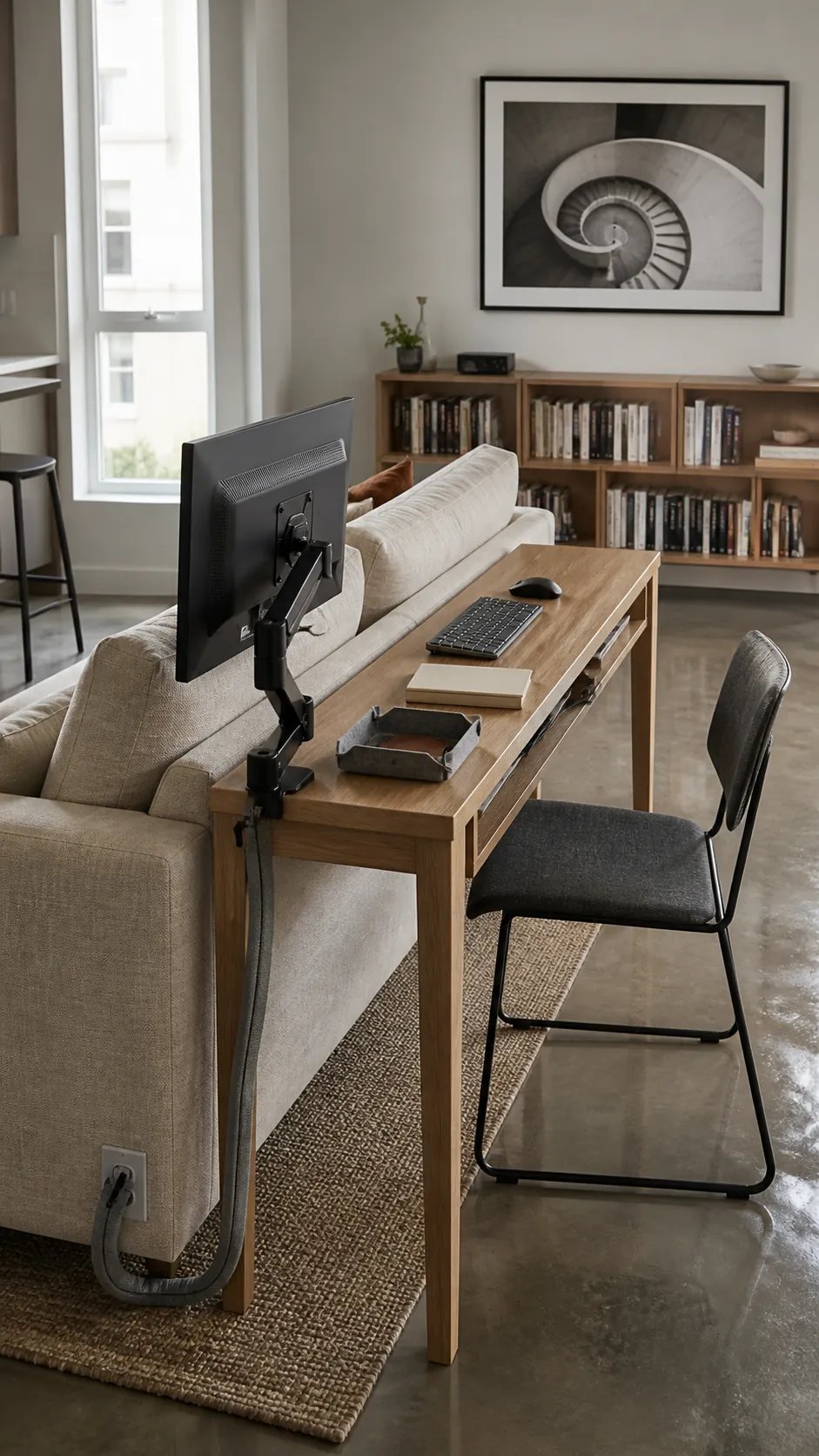
Living room desk behind the sofa
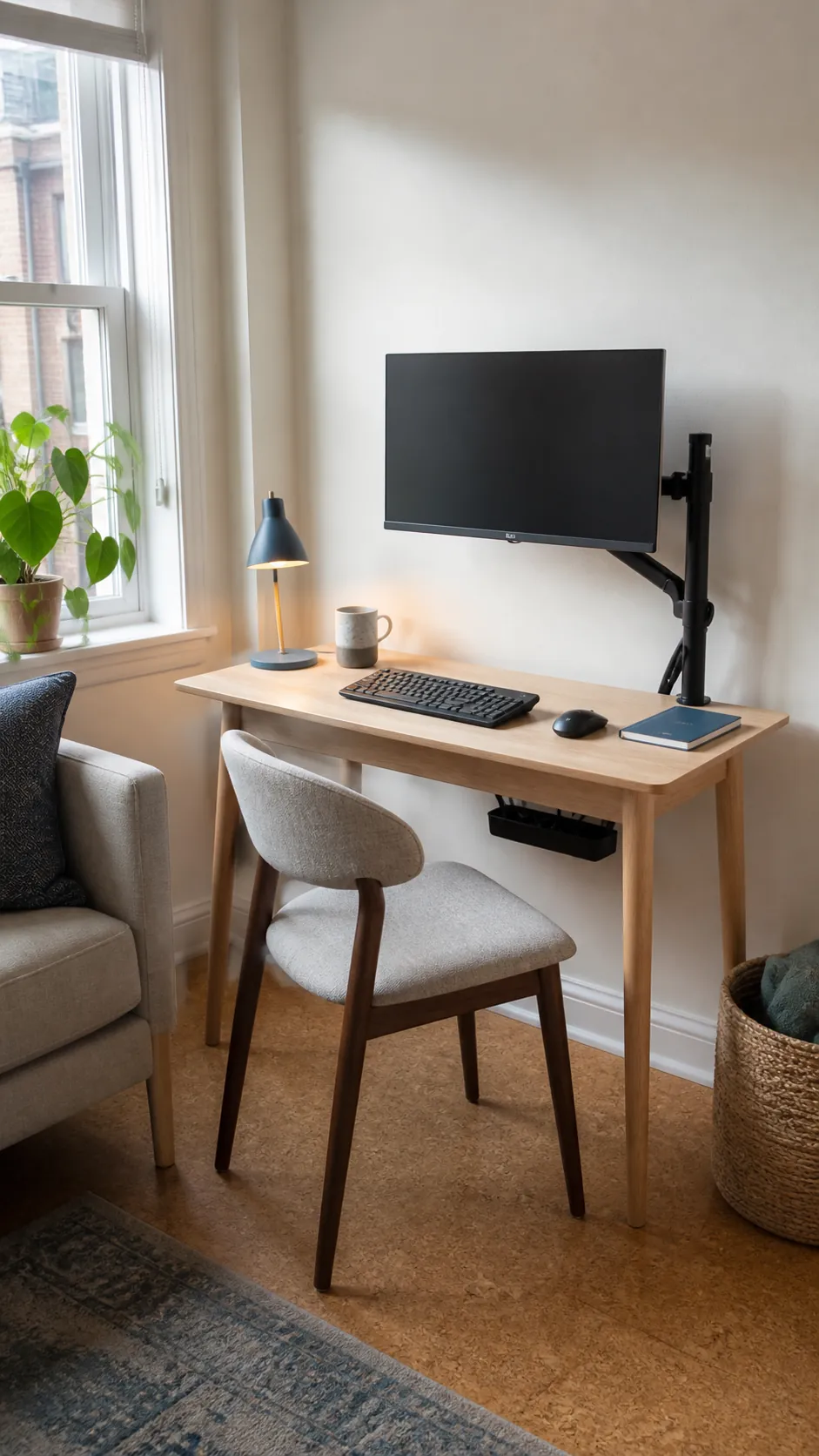
A narrow console behind a sofa can support occasional work without claiming another wall. Use a monitor arm that lowers the screen when seated and folds it close when the desk is idle. Protect the sofa from cables and heat by keeping a clear gap between the furniture pieces.
Kitchen alcove used as a work station
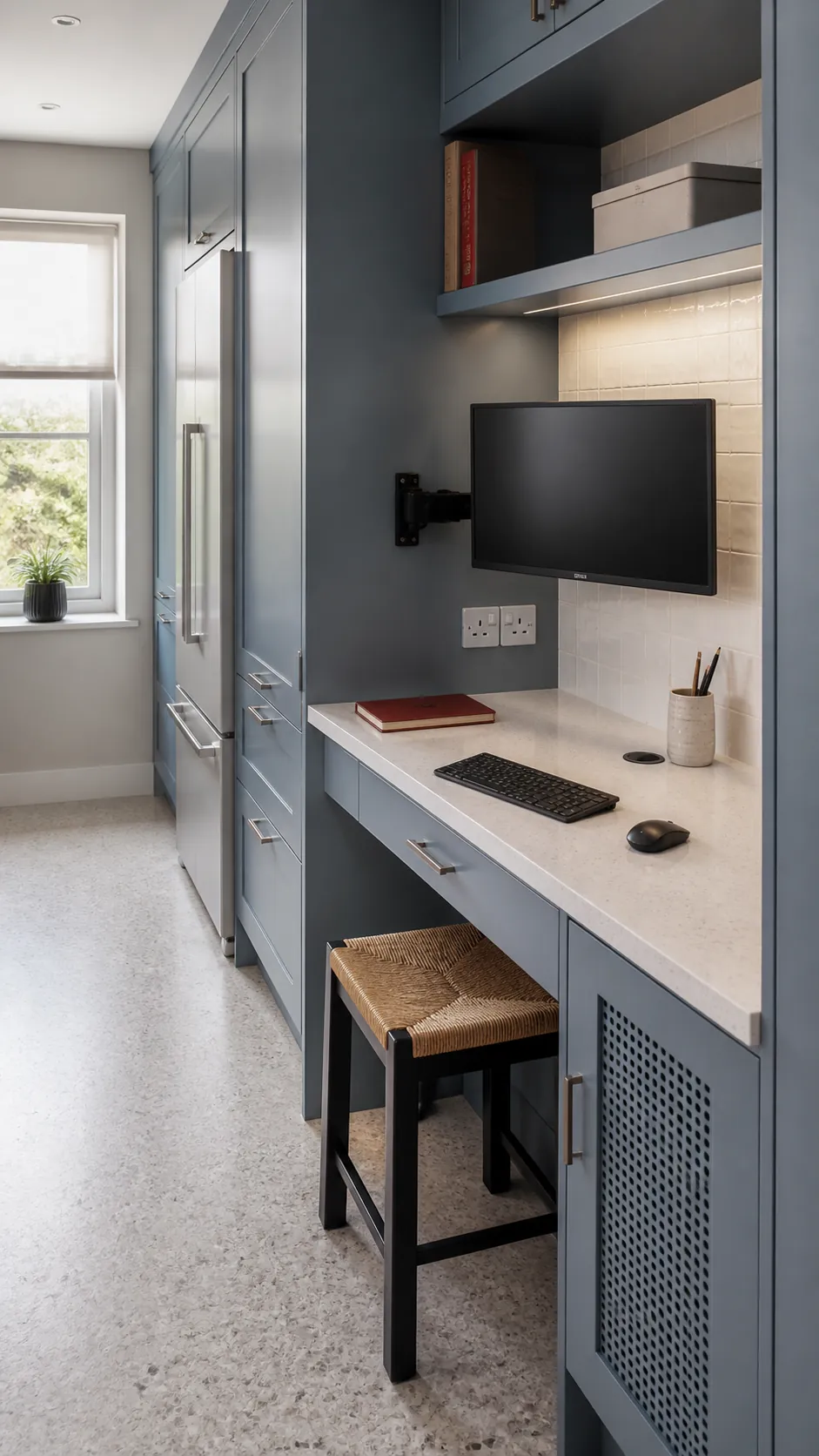
An unused kitchen alcove can hold a monitor and compact desk if it stays clear of cooking heat and water. A wipeable top, raised power outlets, and a screen arm make cleanup easier. Give work papers a closed drawer so food preparation and office clutter never mix.
Compact standing desk with an arm
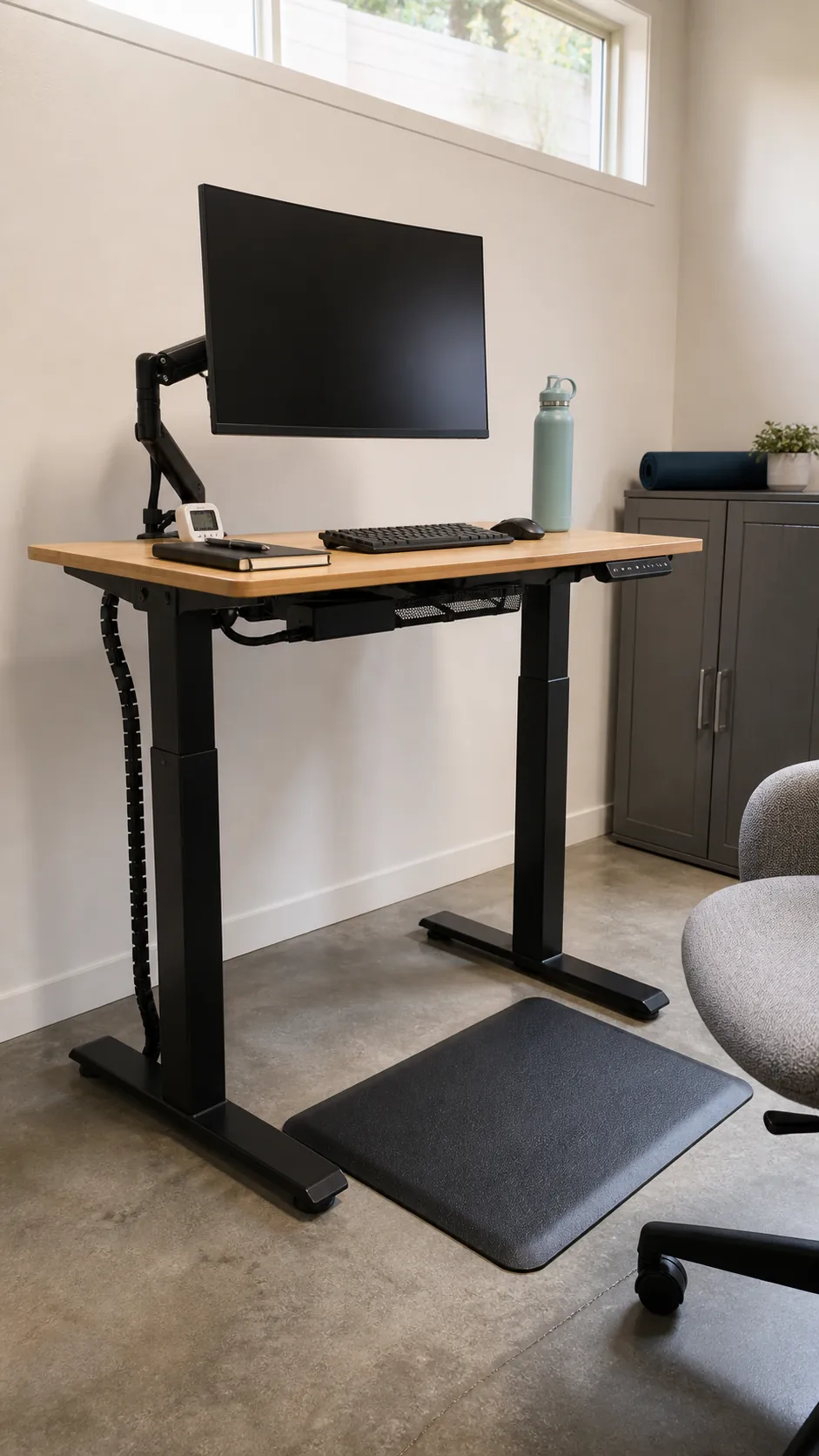
A small standing desk works when the monitor and keyboard can move into comfortable positions together. Choose a short reach arm that does not swing beyond the desk footprint, and leave enough cable slack for the full height range. Test the lowest seated position as carefully as the standing height before buying.
Rolling cart that expands the work surface
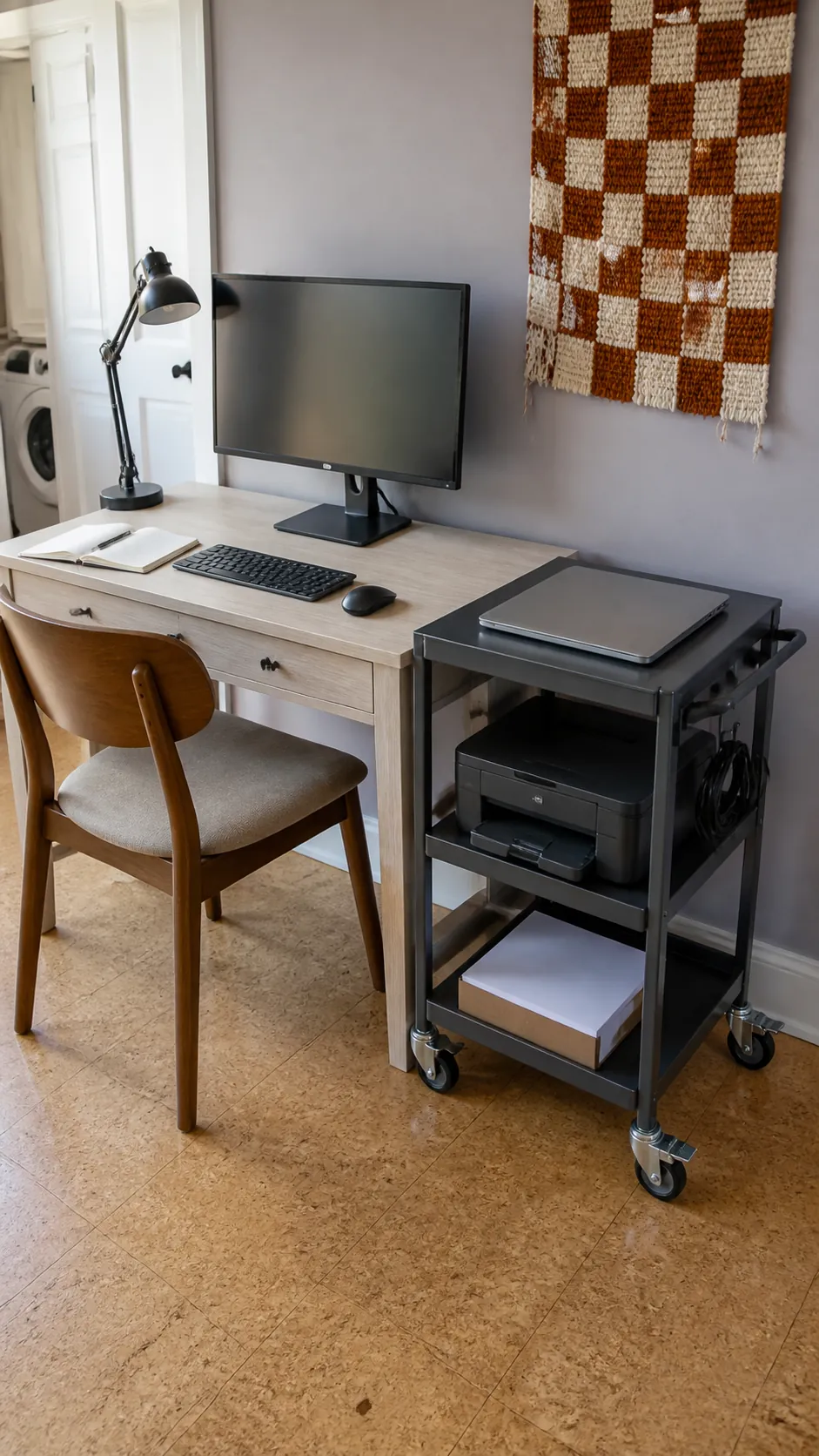
A narrow rolling cart can hold a printer, notebook, or laptop while the main desk remains dedicated to the screen and keyboard. Match the cart height to the desk so it can act as a temporary return surface. Locking casters prevent it from drifting, and open shelves keep frequently moved equipment easy to reach.
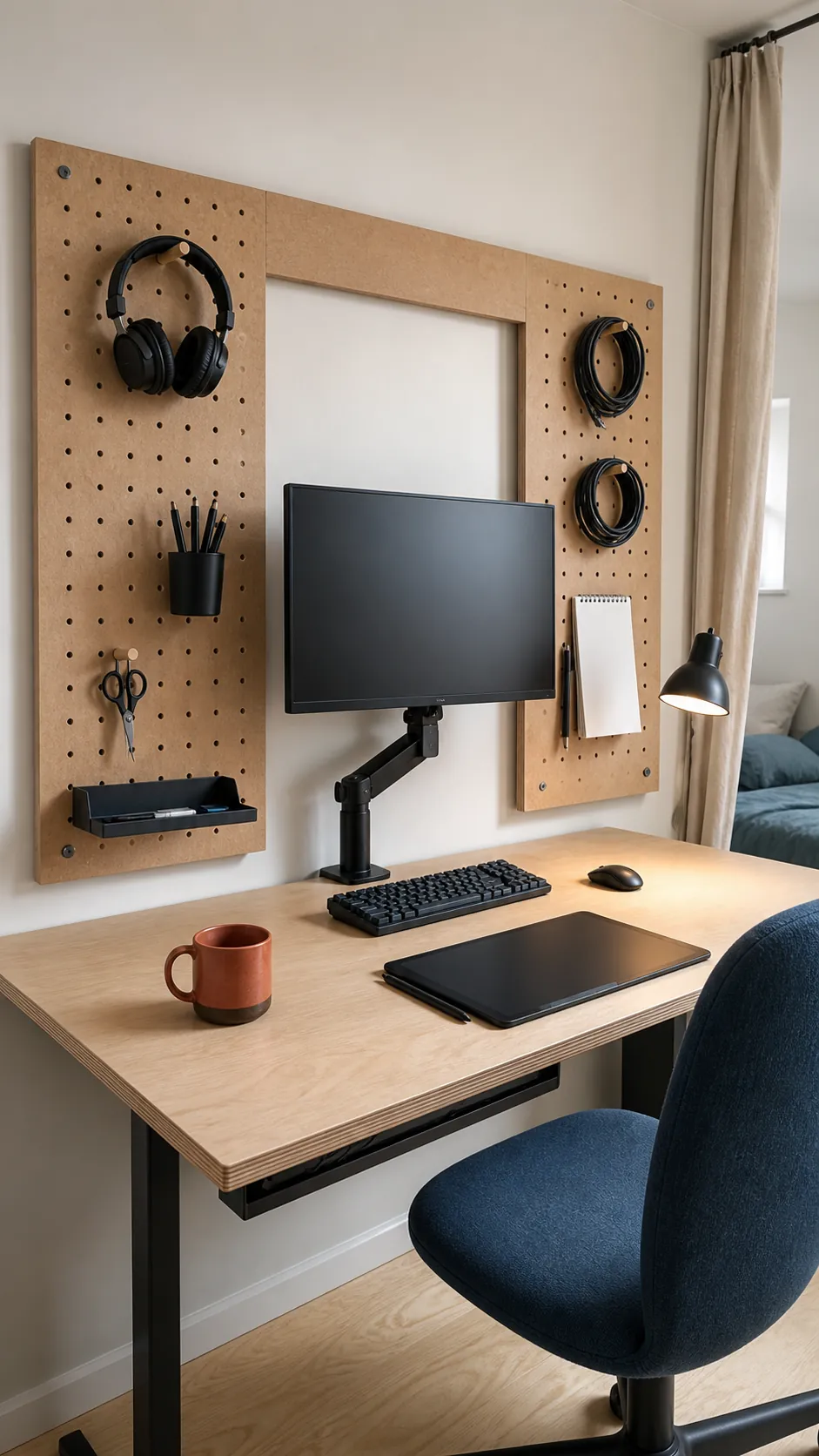
Pegboard storage above the screen
Vertical storage works best when it holds light tools rather than objects that could fall onto the monitor. Keep frequently used headphones, cables, and stationery to either side so the screen remains visually quiet. Secure the panel to proper wall fixings and leave space for the monitor arm to rise and tilt.
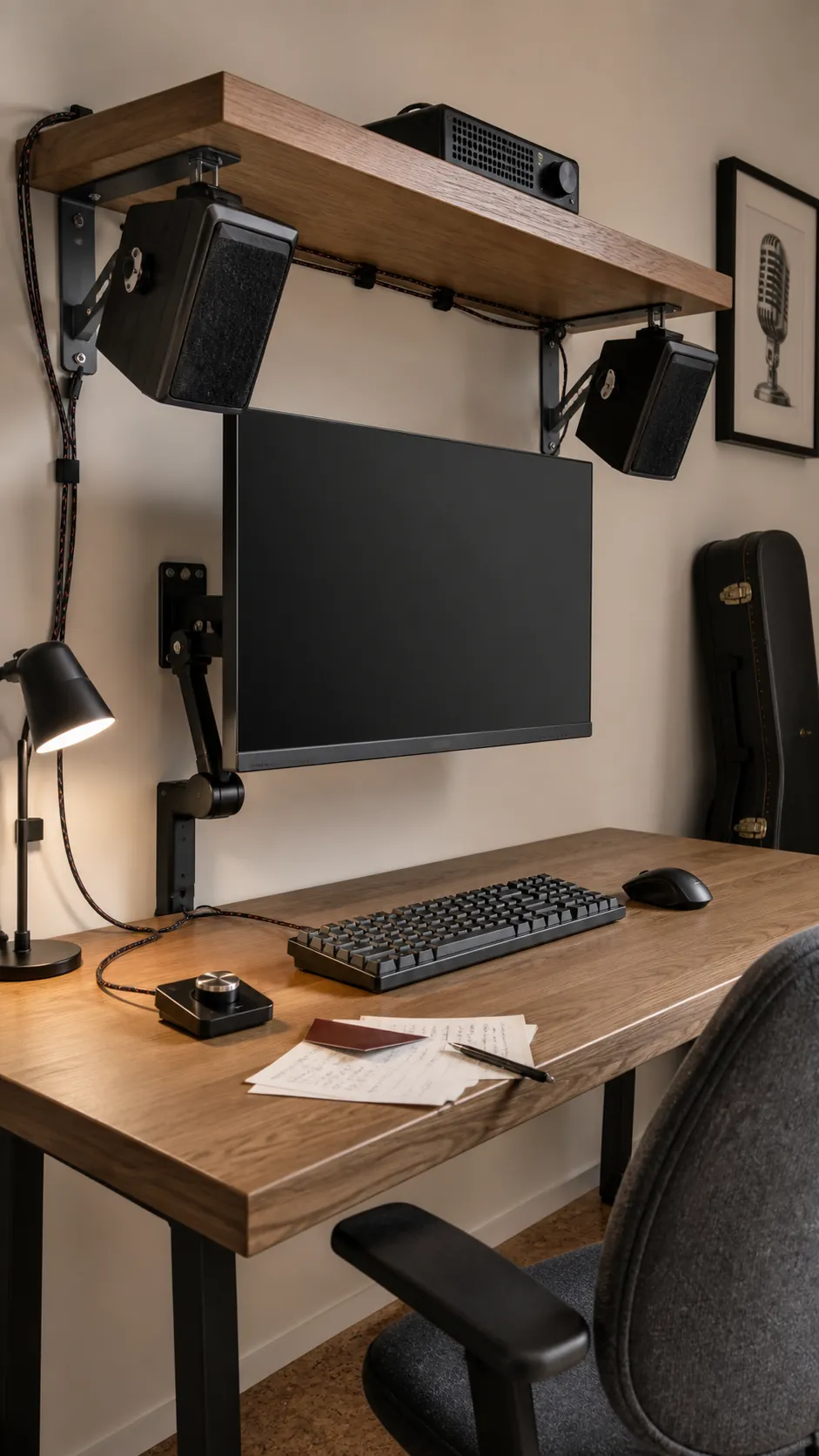
Speakers fixed beneath a monitor shelf
Small speakers mounted beneath a sturdy shelf can preserve the desk corners for hand movement and notes. Angle them toward the listening position and isolate vibration so the shelf does not buzz. Keep volume controls reachable and avoid blocking any monitor ventilation openings.
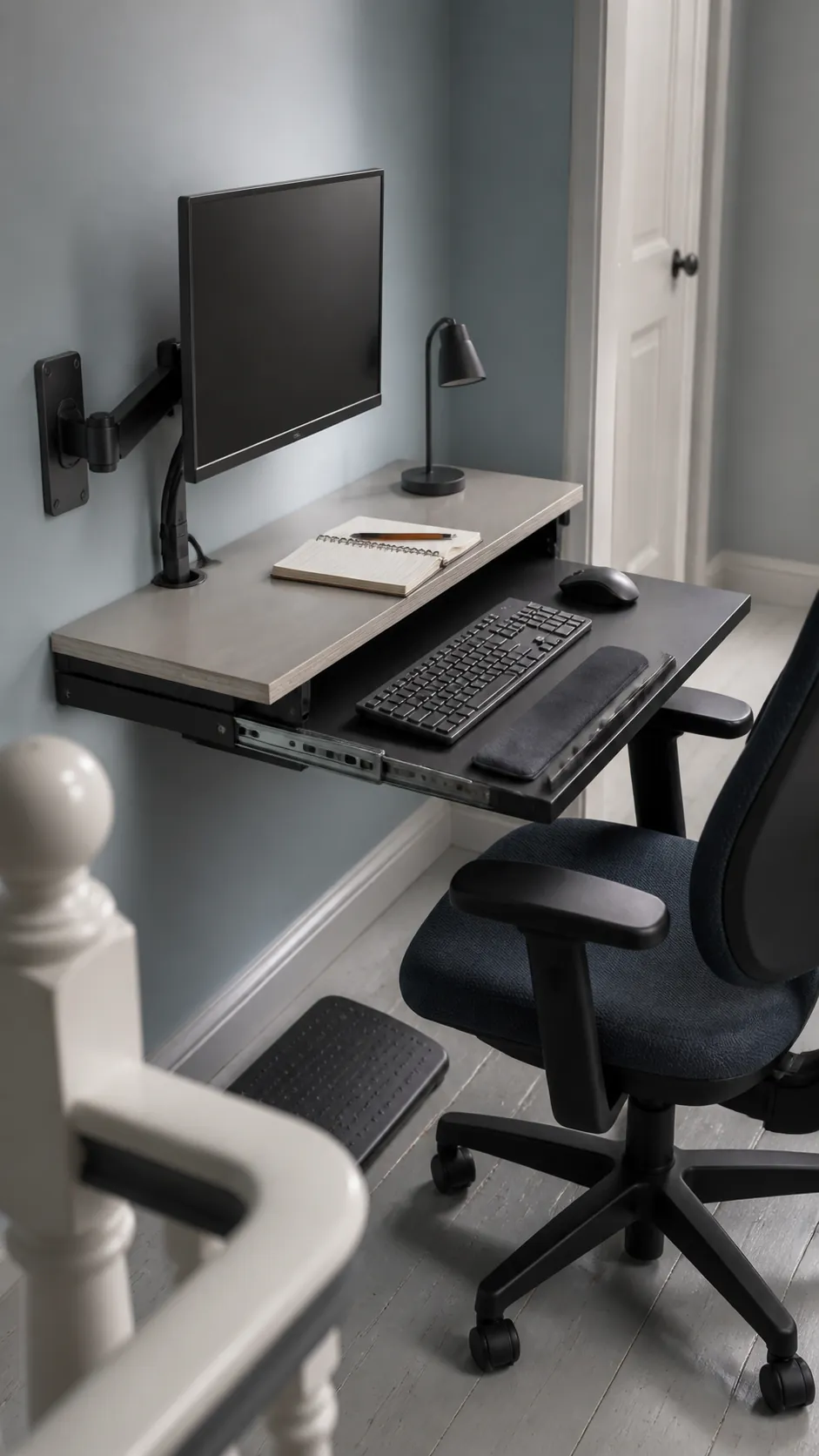
Keyboard tray below a shallow top
A sliding keyboard tray can restore viewing distance on a shallow desk by moving the input devices toward your body. It must be wide enough for both keyboard and mouse, stable under pressure, and high enough to preserve thigh clearance. Pair it with an adjustable screen mount so hands and eyes can be aligned independently.
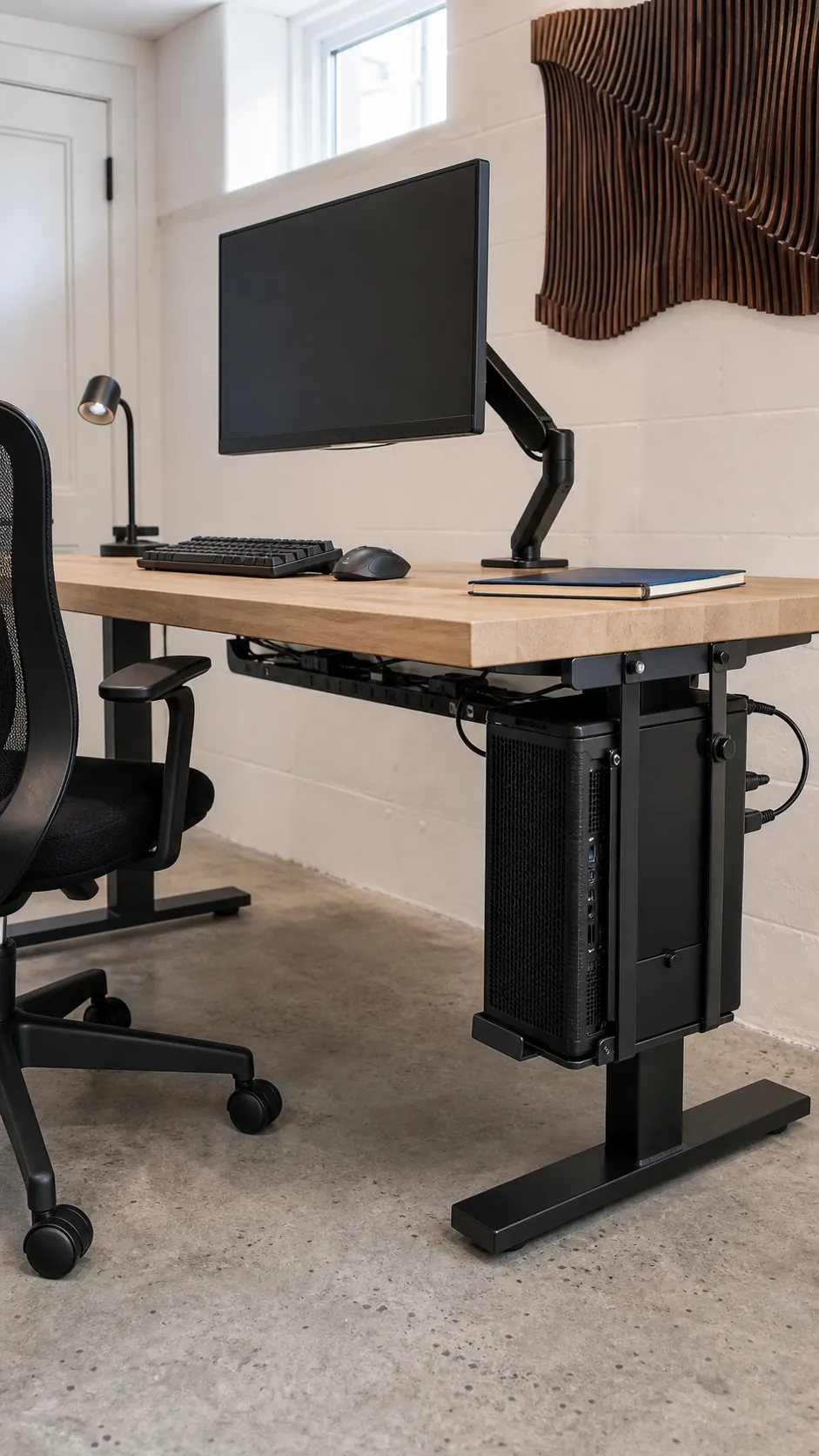
Computer tower suspended below the desk
An under desk tower holder clears the surface and keeps the computer off a dusty floor. Check ventilation gaps, weight limits, and knee clearance before fixing it to the top. Route the cables in a flexible loop so the tower can still be reached for maintenance.
Wall shelf for the computer and accessories
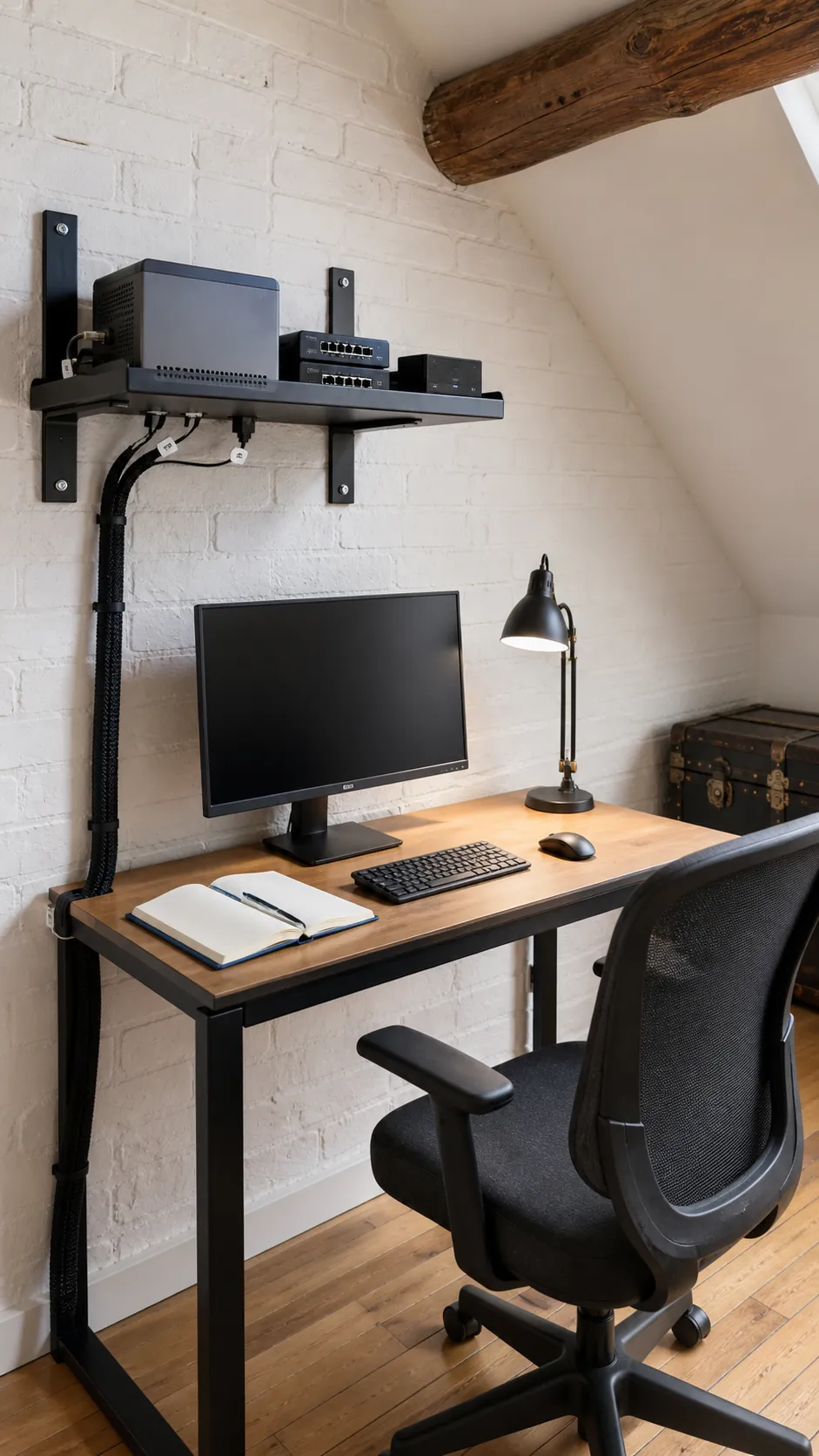
A ventilated wall shelf can hold a compact computer, hub, and backup drive above the work surface. Use structural fixings, keep ports reachable, and avoid placing heavy equipment directly over your head. One cable drop at the desk edge looks cleaner and is easier to service than several hidden routes.
Study desk with one calm focal screen
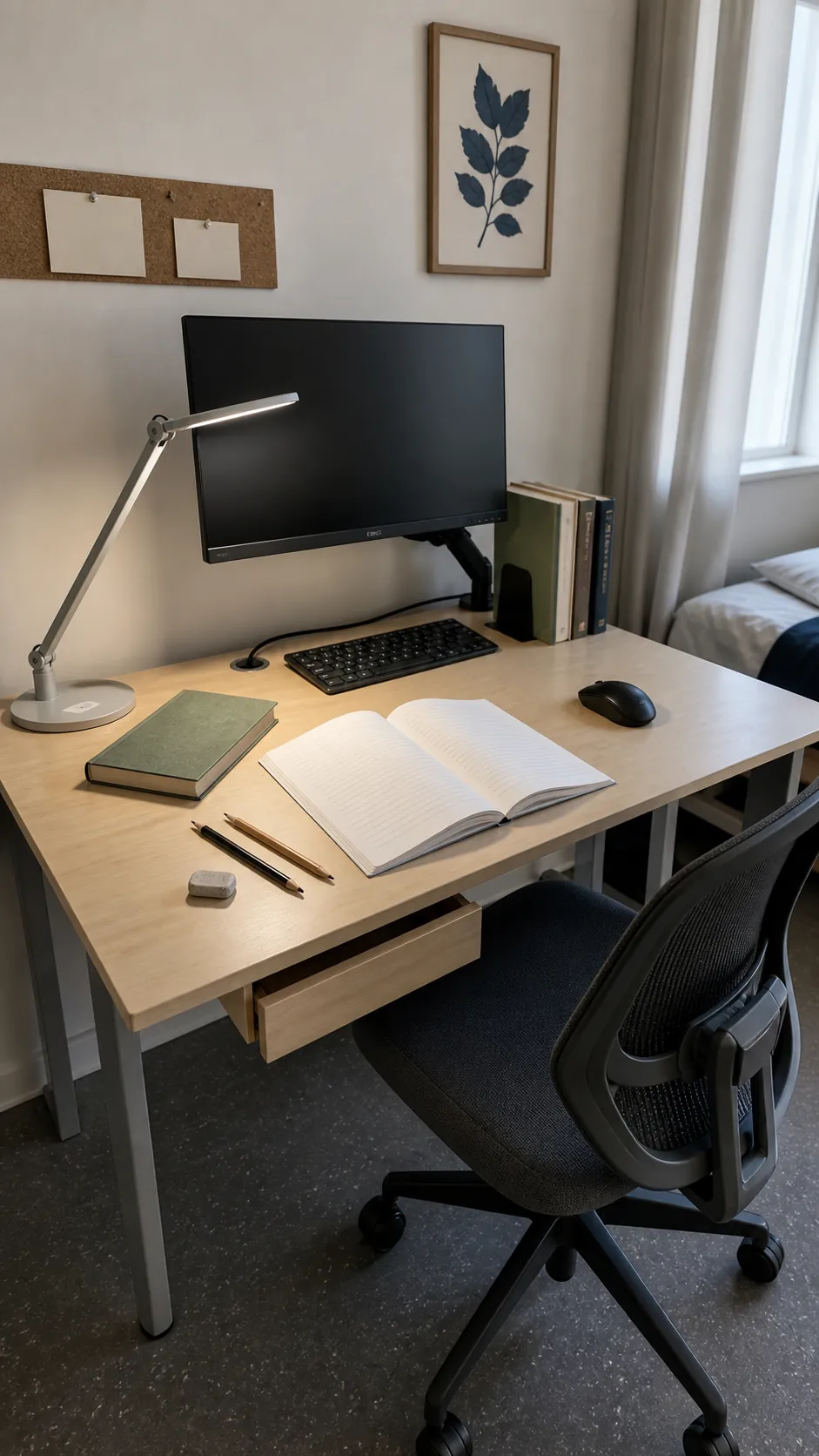
A small study desk needs clear space for paper as well as a display. Raise a modest screen on a compact arm, keep reference books on one side, and leave the center open for writing. A simple lamp placed opposite the writing hand reduces shadows without crowding the keyboard.
Cable box mounted beneath the rear edge
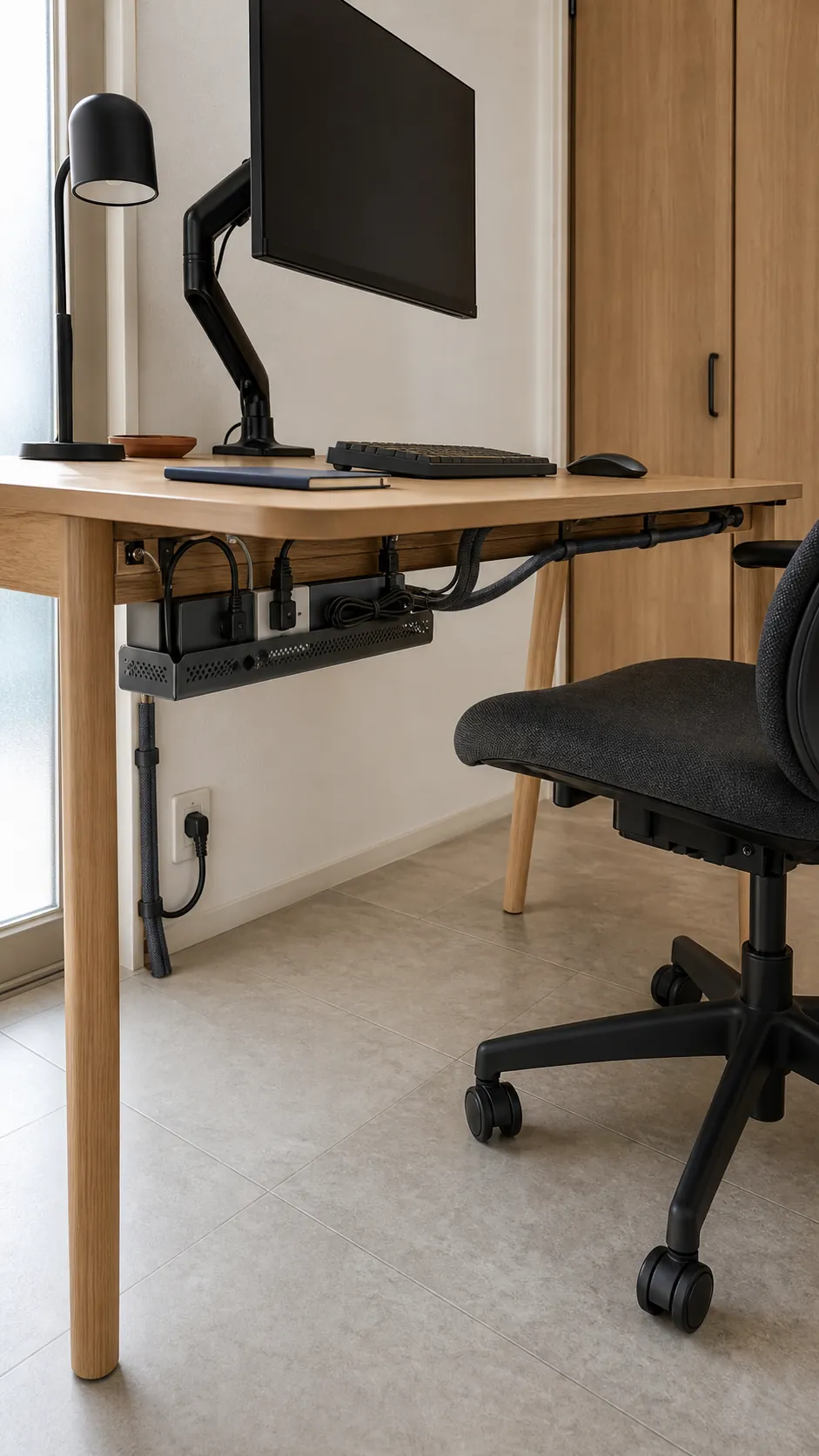
A cable tray and covered power box can remove chargers and excess cord from the work surface. Mount them where knees cannot strike and where plugs remain accessible without moving the monitor. Separate power from loose data cables, then label connections inside the hidden area for easier changes.
Portable second screen that stores flat
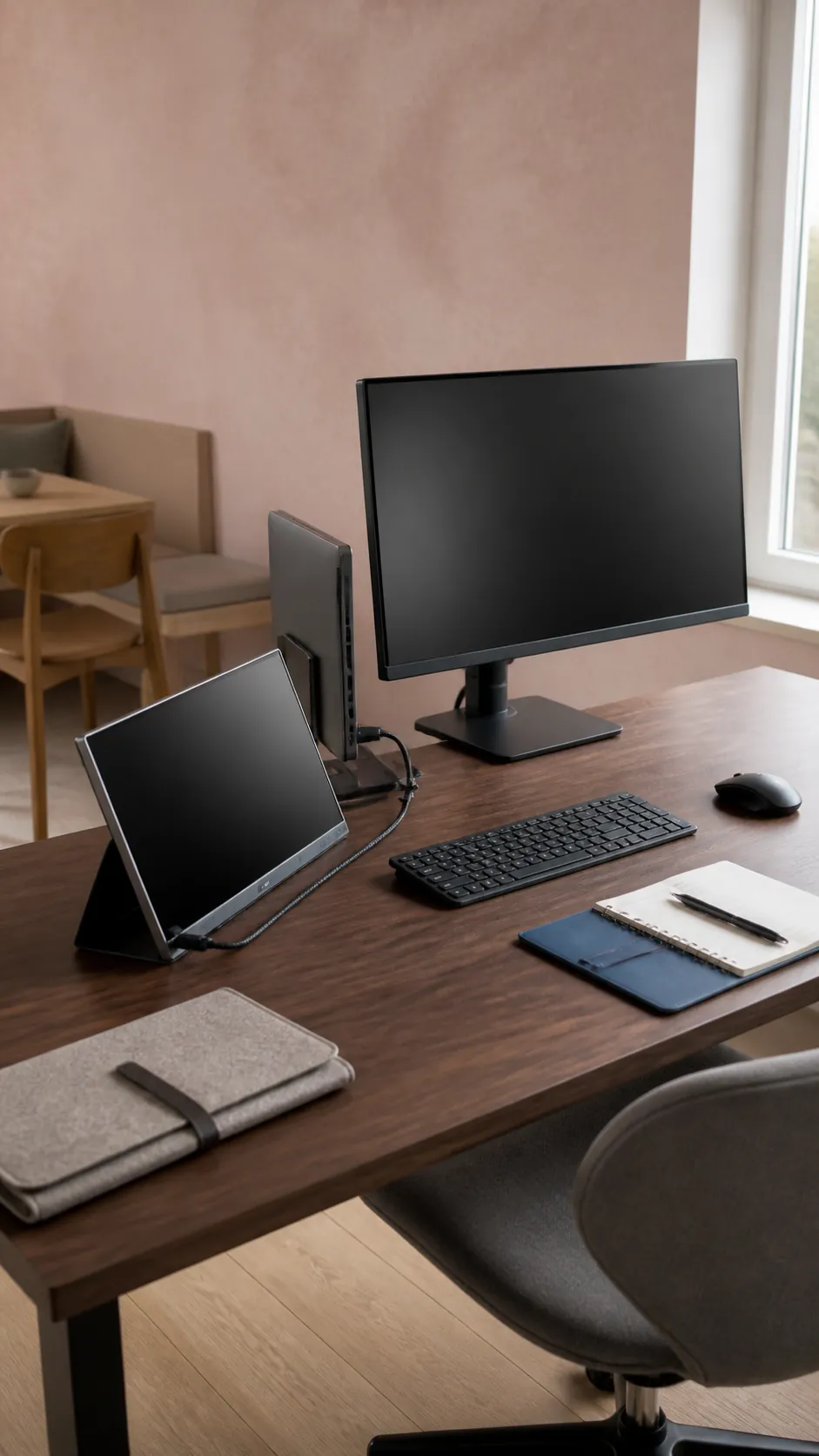
A portable display adds reference space only when you need it and slips into a drawer afterward. Place it on a stable stand beside the main monitor, then match the top edges as closely as comfort allows. This works well for hybrid workers who value an open desk more than a permanent dual screen arrangement.
Curved display that replaces two screens
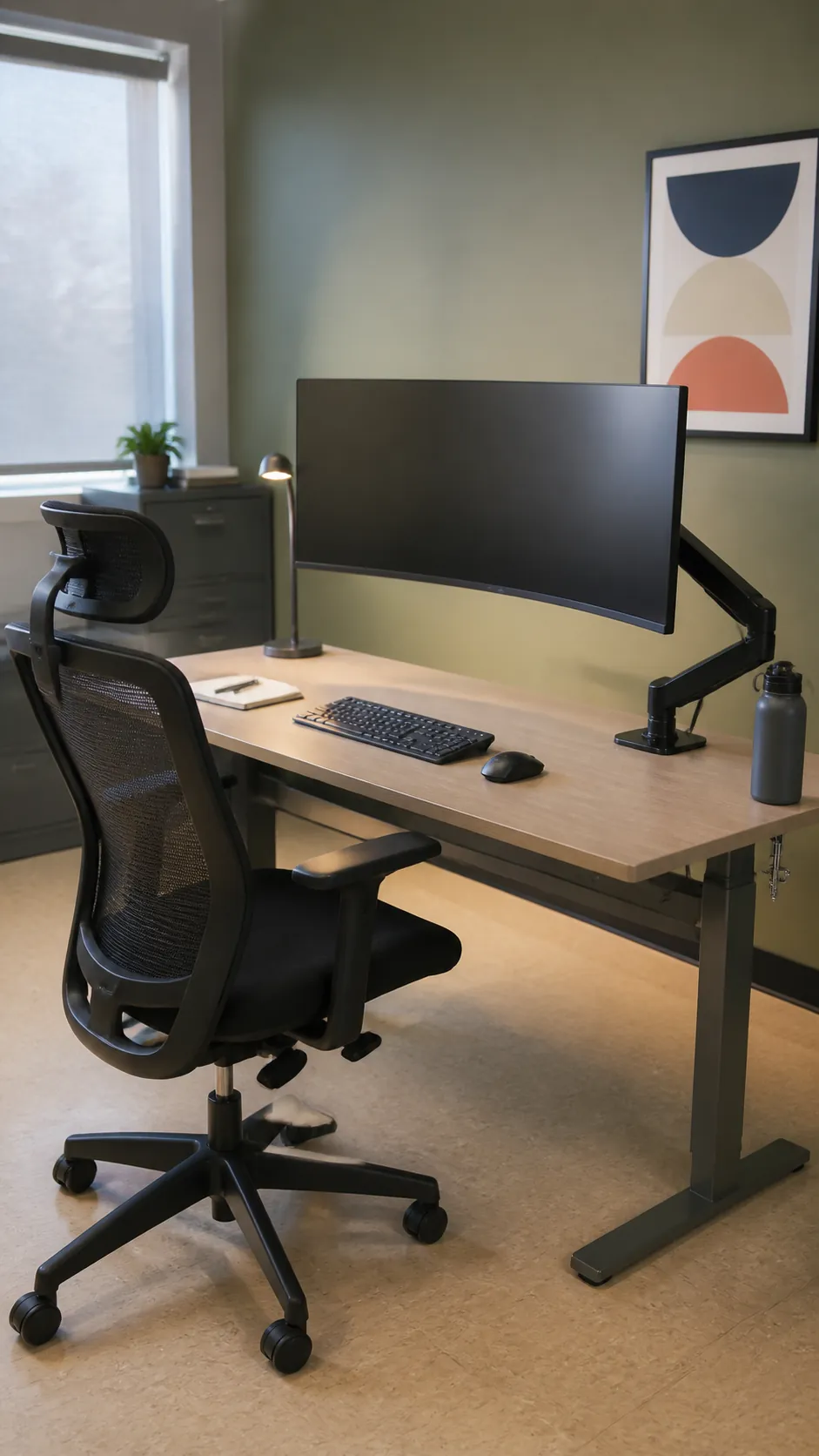
A moderate curved monitor can provide broad workspace without the stands and center seam of two displays. Check its actual width and recommended viewing distance, since an oversized model can overwhelm a shallow desk. Mount it on a rated arm and keep the keyboard centered on the curve for balanced posture.