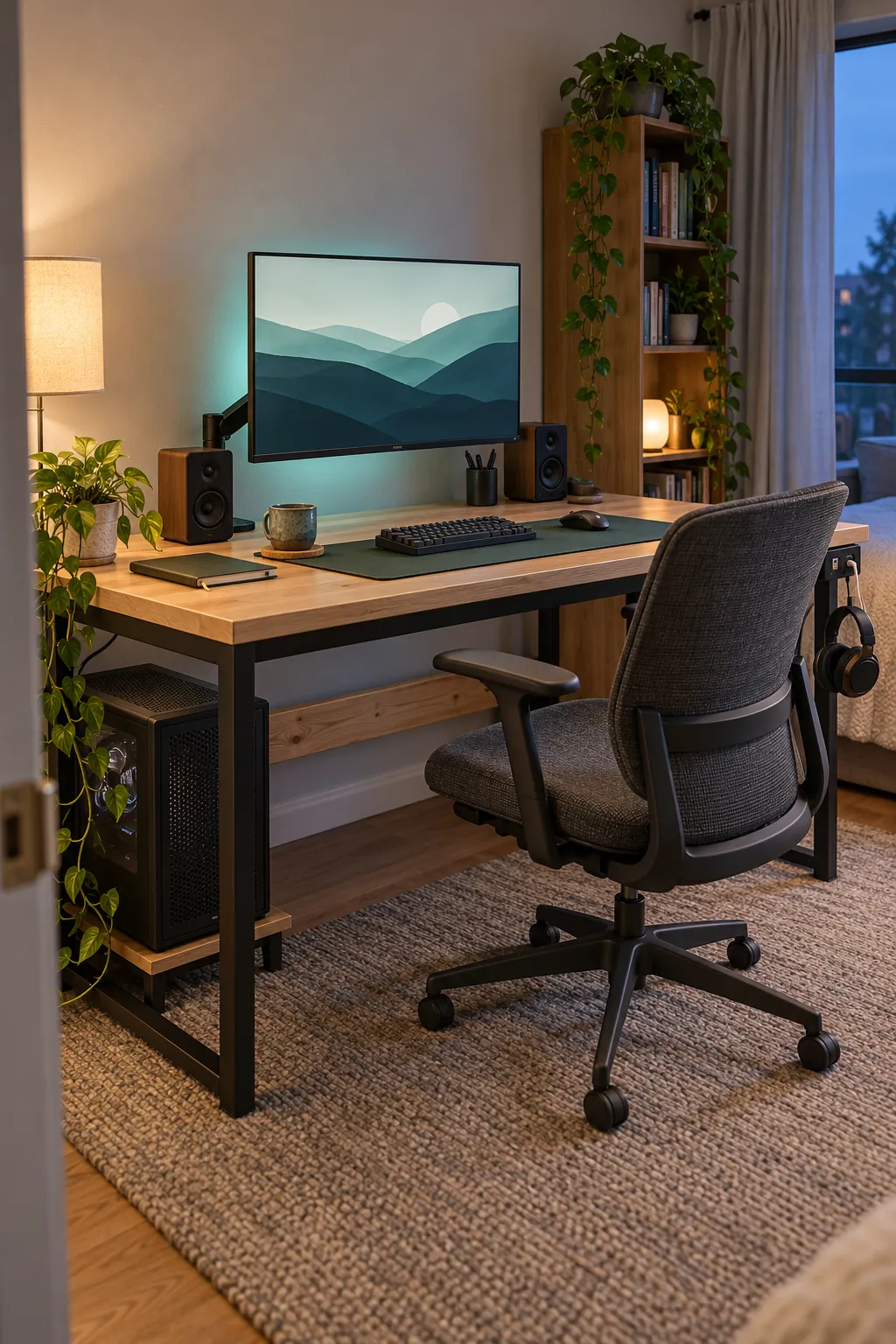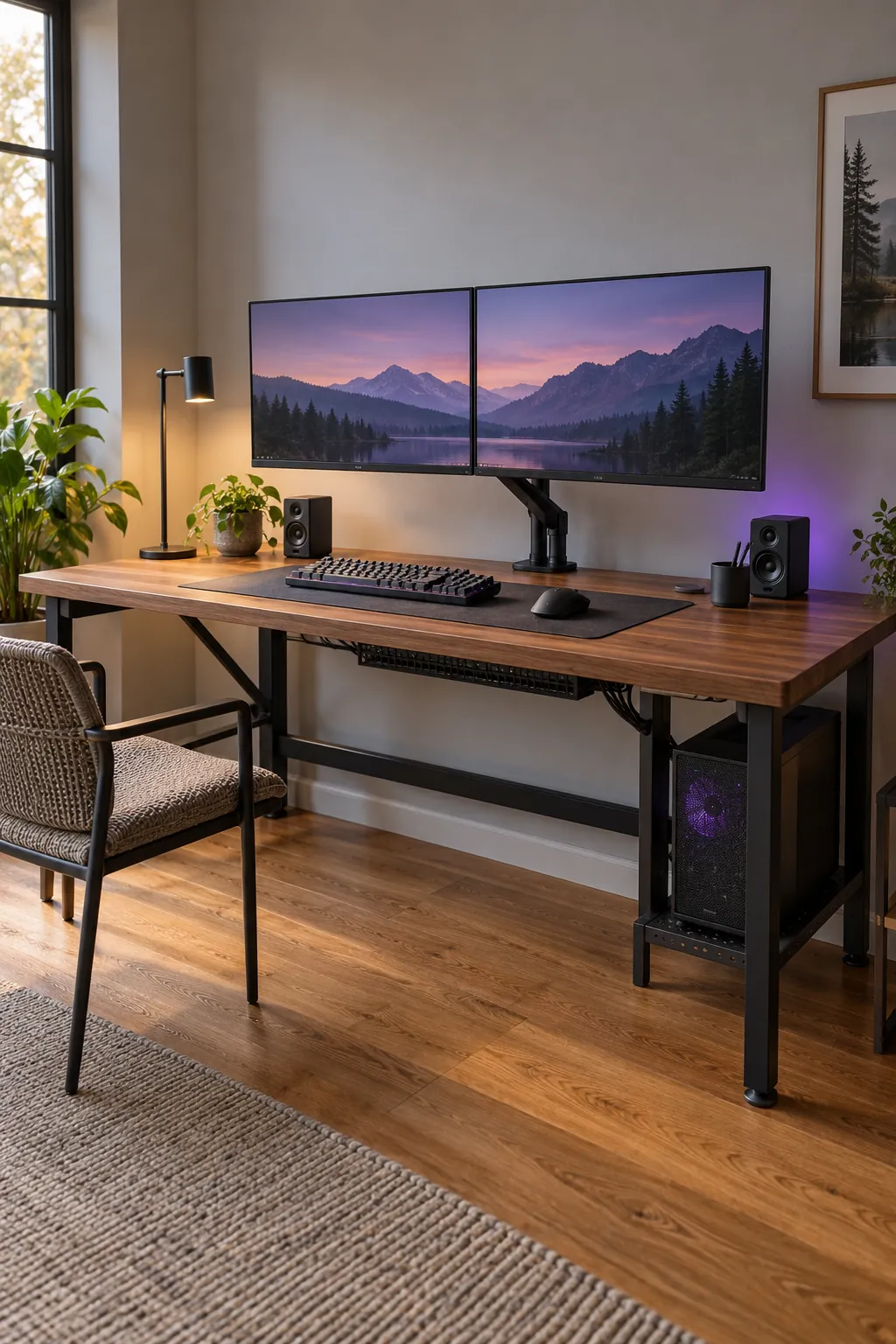
A gaming desk can look impressive and still feel wrong every day. A shallow top pushes the screen too close, a weak center span begins to sag, and cables become difficult to reach once every device is connected. The best build starts with the equipment, the room, and the way you sit, not with decorative lighting.
This guide explains how to plan a sturdy desk for a single computer station with room for future changes. It focuses on dimensions, support, monitor mounting, cable access, and a finish that can handle regular use. Adjust the exact measurements to your body, chair, screen size, and available wall space.
Measure the room and your reach first
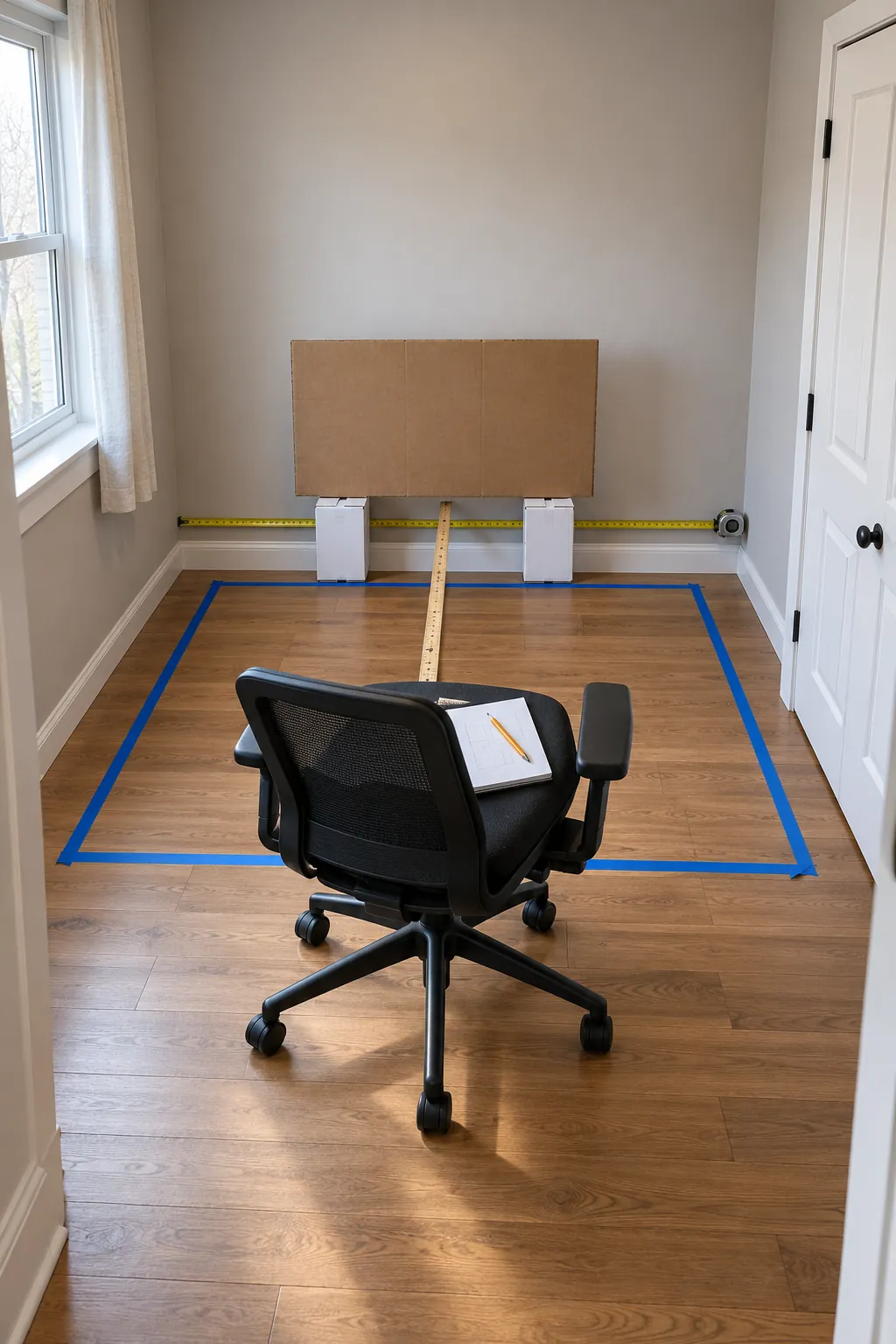
Mark the proposed width and depth on the floor with removable tape, then place your chair inside the outline. Check whether drawers, doors, and walking paths still open comfortably. A width near 60 inches gives one player useful room for a computer, speakers, and controls, but a smaller room may work better with a 48 inch top and a computer mounted below it.
Depth matters more than many first builds expect. A top around 28 to 30 inches deep gives a monitor arm, keyboard, and forearm support enough space without forcing the display close to your eyes. Sit at your normal chair height and confirm that your elbows can rest near a right angle while your shoulders remain relaxed.
Choose a top that resists sag and damage
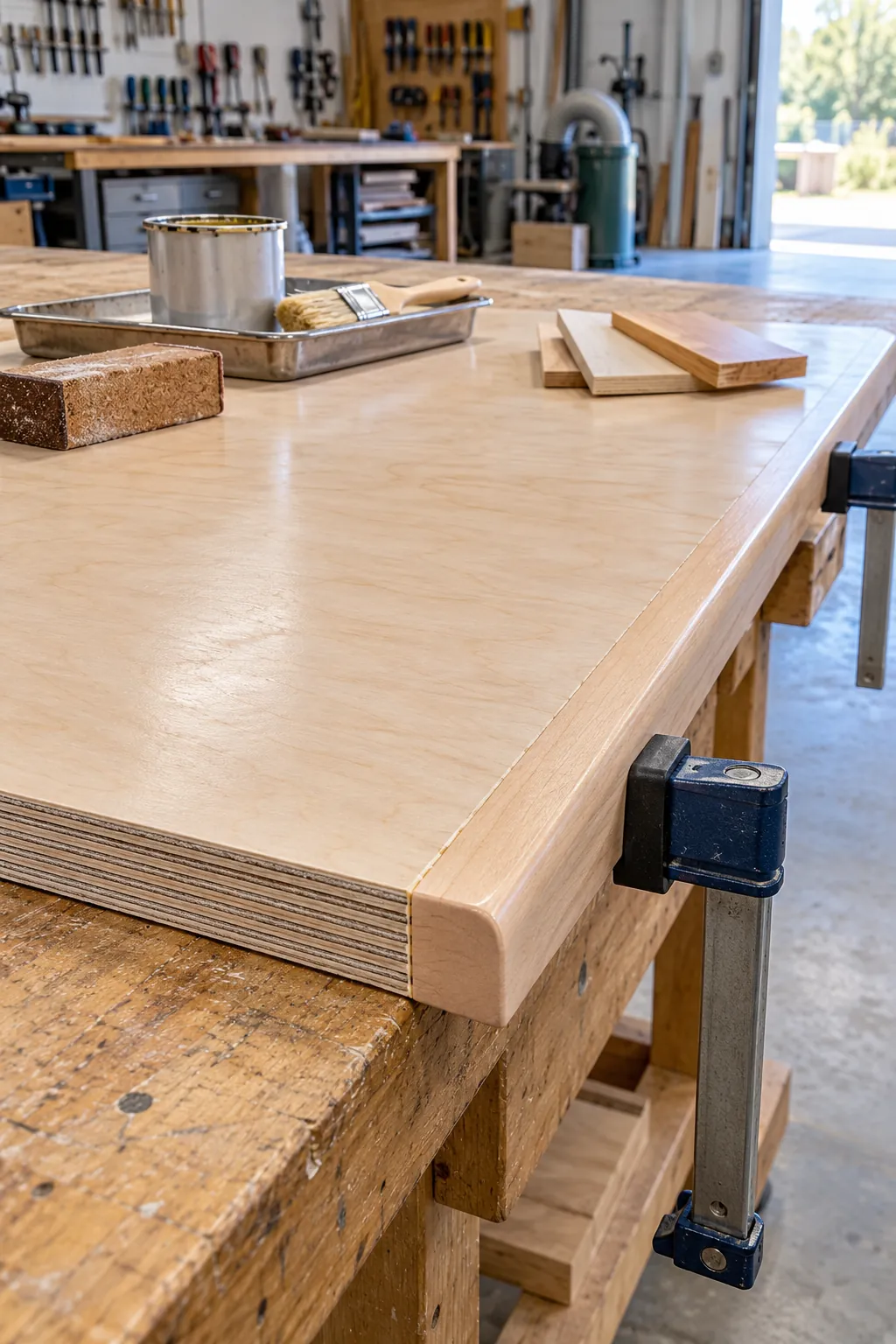
A laminated countertop, solid wood panel, or furniture grade plywood top can all work well when the support matches the span. Thin fiberboard and hollow doors can flex under a heavy computer, monitor arms, and repeated pressure from your arms. If you use plywood, choose a flat sheet, seal every face and edge, and add a stiff front or rear rail when the unsupported span is wide.
Plan the finished edge before cutting. A rounded front edge is more comfortable against the forearms than a sharp square corner, while hardwood edging protects plywood layers from impact. Let any stain, paint, or clear finish cure fully before electronics touch the surface, because a finish that feels dry can still mark under rubber feet.
Build a frame that handles side movement
Four legs can hold vertical weight yet still wobble when someone leans sideways or shifts the desk across the floor. Connect the legs with strong apron rails, a rear stretcher, or a rigid panel so the base behaves as one structure. Confirm that fasteners enter solid material and keep screw locations far enough from edges to avoid splitting.
Assemble the base on a flat surface and compare both diagonal measurements before tightening everything. Equal diagonals show that the frame is square. Adjustable feet help on uneven floors, but they cannot correct a twisted base, so remove the twist while the joints can still move.
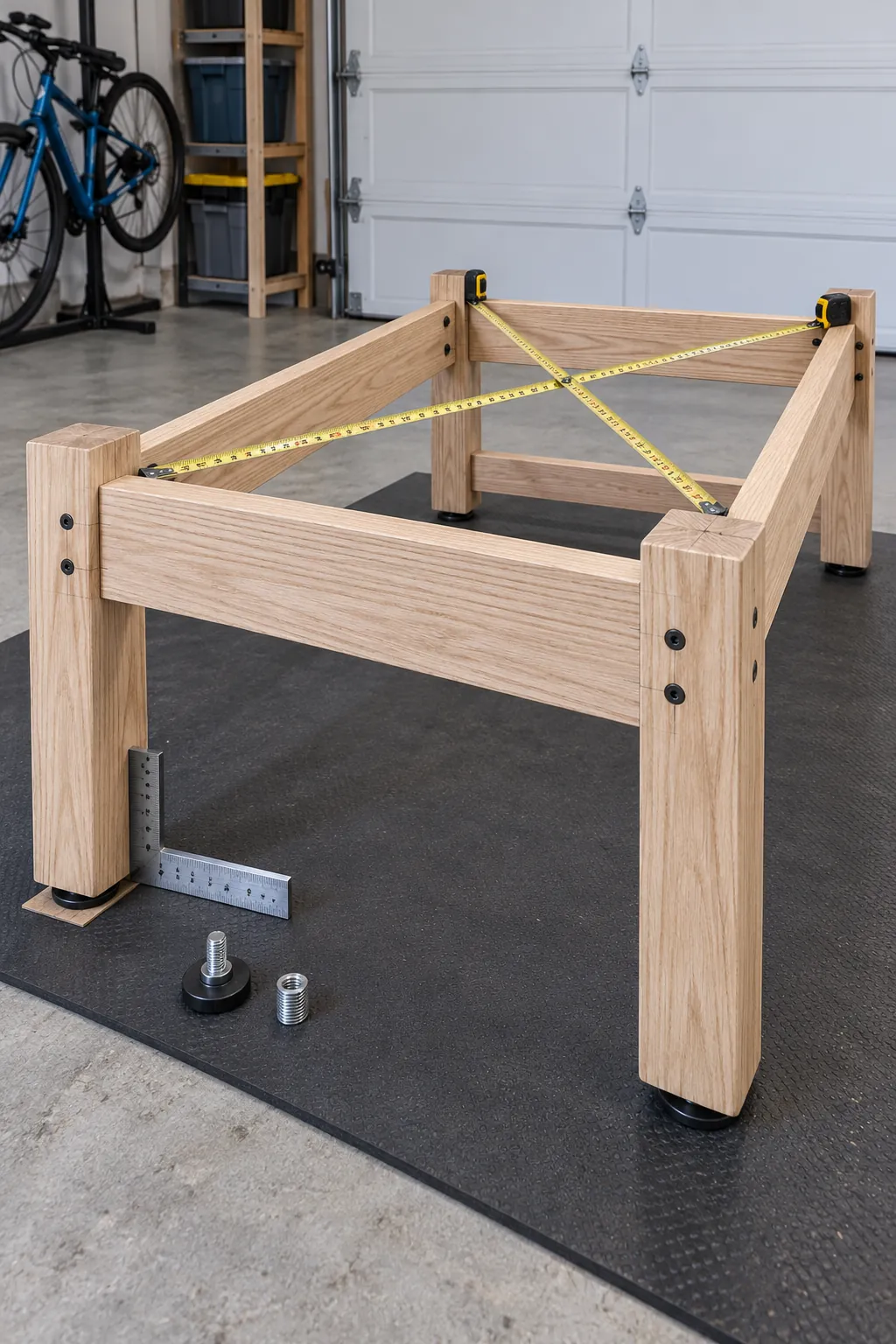
Reinforce the monitor arm mounting area
A monitor arm concentrates weight in a small clamp or grommet area. Check the arm instructions, the combined screen weight, and the top thickness before drilling. Add a hidden hardwood or steel reinforcement plate beneath the mounting zone when the top material is soft or when two large screens share one mount.
Leave enough clearance behind the desk for the arm to sweep without striking the wall. A grommet mount can create a cleaner cable route, while a rear clamp is easier to reposition. Test the full arm movement with cardboard screen templates so the final position does not block a shelf or force the desk away from the wall.
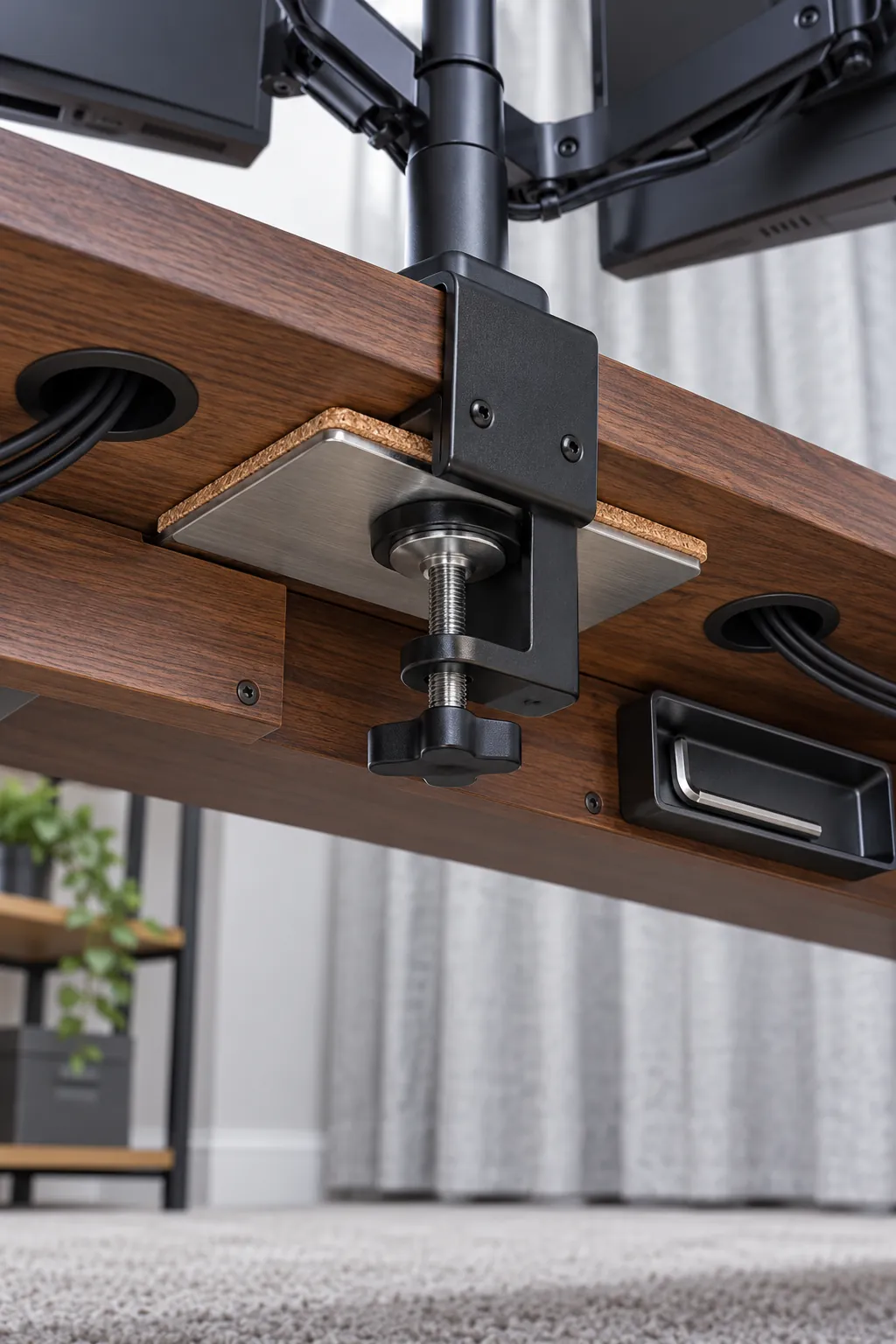
Design cable access before mounting devices
Place the power strip in an open tray under the rear of the desk instead of leaving it on the floor. Keep power adapters supported, allow ventilation around warm bricks, and preserve access to the switch. A separate route for signal cables reduces tangles and makes it easier to replace one device without pulling apart the whole station.
Use rounded grommets where cables pass through the top, and leave a gentle service loop for devices that move. Mount the computer where its vents remain clear and where filters can be removed for cleaning. Label both ends of less obvious cables before bundling them, since that small step saves time during later upgrades.
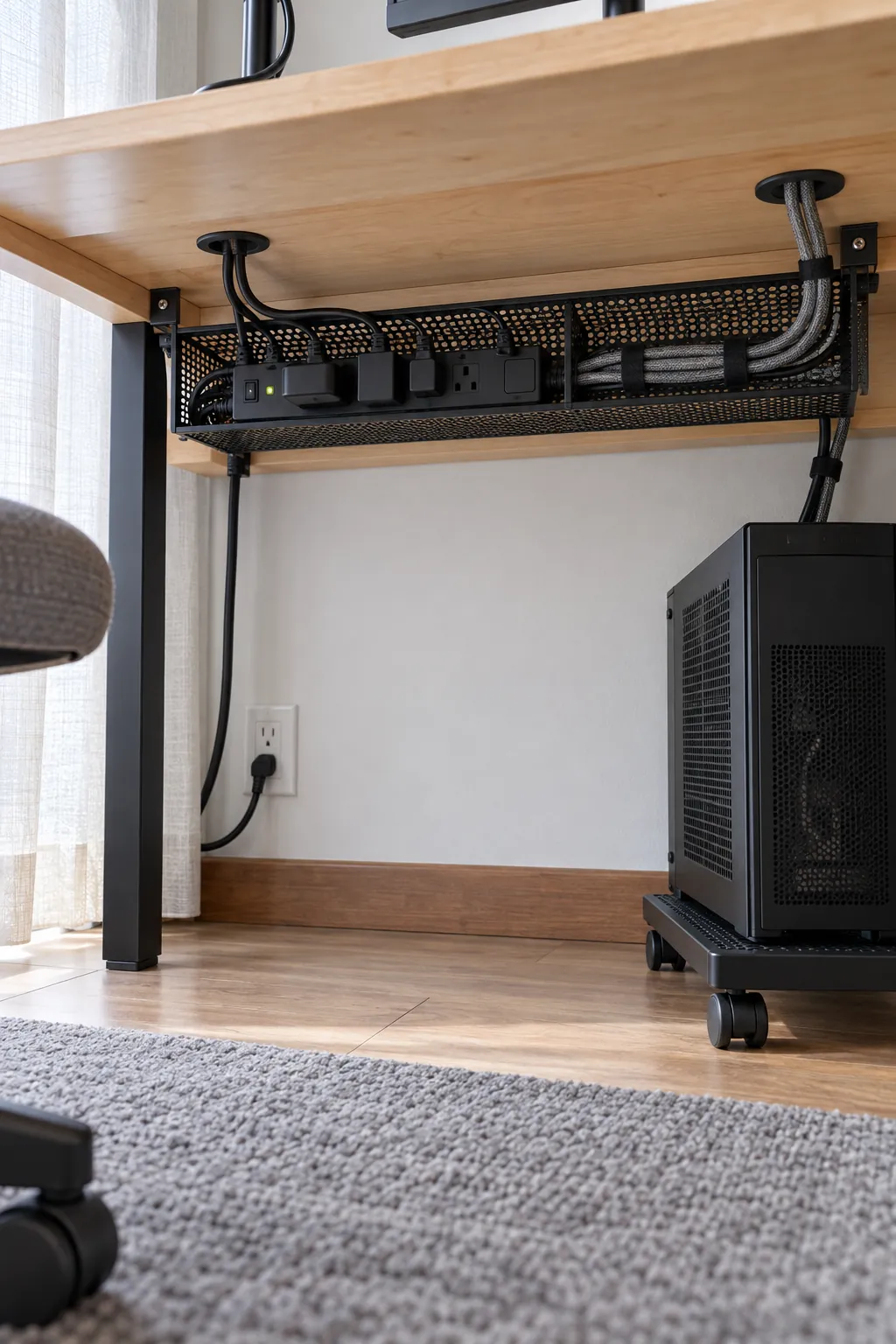
Test the complete station before calling it finished
Install the chair, screen, keyboard, mouse, speakers, and computer, then use the station for several sessions before adding permanent accessories. Notice whether the screen height encourages a neutral neck position, whether the mouse has enough travel, and whether your knees clear every support rail. Move any frequently used port or control that requires an awkward reach.
Push gently from each side and watch the monitor for movement. Tighten accessible fasteners after the first week, inspect the top near monitor mounts, and keep ventilation paths free of cables. A successful gamer desk setup feels quiet, stable, and easy to maintain, so the room supports play and work without drawing attention to the furniture itself.