
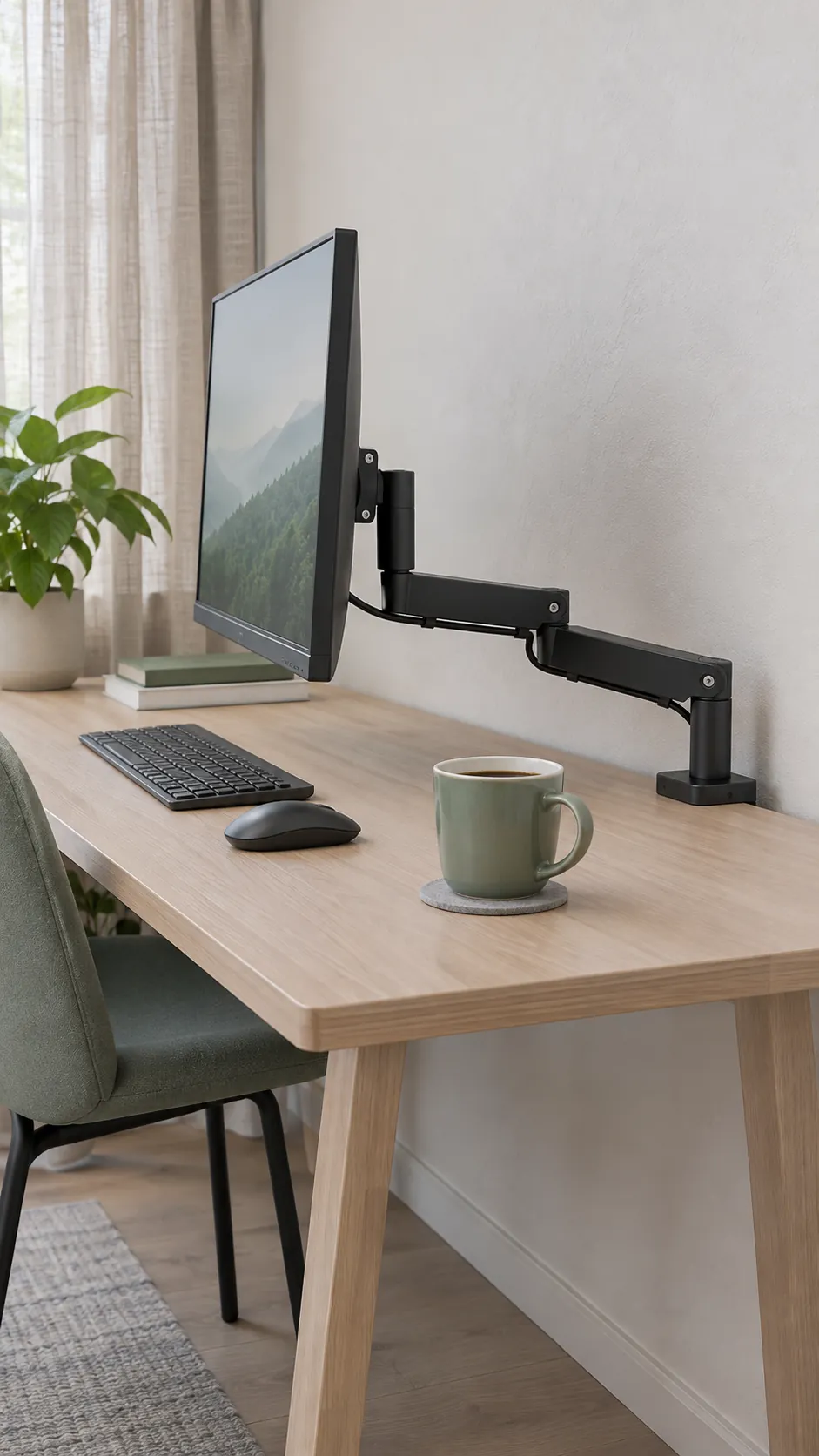
Measure the space behind the screen before you order a mount. A clamp can fit the desktop and still leave the arm with nowhere to fold. That can put the screen closer to you than its original stand did. To tell whether an arm will help, check its mounting space, the path of its joints, and where the screen ends up.
Measure the wall gap at more than one height
Measure from the back edge of the desktop to the wall where you want to mount the arm. Then look above and below that edge. A baseboard can keep the desk slightly forward, but a shelf bracket or window sill can take away that space higher up. If the desk moves up and down, measure through its full height range.
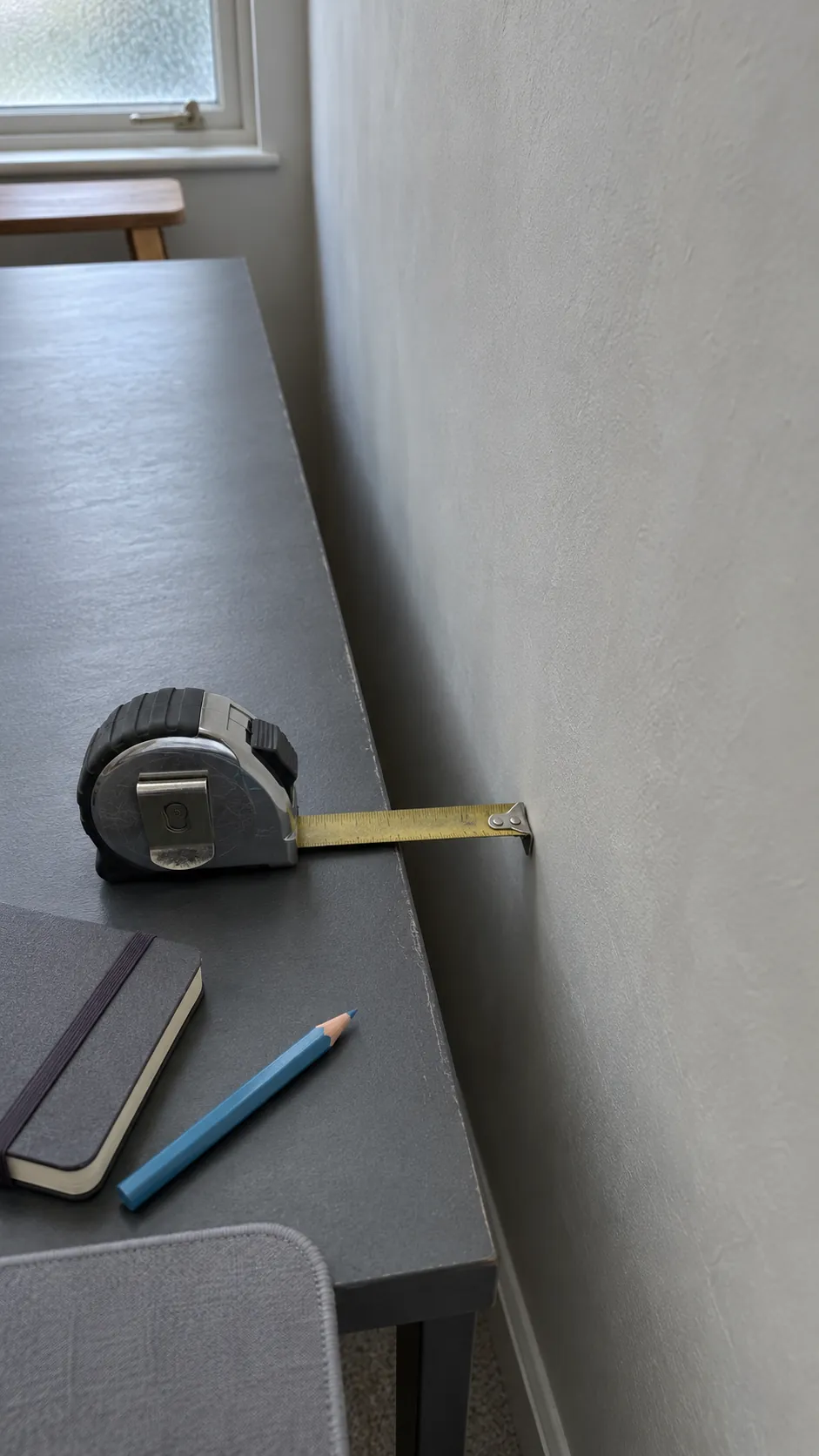
Find the dimension drawing for the mount and check how far the clamp body or mounting plate extends behind the back edge. A clamp may need more room to slide into place or turn its tightening knob than it needs once installed.
Check the flat surface the clamp can grip
Measure the desktop thickness at the planned mounting point. From the edge, measure inward to the first apron, metal crossbar or cable tray beneath the top. Compare that clear distance with the depth of the lower clamp pad and the space needed to tighten it. Check the desk and mount manuals for compatible materials and thicknesses. Both pads need firm, flat contact within the mounting area specified by the manufacturer.
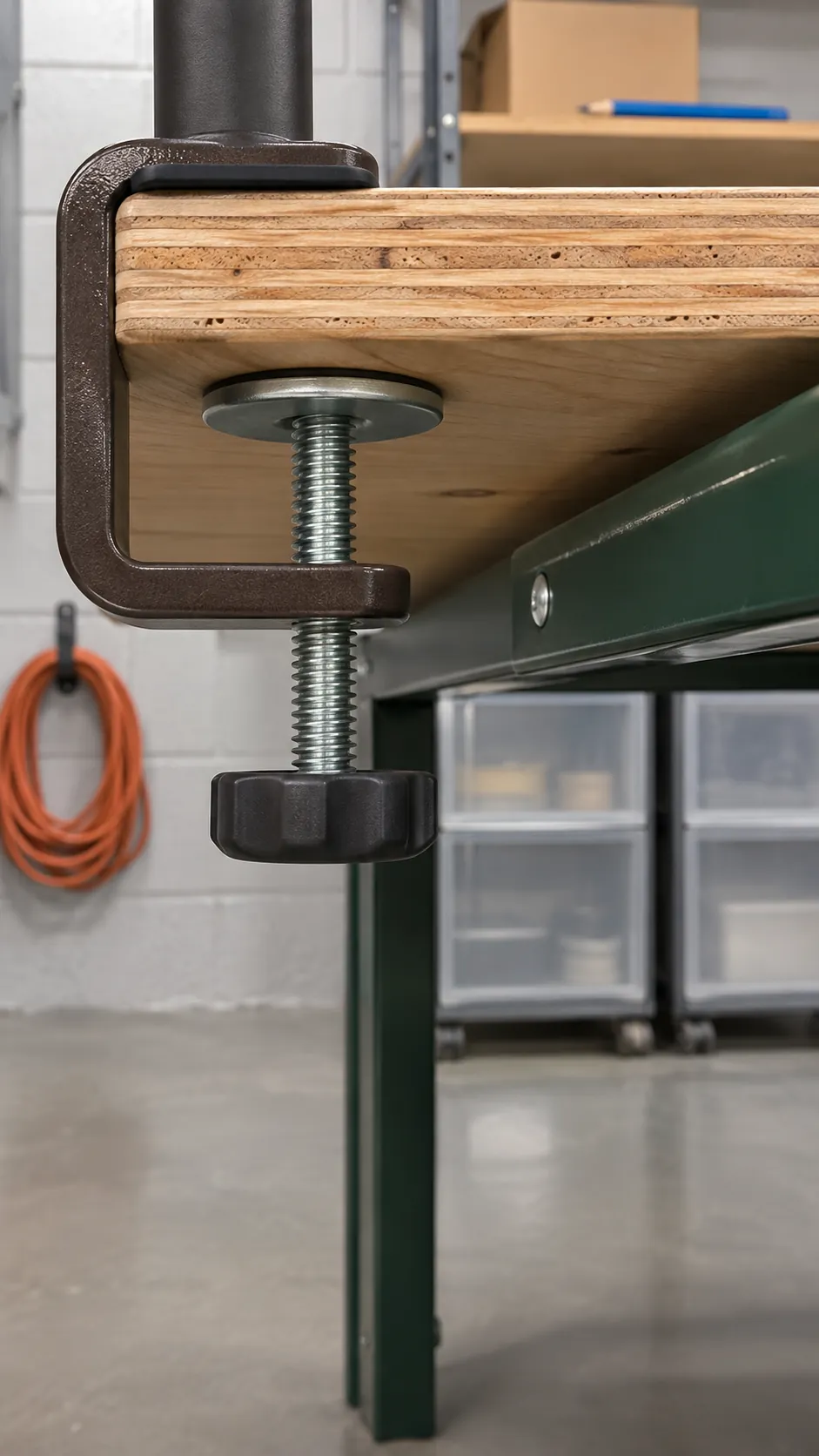
If a rail blocks the lower pad, look for a position on an approved side edge or a model with a mounting method your desk supports. A cable hole only works for a grommet mount if its diameter, underside clearance and the surrounding desktop meet the mount and desk requirements.
Trace the arm’s path as it folds
The elbow of a two link arm can swing toward the wall as you push the screen back. Use the maker’s overhead drawing to trace where that elbow goes with the screen centered and at the distance you want. Then check the other positions you will use, including tilting the screen or turning it to the side. The question that comes up in this desk setup discussion is how to get the screen back when the wall takes away the elbow’s usual path.
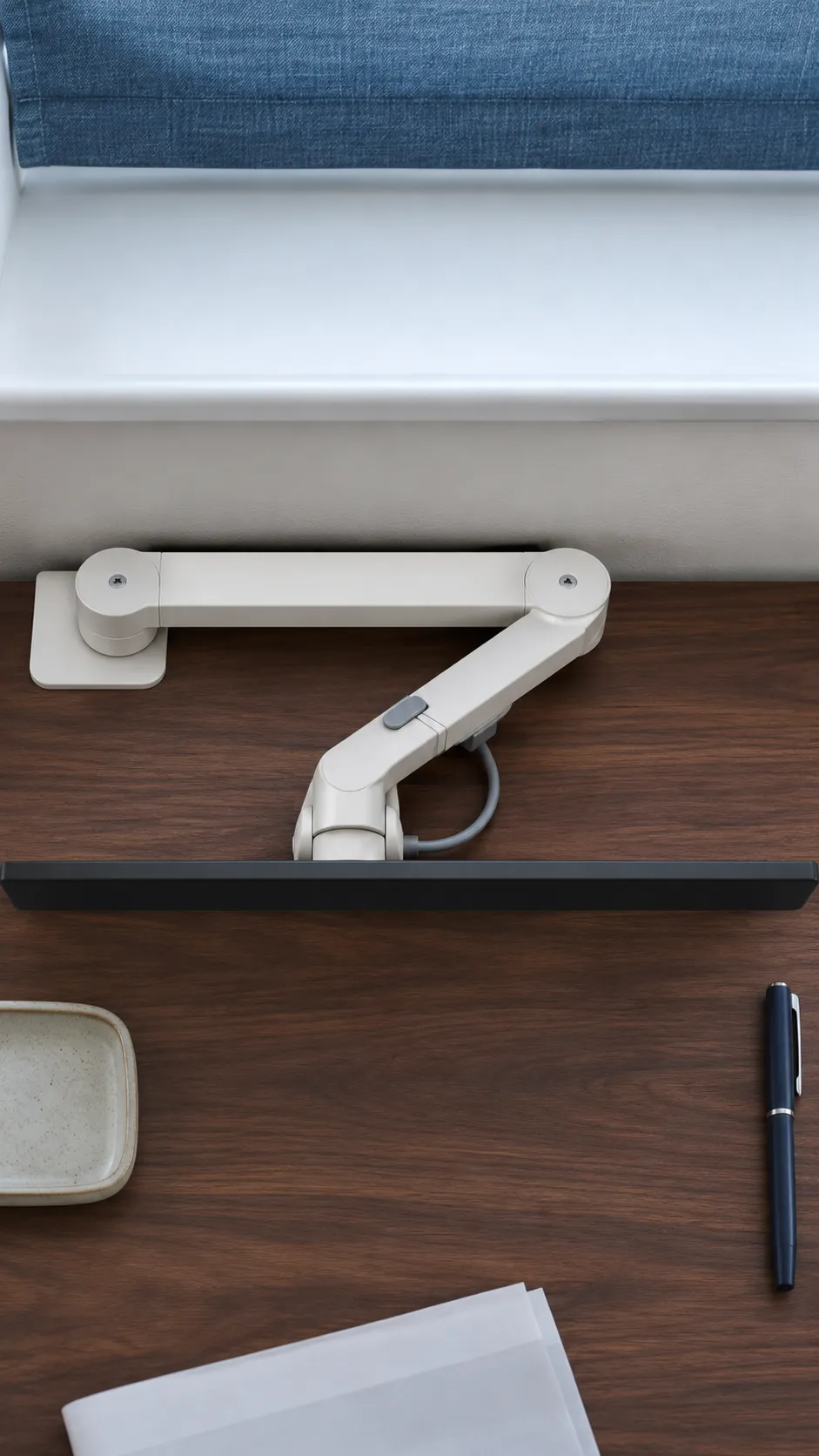
A side offset base may let the links fold across the back of the desk while the screen stays in front of you. Check that the arm can span the offset and that any rotation stop allows the position. A short arm on a post is another option if you rarely need to pull the screen forward.
Check where the screen face will sit
Sit in your usual working position with the keyboard where you want it. Use the current screen or a piece of cardboard on a stable support to find a distance where you can read comfortably. Measure back to the proposed screen face from a fixed point, such as the front edge of the desk.
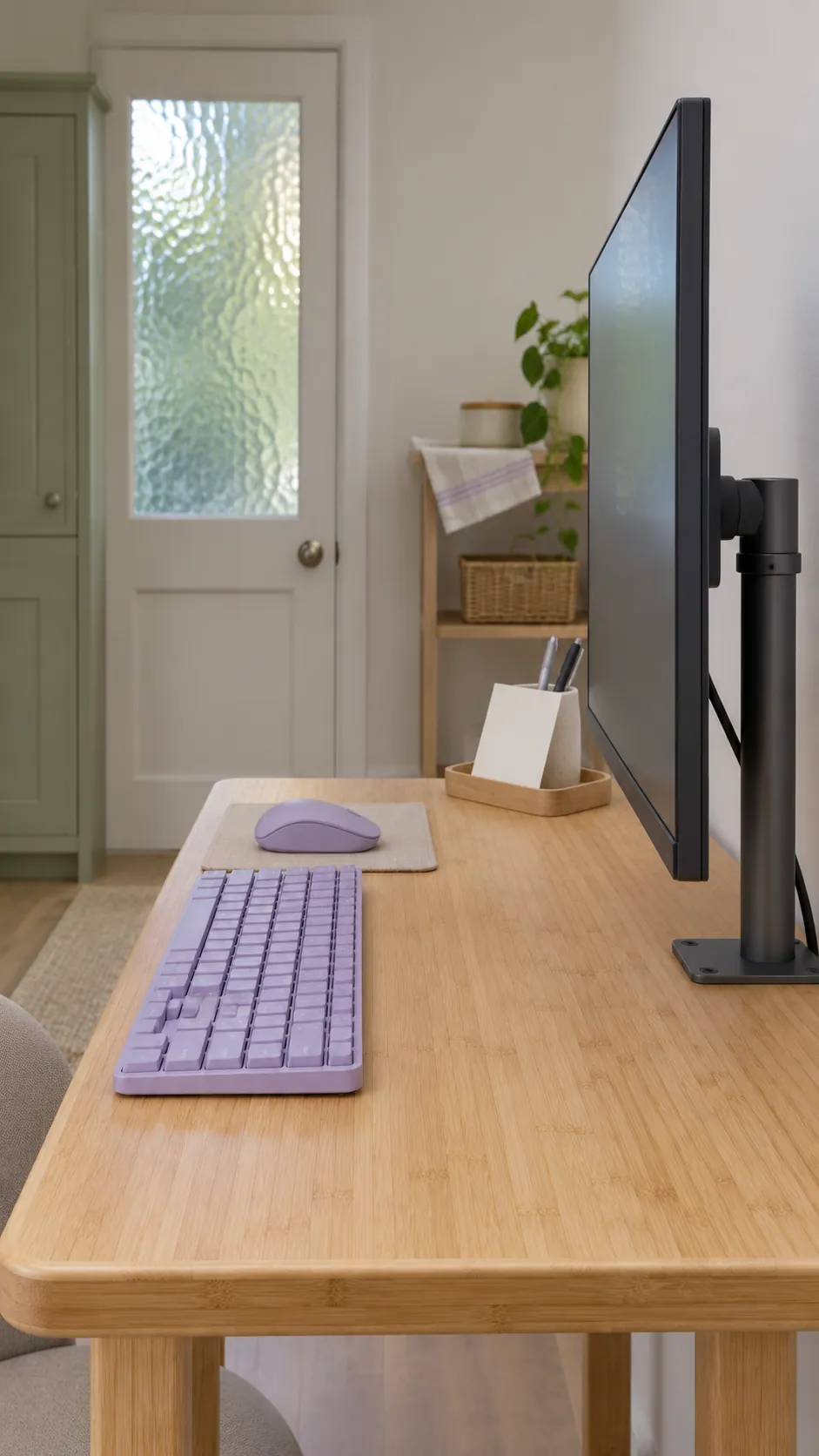
A maker’s reach measurement may stop at the mounting plate. Account for the distance from that plate to the front of your monitor, including any specified spacers. Check the mount’s minimum forward reach as well as its maximum. The smallest reach can matter most when you are trying to move a screen away from your eyes.
Check screen height and cable clearance
Measure the height of the mounting holes relative to the screen’s top edge. Use that offset to check whether the arm can put the screen where you need it. Check the hole pattern and monitor weight without its stand against the mount’s specifications. For an arm with a spring, check both the lower and upper weight limits.
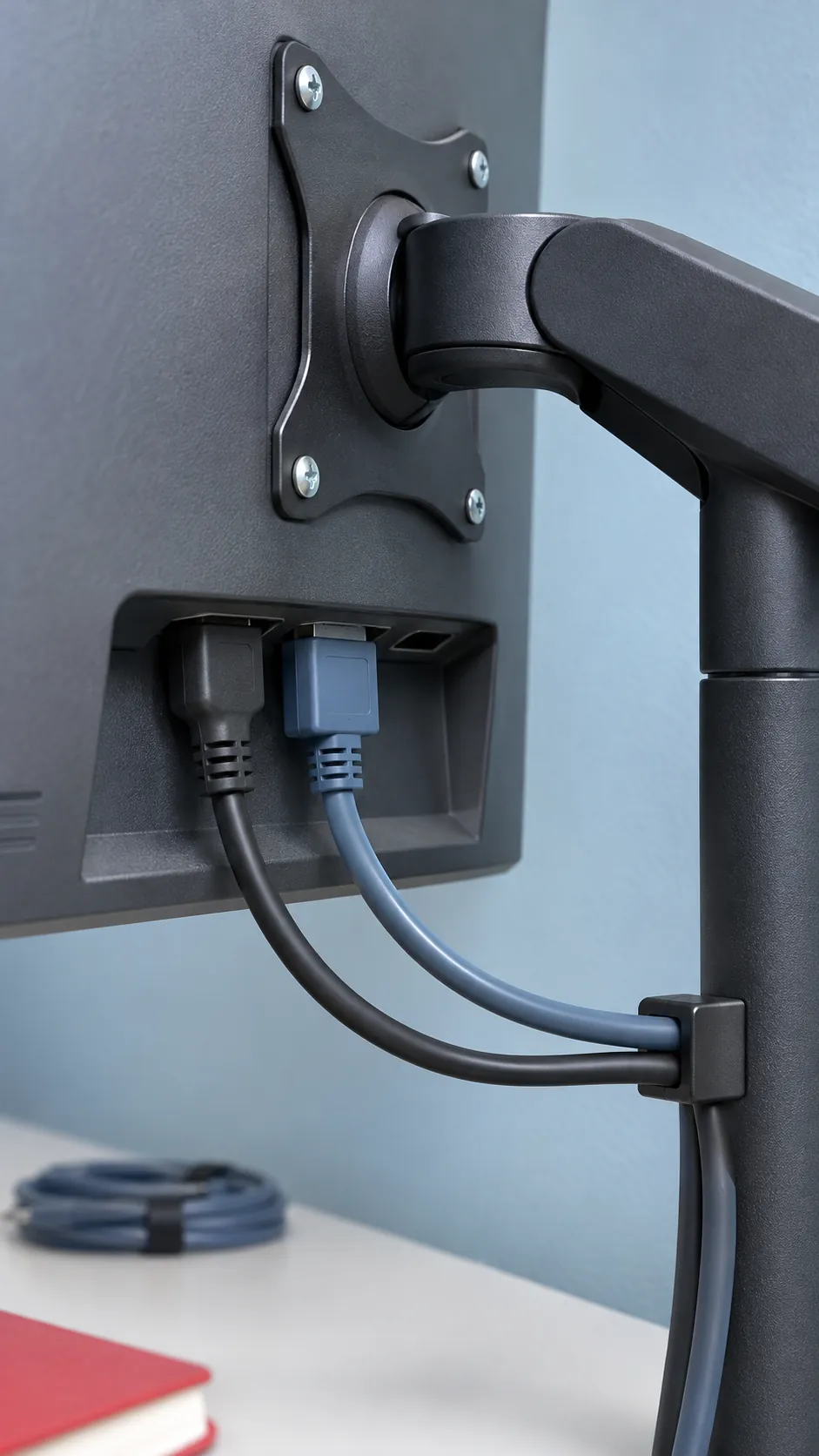
Allow room for the power and video plugs where they exit the monitor. Follow the cable route through the arm’s usable positions and leave enough slack to move the screen without pulling at either plug. If the desk rises, test the section between the desk and the wall outlet through the same motion.
Choose a mount that clears the wall in daily use
If you need a large range of motion, look for an arm that fits the gap at its clamp and clears the wall through all the positions you plan to use. For a screen that stays centered, a short mount on a fixed post may take less space behind it. If there is no usable mounting point on the desk, a slim stand can still be a good fit, and a wall mount is an option where the wall and your lease allow it.
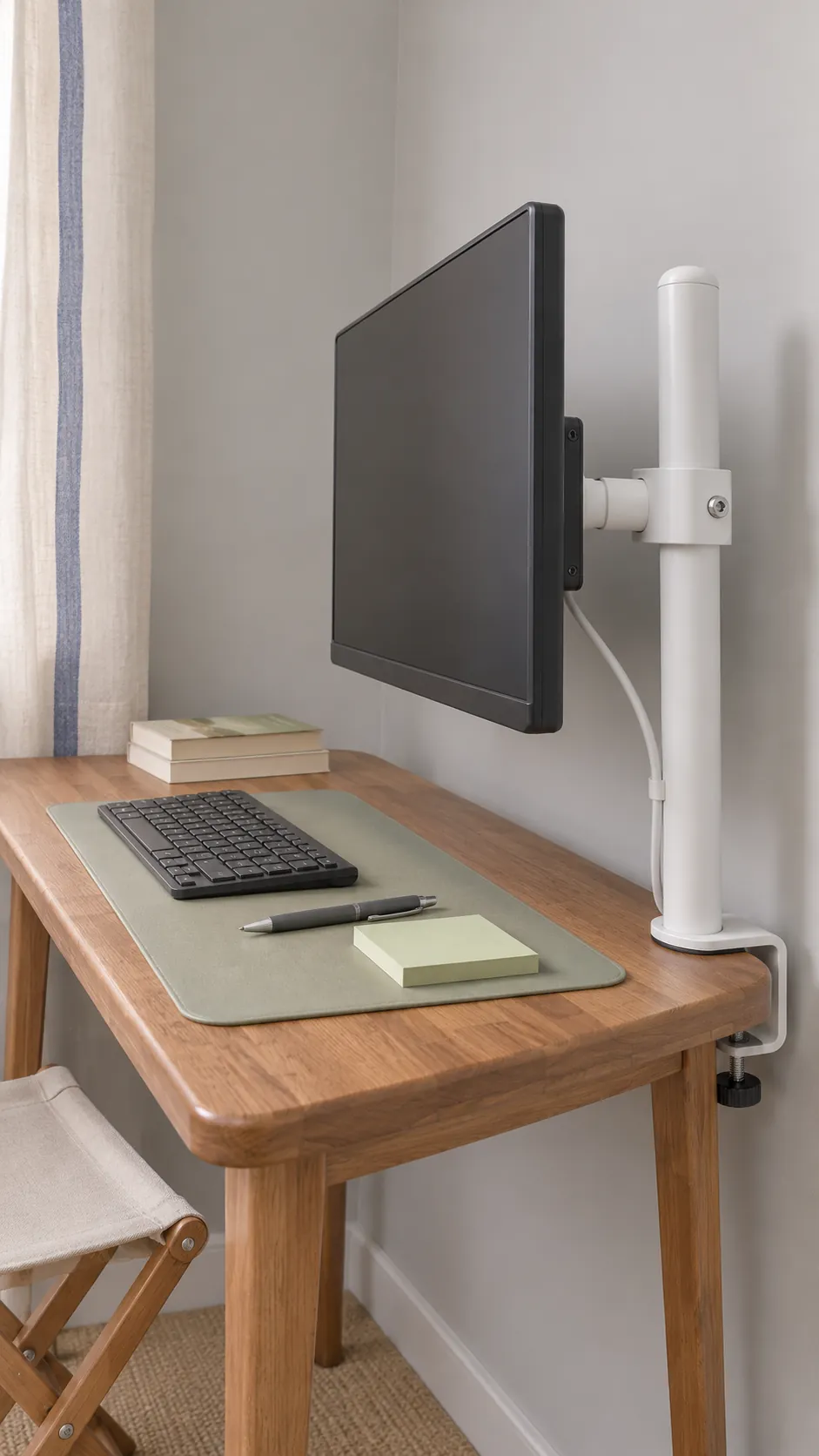
Before tightening anything, move the empty arm slowly through the intended path as directed in its installation guide. Once the monitor is attached and secured, check again for a clear gap at the wall, screen and cables. Test the position where you actually work before you decide the mount fits.