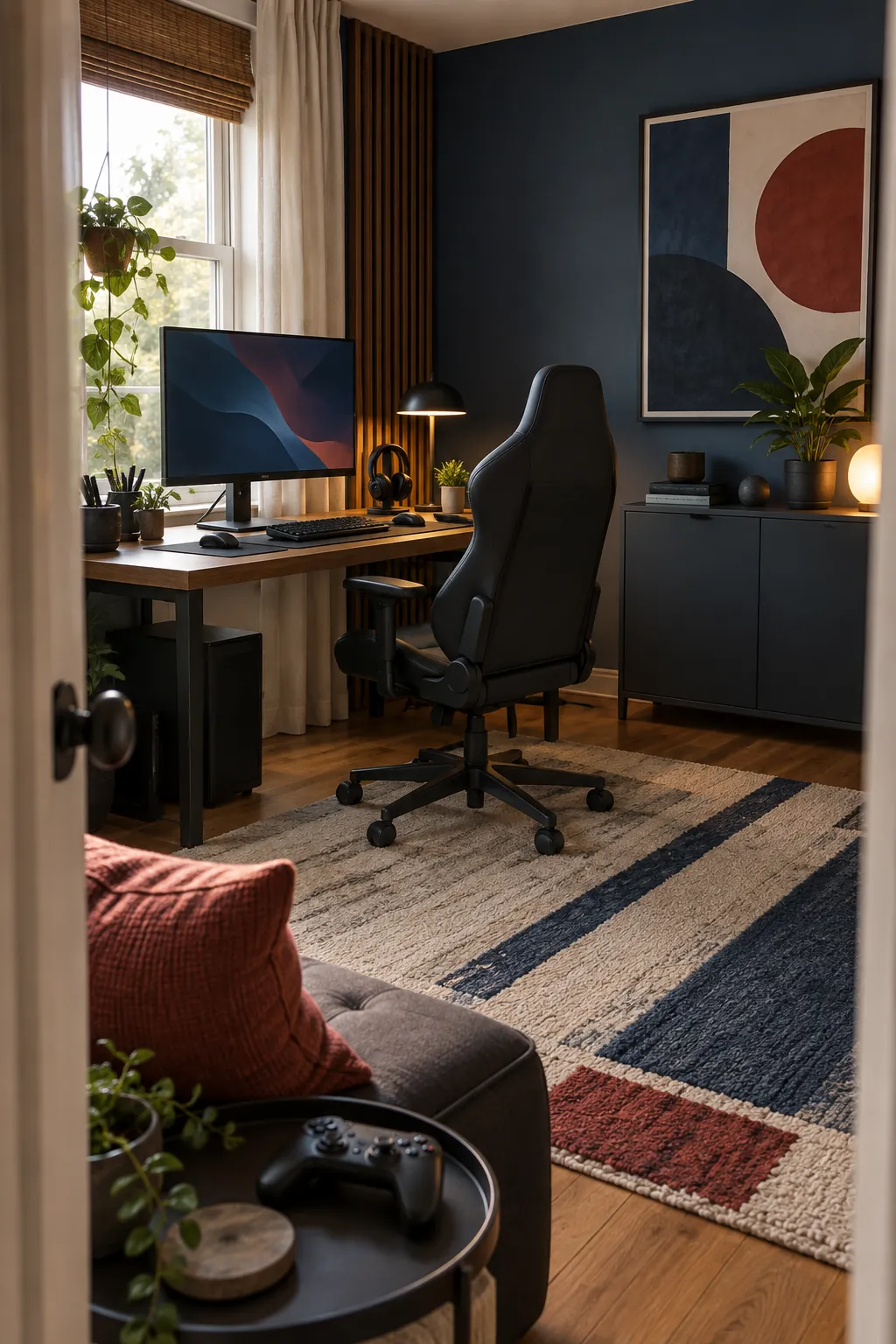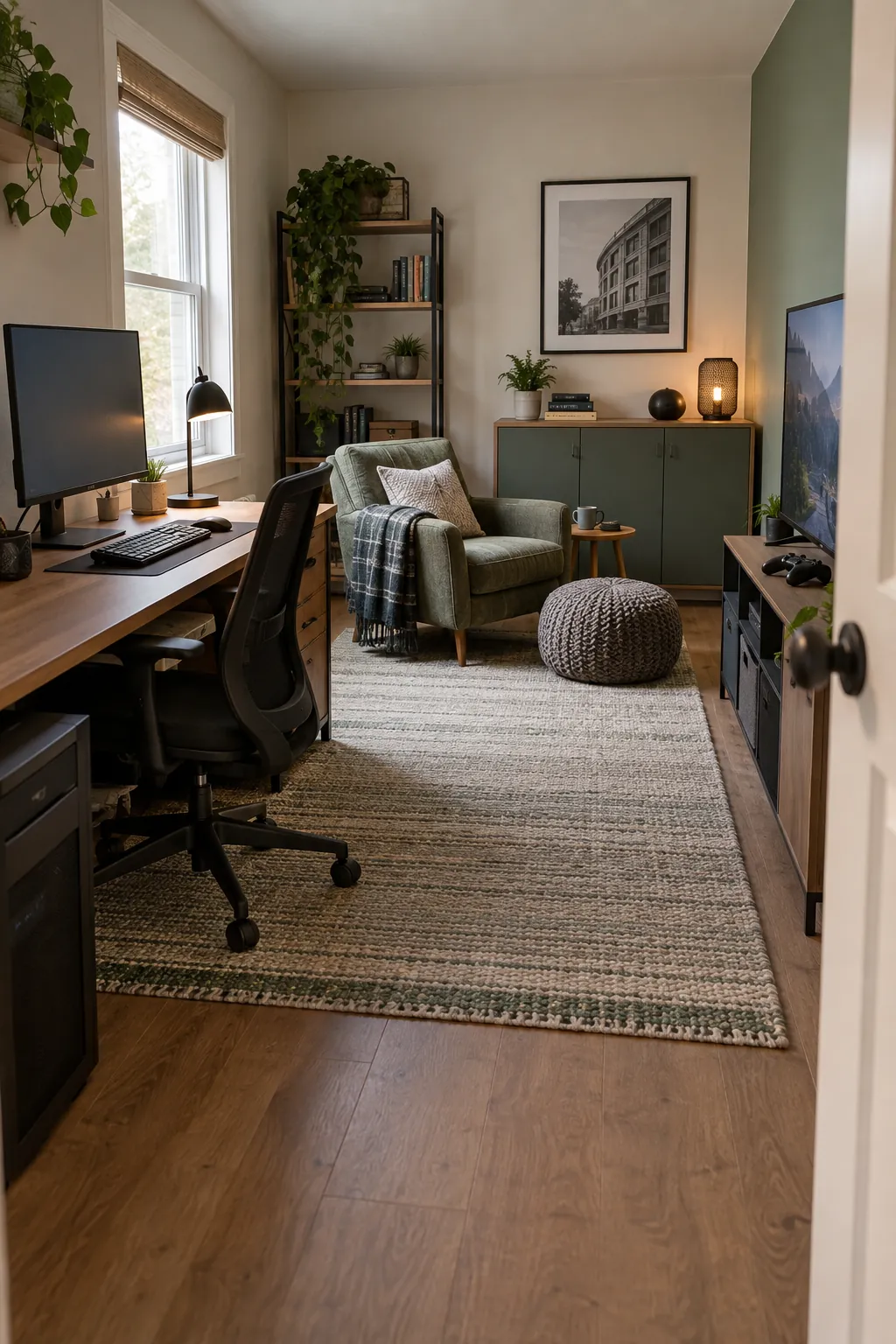
A room can look impressive in a photo yet feel cramped the moment you pull out the chair or reach for a controller. Start with the space you actually have, the games you play, and the paths people use to move through it. The most effective choices solve a physical problem first, then give the setup its personality.
Place a slim desk on the longest wall
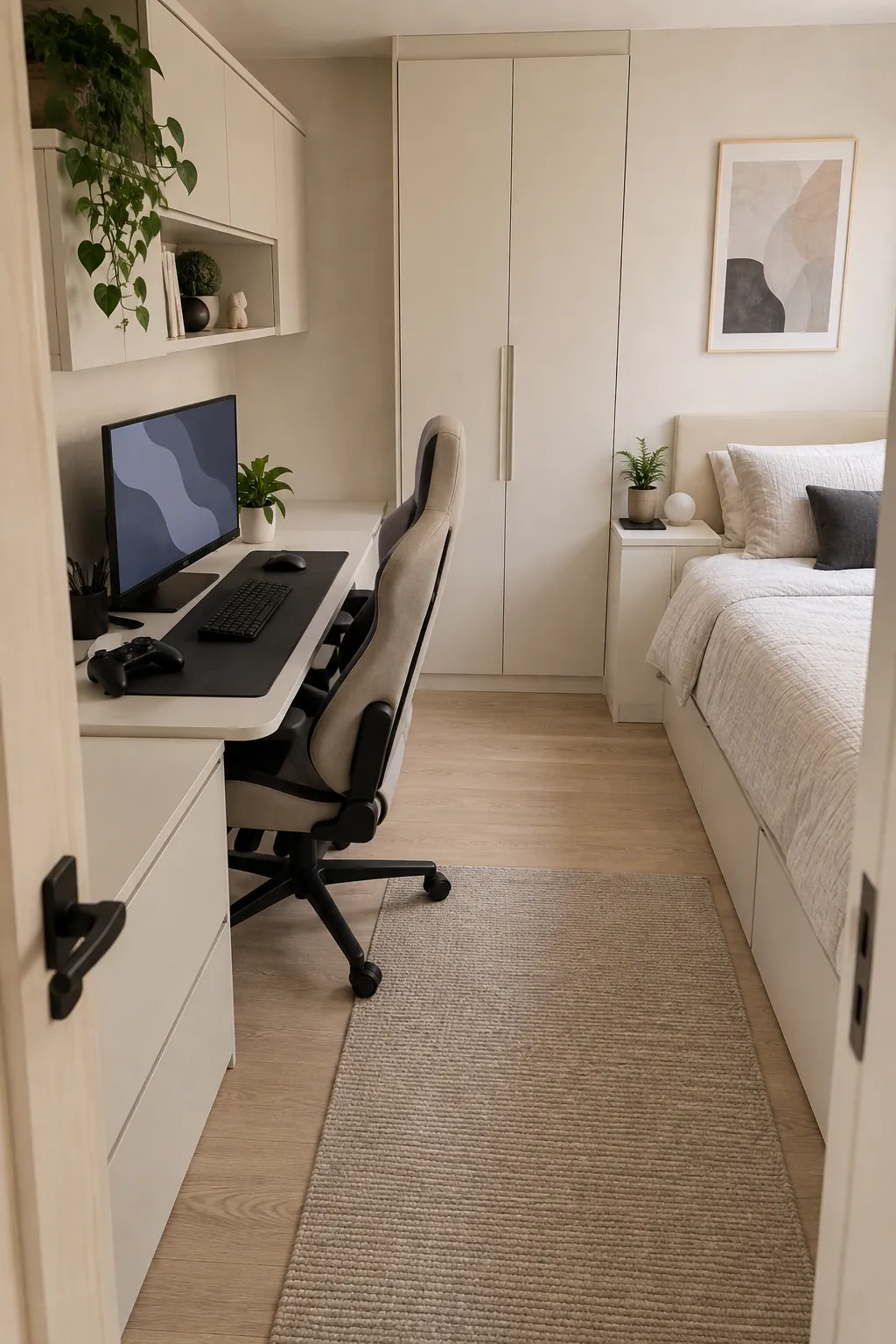
A narrow desk against the longest clear wall gives a small gamer room a deliberate center without blocking circulation. Measure the chair pullback as carefully as the desktop width so the door and drawers can still open. A monitor on a compact stand leaves the remaining surface for a keyboard and a drink. Keep the tower on a ventilated side shelf if the floor space is tight.
Turn an unused corner into a workstation
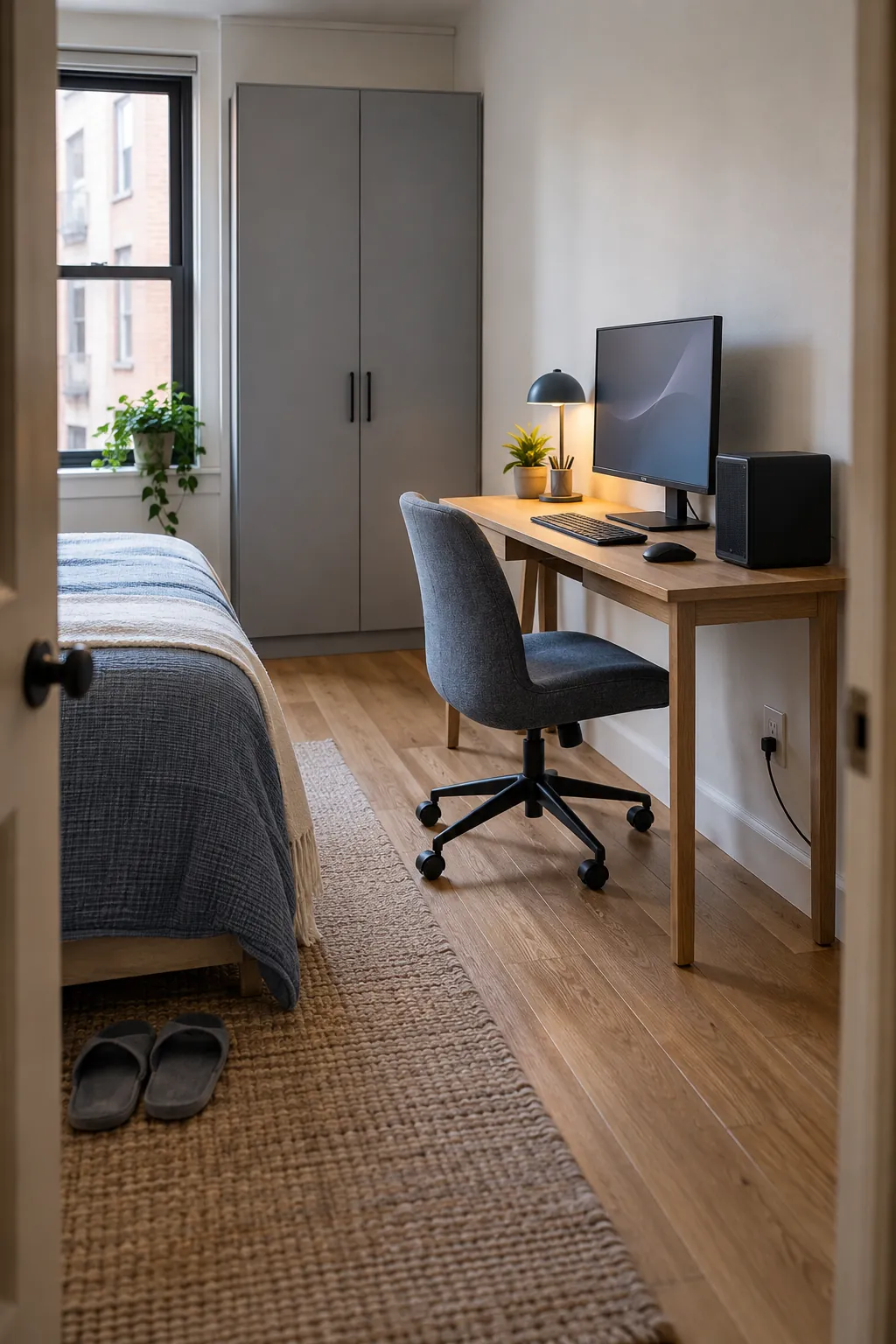
An awkward corner can hold a triangular or shallow corner desk while the rest of the bedroom remains usable. Place the main screen on the side that lets your shoulders face forward during long sessions. Check both wall outlets before committing to the desk position, since long cords across the floor create a trip hazard. A single corner shelf can carry controllers without crowding the work surface.
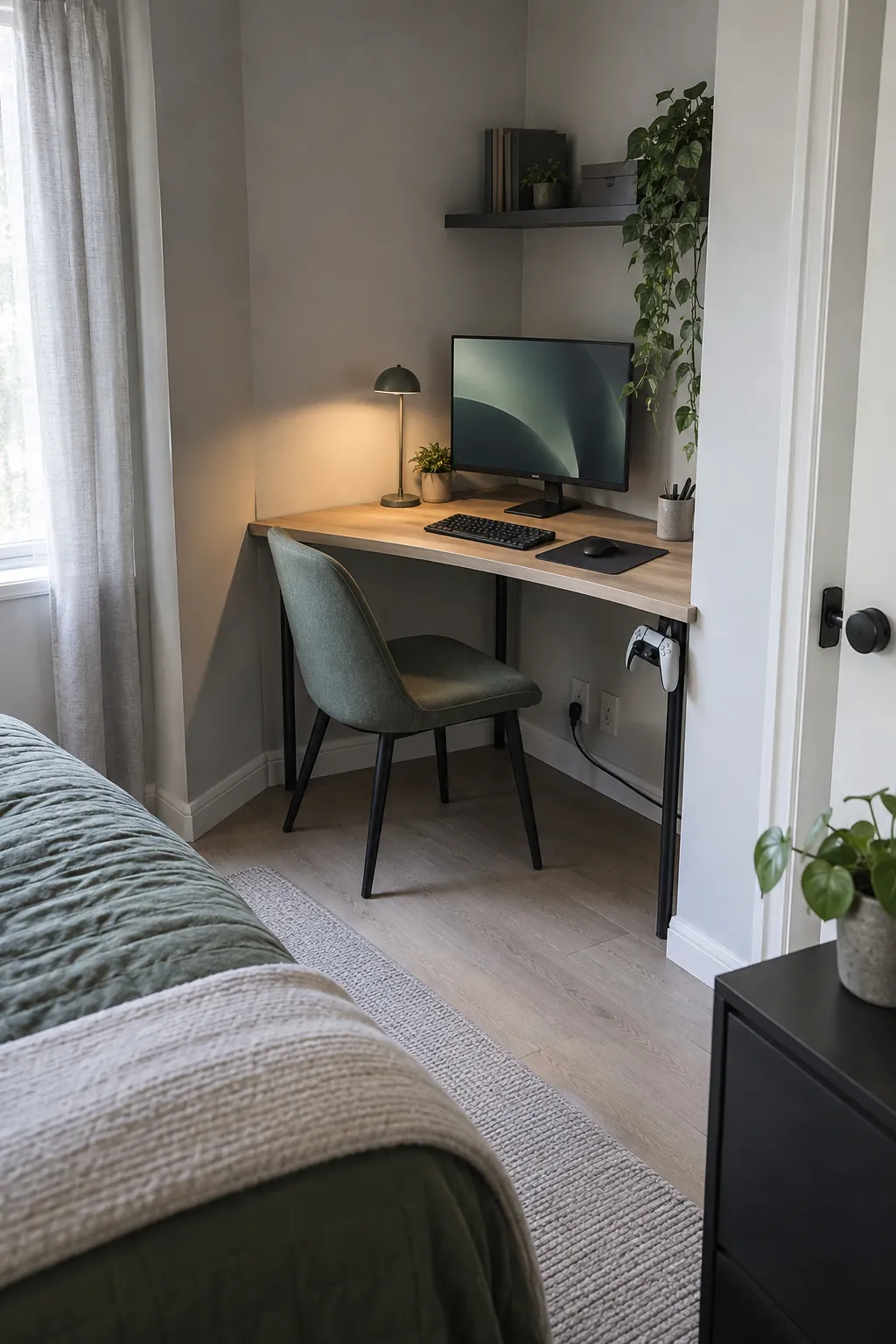
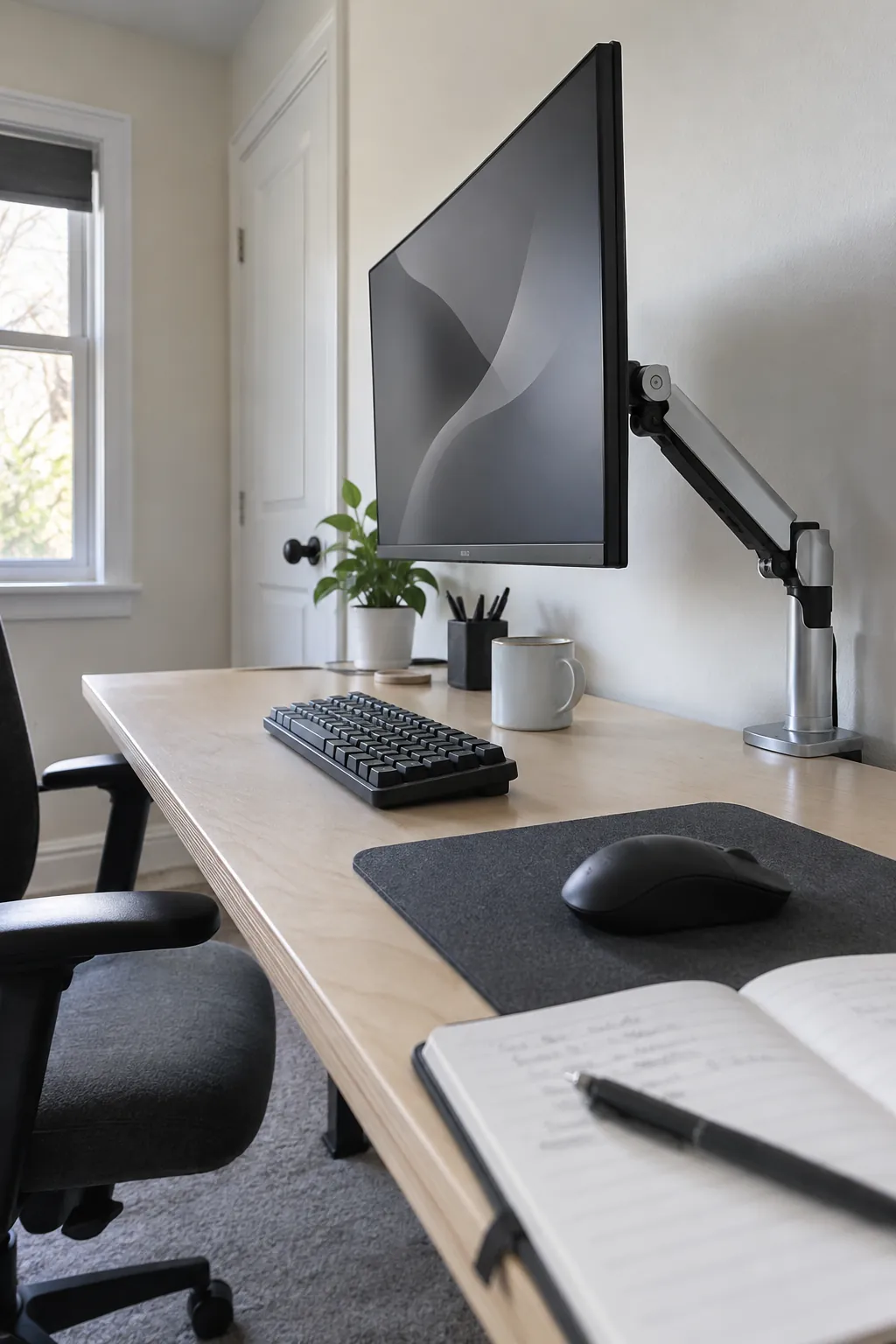
Free desk depth with a monitor arm
A monitor arm moves the display back and creates useful room for a full keyboard and mouse movement. Confirm that the clamp fits the desk edge and that the desktop can support the mount. Leave space behind the screen for the arm to travel without striking a wall. This change is especially helpful when a small room forces you to use a shallow desk.
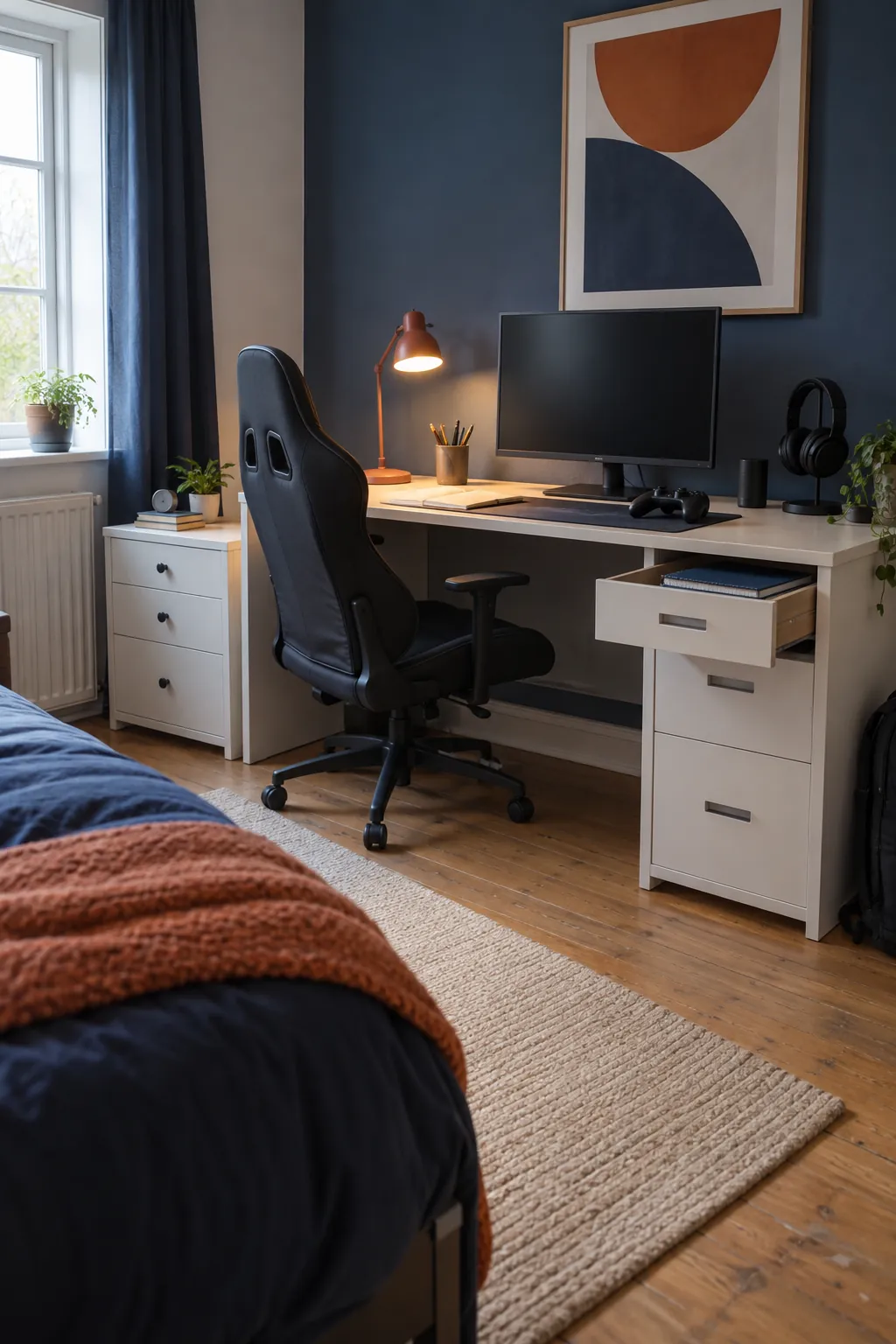
Make the bedroom desk serve two jobs
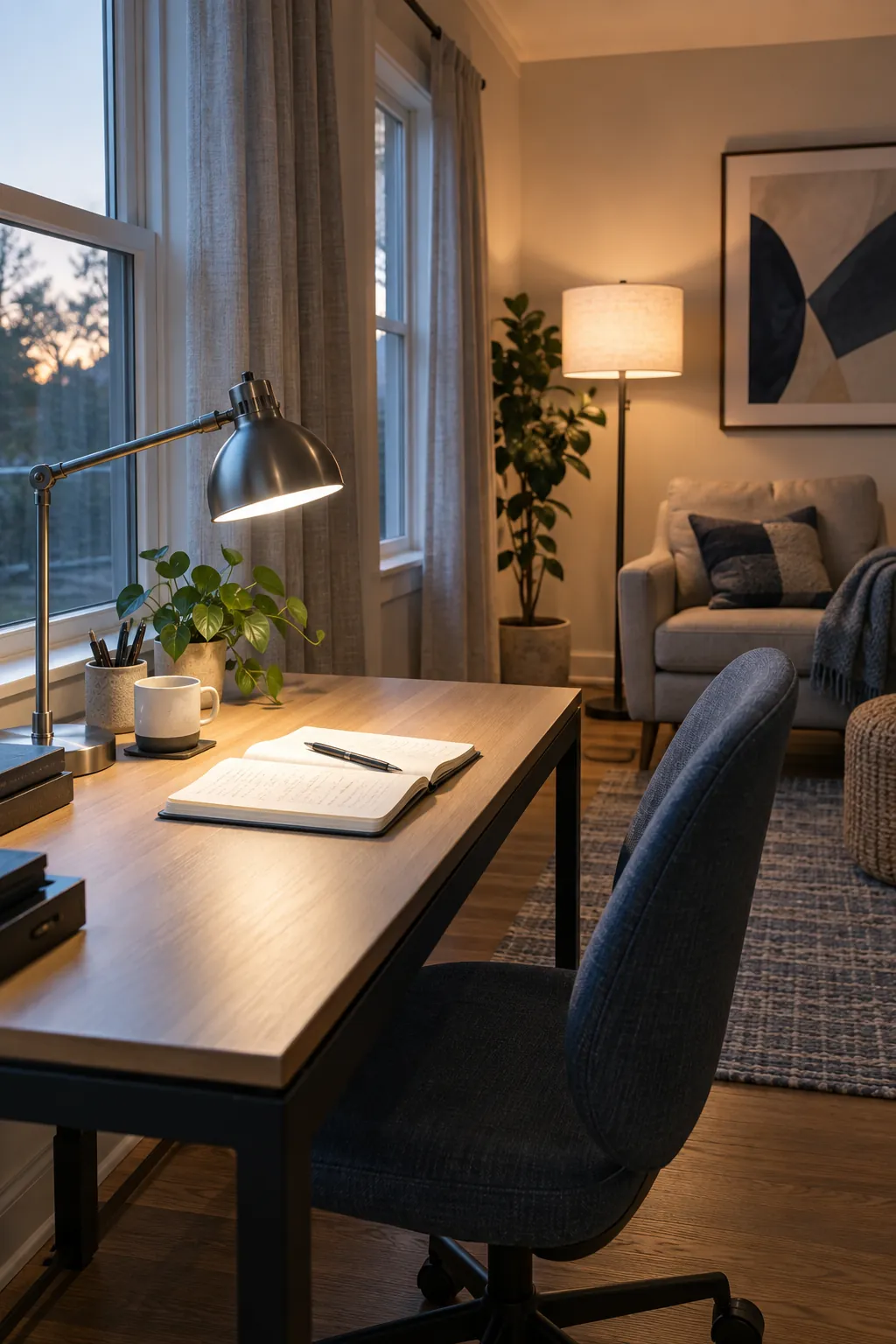
A gaming room setup in a bedroom works best when school or work materials have a clear place to go. Keep a closed drawer or file box beside the desk so papers disappear before play. Choose one adjustable task light that can illuminate a notebook without washing out the screen. The result feels like one intentional zone instead of two competing desktops.
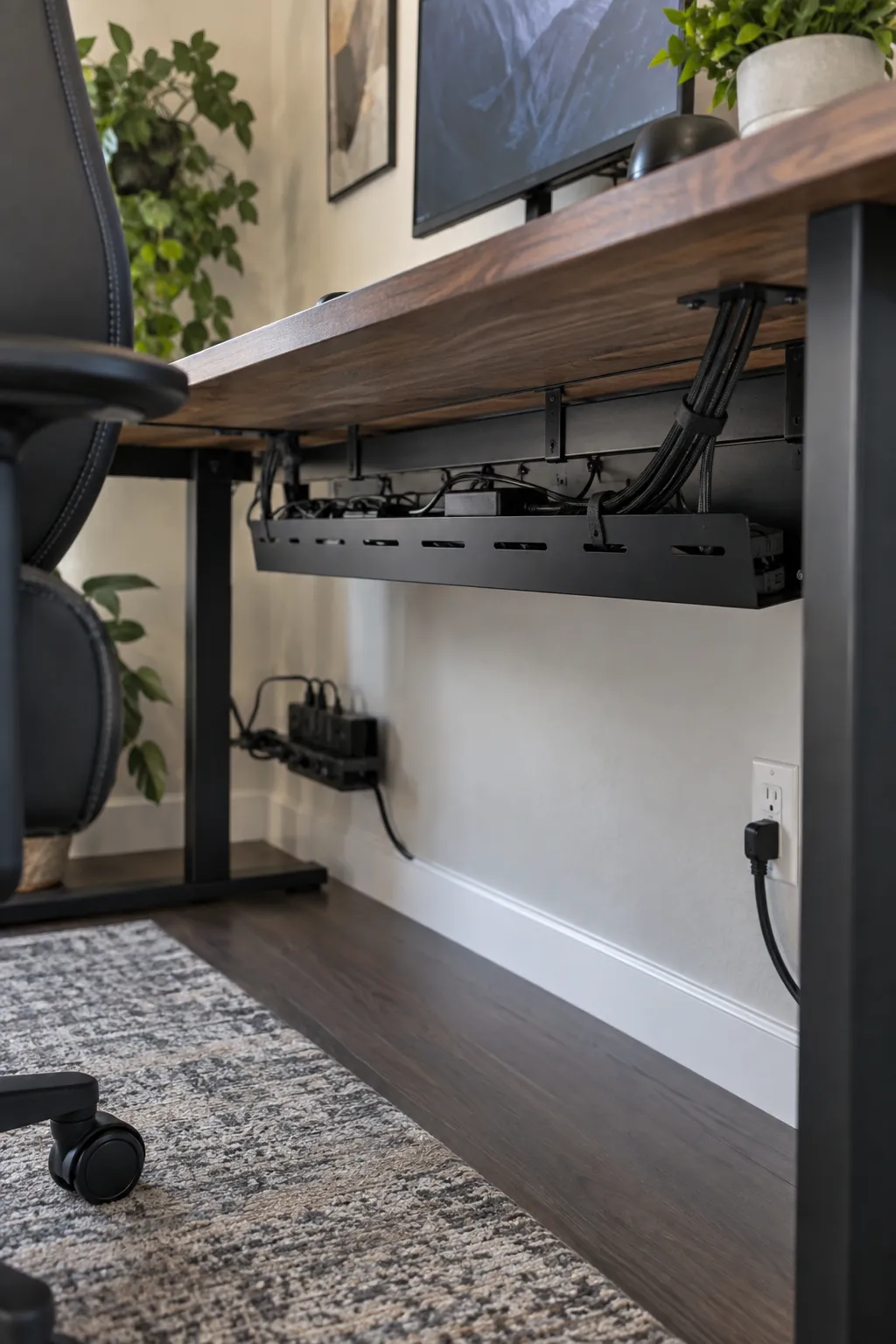
Tuck cables into an under desk tray
Loose cords can make an otherwise calm setup feel unfinished and difficult to clean. Mount a cable tray where you can still reach the power strip for maintenance, then route device leads through simple reusable ties. Keep the strip off the floor where dust and spills collect. Label only the cords you are likely to unplug, such as the console or monitor.
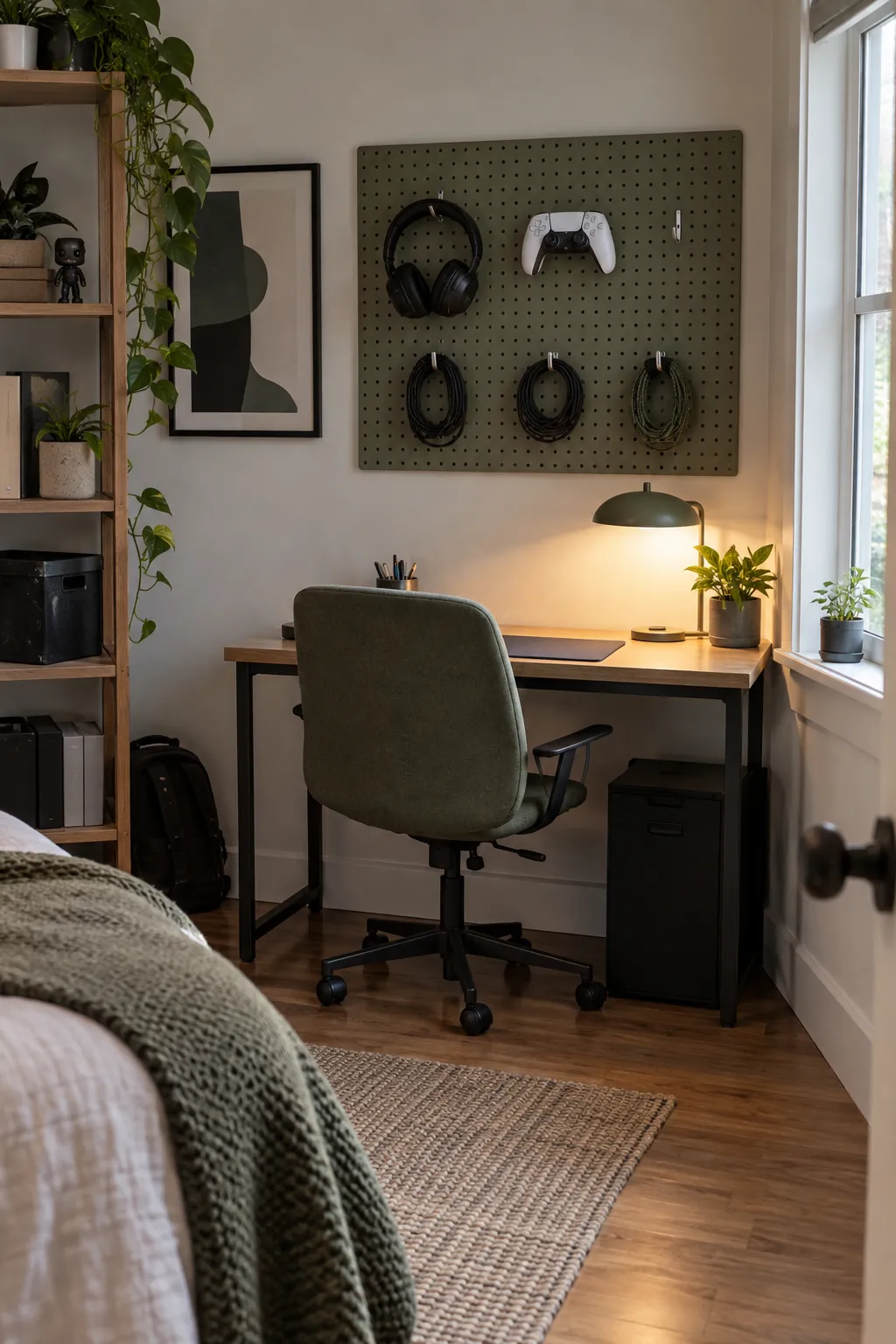
Use a pegboard for small gear
A pegboard gives headphones, handheld devices, and spare cables visible homes above a compact desk. Put the most used items near seated reach and heavier objects on properly rated hooks. Leave open wall around the board so the display does not turn into visual clutter. A restrained arrangement is easier to use than a wall filled edge to edge with accessories.
Lift consoles onto a ventilated shelf
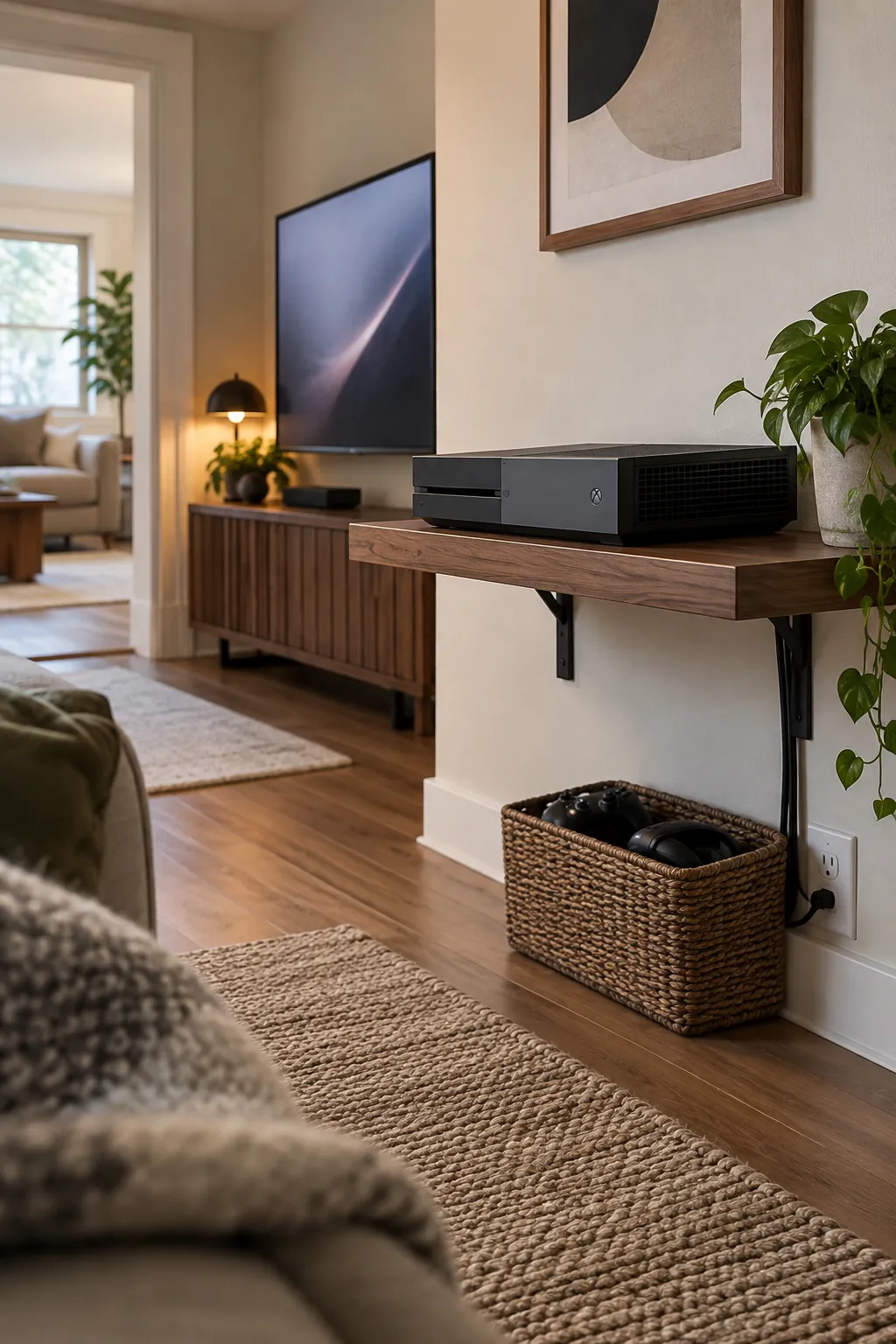
A wall shelf can save floor area when a console would otherwise sit underfoot. Choose a shelf with enough depth for the device and room for air to circulate around its vents. Route power and display leads along the wall rather than letting them hang across the seating path. Place controllers below the shelf in a shallow basket for a tidy handoff.
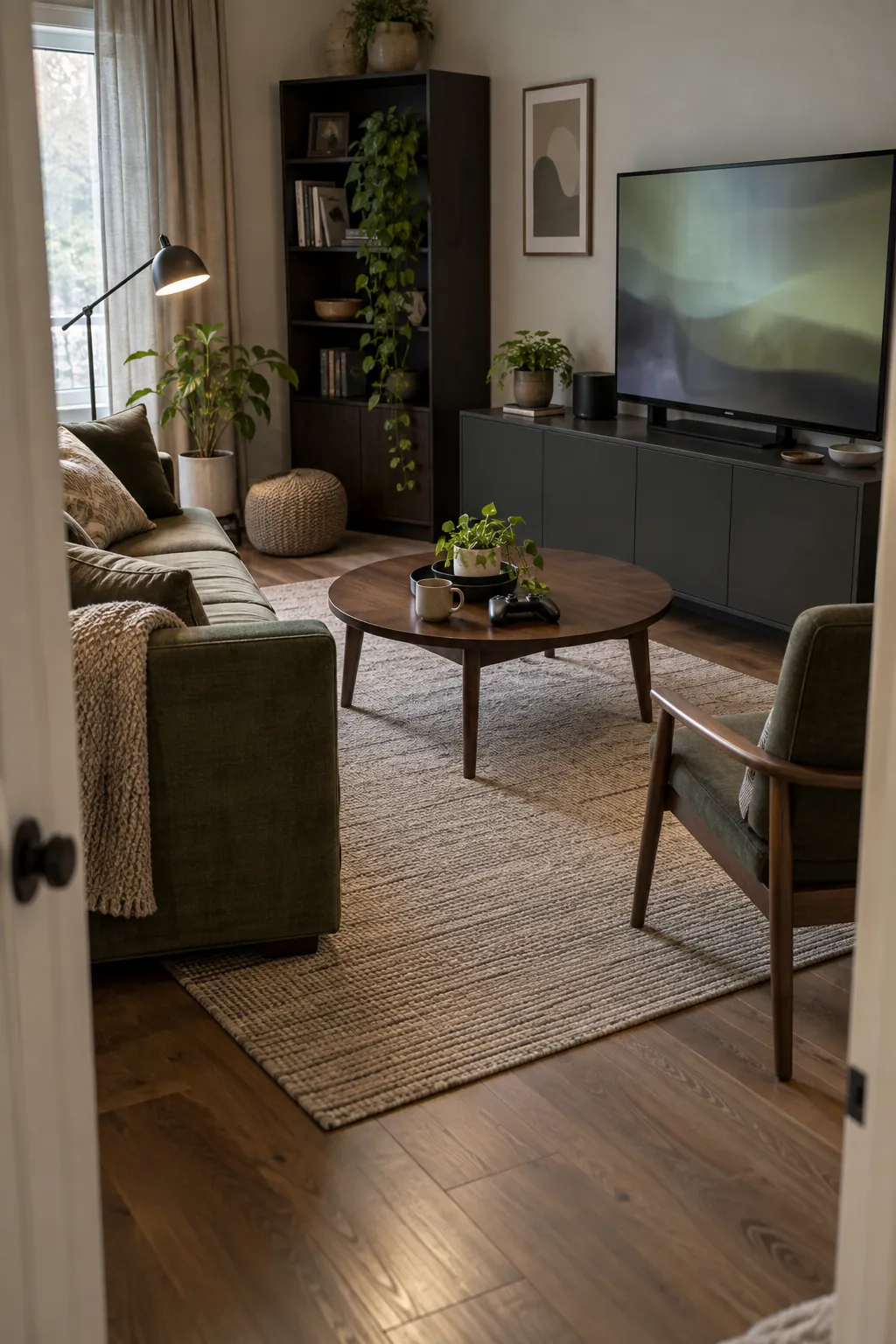
Set up a sofa facing a modest screen
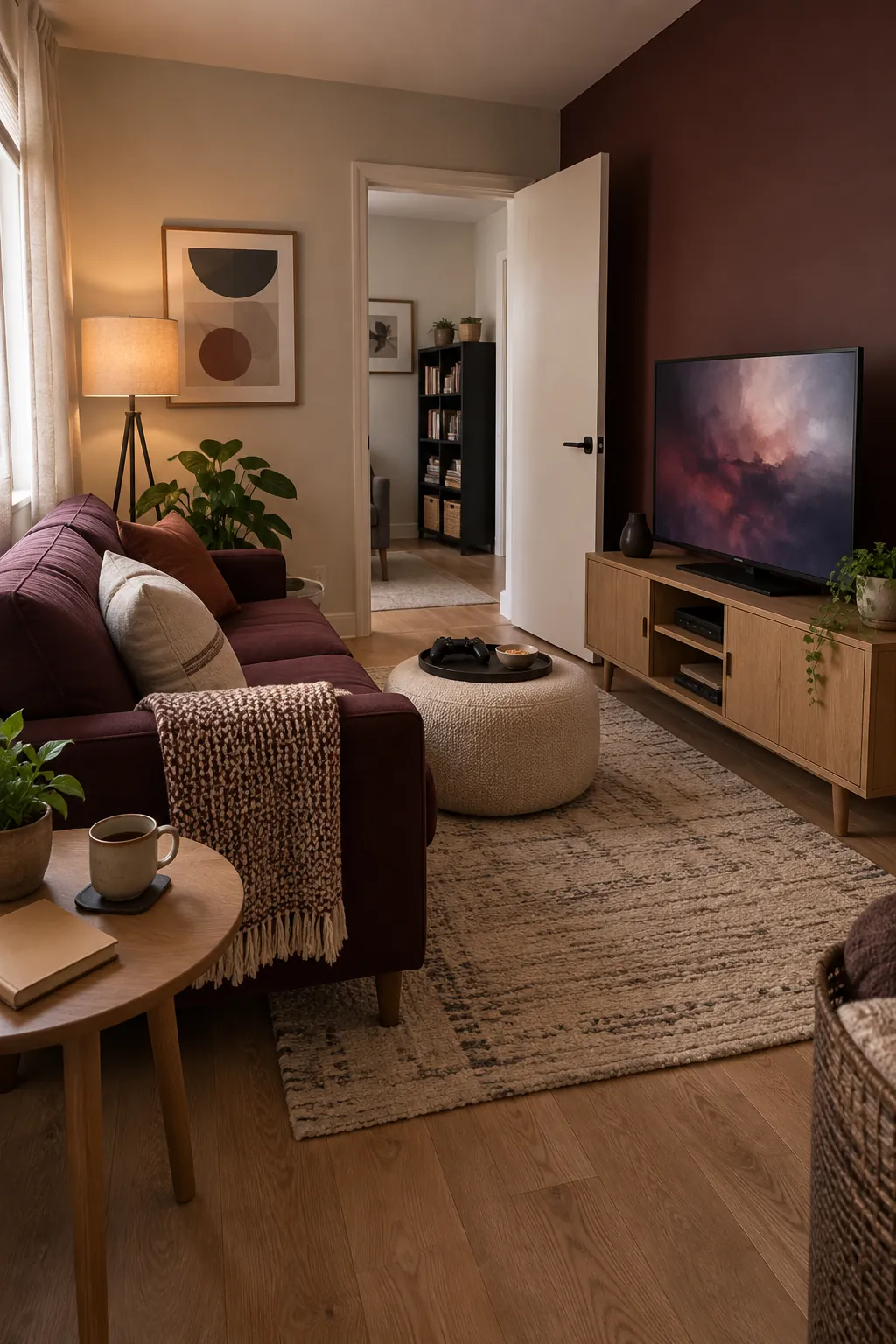
A gaming space does not need an oversized television to feel immersive. Set a compact sofa at a comfortable viewing distance and keep a clear route from the door to the seat. A low console cabinet hides spare controllers and games while leaving the display at a natural eye level. Test the layout with cardboard boxes before buying furniture.
Give a projector a truly blank surface
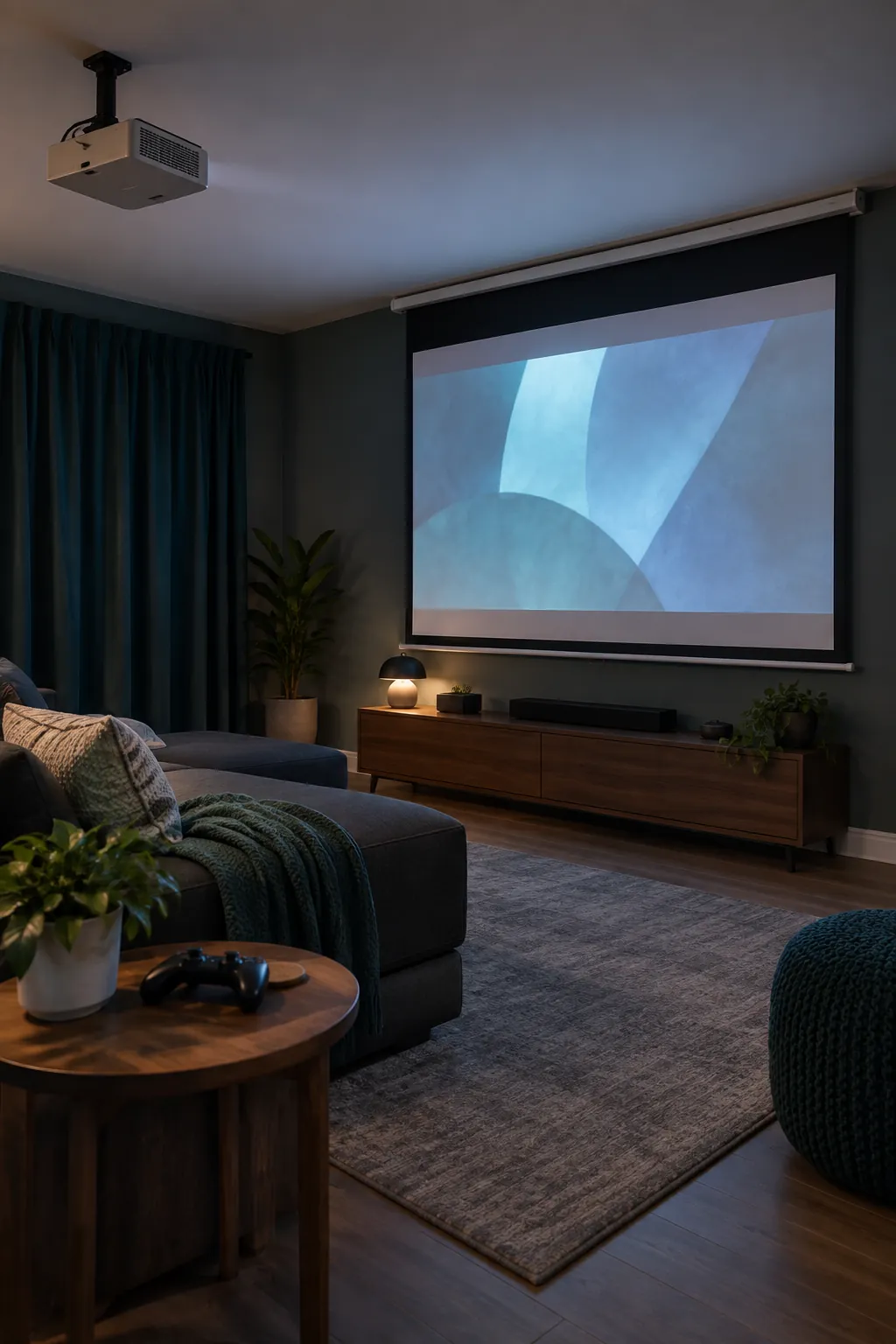
A projector can make a multipurpose room feel like a game room without a permanent large screen. Check the throw distance and ambient light before choosing this arrangement, since a bright window can flatten the picture. Keep the beam clear of walking paths and provide a stable place for the projector. A roll down screen is useful when the wall finish is uneven.
Add gentle light behind the monitor
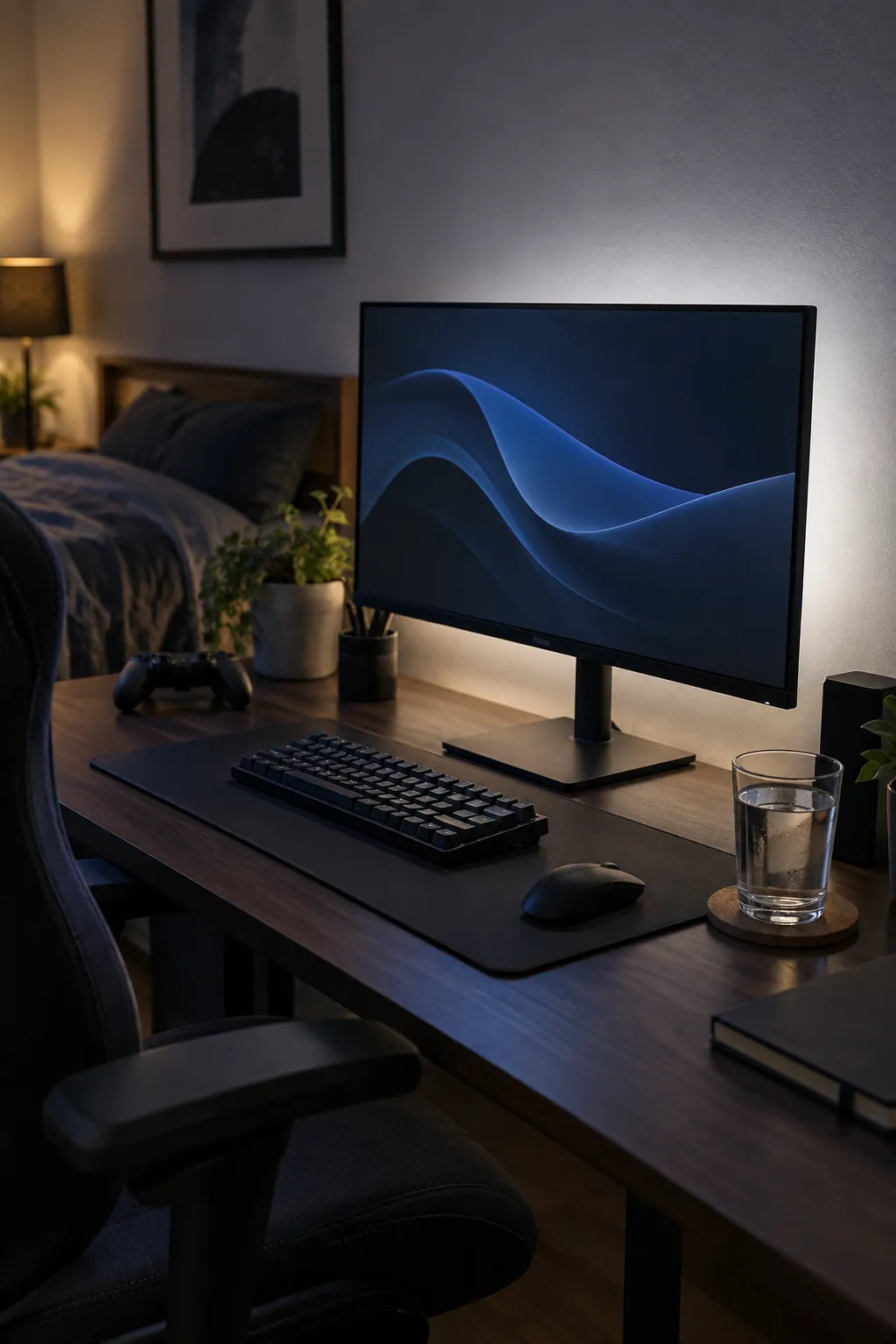
Bias lighting behind a screen softens the contrast between a bright display and a dark room. Attach the light where it cannot shine directly into your eyes or reflect in the monitor. Choose a restrained color or neutral white for regular play, then change the mood only when you want it. This is a small upgrade that keeps the desktop visually quiet.
Layer task light and room light
One ceiling fixture rarely serves every gaming activity well. Combine a focused desk lamp with softer room light so you can find a controller without glaring at the display. Aim fixtures away from glossy screens and polished tabletops. Separate switches make it easier to move between play, cleaning, and work.
Use a dark accent wall with restraint
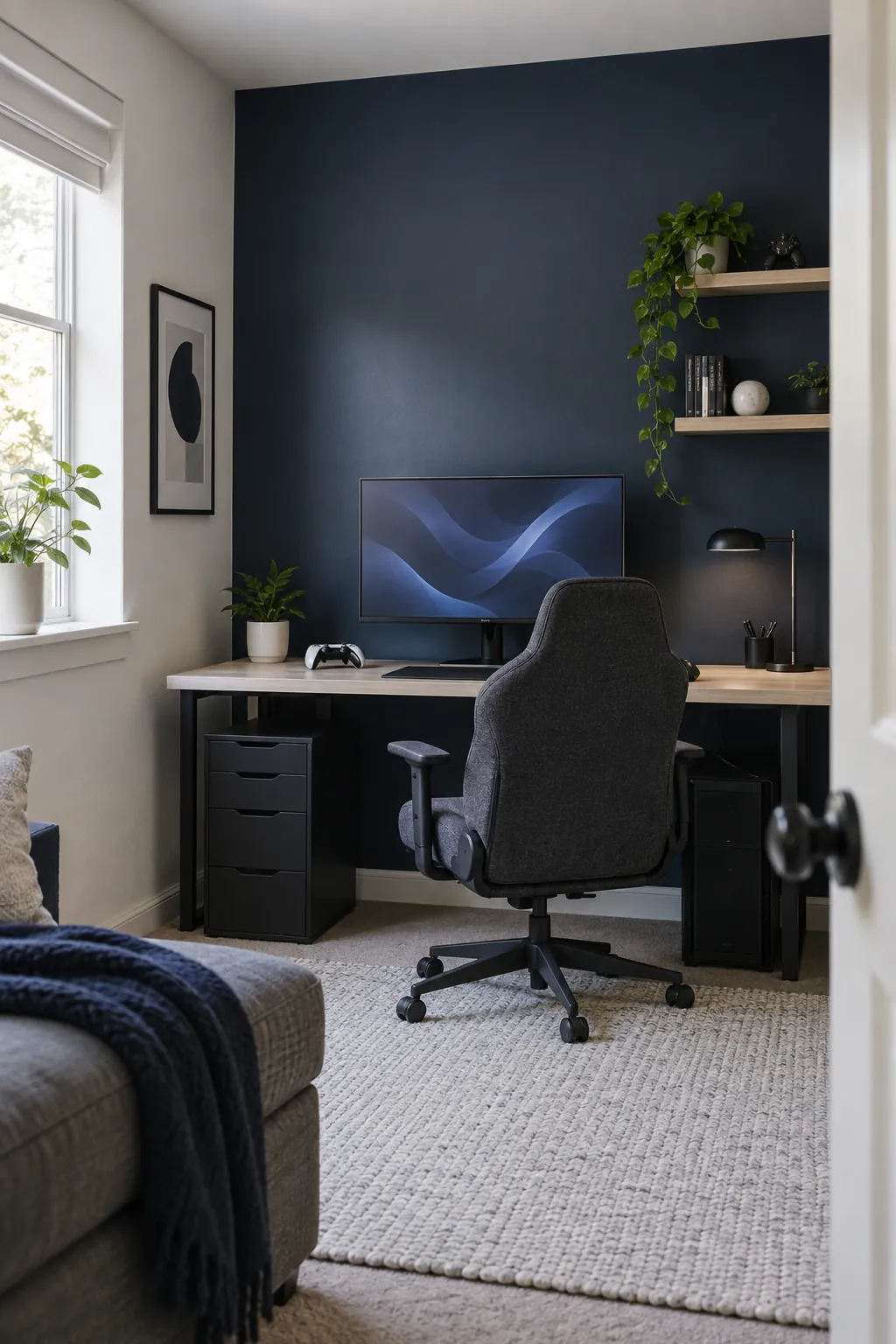
A matte charcoal or deep blue wall can give a gaming station depth without making the entire room feel closed in. Keep the adjacent walls lighter so daylight still spreads through the space. Test a paint sample behind the screen at both day and night before painting. Avoid a shiny finish that reflects every changing game scene.
Keep a pale backdrop for a tiny room
Light walls make a small gaming room setup feel less crowded when equipment occupies most of the floor. Warm white or soft gray lets the screen and a few favorite objects provide the color. Repeat the wall tone in a cabinet or shelf so storage blends in. Use one darker surface under the monitor to anchor the composition.
Soften echo with everyday textiles
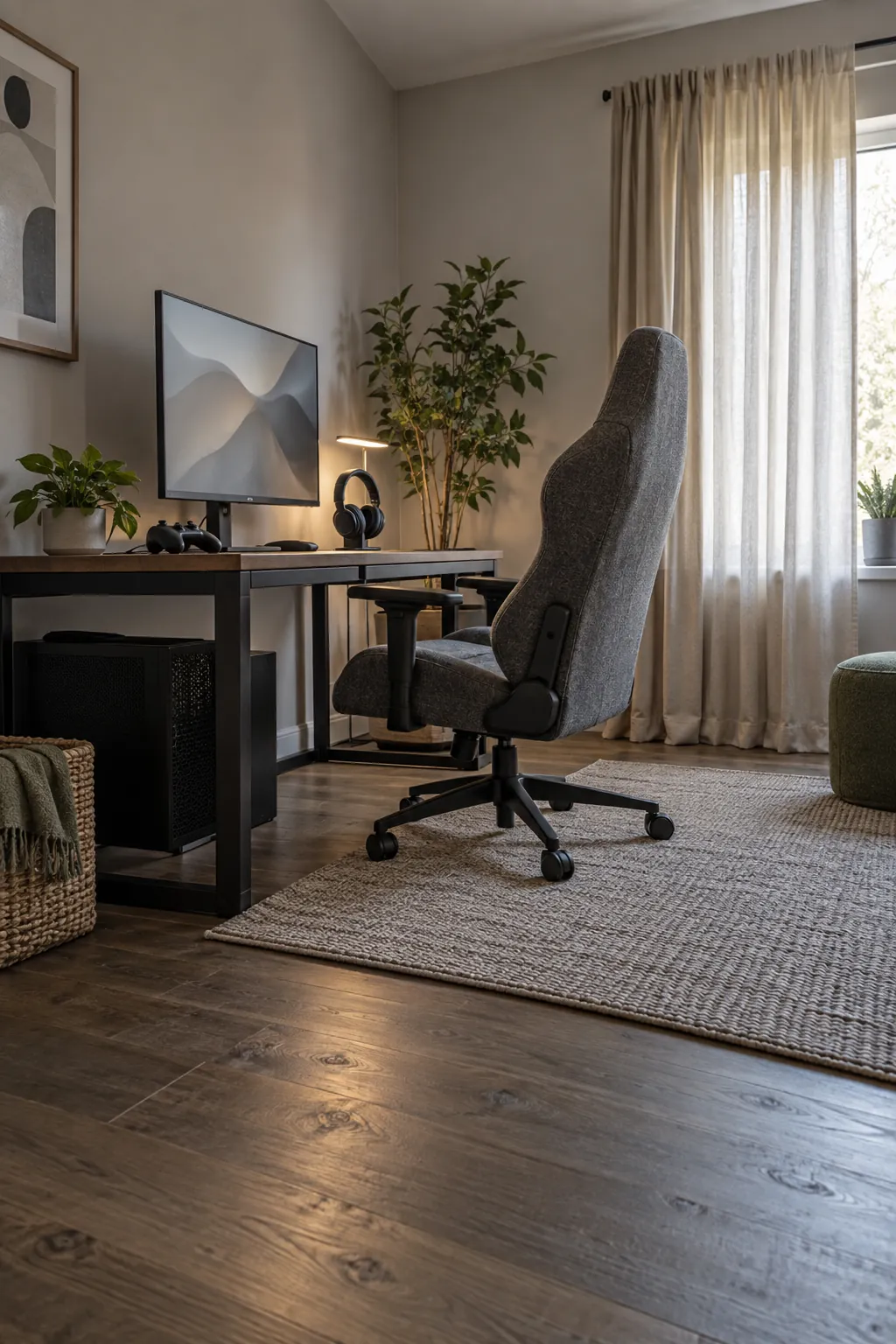
Hard floors and bare walls can make voice chat sound sharp in a sparse room. A rug, curtains, and an upholstered chair introduce soft surfaces without requiring studio panels everywhere. Keep fabric clear of computer vents and power strips. Try the room first, then add only the amount of soft furnishing that improves comfort.
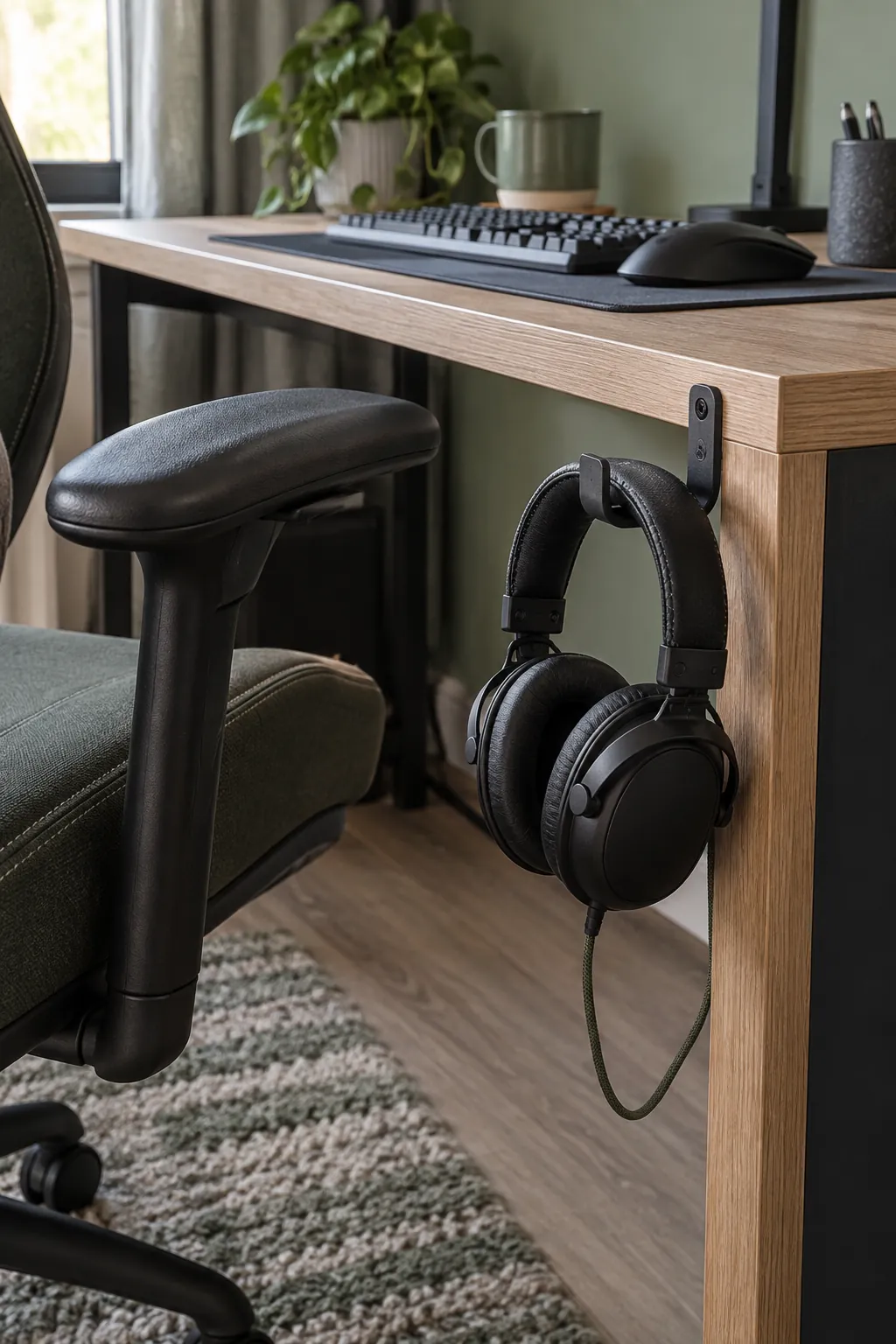
Give headphones a dedicated hook
A hook at the side of the desk stops a headset from taking over the keyboard area. Place it where the cable will not snag on the chair arm when you stand. A wall hook works when the desktop edge is too thin for a clamp. This small habit also makes it easier to see when the headset needs charging.
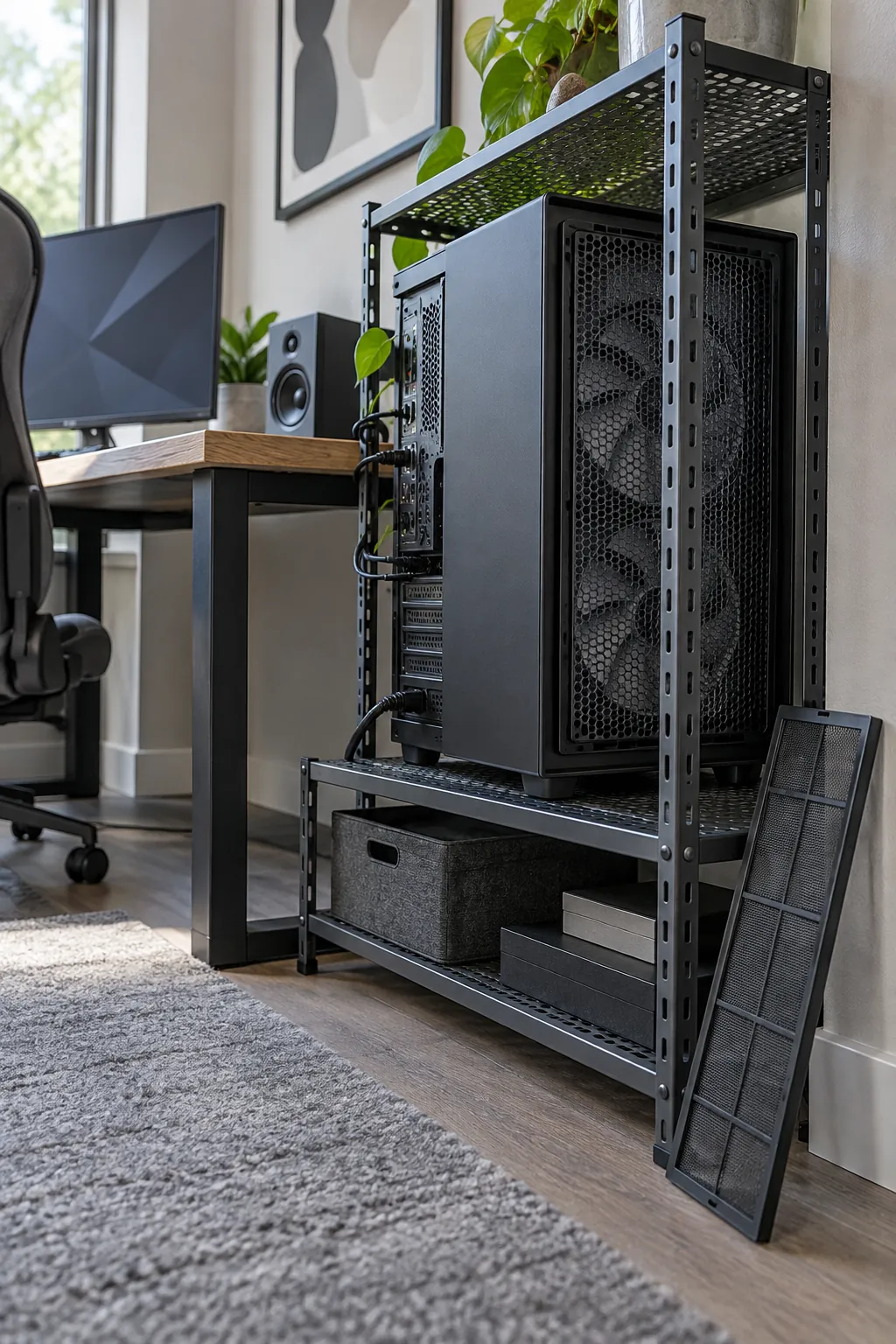
Leave the computer room to breathe
A powerful computer needs clear intake and exhaust paths even in a beautifully styled room. Keep the case away from thick carpet and avoid enclosing it in a tight cabinet. Leave enough space to remove filters and reach the rear ports for cleaning. If the desk is against a wall, account for warm air leaving the back of the machine.
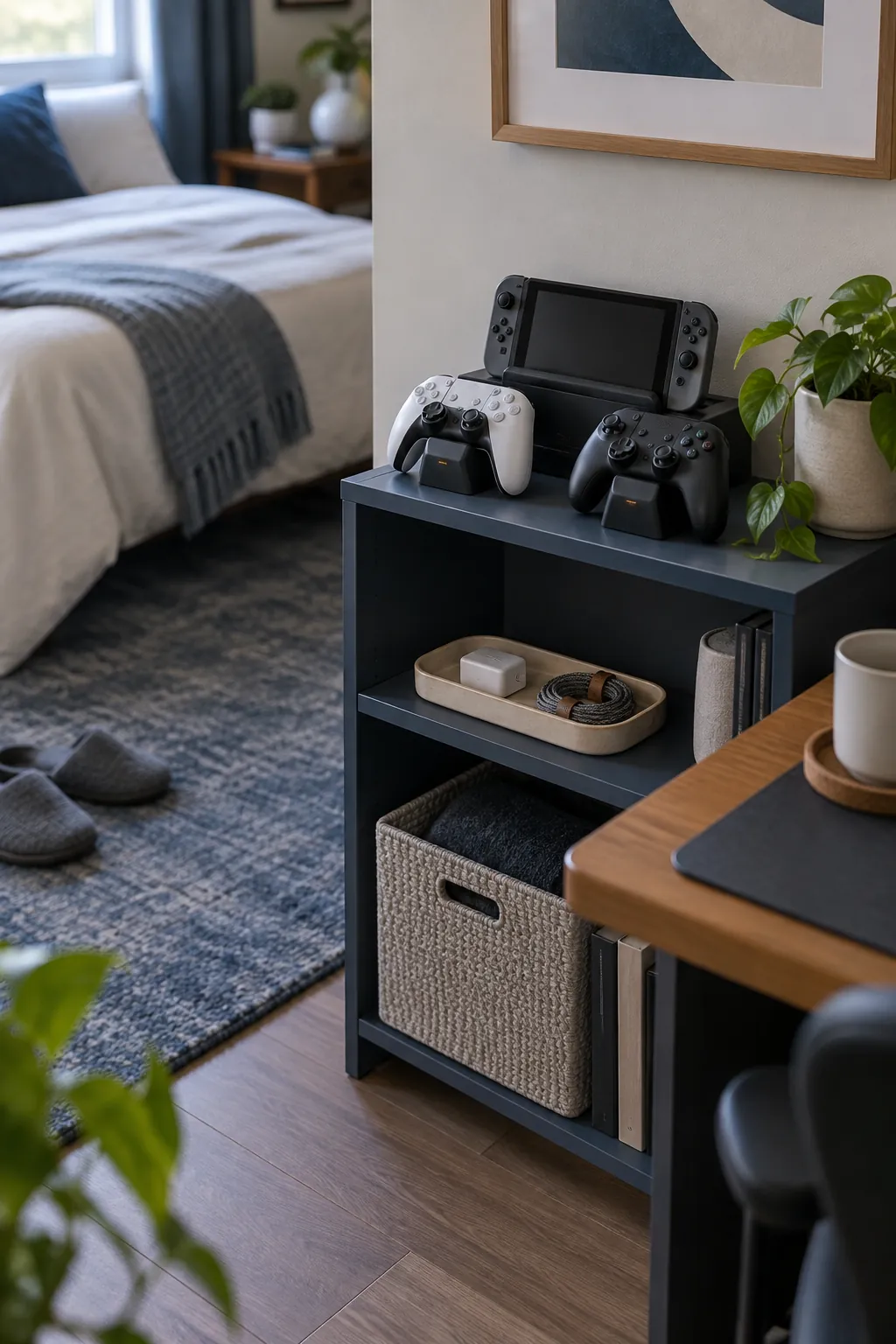
Build a compact charging spot
A small charging station prevents controllers and handheld devices from spreading across the whole room. Give each device a stable landing place near an outlet, with cable slack that does not pull it off the shelf. A shallow tray keeps tiny adapters from disappearing. Check that charging lights will not face the bed if this room is also for sleep.
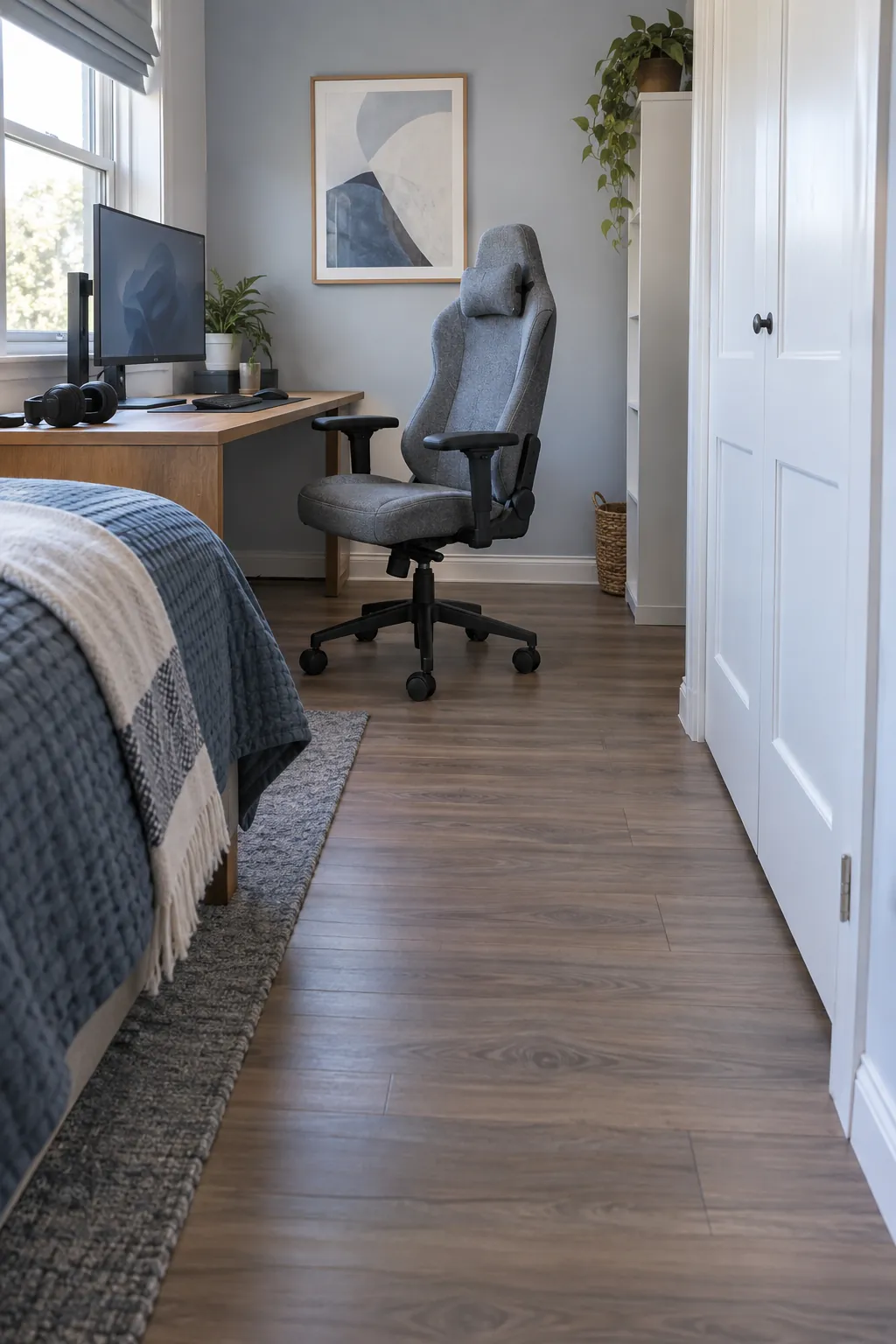
Protect chair movement around the desk
A chair needs room to roll back and turn without hitting a bed or storage unit. Mark its full travel on the floor before deciding where the desk belongs. If space is limited, a compact chair with comfortable support may fit better than a broad racing style seat. The most attractive setup will still frustrate you if standing up requires moving furniture.
Anchor the play zone with a low pile rug
A low pile rug can make a console seating zone feel distinct from the rest of a shared room. Pick a weave that lets a rolling chair move if the desk overlaps its edge. Position the rug so furniture legs hold it in place and walking corners stay flat. A washable option helps when snacks or drinks are part of game night.
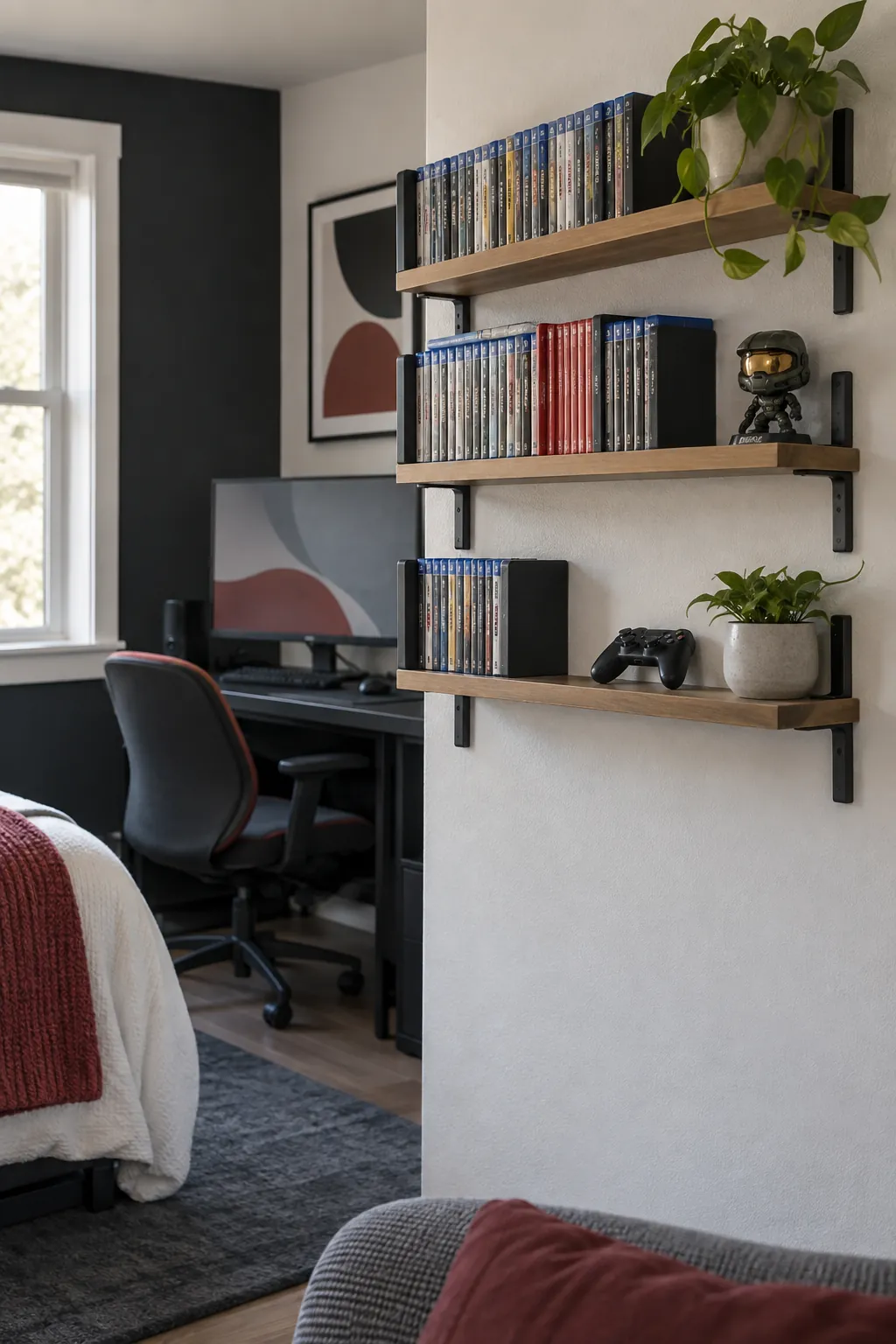
Display games on shallow shelves
Shallow shelves keep game cases and collectibles visible without demanding the depth of a bookcase. Group the collection by size or use so the wall reads as organized rather than crowded. Leave one section empty for future additions. Secure tall shelving to the wall, especially in a room used by children or guests.
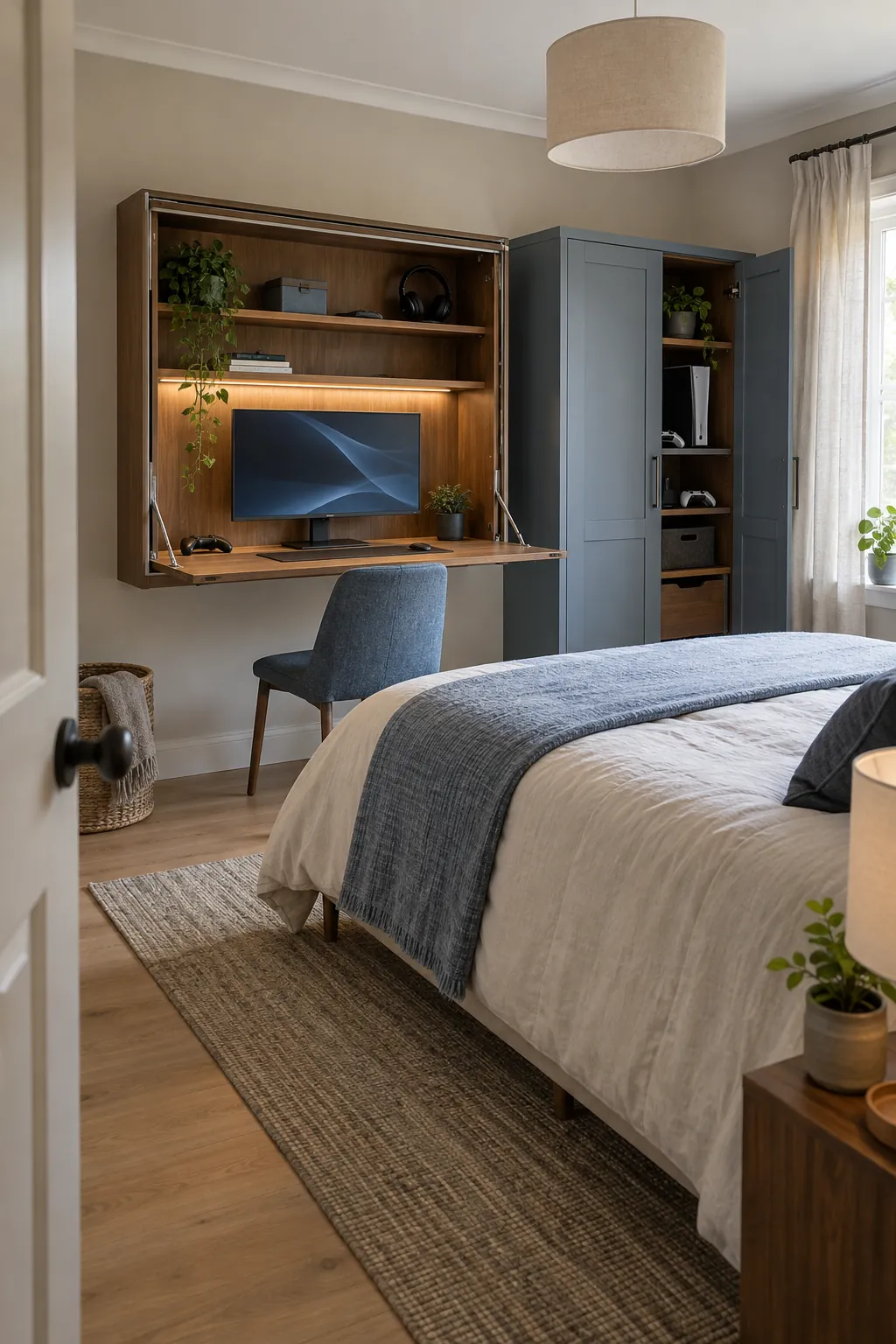
Choose a foldaway guest room layout
A guest bedroom can still host a satisfying gaming station when the furniture leaves a clear sleeping path. A compact wall desk or narrow console can hold the screen between visits. Store bulky accessories in a closed cabinet instead of stacking them on the guest bed. Test the bed fully open before calling the layout finished.
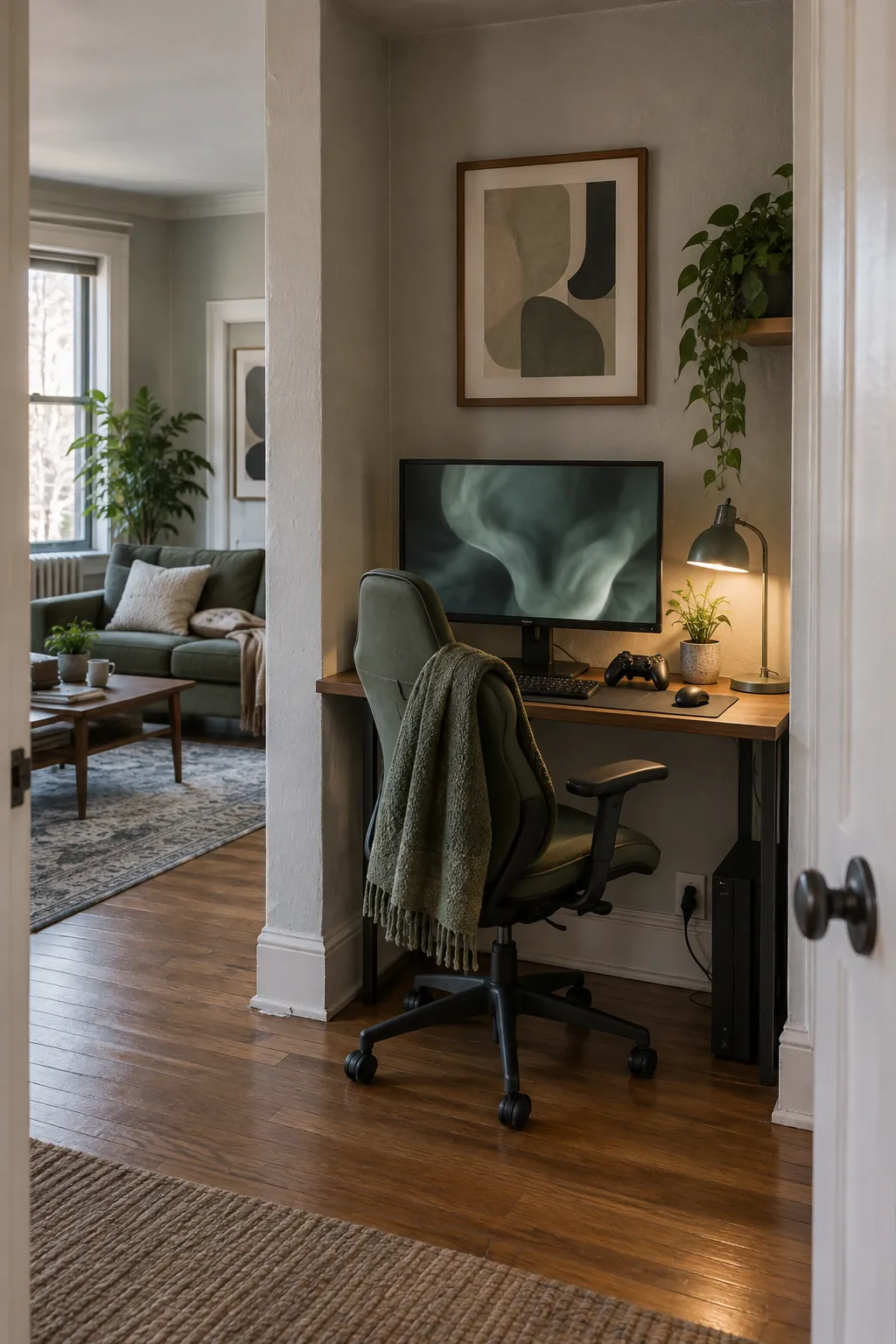
Fit a station into an alcove
An alcove offers natural boundaries for a focused setup, but its width and airflow need attention. Measure at desk height as well as along the floor because trim and outlets can change the fit. Place a small lamp inside the recess so the screen is not the only light source. Keep a little clearance at the sides for cords and cleaning.
Use an L shaped desk for distinct tasks
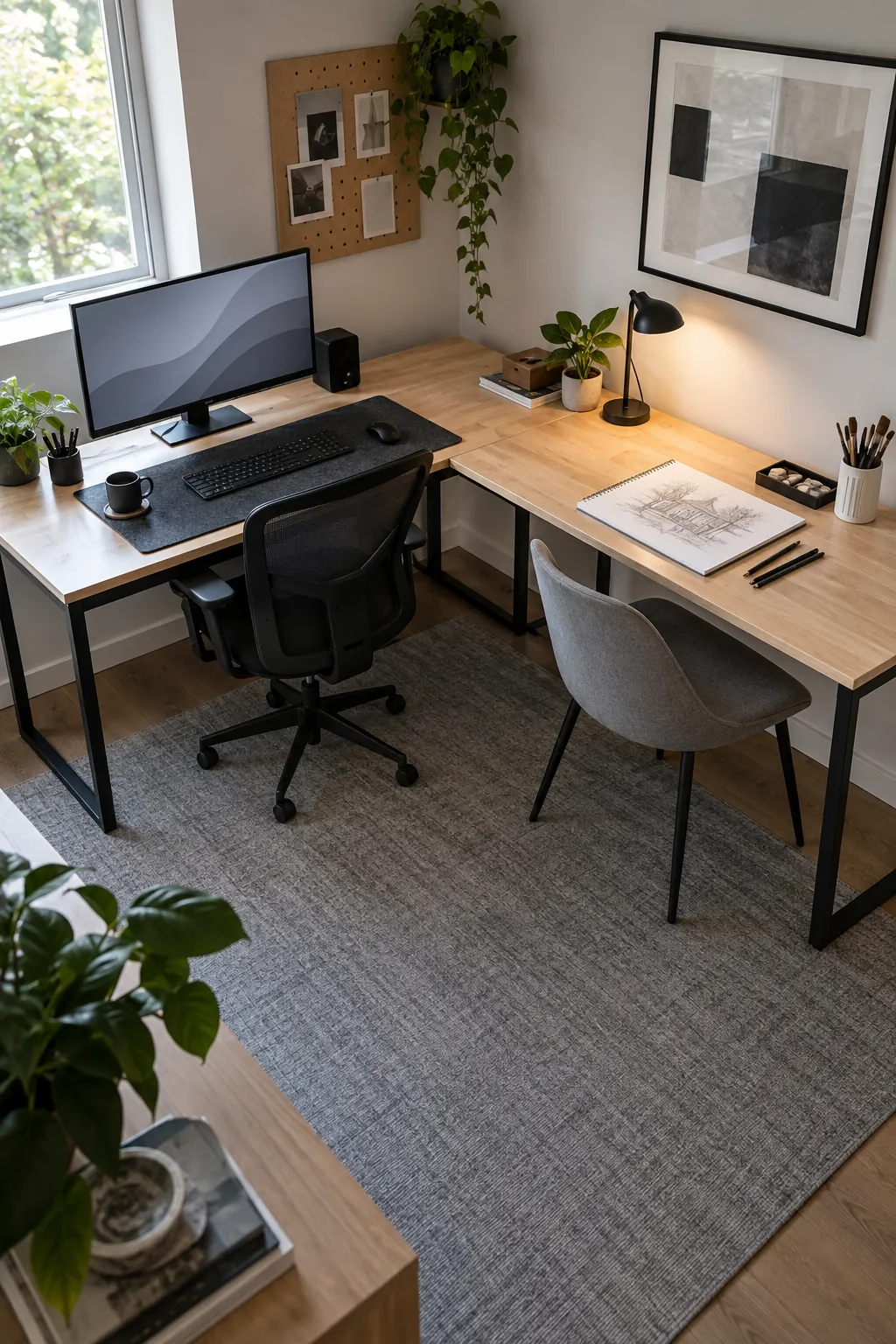
An L shaped desk suits a room that must support both a computer and another hobby. Put the primary monitor on the section with the cleanest sightline and use the return for a console, drawing, or homework. Check that the corner remains reachable rather than becoming a pile of unused gear. This layout needs more floor clearance than its top surface suggests.
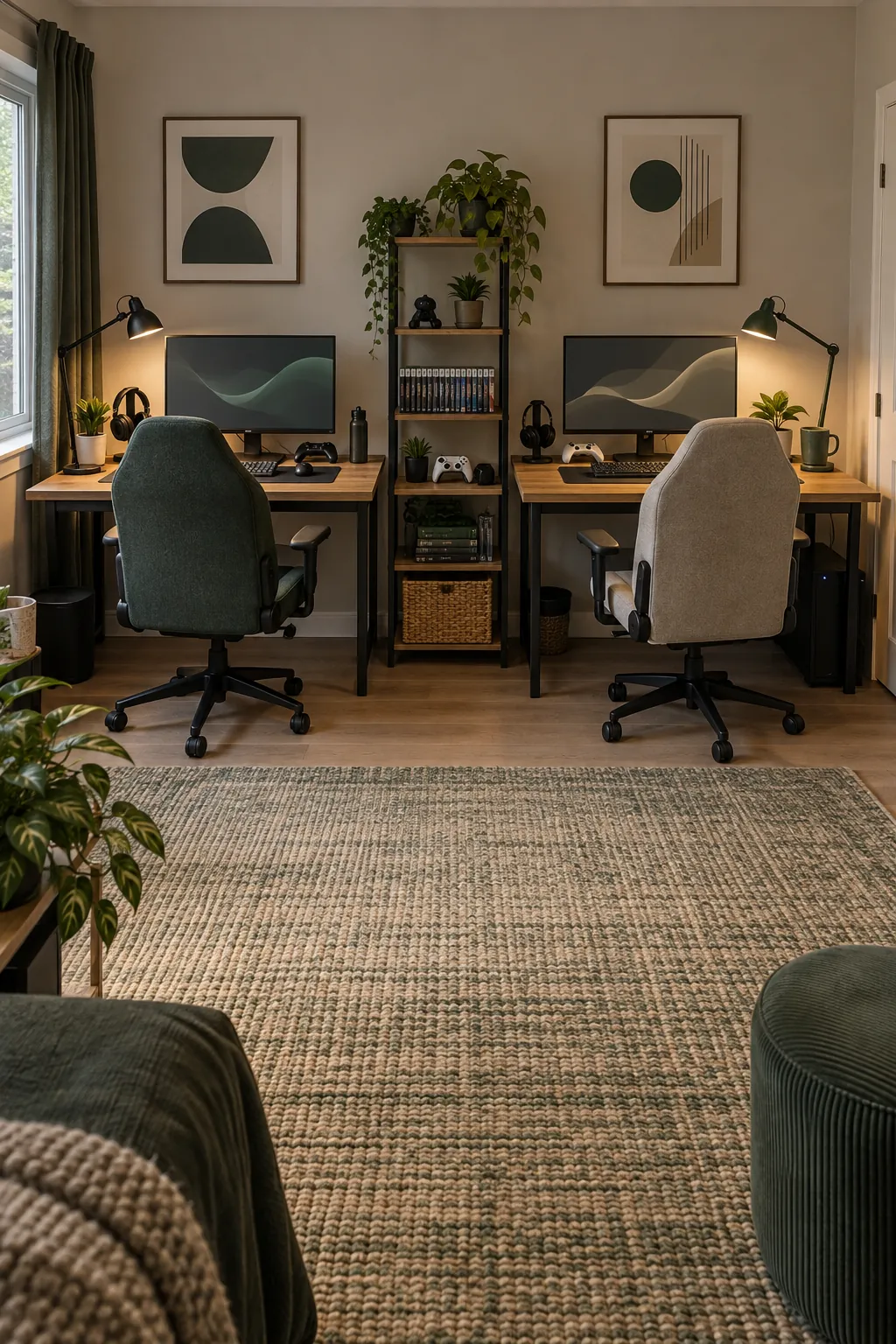
Plan a fair shared setup for two
Two players sharing a room need separate elbow room and a way to adjust light without disturbing each other. Match desk heights where possible, but let each person choose their own monitor position and accessories. Place the power supply where both stations can be reached safely. A small shared shelf can hold games while the desktops stay personal.
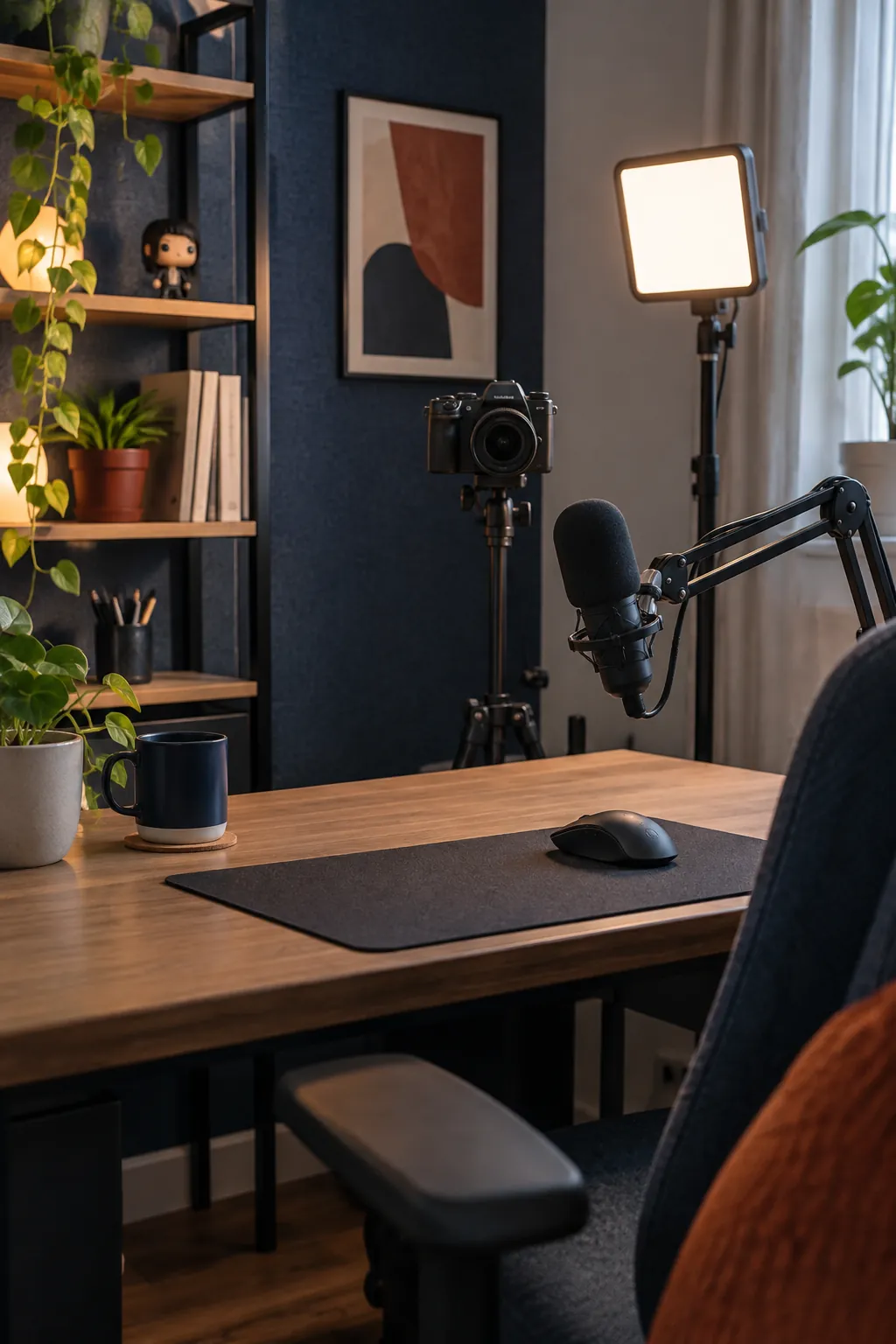
Give streaming equipment one clear corner
A streaming corner should look tidy on camera and remain comfortable when recording ends. Place the camera near eye level, then use a soft side light that does not reflect in glasses or the screen. Keep microphones and cables off the main mouse path. A simple background with one recognizable personal detail usually reads better than a wall crowded with props.
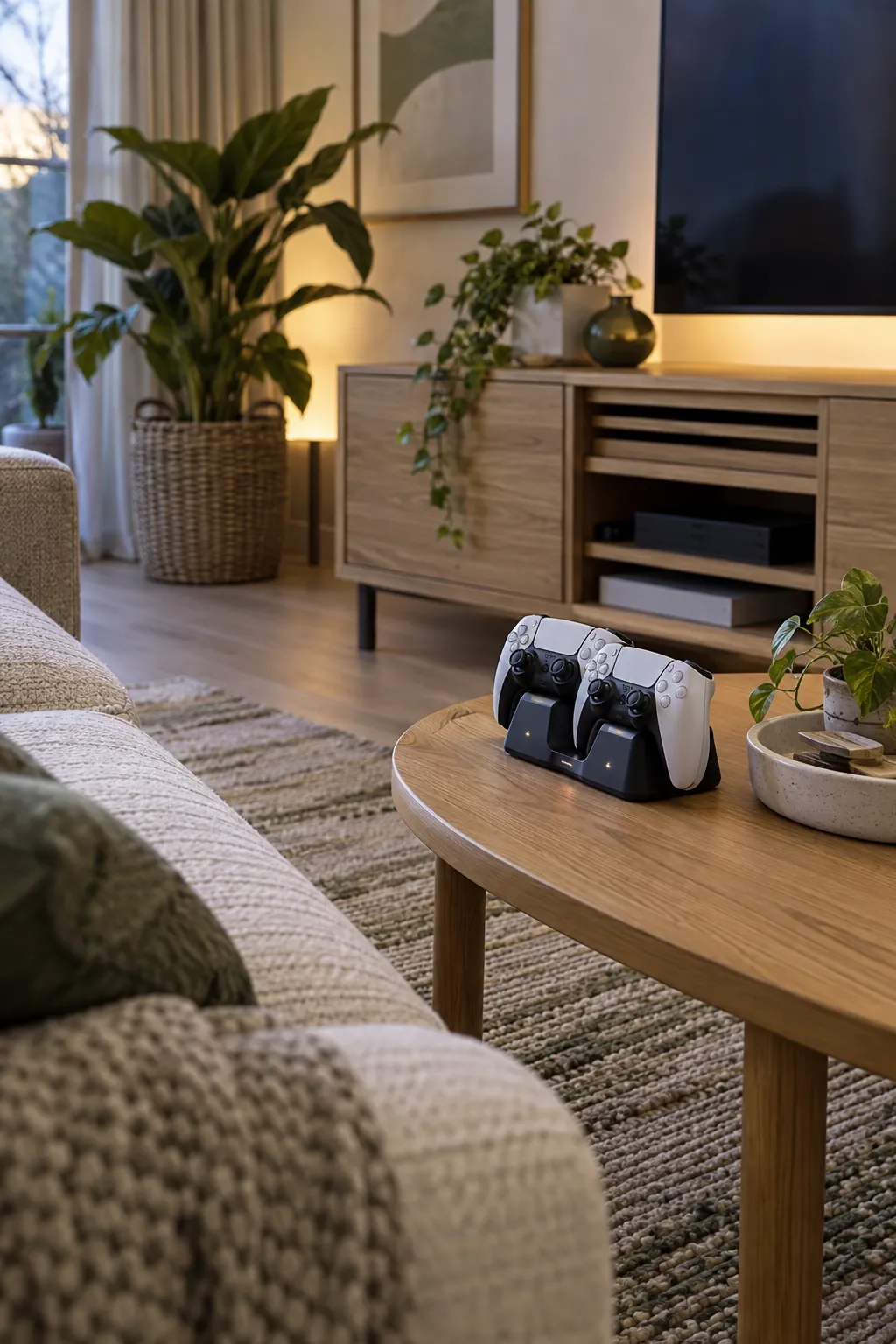
Dock controllers where play ends
A controller dock near the sofa makes putting equipment away almost automatic. Choose a spot that does not block a walkway or crowd a ventilation opening. Keep charging cords routed behind the cabinet and leave a small tray for batteries or grips. The docking place should be visible from the seat so nothing vanishes under cushions.
Make room for tabletop games too
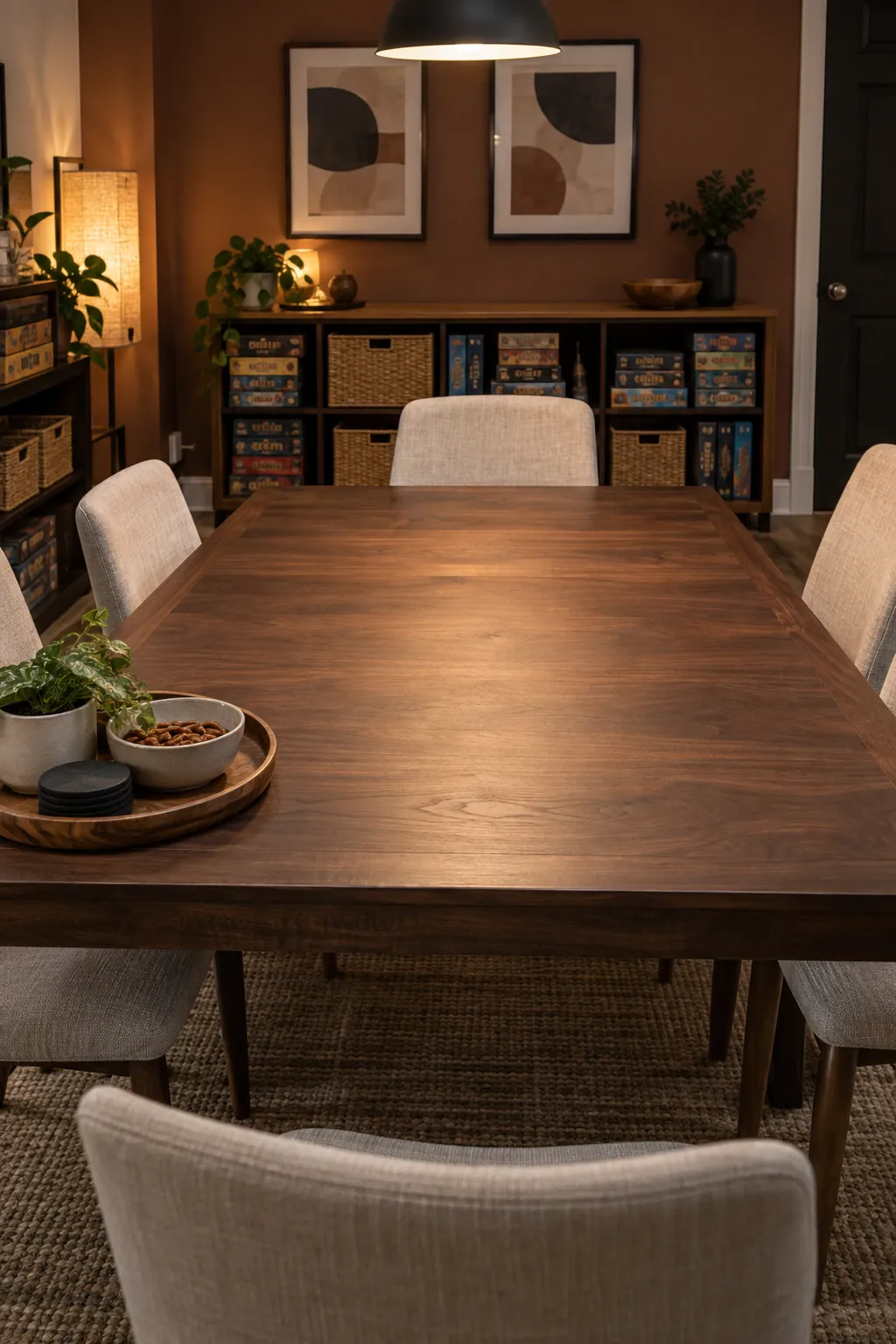
A gaming room can support board games when the seating and table are planned together. Choose a table with enough clear center space for a game board and a stable edge for drinks. Store boxes close by but outside the chair pullback area. A dimmable overhead light helps players read cards without turning the whole room harsh.
Control daylight at the window
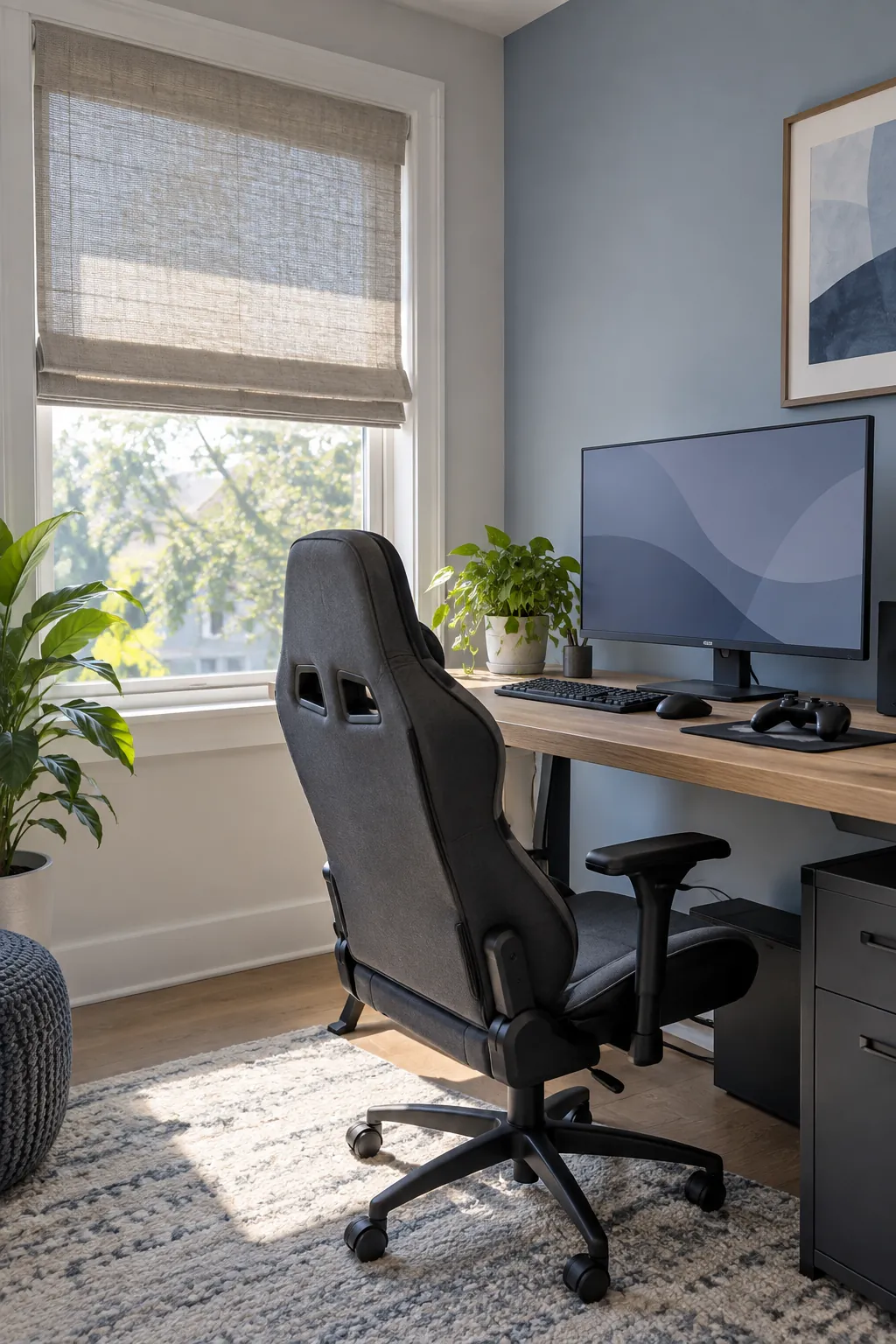
Daylight is pleasant until it lands directly on the screen. Position the display perpendicular to the window where possible, then add a shade or curtain that can be adjusted during play. Test glare at the hours you actually use the room. Avoid covering the window permanently if a simple change in desk angle solves the problem.
Finish with a personal color story
A memorable gamer room is built from a few repeated choices rather than every accessory in a different color. Pick one accent hue from a favorite game or object and repeat it sparingly in art, a cushion, and lighting. Let the desk and storage use quieter finishes so equipment remains the focus. Add pieces over time instead of buying a complete themed set in one trip.