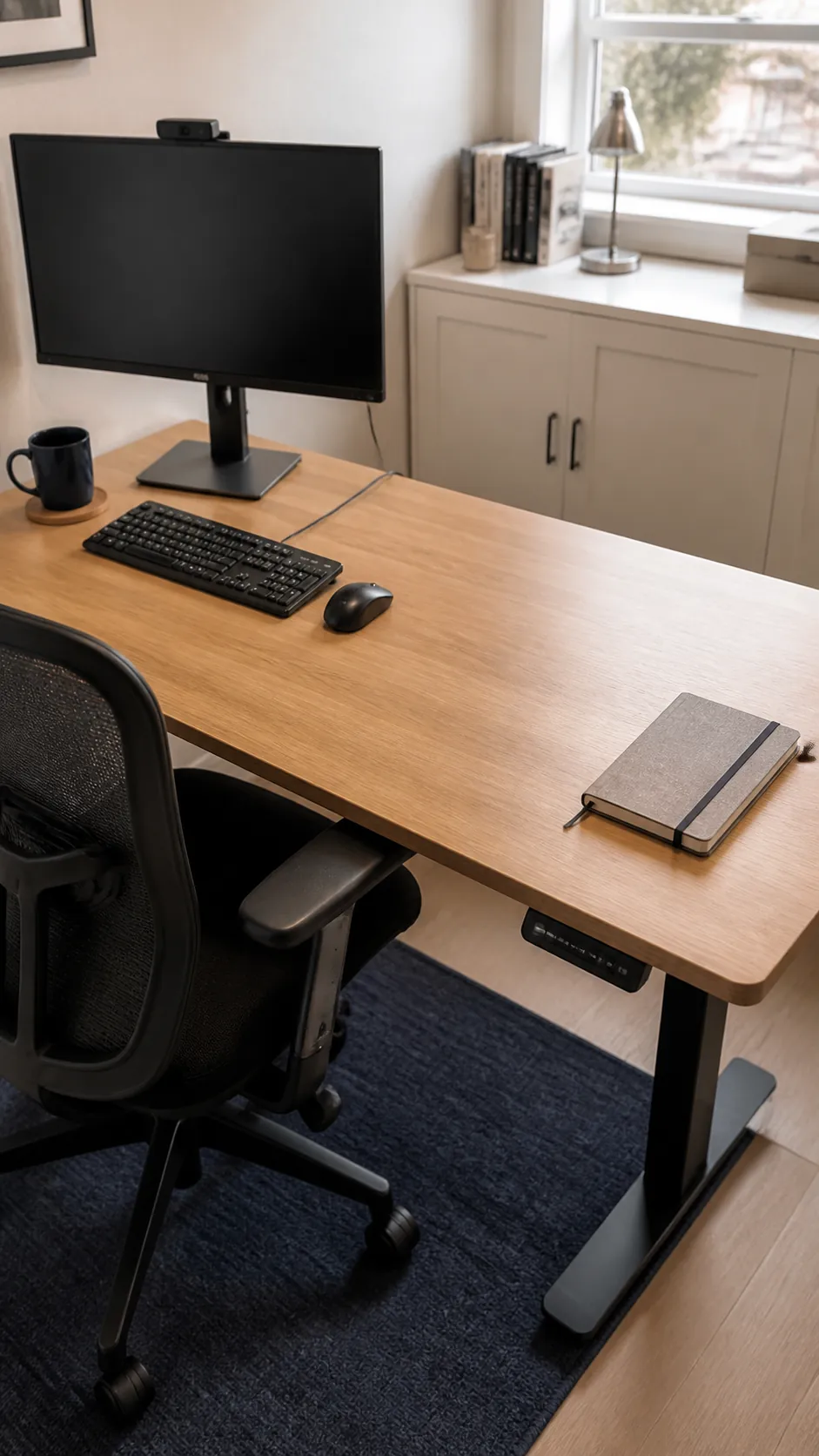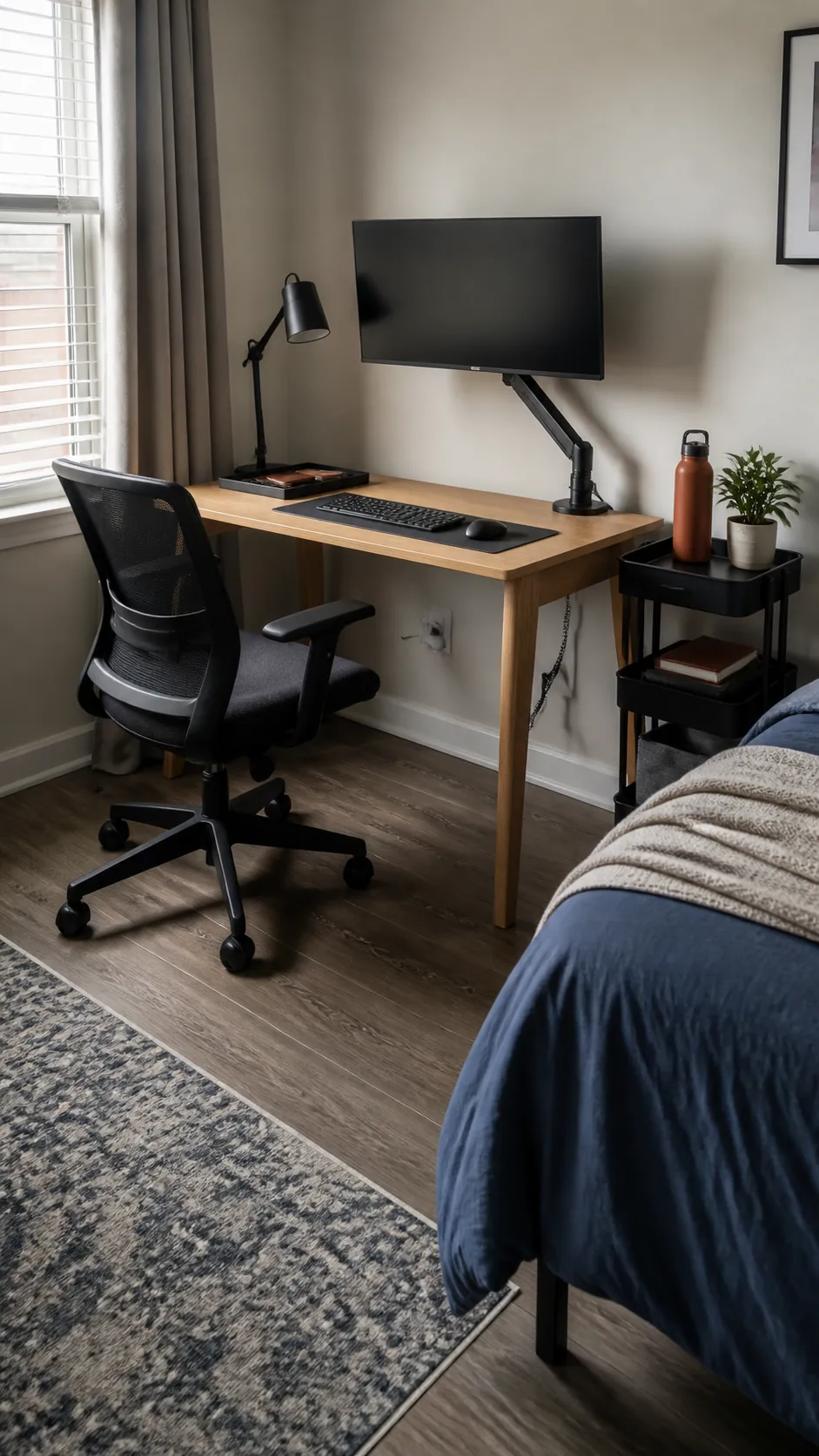
A cramped work surface usually fails because too many objects compete for the same few inches, not because the desk itself is hopeless. The most useful changes protect clear hand space, improve screen height, and give every cable and daily tool a predictable home. Start with the idea that matches your biggest irritation, then add only what earns its place.
Float the Monitor on a Clamp Arm
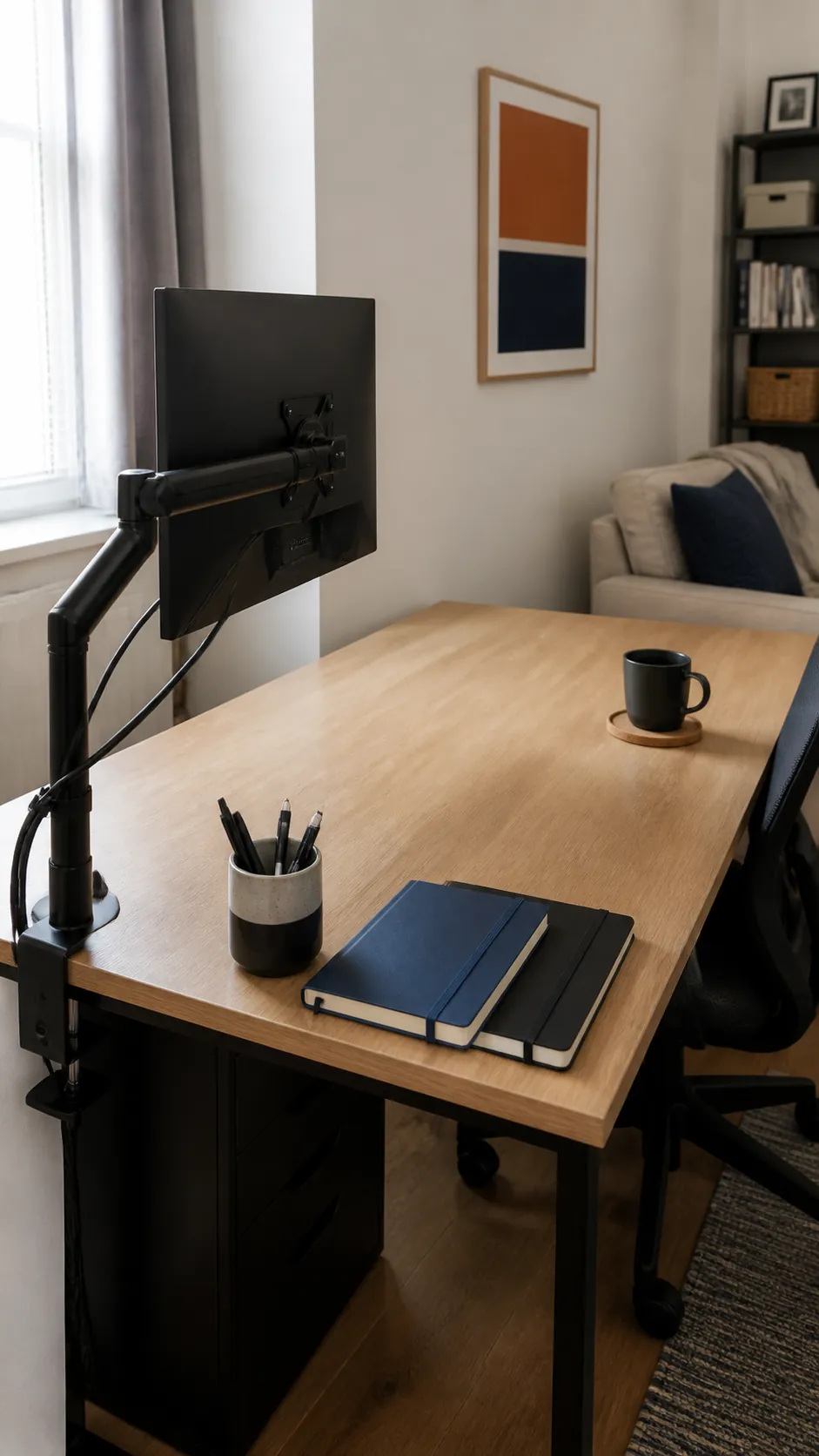
A clamp arm returns the area beneath a bulky monitor stand and makes screen depth easier to control. Check the desktop edge and weight rating before buying, since thin hollow tops may need a reinforcement plate. Route the display and power cords along the arm so the recovered surface stays genuinely useful.
Choose a Narrow Monitor Shelf
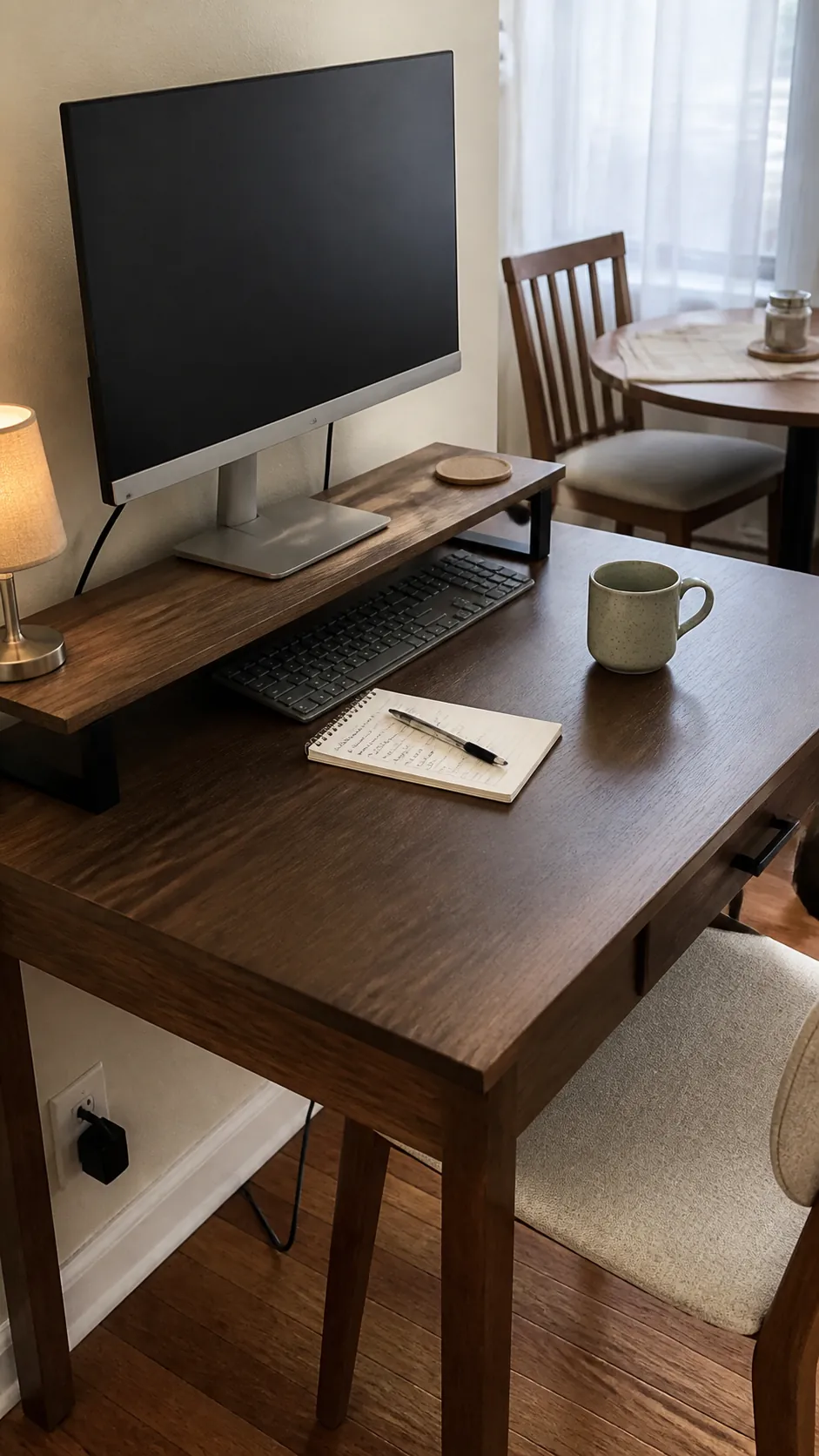
A shallow shelf lifts the screen while creating a parking bay for the keyboard after work. Select one barely wider than the display so it does not consume the whole desk. A small drawer can hold adapters and pens, but avoid filling it with items you never reach for.
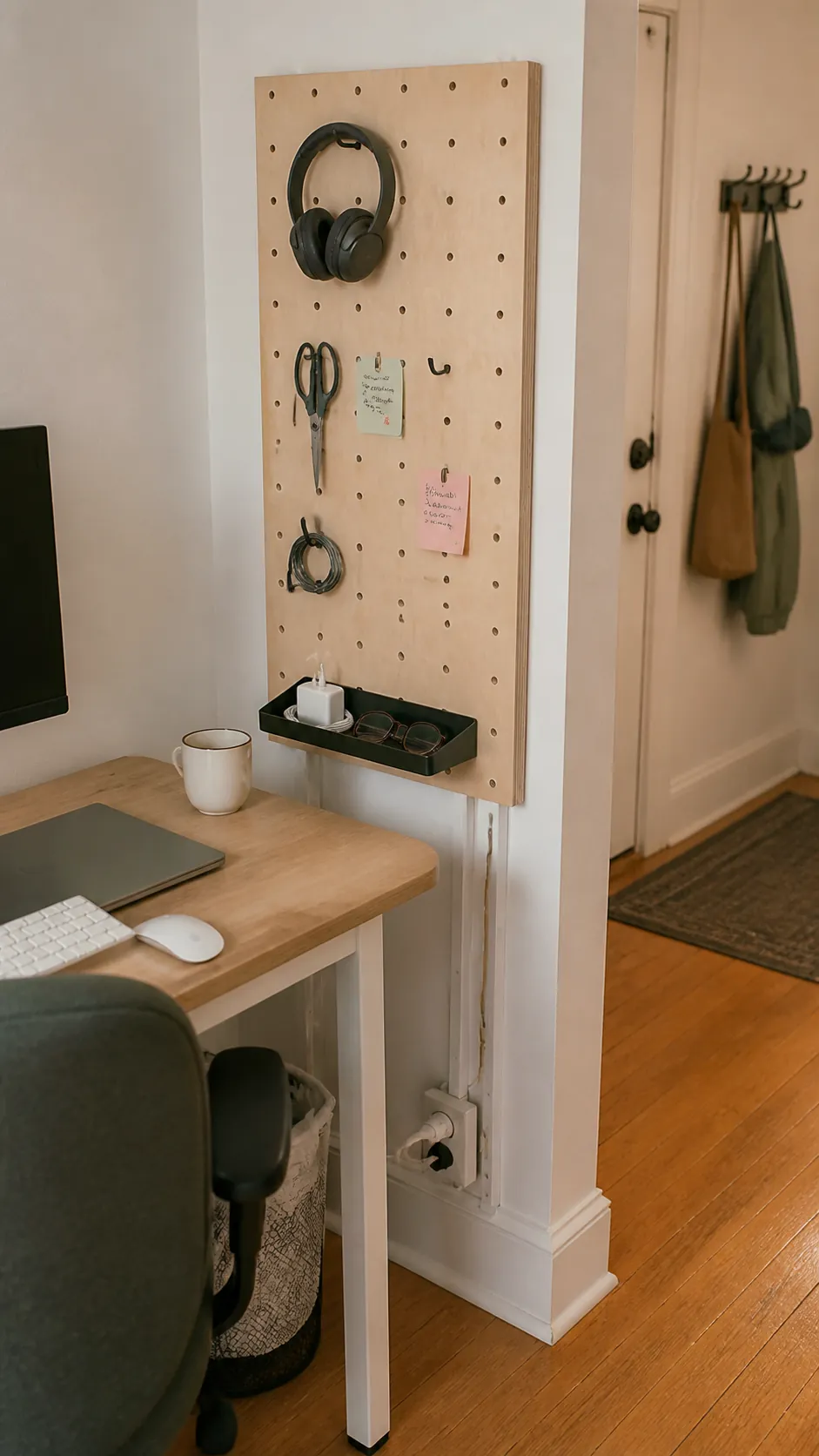
Mount a Renter Friendly Pegboard
A compact pegboard moves scissors, notes, and headphones into vertical storage without crowding the worktop. Renters can choose a freestanding panel or use removable mounting hardware rated for the loaded weight. Leave some hooks empty so the board remains functional instead of becoming visual clutter.
Use a Rolling Cart as a Sidecar
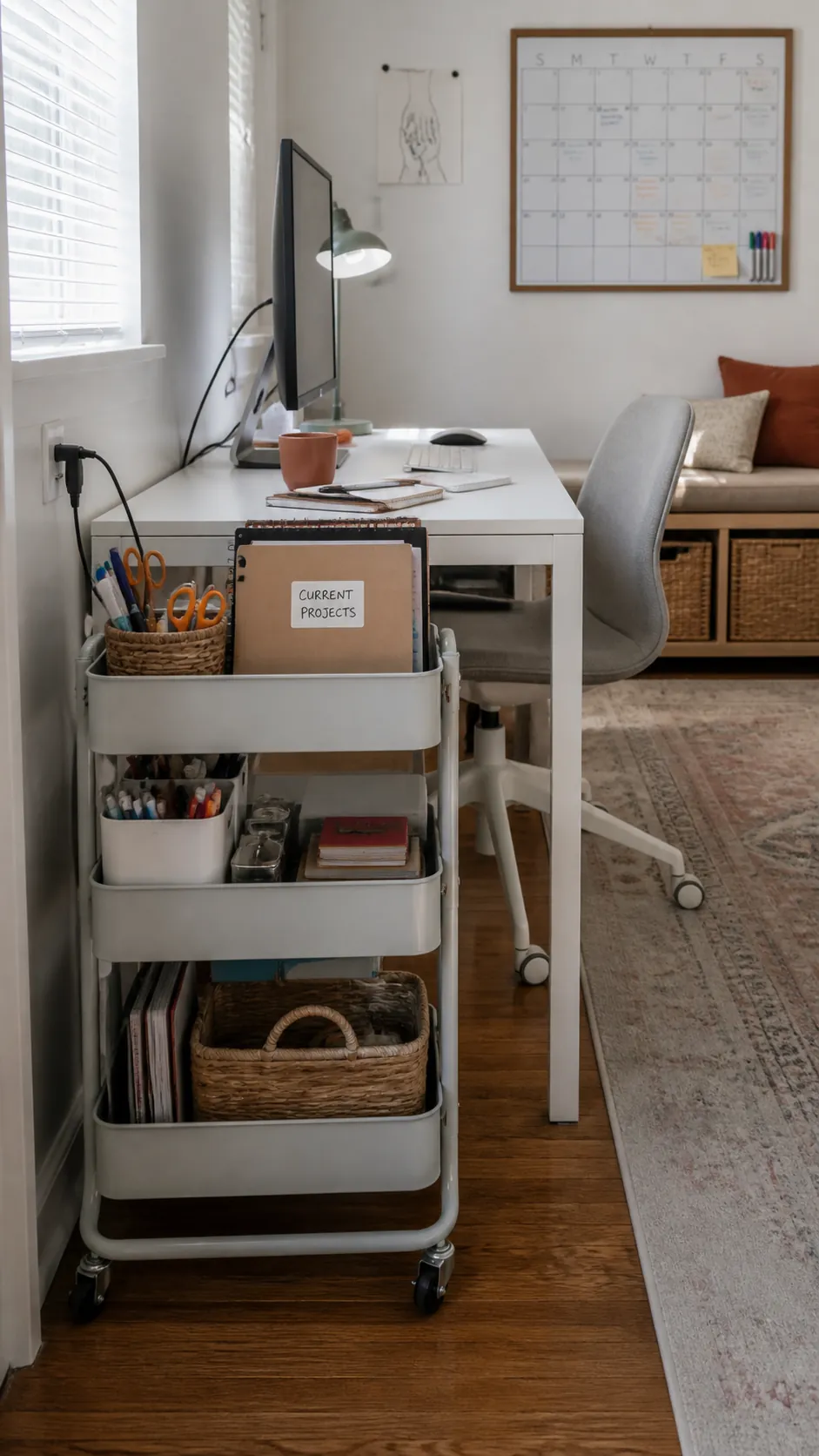
A slim rolling cart gives a tiny desk flexible storage without permanently widening its footprint. Keep current project supplies on the top tier and less frequent equipment below. Roll it away when you need legroom, cleaning access, or a calmer bedroom view.
Tuck the Laptop Into a Vertical Stand
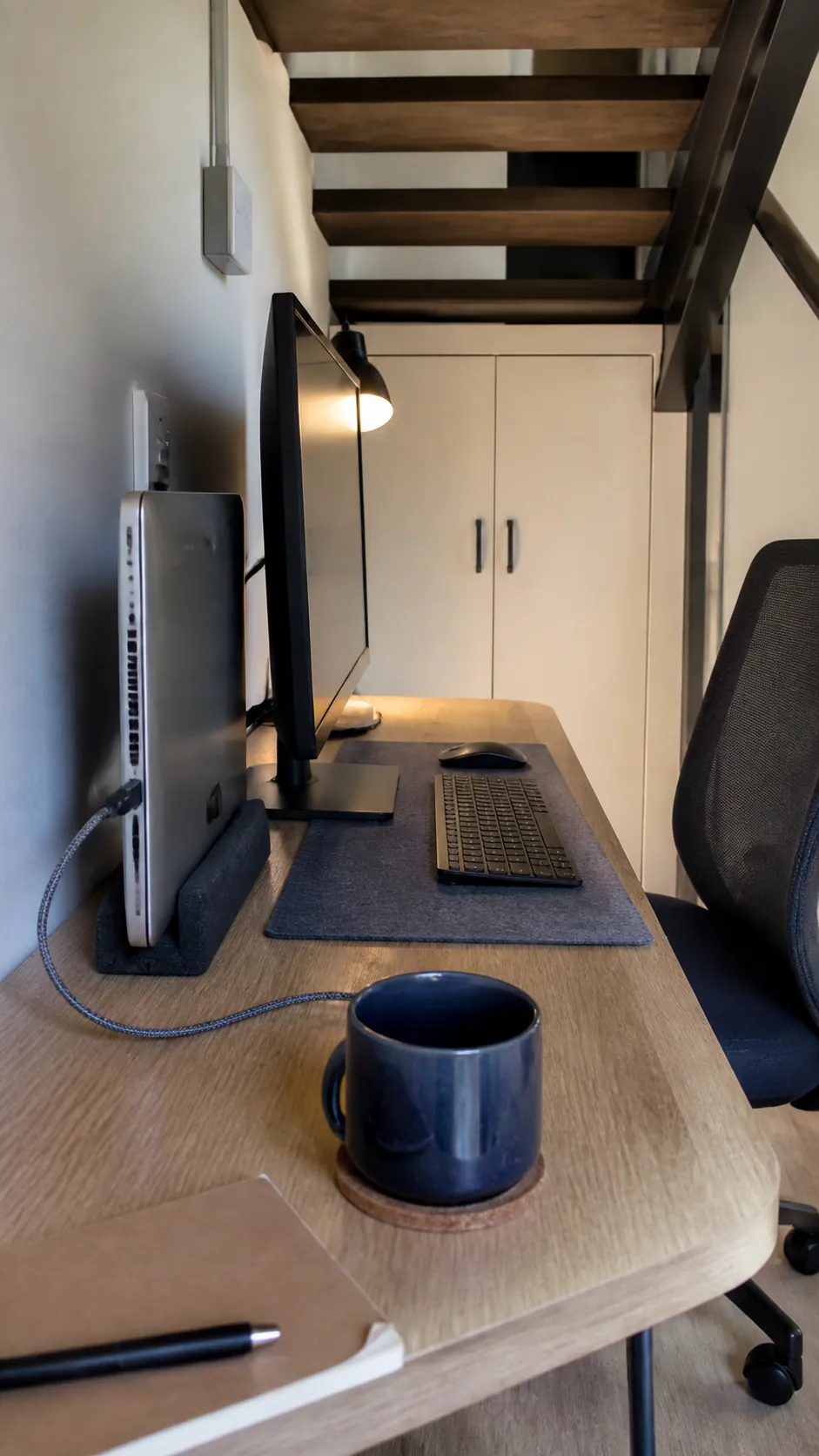
If an external display handles your work, a vertical stand can reduce the laptop footprint to a narrow slot. Confirm that closed lid use is appropriate for your device and that vents remain clear. Place the stand near the dock so short cables do not stretch across the writing area.
Turn a Closet Niche Into a Work Zone
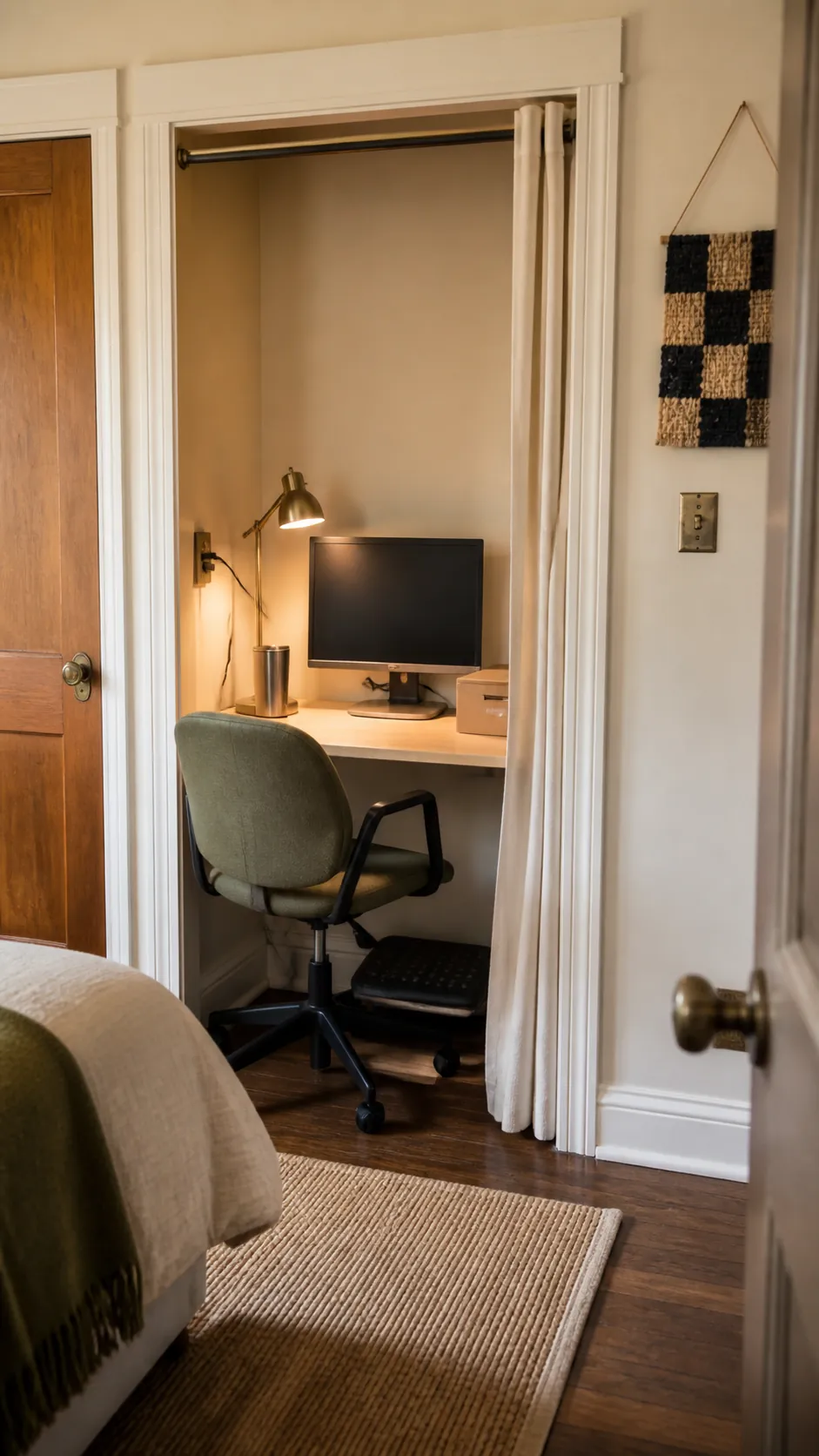
An underused closet niche can hold a shallow desktop and keep work visually contained. Measure chair clearance and add a task light because many niches receive poor daylight. Store only essential supplies inside so the small workspace never blocks the closet function you still need.
Build Around a Bedroom Corner
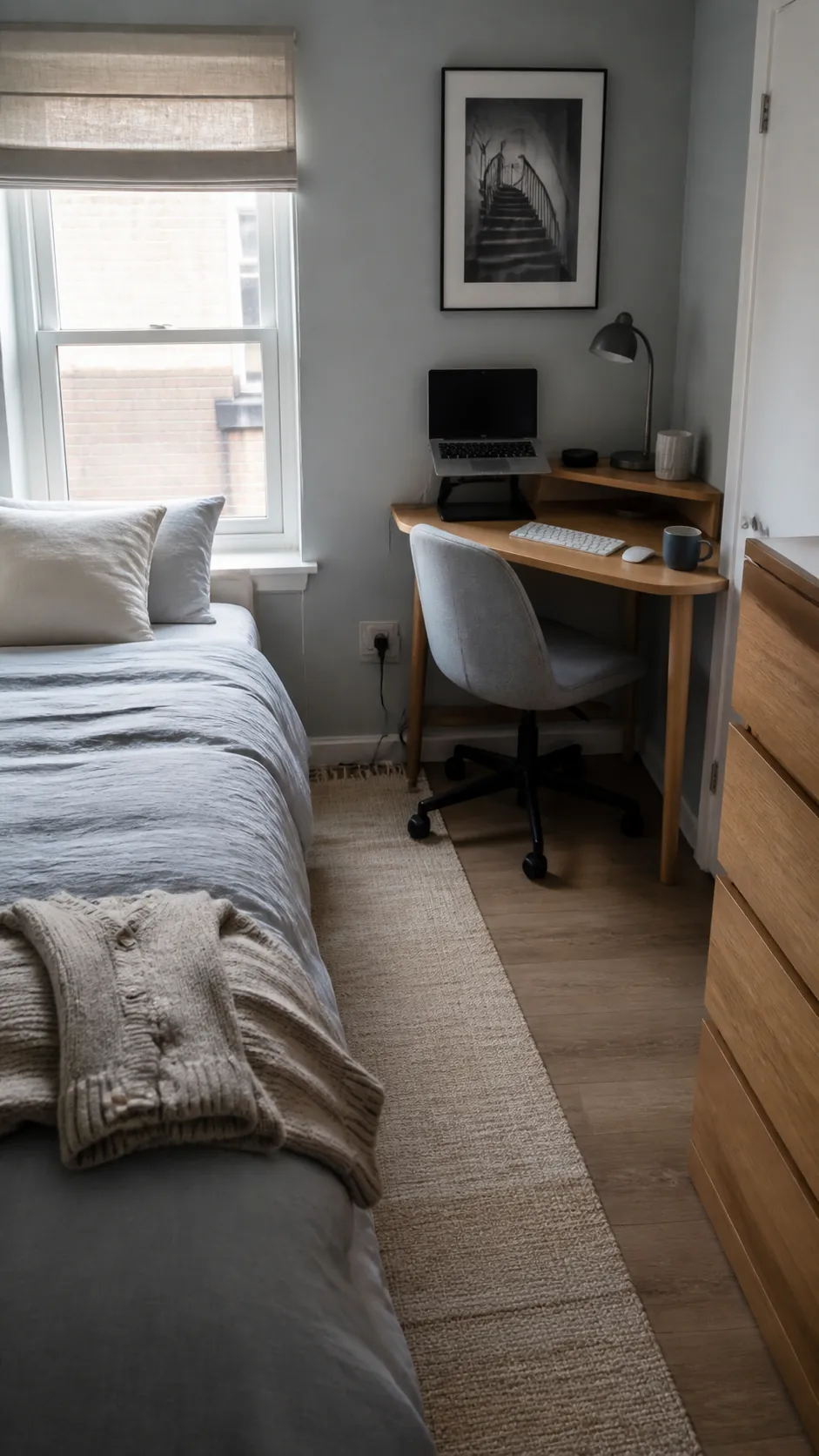
A corner placement can preserve the main walking route and separate work from the bed. Face the screen away from direct glare while keeping enough space for the chair to pull out. A curved desk lamp and one low shelf make the area feel intentional without adding bulky furniture.
Add a Clamp On Side Pocket
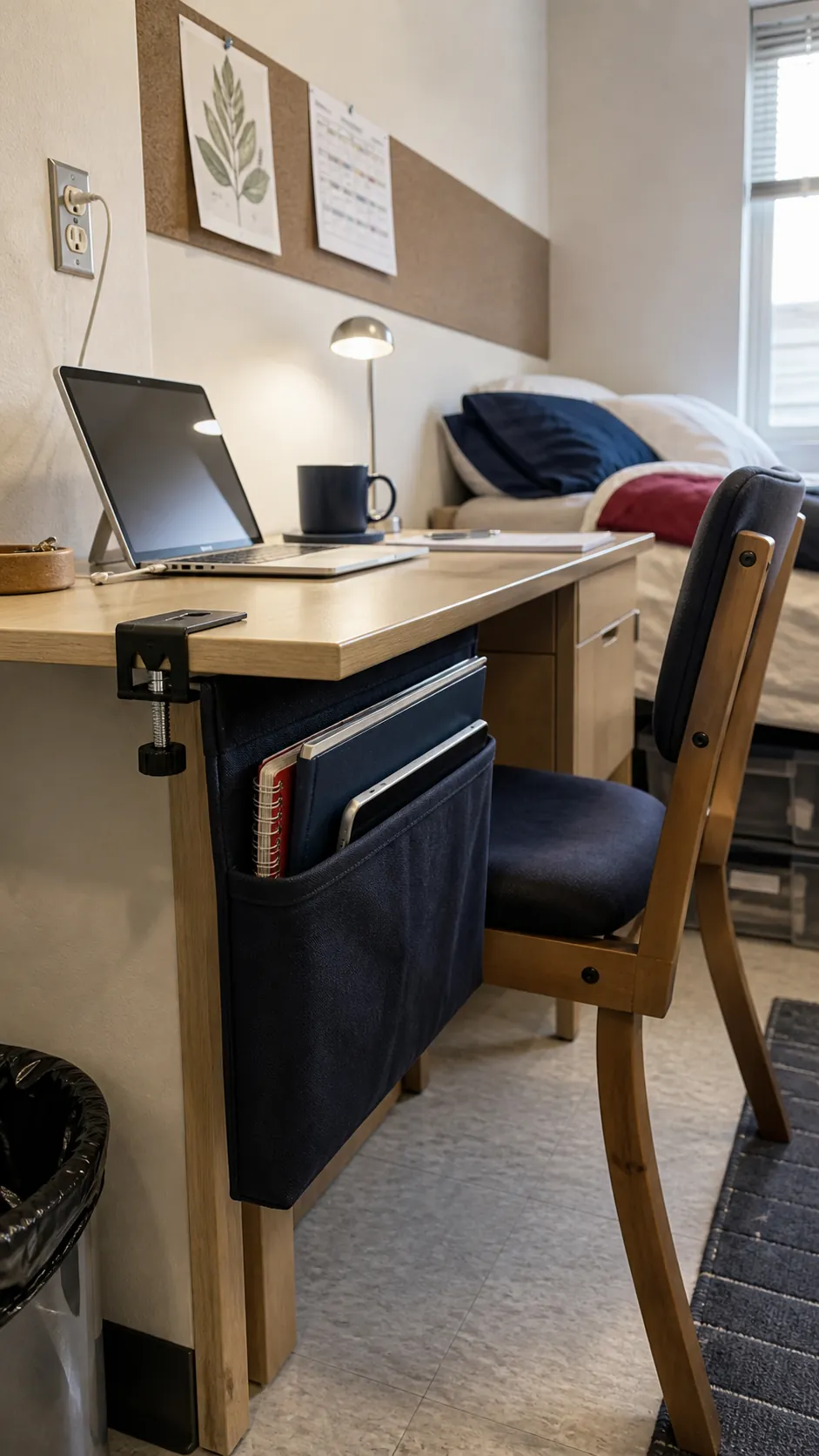
A fabric or metal side pocket keeps notebooks and a spare laptop off the surface while remaining easy to reach. Clamp versions suit renters and can move when your setup changes. Limit the contents to slim items so the pocket does not press against your knee or unbalance the desktop.
Hide Power in an Under Desk Tray
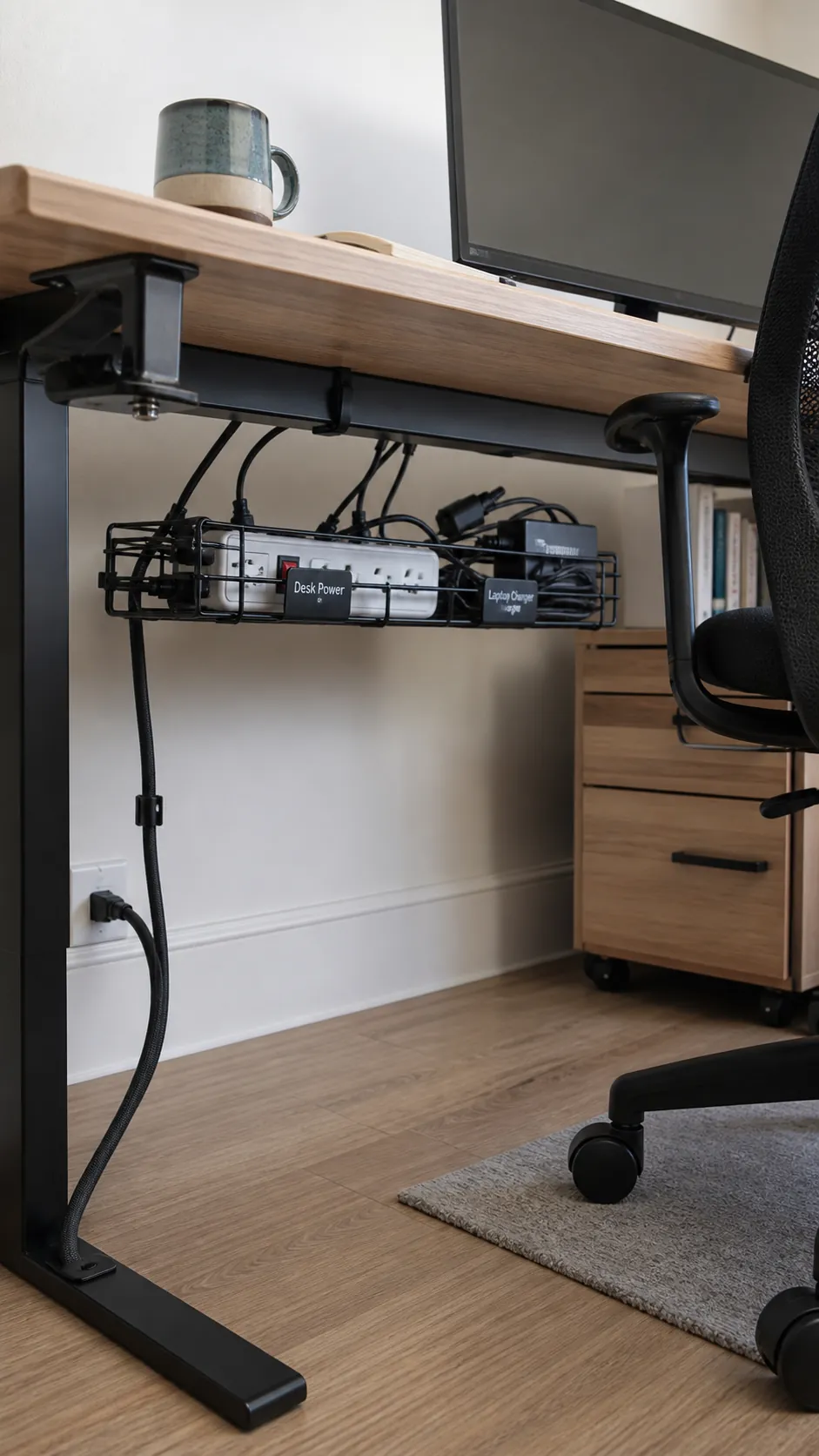
Mounting the power strip and excess cable length beneath the desk removes the largest source of floor and surface mess. Use a tray that leaves plugs ventilated and accessible rather than tightly bundling power bricks together. Guide one main lead toward the wall outlet and label chargers that look alike.
Swap to a Compact Keyboard
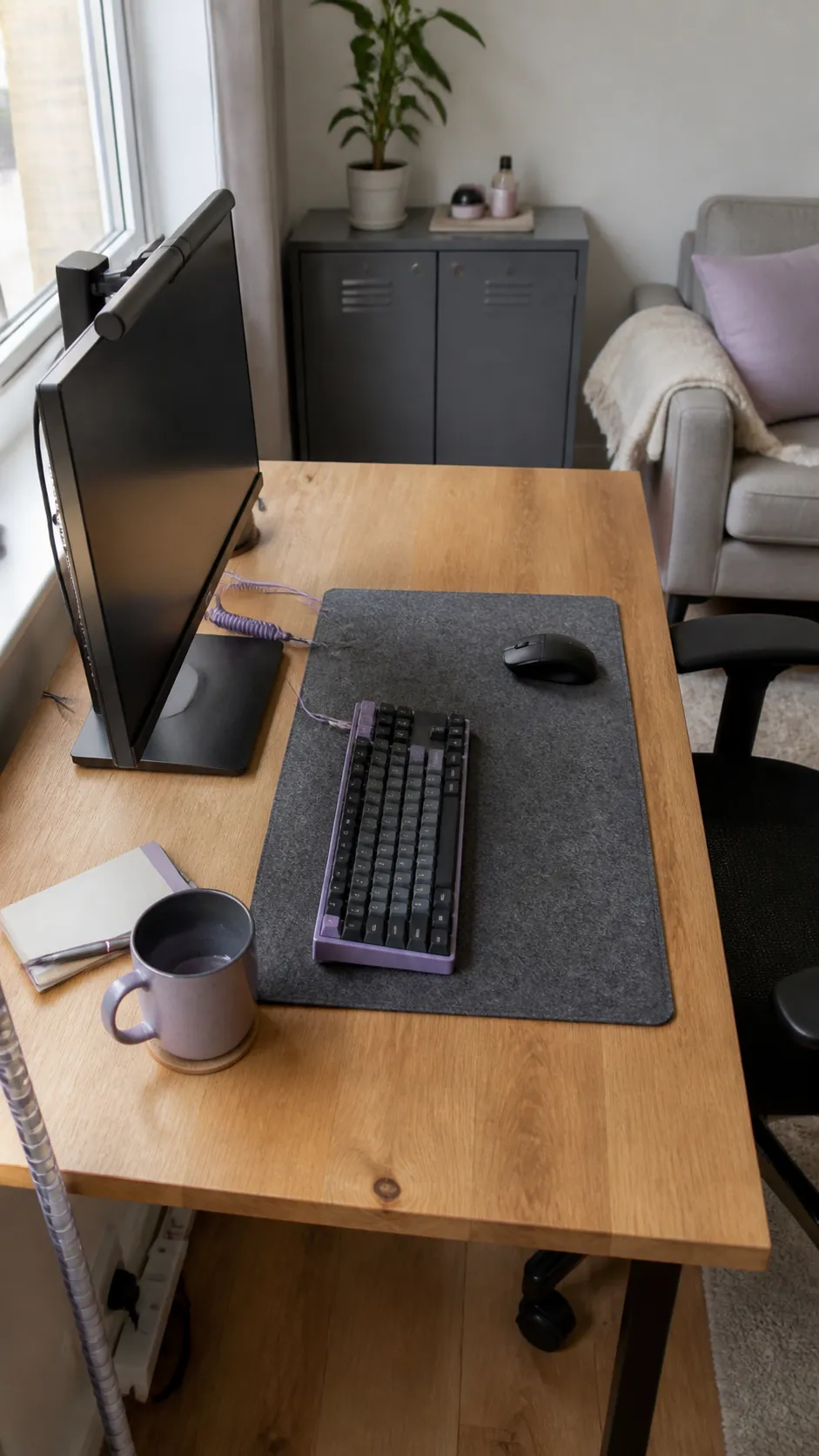
A keyboard without a number pad creates more room for comfortable mouse movement. The benefit is greatest when your shoulder currently reaches outward all day. Keep the larger keyboard only if number entry is central to your work, since practical comfort matters more than a minimal look.
Create a Fold Away Wall Desk
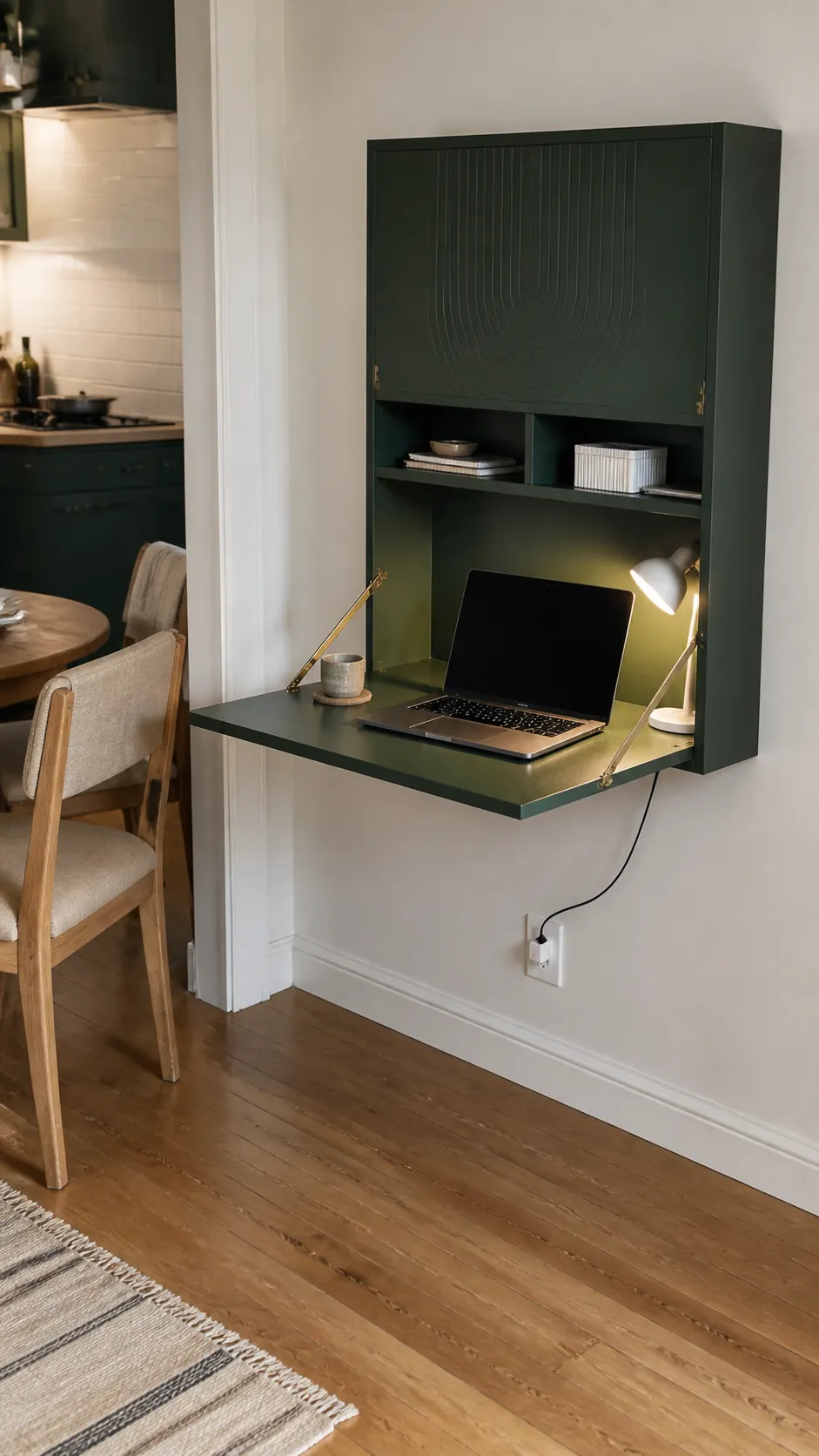
A wall desk that closes after work can return valuable floor space to a studio or multipurpose room. Secure it to suitable structure and respect the stated load capacity. Keep the interior arrangement simple enough that the front can close without a daily packing puzzle.
Place the Desk Beside the Window
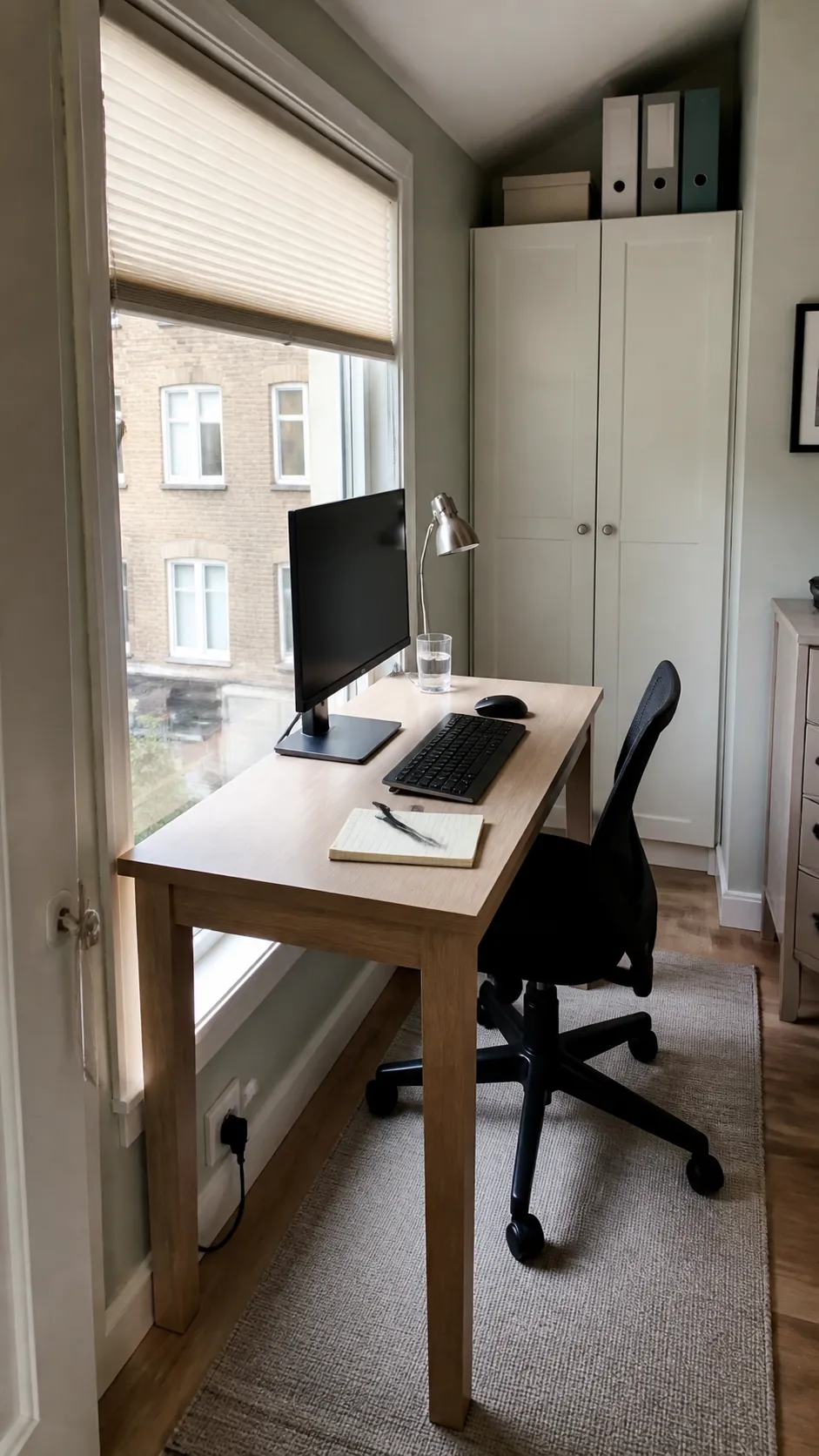
Side lighting from a nearby window can brighten the work area without shining directly into the screen. Position the monitor perpendicular to the glass and add an adjustable shade for strong afternoons. This layout also makes a small desk feel less boxed in while preserving a clear view.
Use One Vertical Second Screen
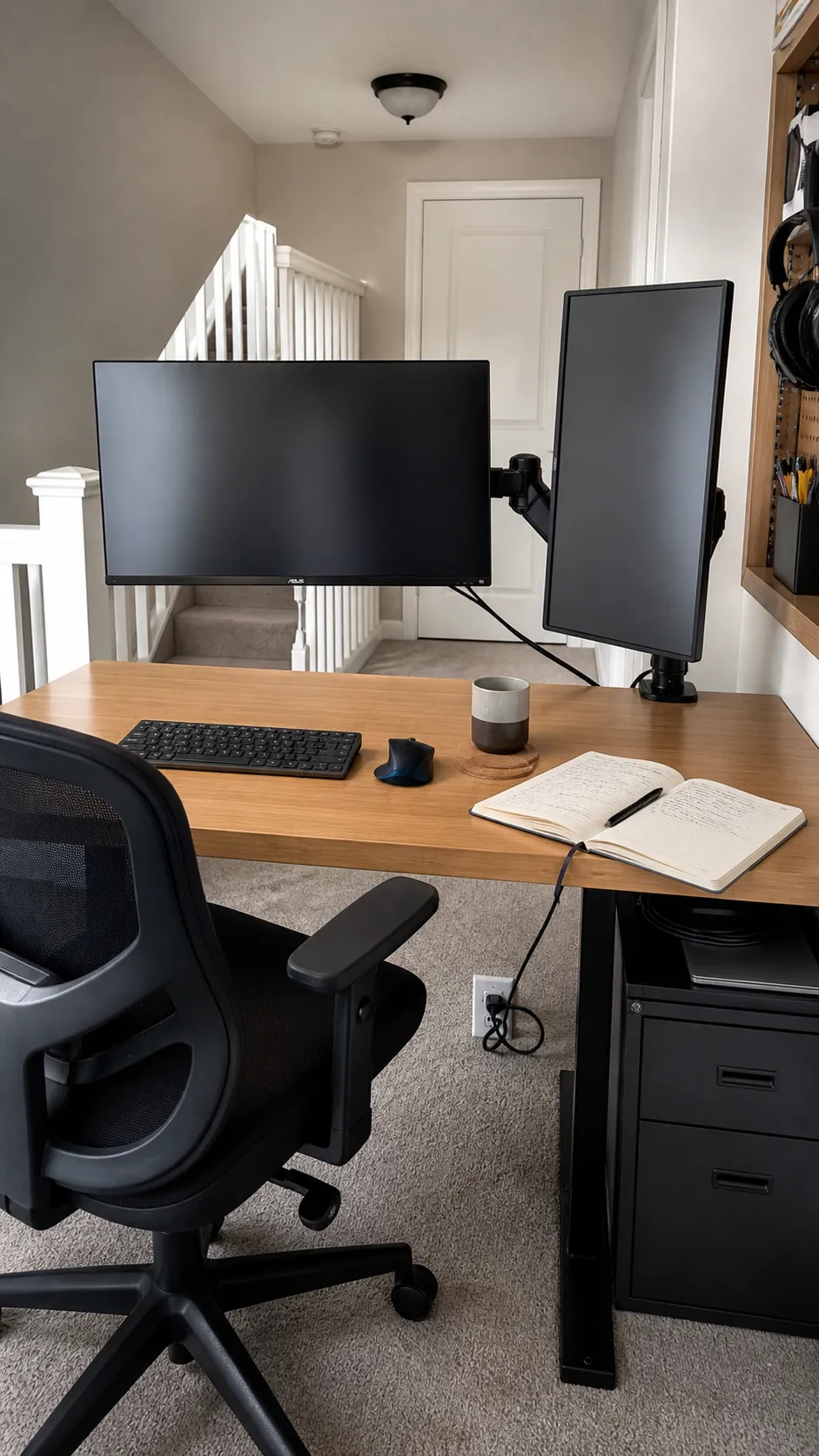
A portrait display uses less horizontal width and works well for documents, messages, or code. Angle it slightly toward your chair so you do not twist repeatedly. Pair it with a central main screen and avoid stacking extra equipment simply because vertical space exists.
Install a Shallow Picture Ledge
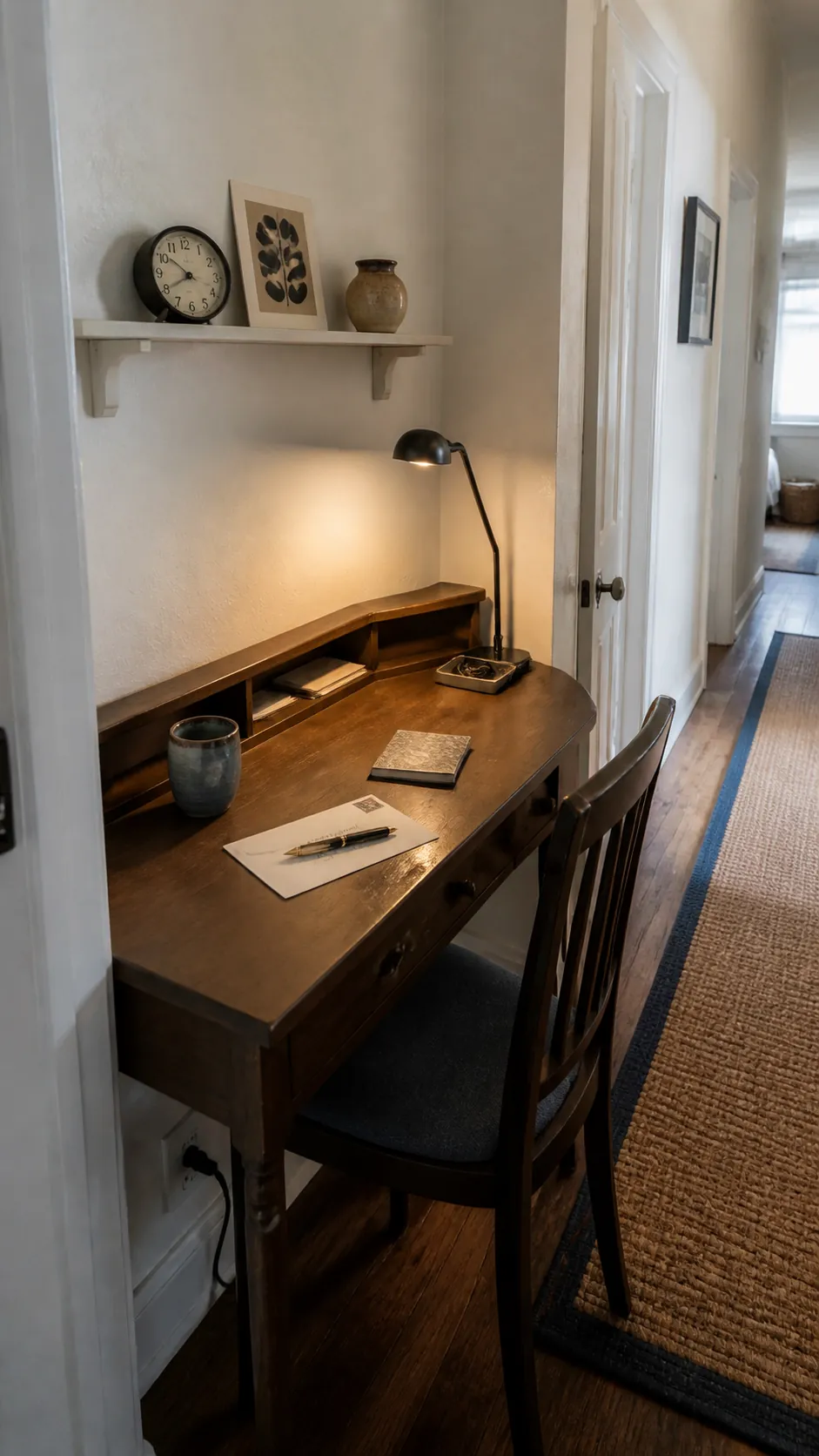
A slim ledge above the desk can hold one notebook, a small clock, and a few lightweight objects. Mount it high enough that you can adjust the screen without hitting the shelf. Keeping the display sparse protects headroom and prevents the wall from feeling heavy.
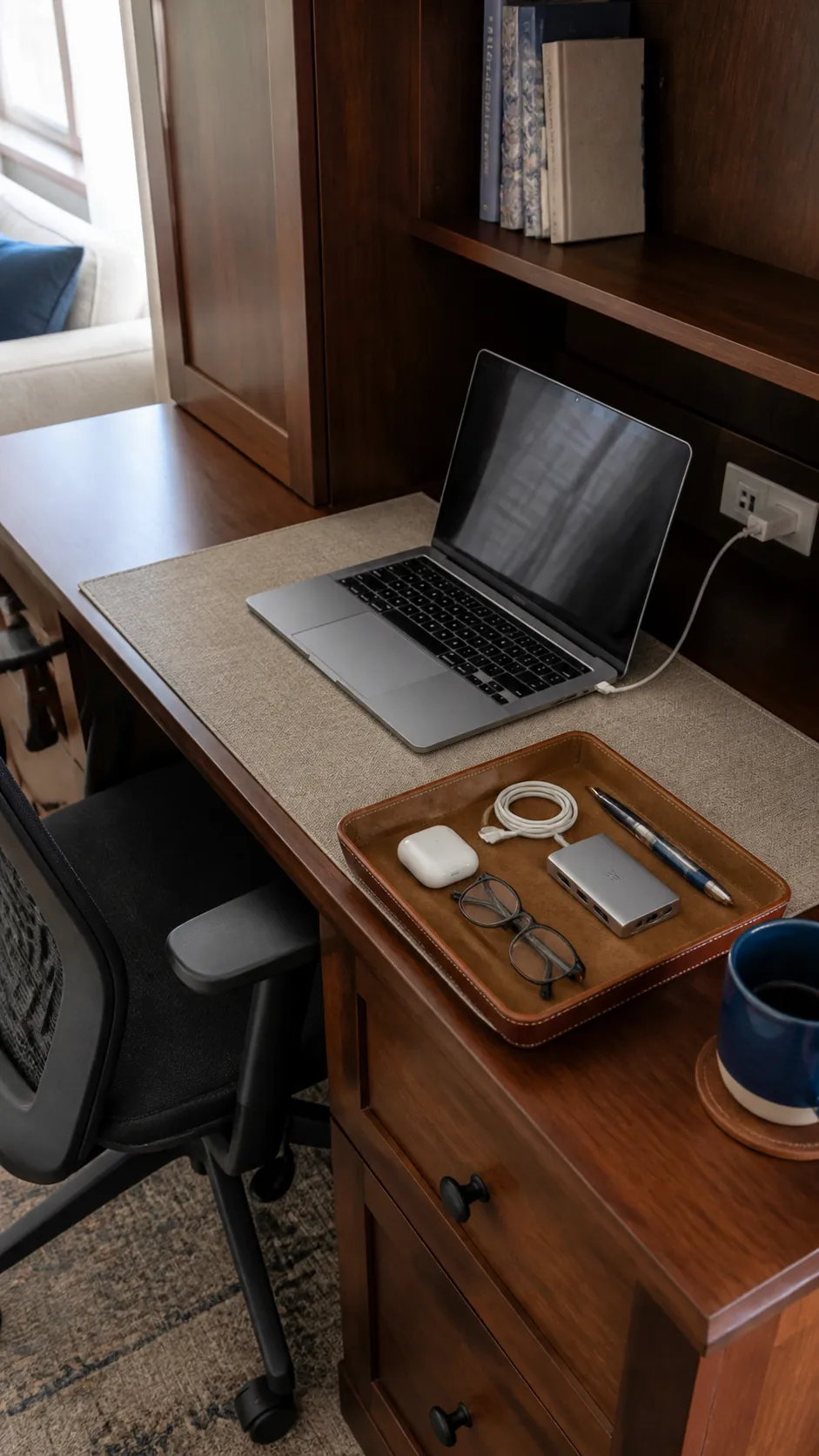
Dedicate One Tray to Daily Tools
A single catchall tray gives glasses, earbuds, and charging adapters a defined boundary. Choose a size that leaves room for both forearms rather than covering valuable work space. Empty it weekly so temporary objects do not quietly become permanent residents.
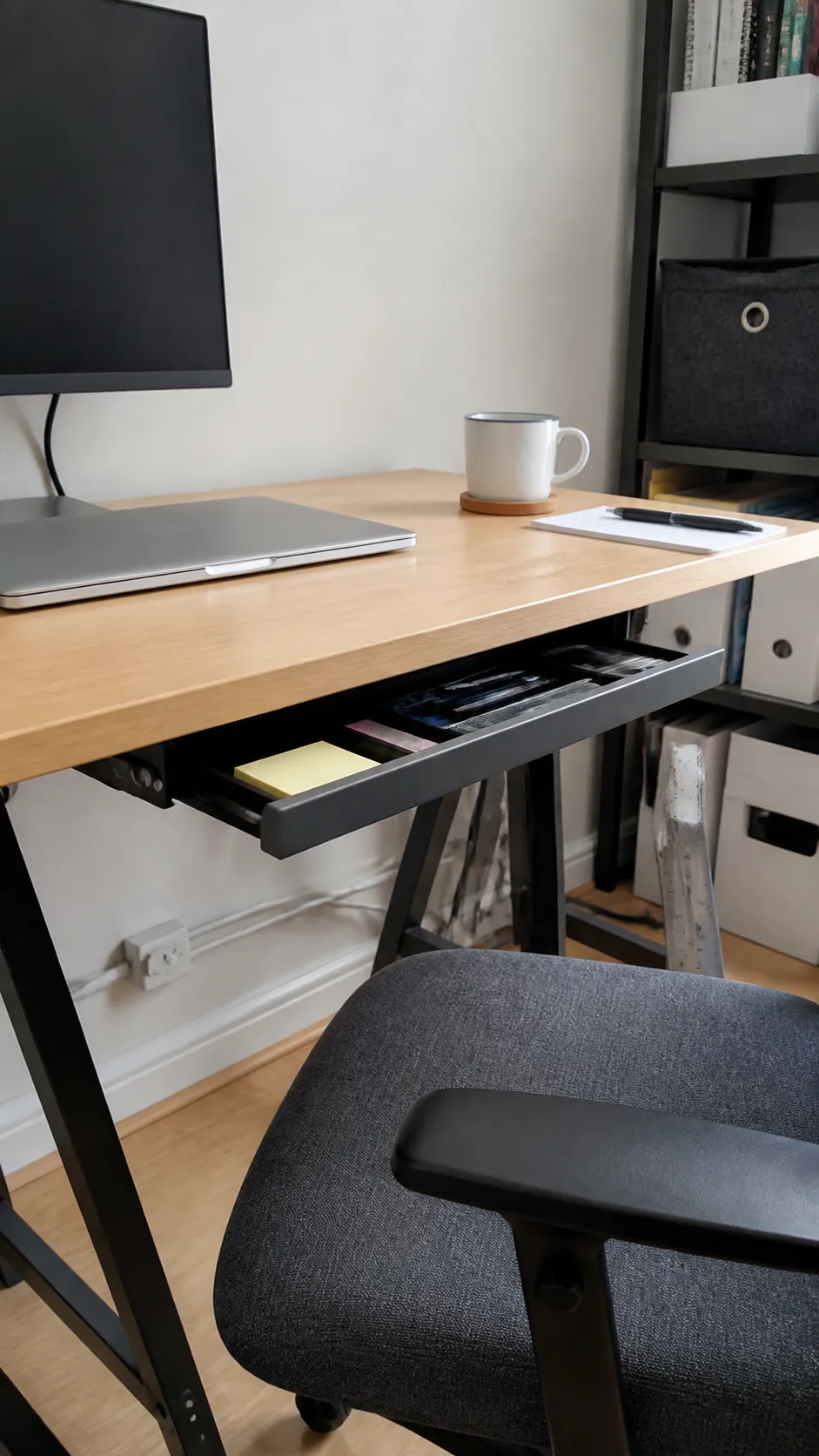
Slide a Drawer Beneath the Top
A shallow adhesive or screw mounted drawer can hide stationery without taking floor space. Confirm that it will not collide with chair arms or reduce comfortable thigh clearance. Reserve it for lightweight items and choose a smooth mechanism that will not shake the screen.
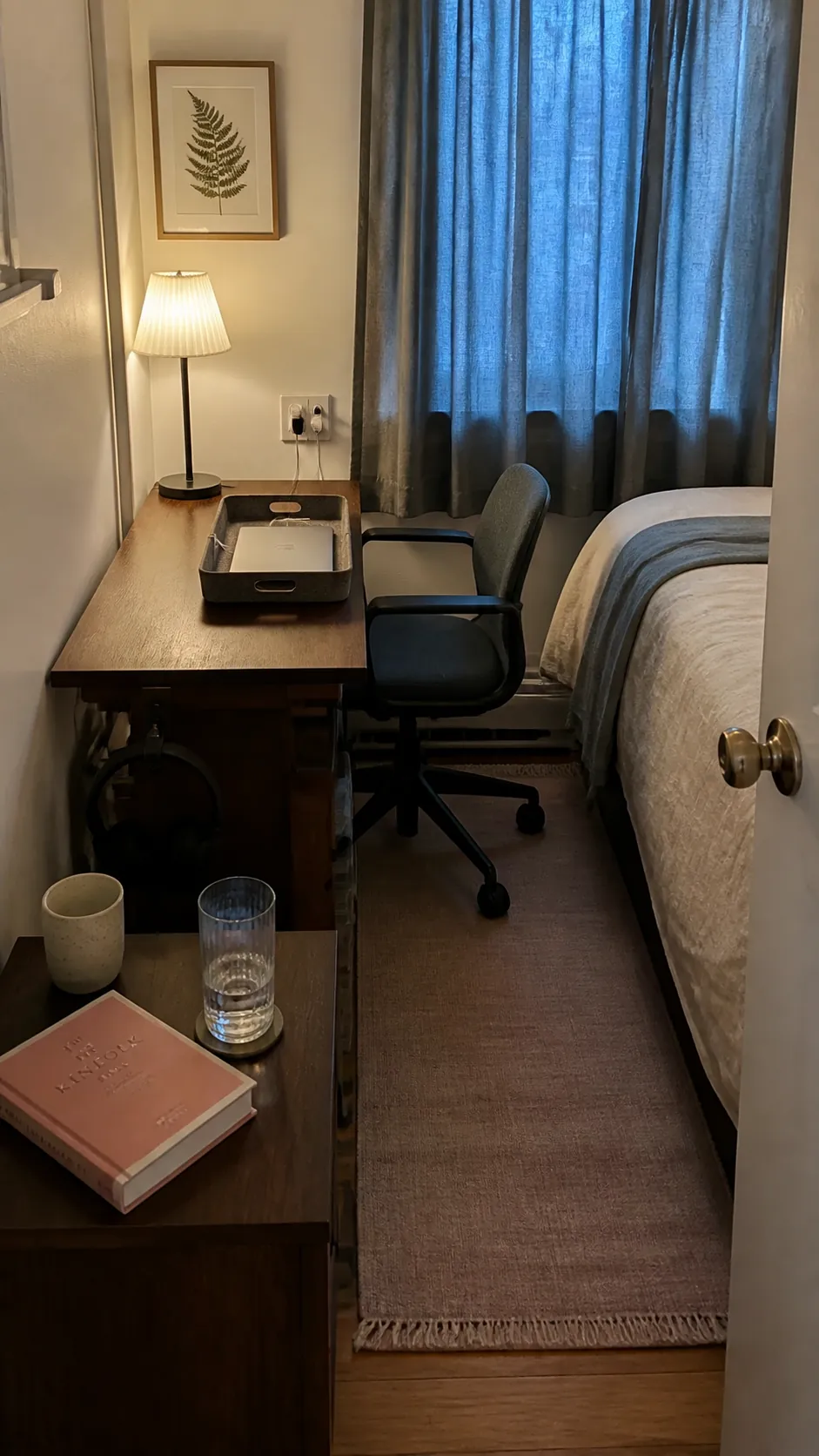
Share a Bedside Table Footprint
In a very small bedroom, a slim desk can replace the bedside table and serve both routines. Keep sleep essentials in one corner and work items in a removable tray. Warm evening lighting and a closed laptop help the surface shift back into a restful role after work.
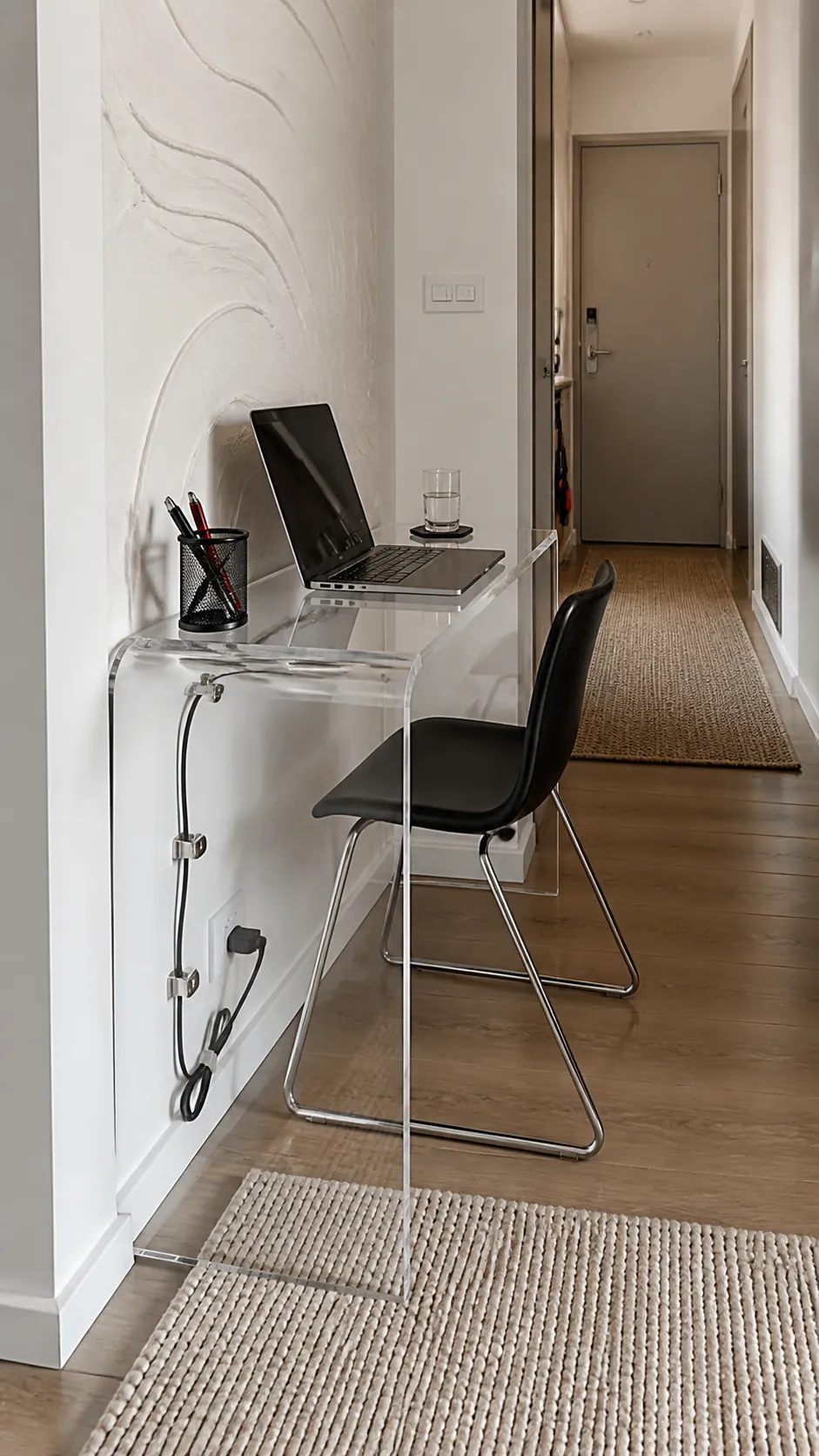
Try a Clear Acrylic Desk
A clear desk reduces visual weight when furniture already fills a narrow room. It works best with disciplined cable routing because every cord remains visible. Add one textured desk mat to define the work zone and prevent the surface from feeling cold or slippery.
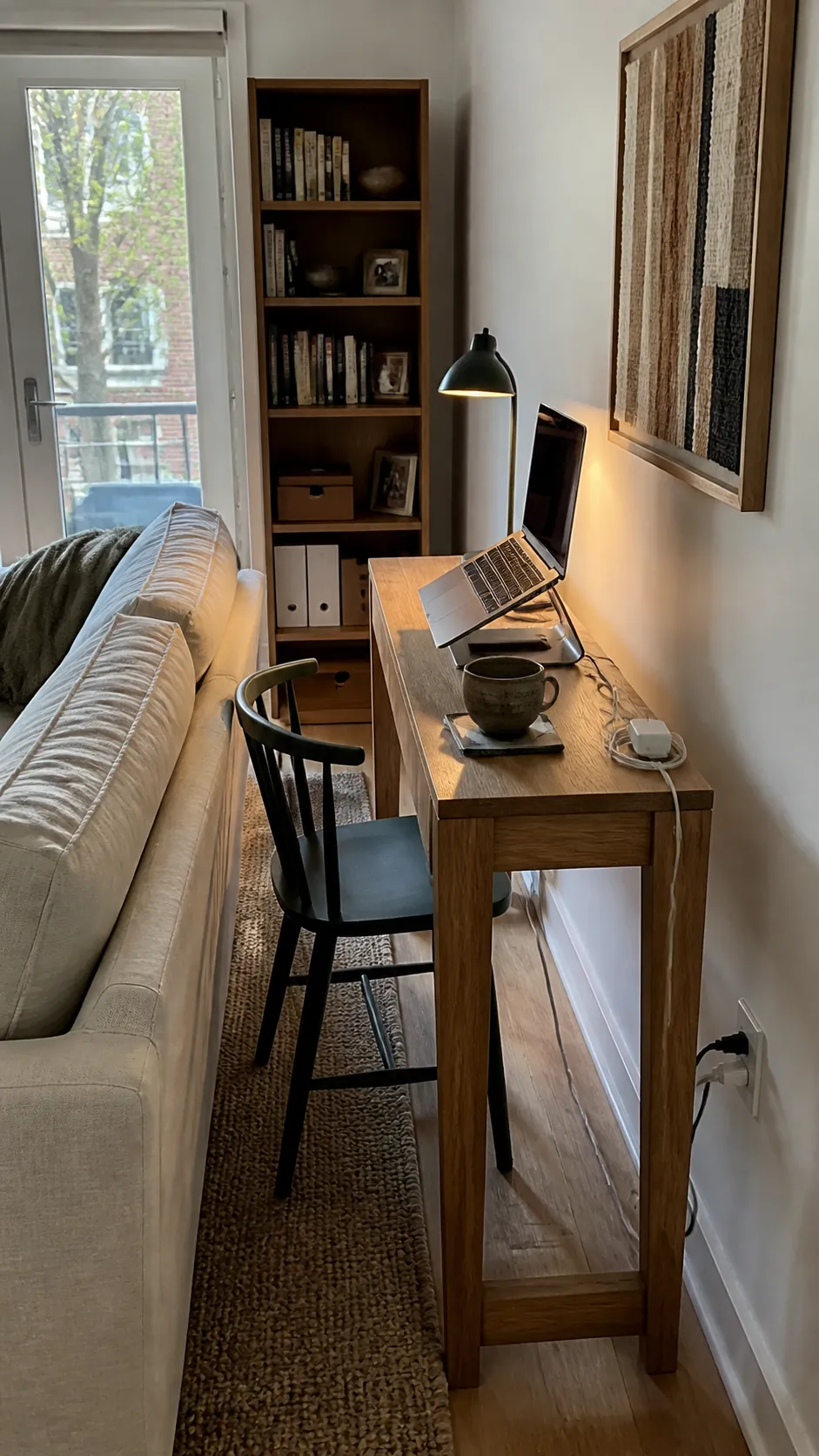
Fit a Console Desk Behind the Sofa
A narrow console can become a useful work desk without claiming a separate room. Choose a height that supports a comfortable chair and leave enough clearance for safe movement around the sofa. A compact lamp and laptop stand can make the slim depth productive without overwhelming the living area.
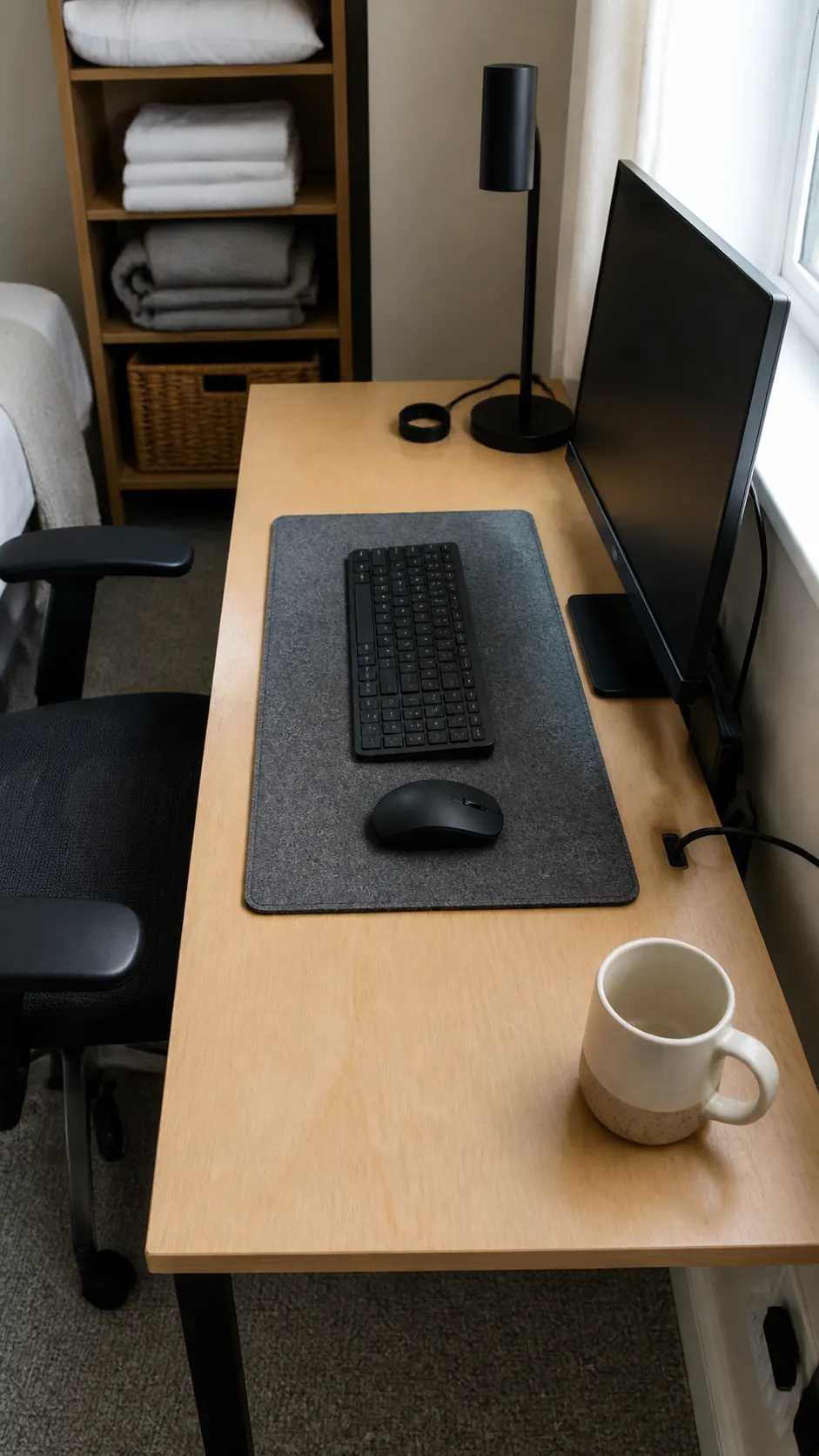
Anchor the Setup With a Desk Mat
A correctly sized mat visually groups the keyboard and mouse while protecting the worktop. Leave a border of exposed surface so the mat does not make the small desk look completely covered. Choose a calm color with enough contrast to find small objects easily.
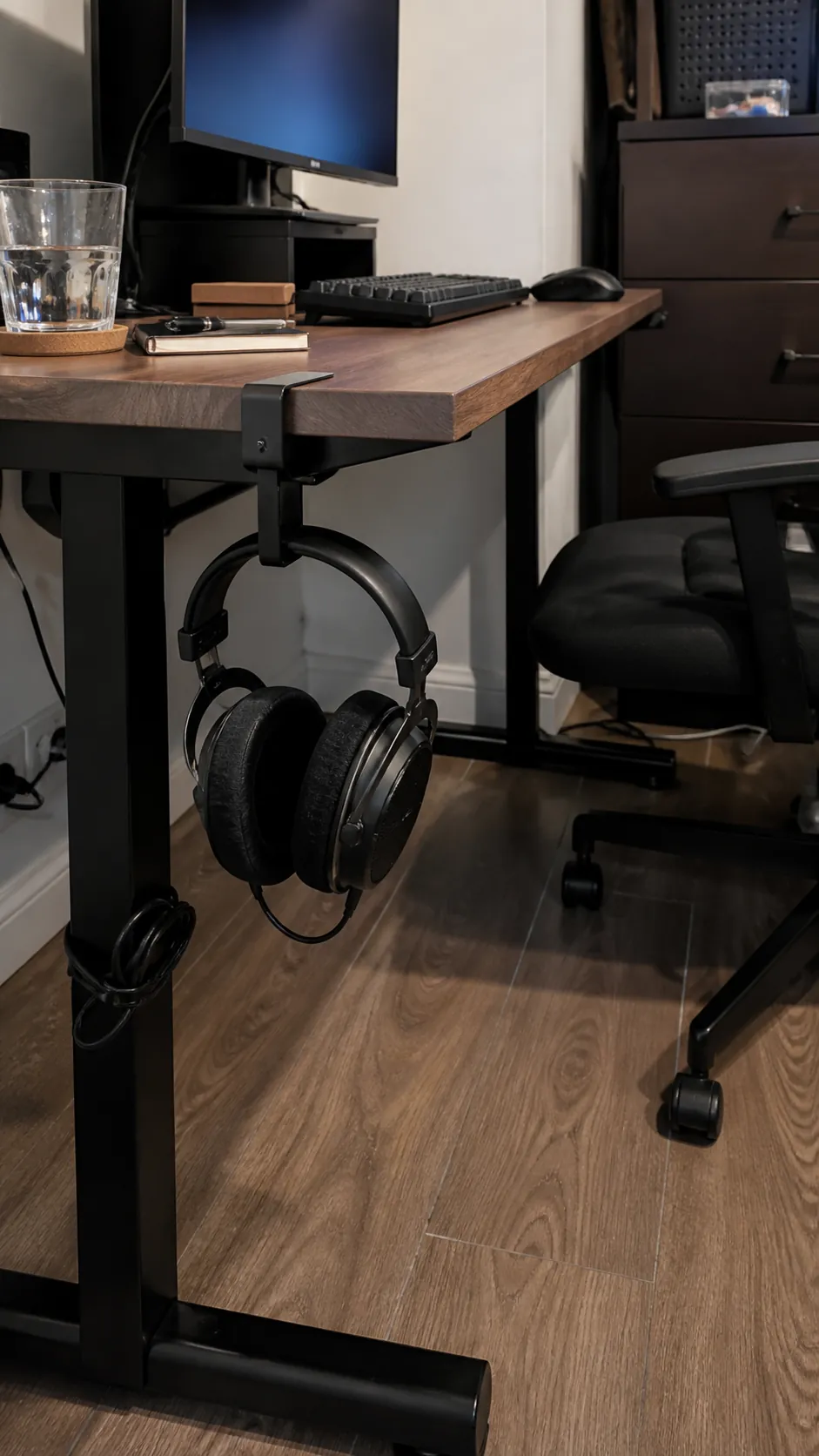
Mount the Headphones Underneath
An under surface hook keeps headphones reachable without occupying a corner of the desktop. Place it where the chair and knees will not strike it. A clamp version avoids holes and can move to the opposite side if your dominant hand or layout changes.
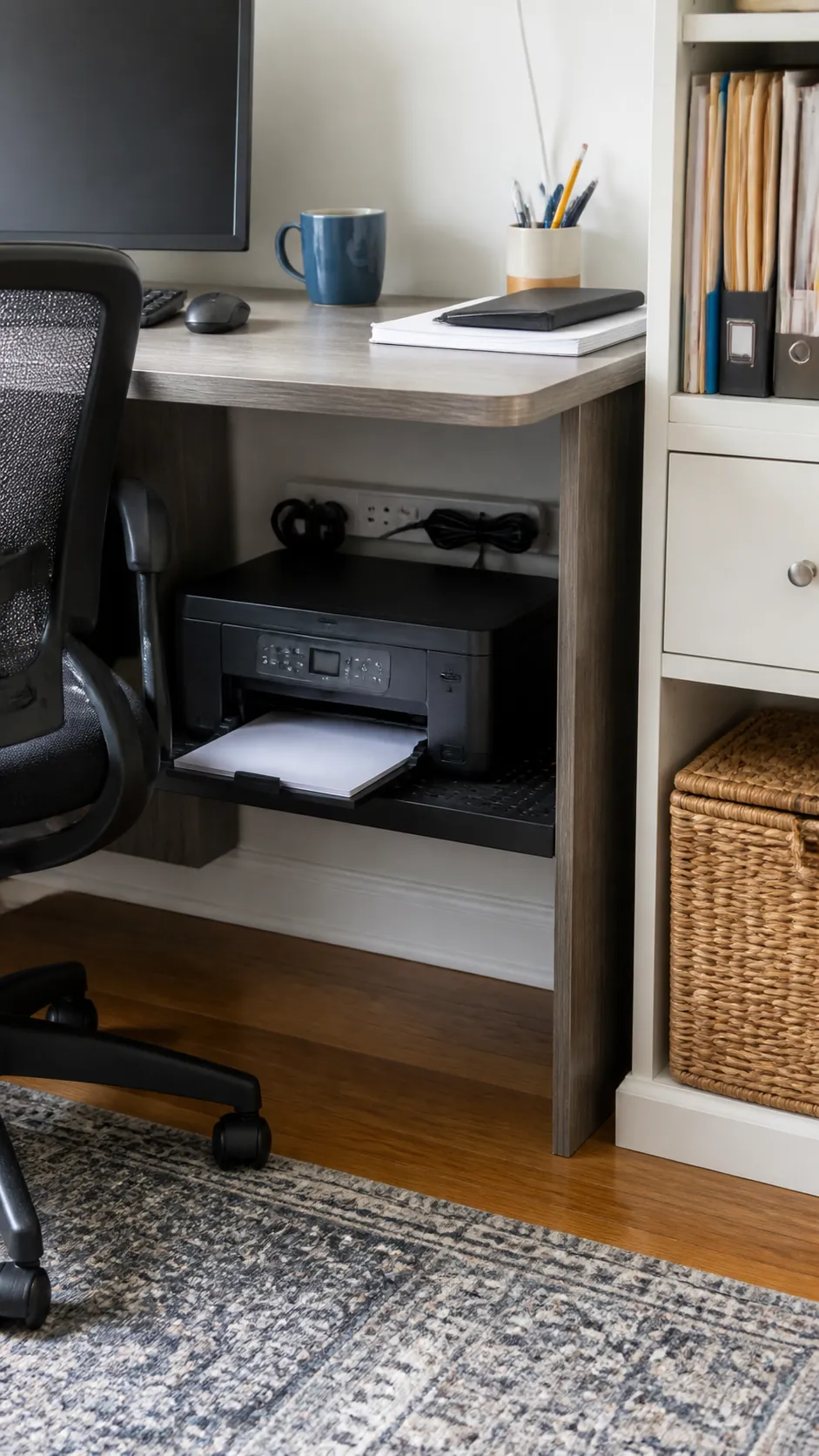
Give the Printer a Lower Shelf
A compact printer rarely deserves prime surface space if it is used only occasionally. Place it on a stable lower shelf with room for the paper tray and ventilation. Keep one clear route for loading paper so printing does not require dismantling the whole setup.
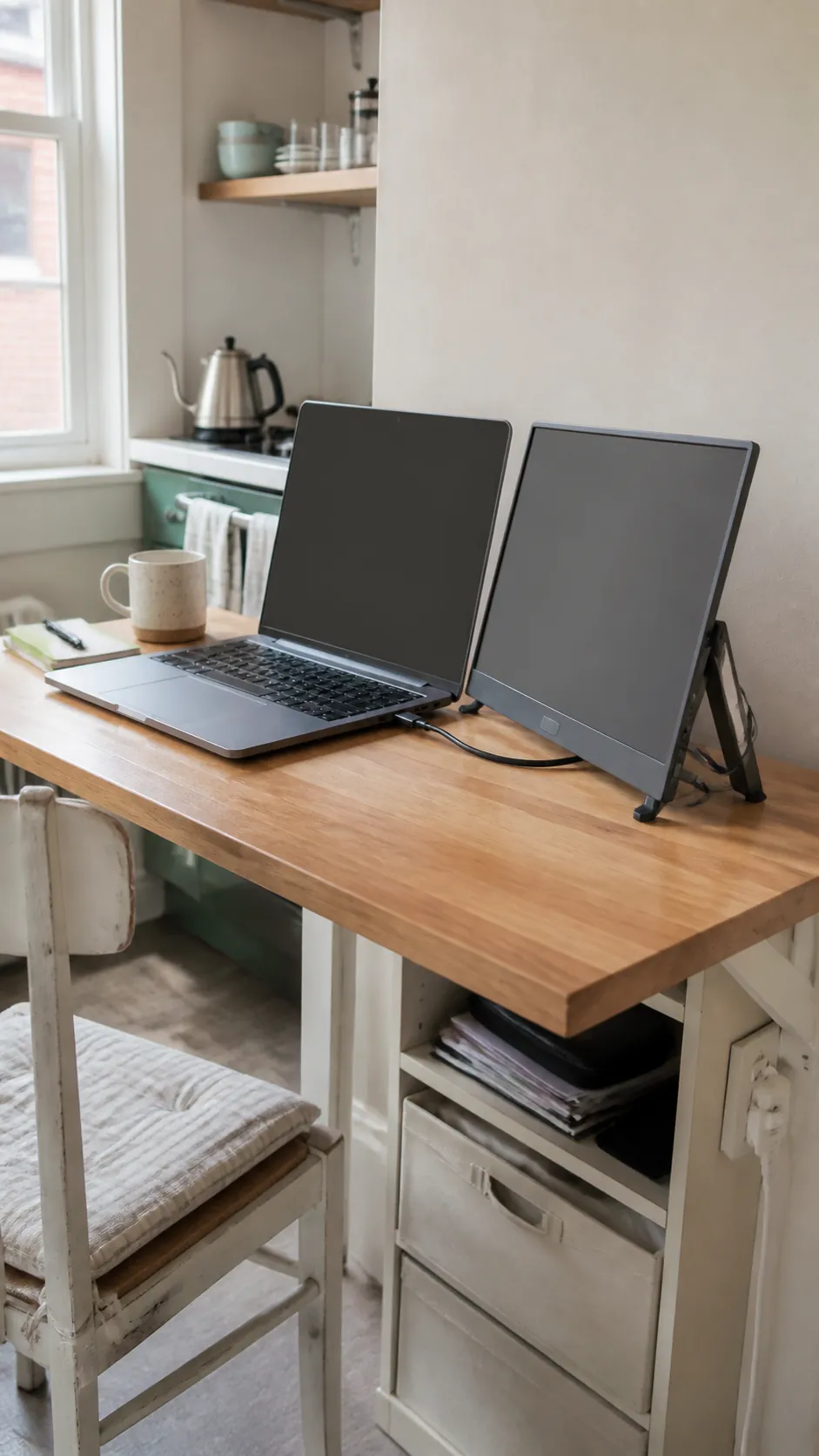
Use a Portable Screen Only When Needed
A portable display adds screen space during focused tasks and stores flat when the work is done. Set it on a stable stand near eye level rather than leaning it against books. This flexible choice suits a tiny desk setup better than a permanent second monitor when extra display space is occasional.
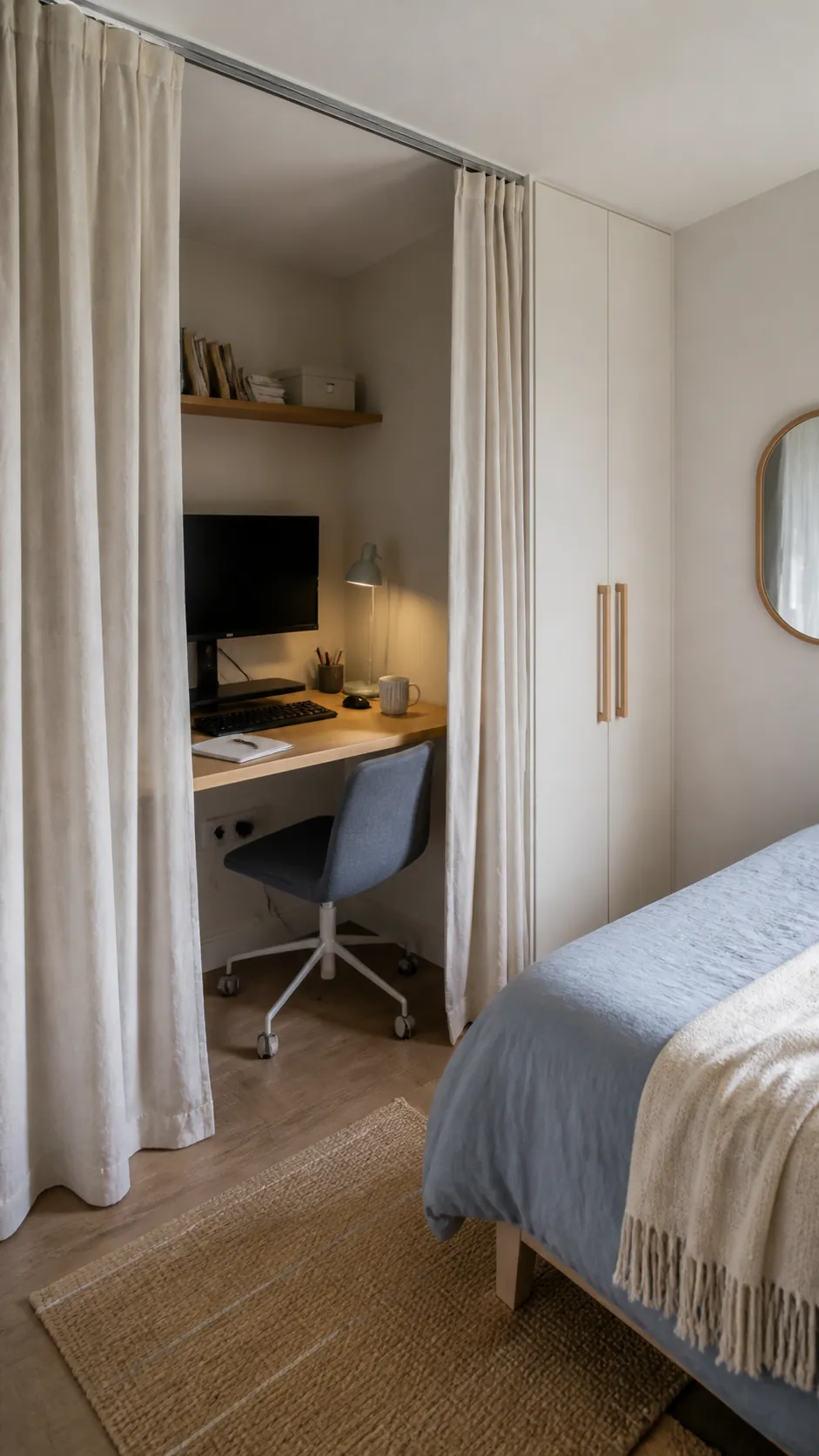
Frame the Desk With a Curtain
A ceiling mounted curtain can conceal a bedroom work space when visual separation matters more than sound control. Choose a light fabric that does not steal floor area and keep it safely away from warm equipment. Pulling it closed after work creates a clear boundary without requiring construction.
Keep One Clear Writing Zone
Protecting a blank area for a notebook, meal break, or quick sketch makes a small desk adaptable. Assign the opposite side to fixed technology and avoid letting chargers migrate into the open zone. Reset the surface at the end of each session so tomorrow begins with usable space instead of yesterday’s leftovers.