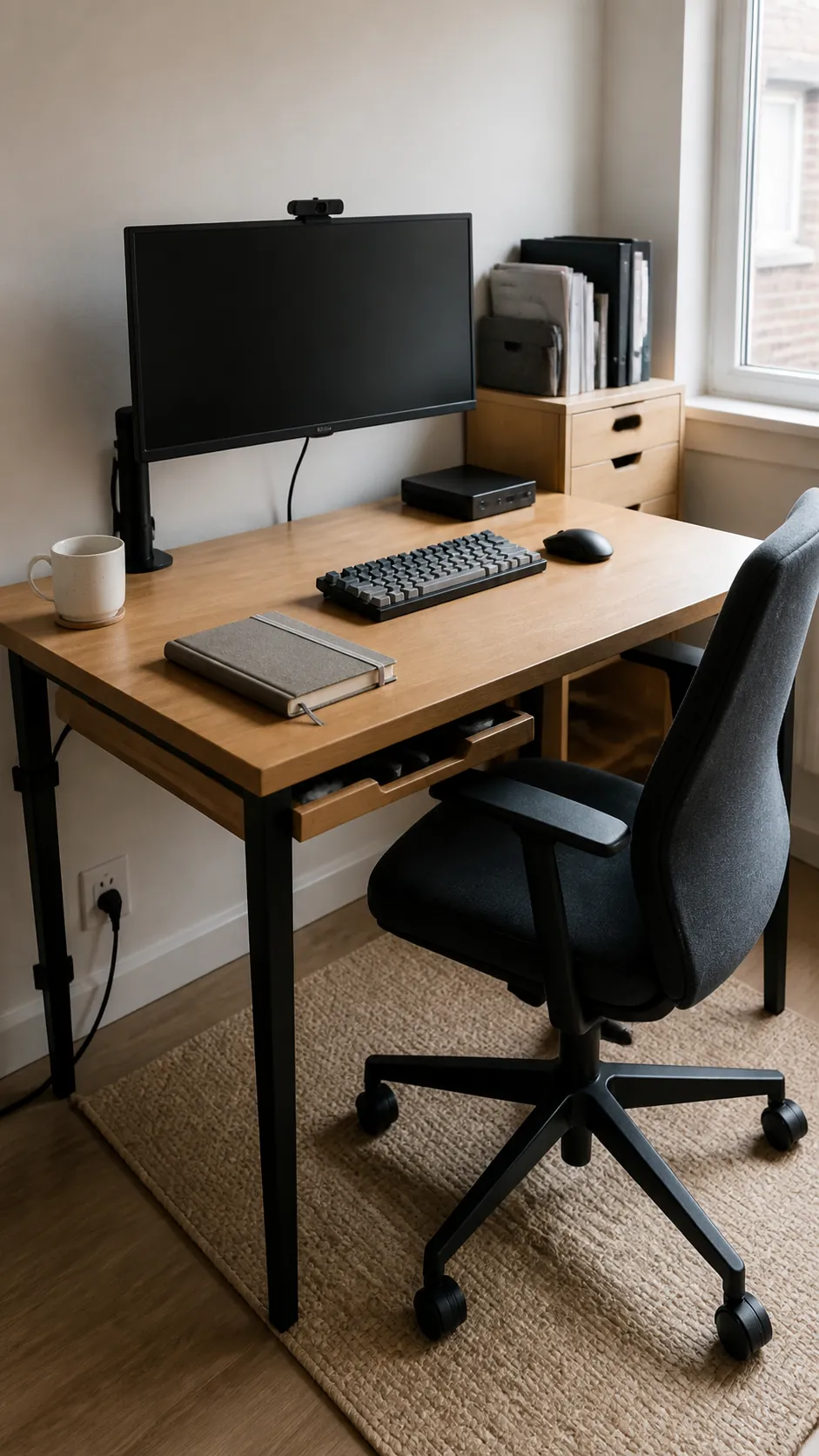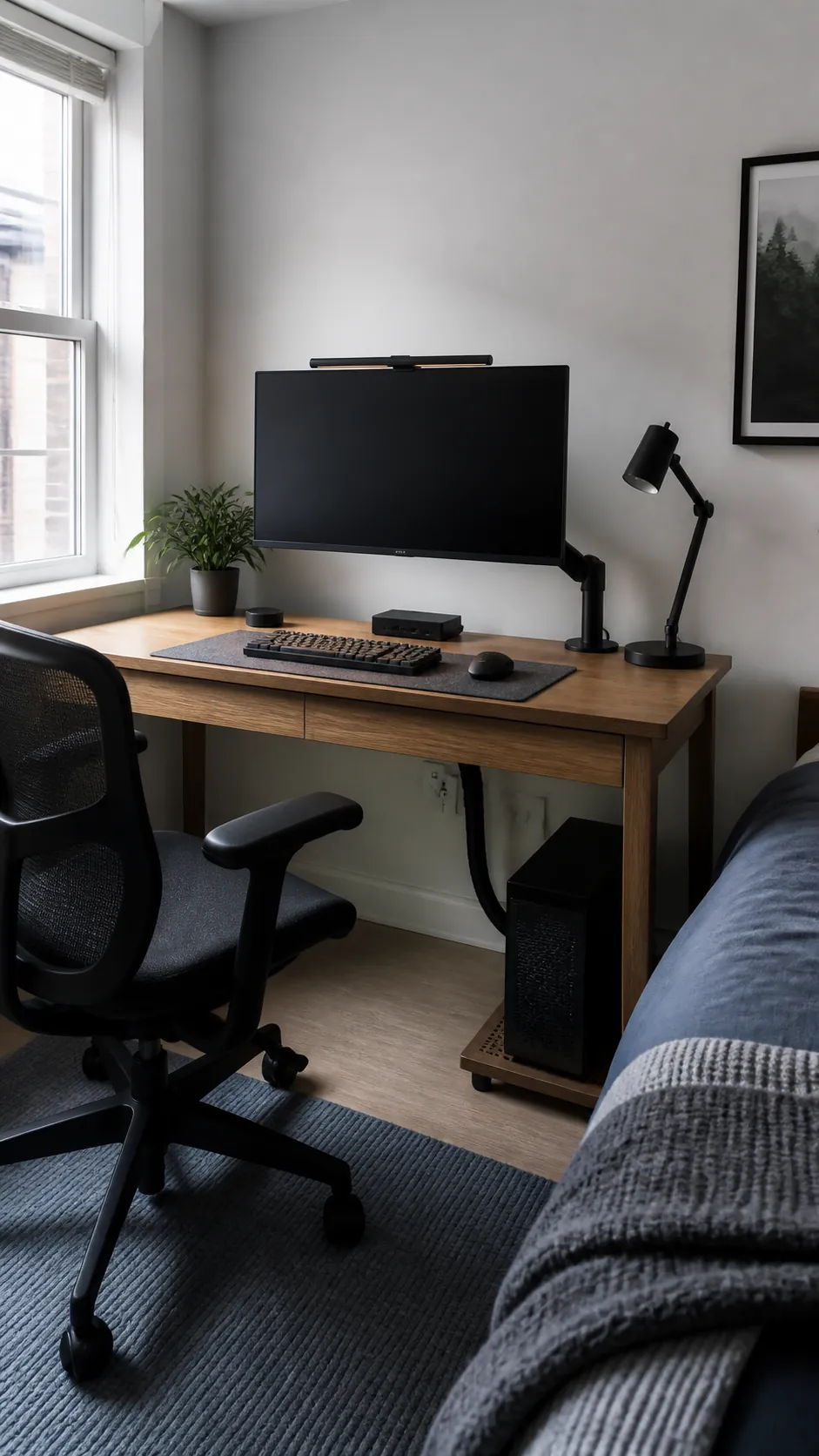
A small computer desk can feel crowded even when it holds only the essentials. The usual problem is a poor order of priorities: the screen sits too close, the tower claims valuable width, and cables occupy the space that hands need. Build the setup from your seated position outward, then give every device a location that protects comfort, airflow, and a clear work zone.
Start With Depth, Not Decoration
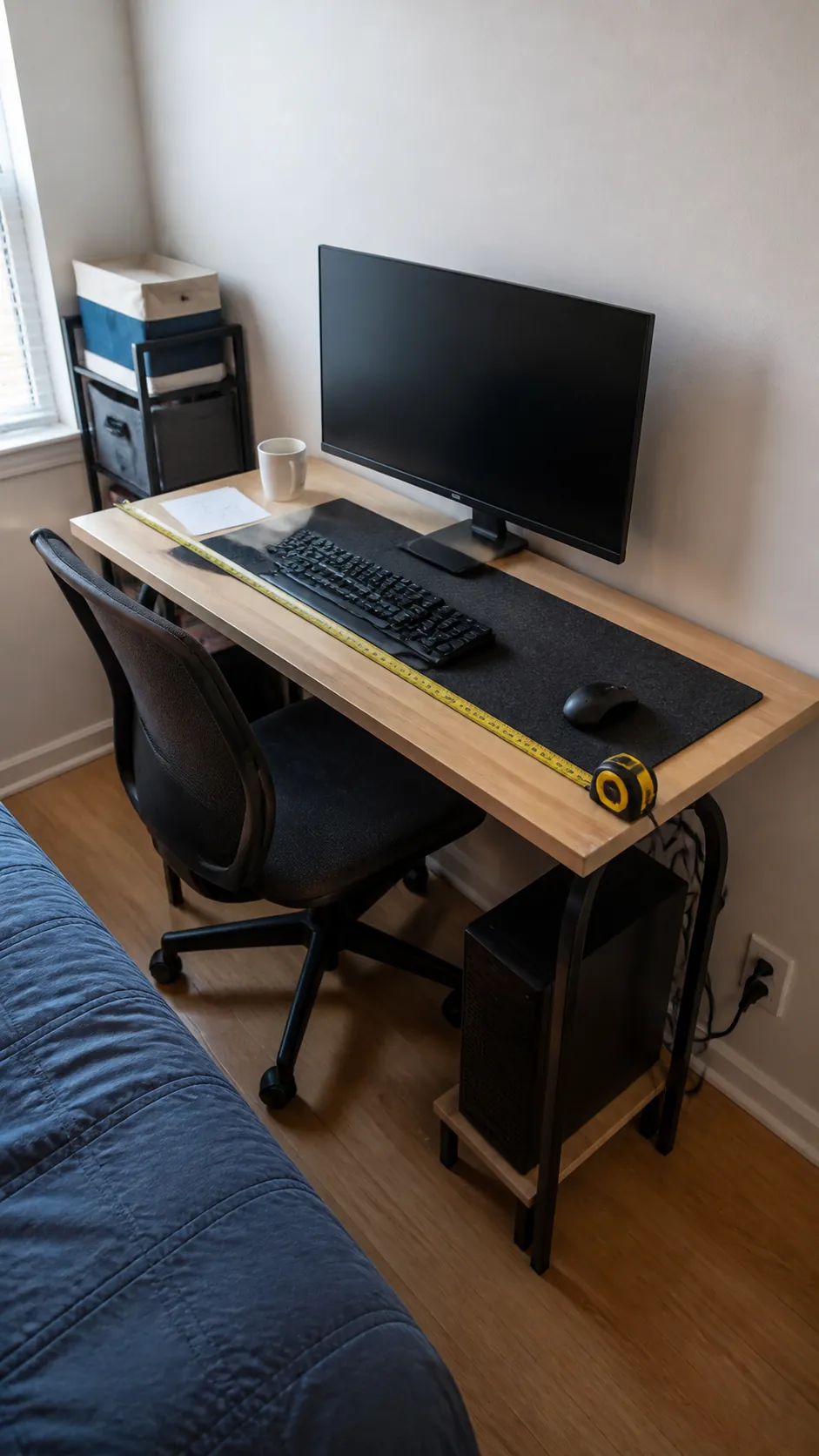
Measure the usable depth after accounting for the wall, baseboard, and monitor stand. Your screen should sit far enough away that text is comfortable without pushing the keyboard against the front edge. If depth is tight, a shallow keyboard and a display mount usually solve more than another organizer. Mark the area your forearms and mouse actually use before adding accessories.
Center the Main Screen on Your Chair
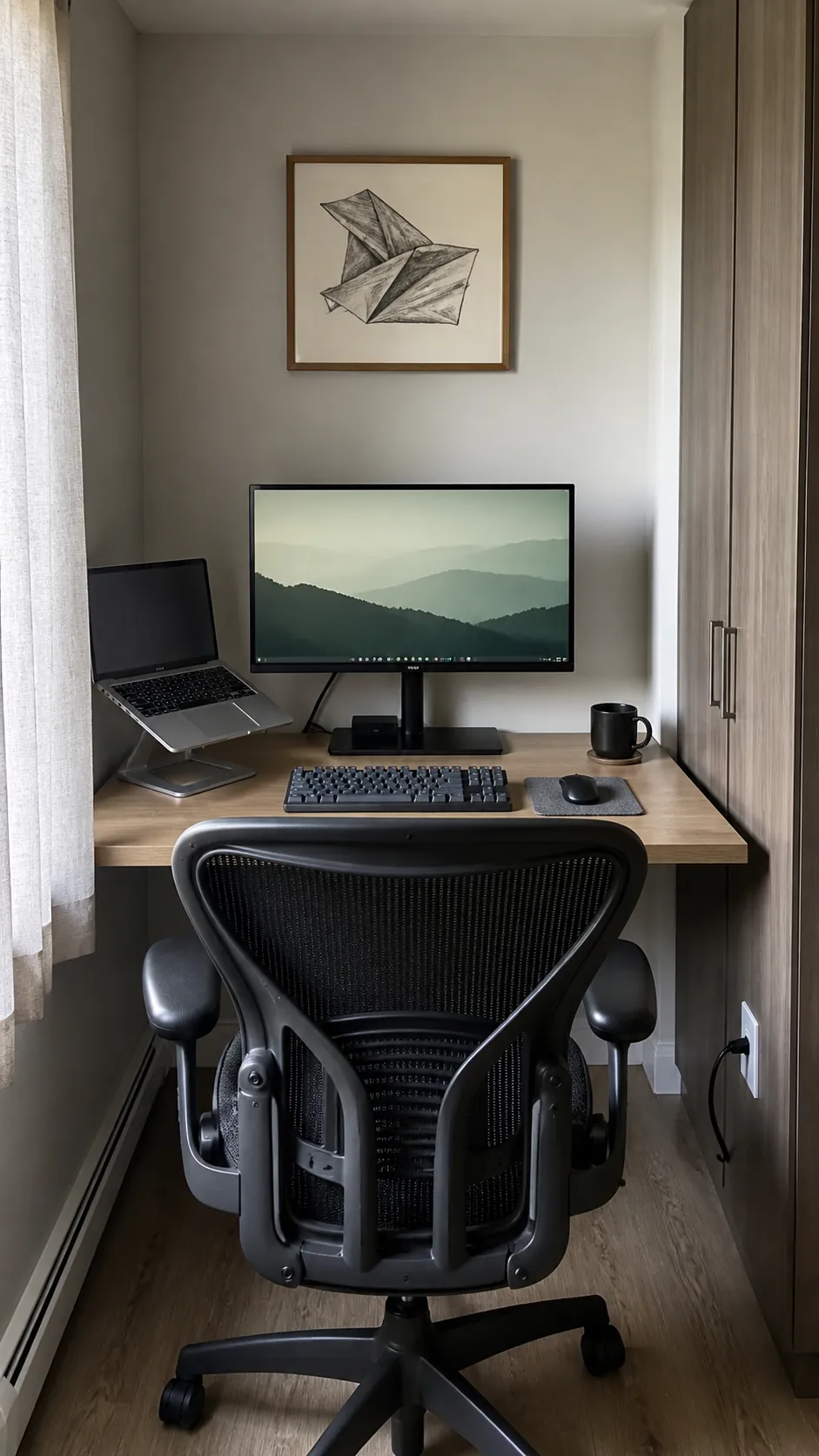
The primary display belongs directly in front of your normal sitting position, not centered on the furniture while your chair sits elsewhere. Raise it until your gaze falls comfortably near the upper part of the screen. A laptop can sit to the side on a stand when you actively use both displays. If it remains closed, place it vertically near the dock and keep its vents open.
Move the Tower Without Choking Airflow
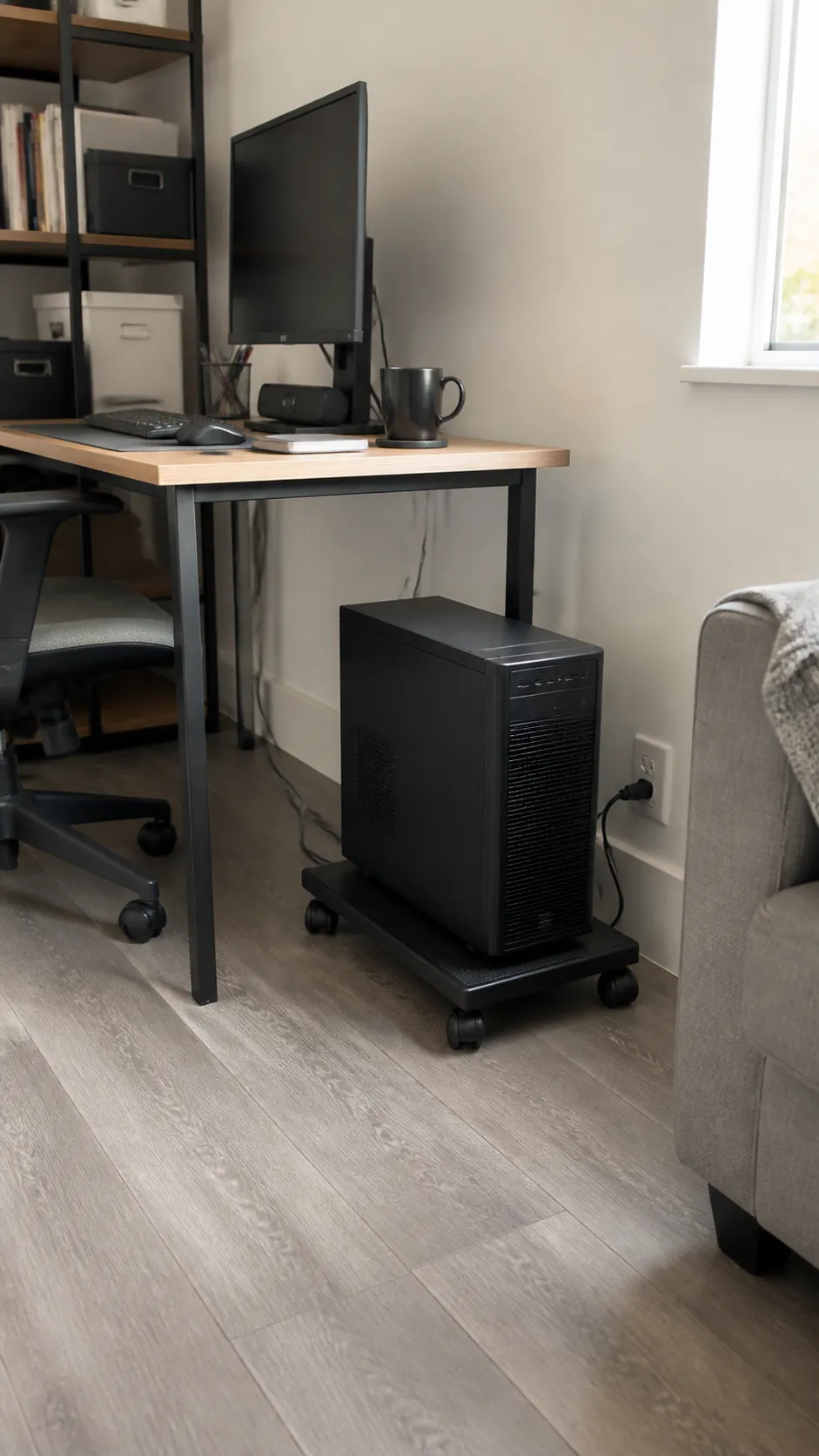
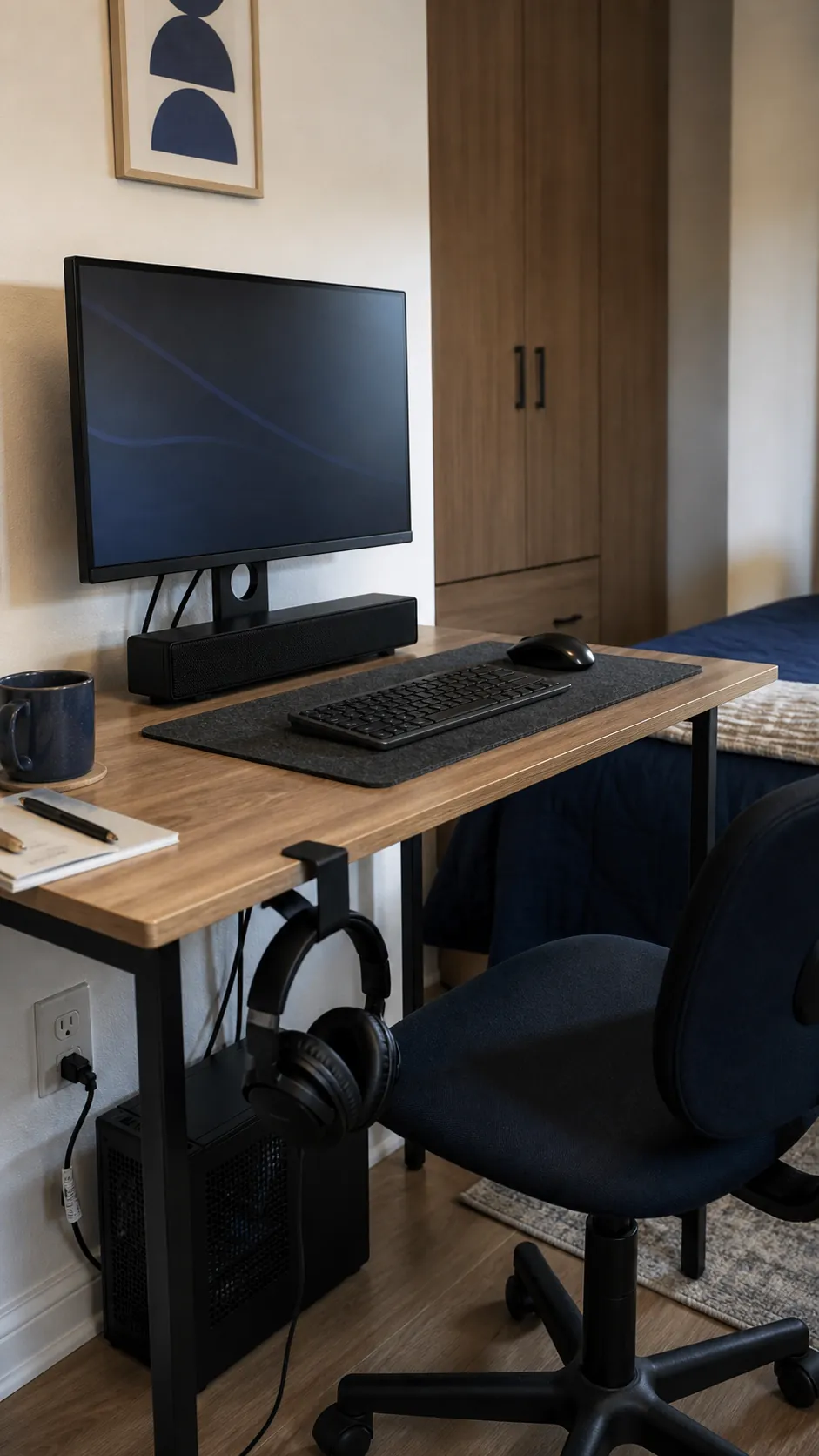
A desktop tower can consume a third of a narrow worktop, yet placing it directly on thick carpet creates another problem. Use a stable raised platform beside the desk or a suitable holder beneath it, leaving the intake and exhaust areas clear. Confirm that the power button and ports remain reachable. Allow enough cable slack for cleaning without leaving loose loops near your feet.
Match the Monitor Arm to the Desktop
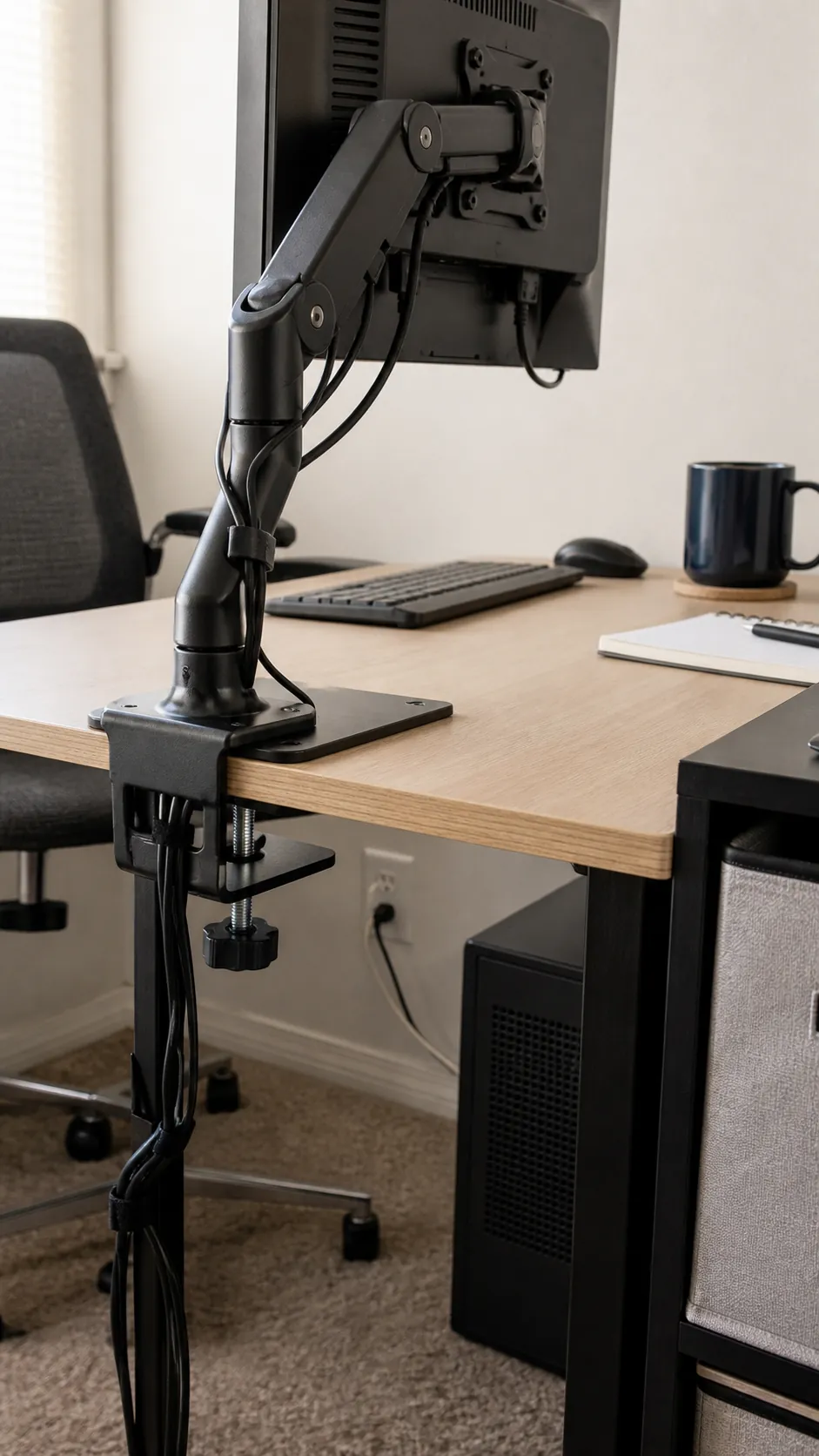
A monitor arm can recover useful surface area and move the screen closer to the wall. It is not automatically safe for every thin or hollow desktop, so check the material, edge shape, clamp range, and combined load. A reinforcement plate may spread pressure when the manufacturer allows it. Route cables with enough movement for adjustment rather than pulling them tight.
Protect the Keyboard and Mouse Zone
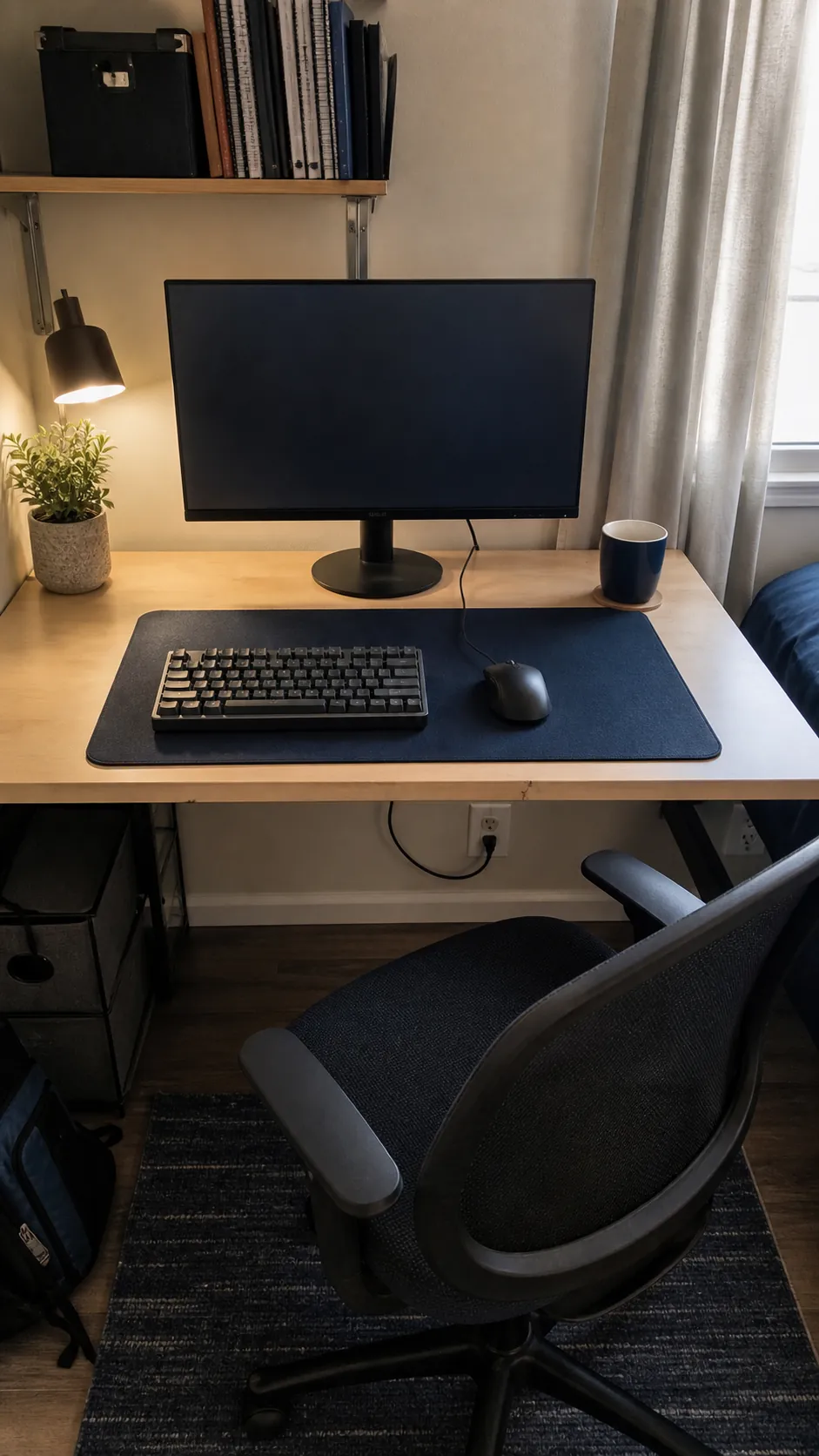
Your most valuable desk area is the rectangle where the keyboard, mouse, and forearms move. A compact keyboard can reduce the sideways reach to the mouse, but it should still include the keys you use often. Choose a mat that fits the equipment rather than covering the entire surface. Keep speakers, controllers, and charging devices beyond this active zone.
Create One Connection Point
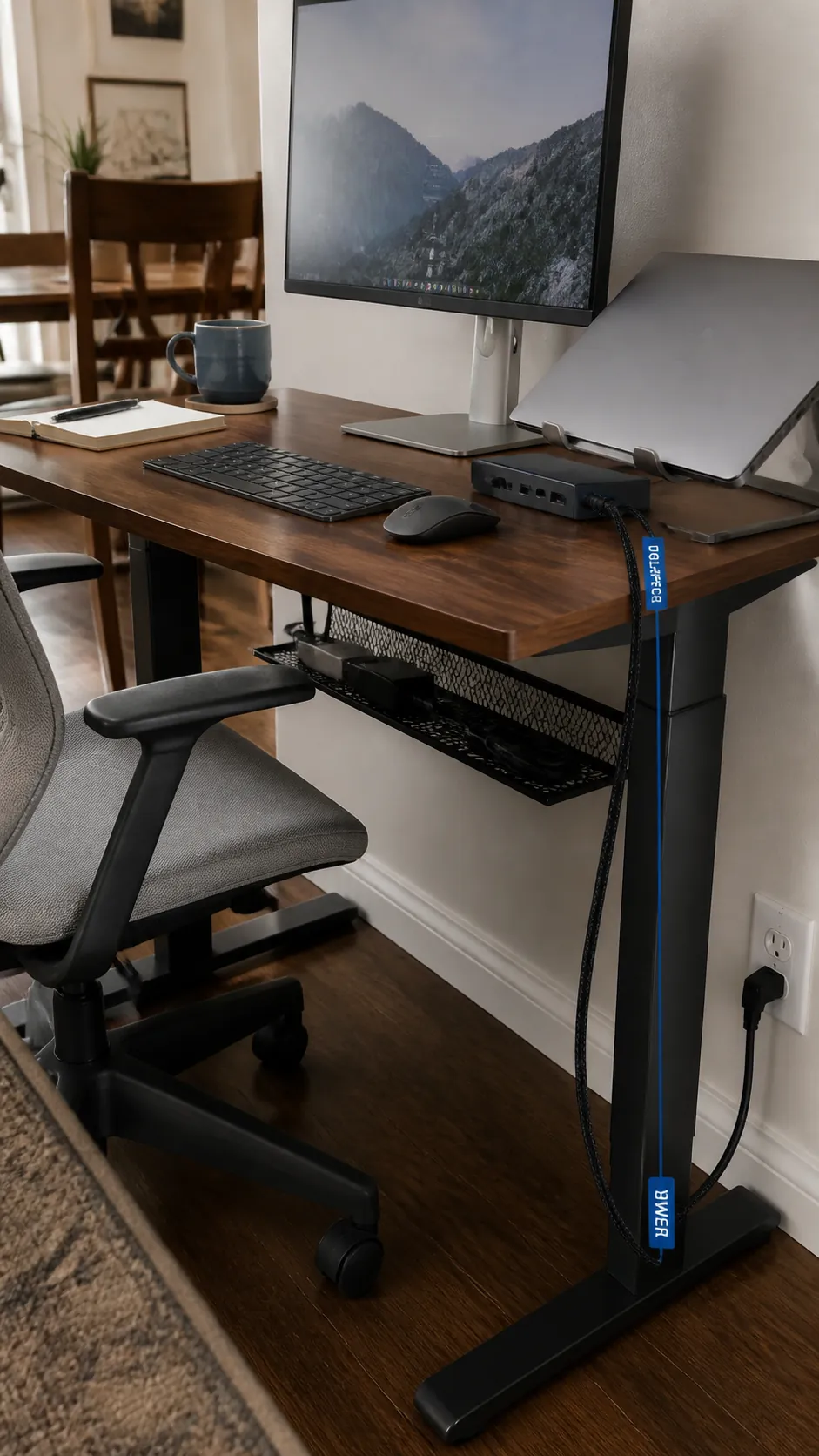
A compact dock can turn several loose device leads into one predictable connection for a laptop. Mount the power strip and cable slack below the desktop in a ventilated tray, then guide one main cord toward the outlet. Label similar cables near their device ends. Keep power bricks separated enough to release heat and remain easy to inspect.
Scale Audio to the Available Width
Large speakers can force the monitor off center and make a tiny desk feel permanently cramped. Compact speakers on stable stands can work when they fit, while a small soundbar may suit a very narrow arrangement. Aim speakers toward the seated position and avoid blocking ventilation or controls. Headphones on an under surface hook are the simplest choice when audio equipment is occasional.
Finish With a Daily Reset
A simple desk setup stays useful only when temporary objects leave at the end of the session. Return chargers, notebooks, and game controllers to one drawer or side container. Wipe the open surface and check that no cable has slipped into the chair path. The goal is not an empty display piece, but a small computer desk that is ready when you sit down again.