
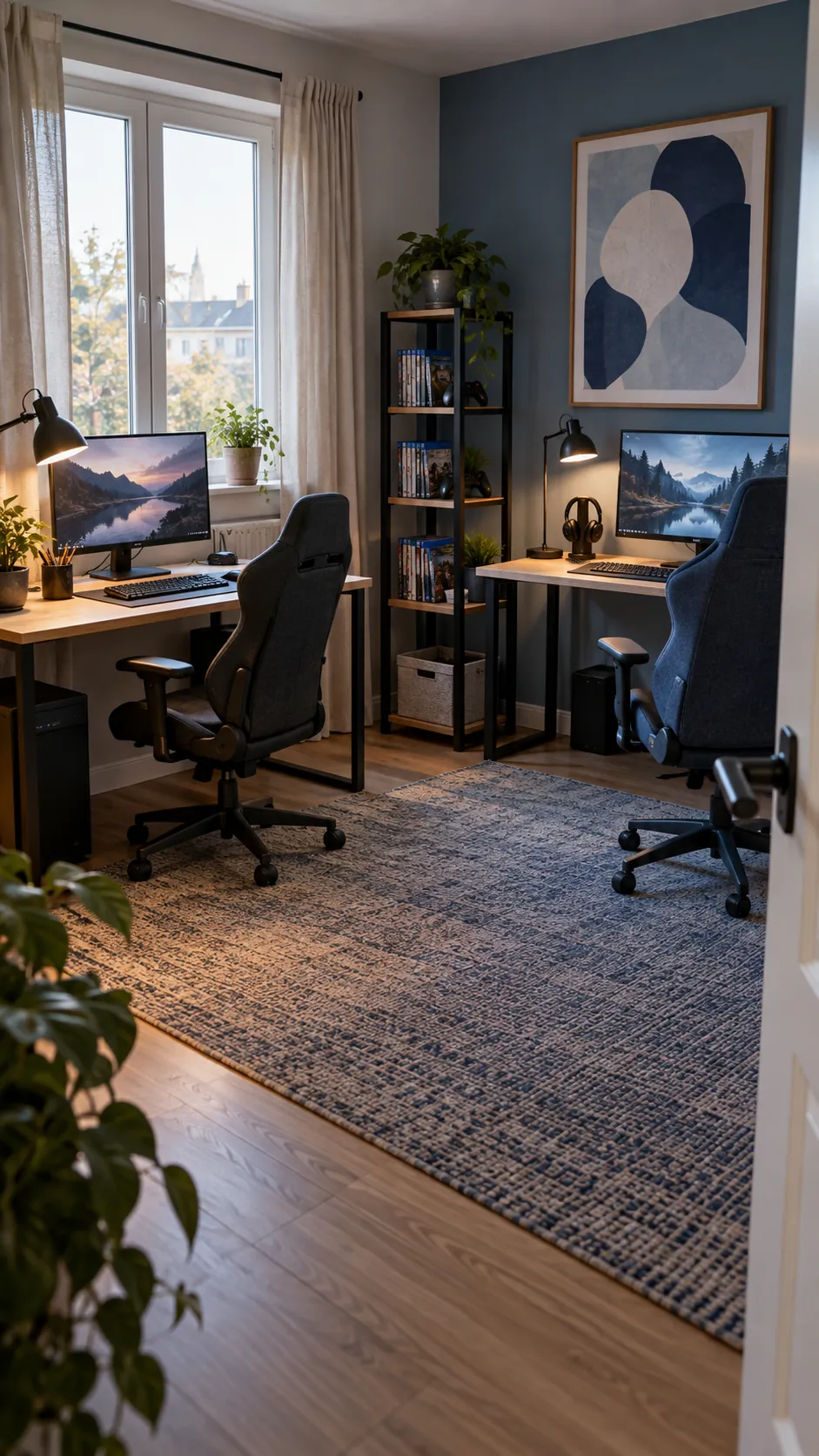
Two people can share a wall and still end up fighting for elbow room, outlets, and quiet. The most useful plan begins with both players seated, their chairs moving, and the equipment they already own. Once those physical needs fit, the room can take on a cohesive look without forcing identical stations.
Choose one long desk or two separate desks
A single long surface gives two gaming stations a unified look and can be easier to fit against one clear wall. It also means both players inherit the same desk height, support legs, and available depth. Two separate desks let each person choose a better fit, move a station later, and isolate vibration from typing or controller use. Start with the room width and the equipment each person actually uses, not the appeal of a perfectly symmetrical photo.
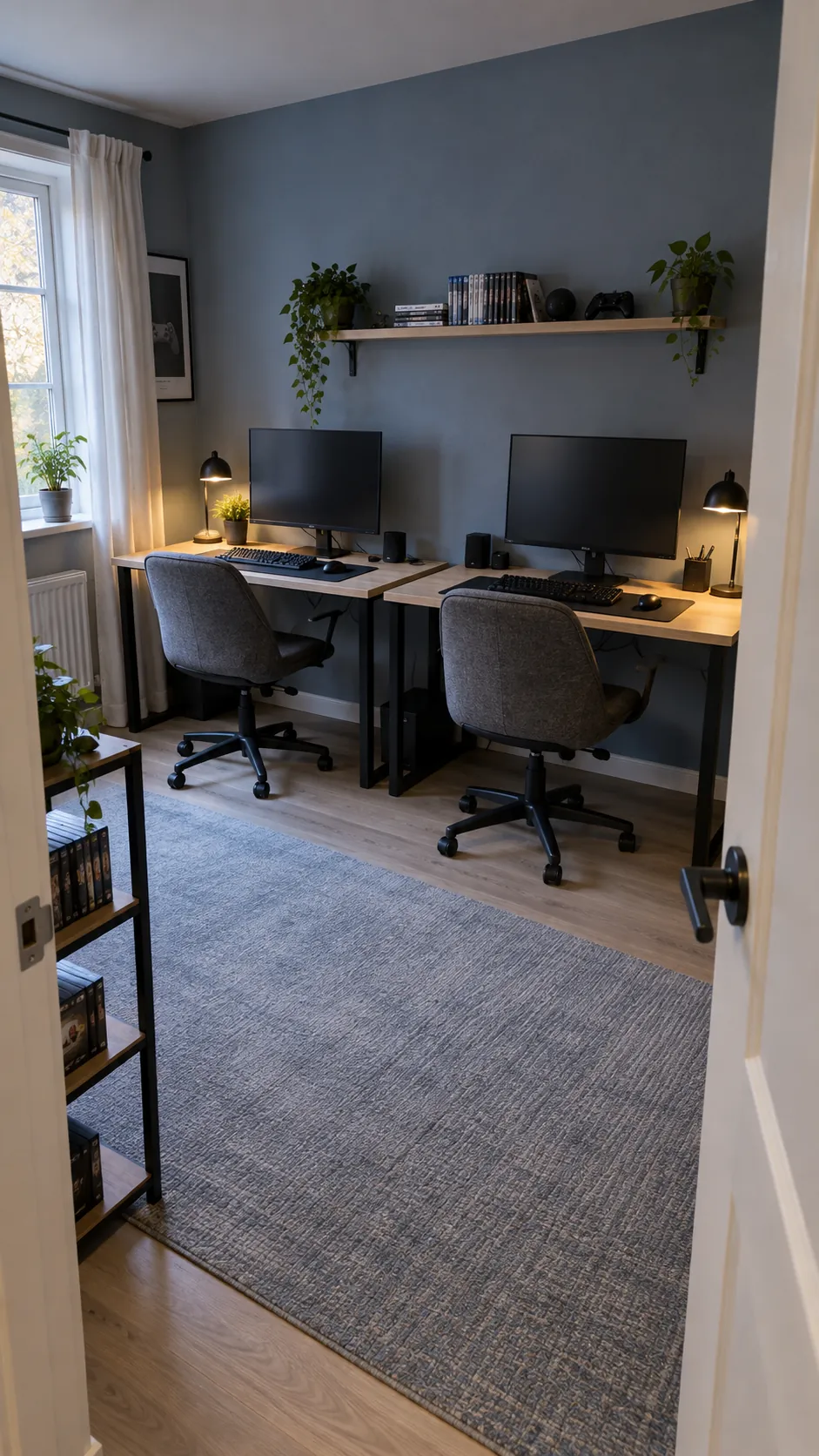
If the room is narrow, two compact desks can meet with a small gap for cables and cleaning. If a continuous top is the only option, check its support and the locations of legs before ordering. Avoid placing a leg exactly where either person needs knees or a chair to move.
Measure both chair zones before shopping
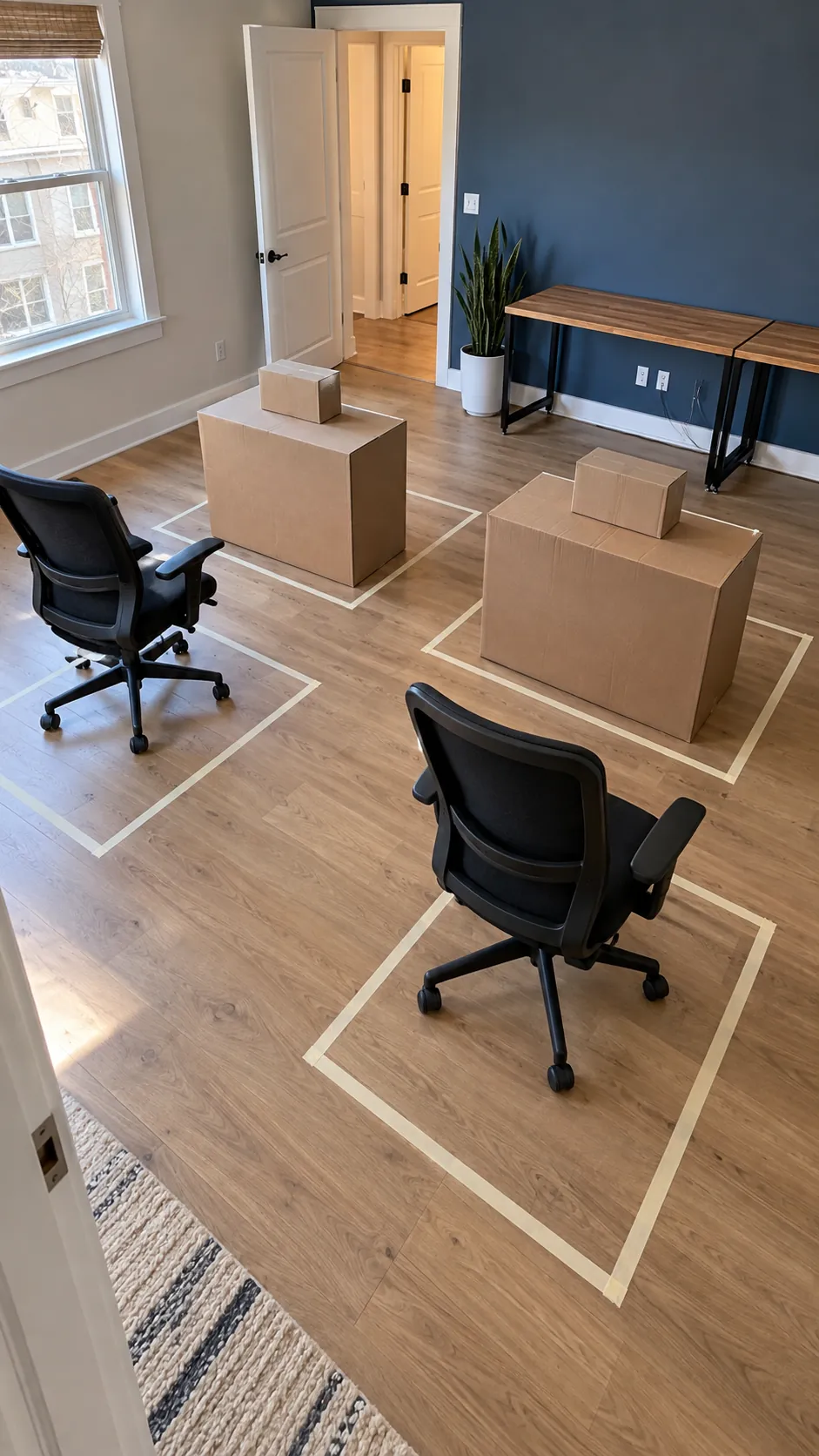
The width of two monitors says little about whether two people can sit comfortably. Mark the footprints of both chairs on the floor and roll them back as if each player were standing up. Include the door swing, drawers, and any bed or sofa beside the setup. A room can look wide enough on paper yet fail when both chairs move at once.
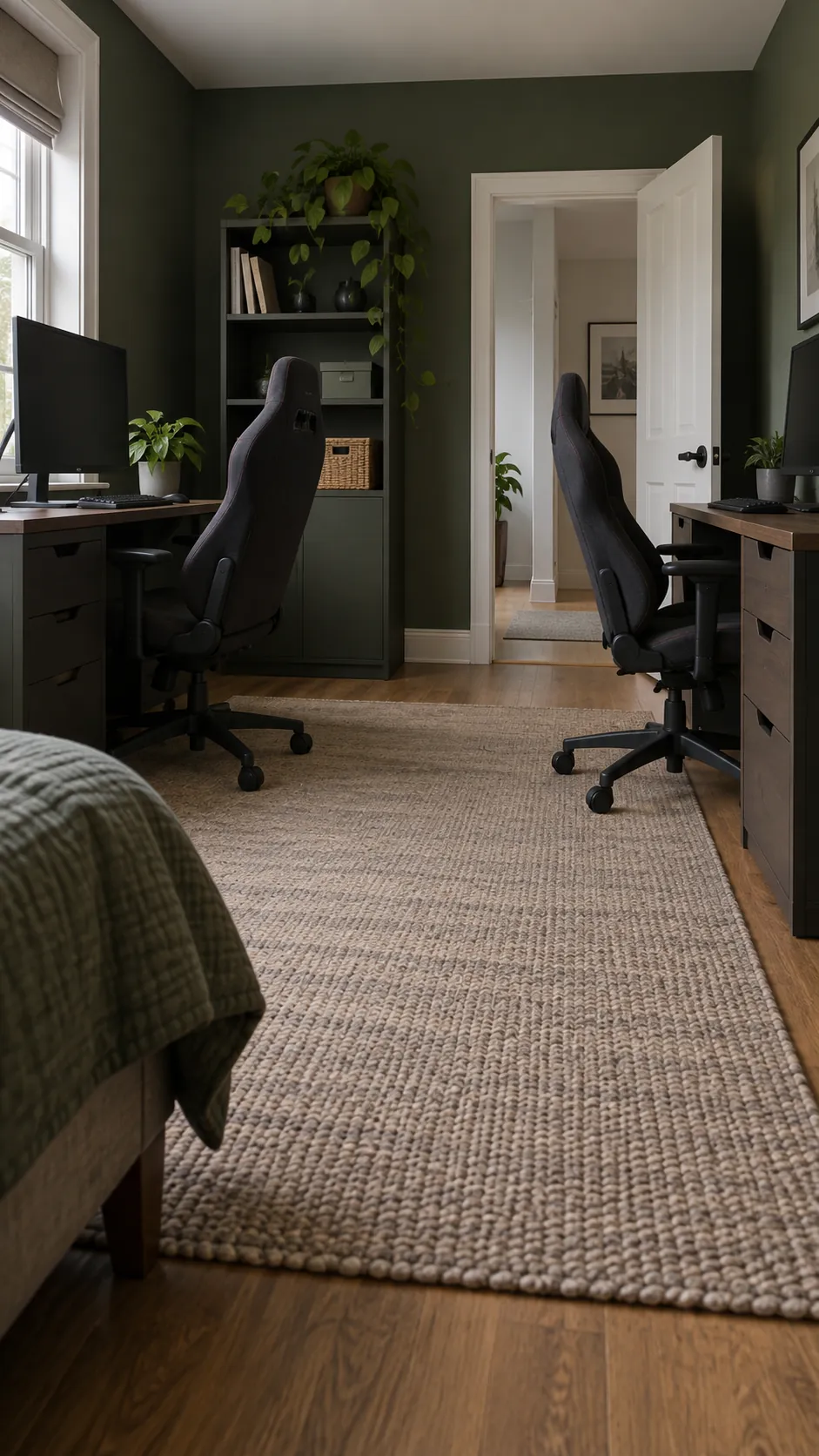
Sit together in the proposed positions and check elbows as well as chair arms. One player should not have to angle their keyboard merely to avoid the other. Leave a walking route that does not send someone through a nest of cables. In a small gaming room, the usable path matters more than an extra shelf.
Let each screen follow its own user
Matching monitors may look tidy, but the screen positions should follow the players rather than an exact center line. Set each display at a comfortable viewing distance and height for its user. Monitor arms can reclaim desk depth, provided the desk can carry the clamps and the arms have room to move. A shared arm spanning two screens may be less adaptable when people have different preferences.
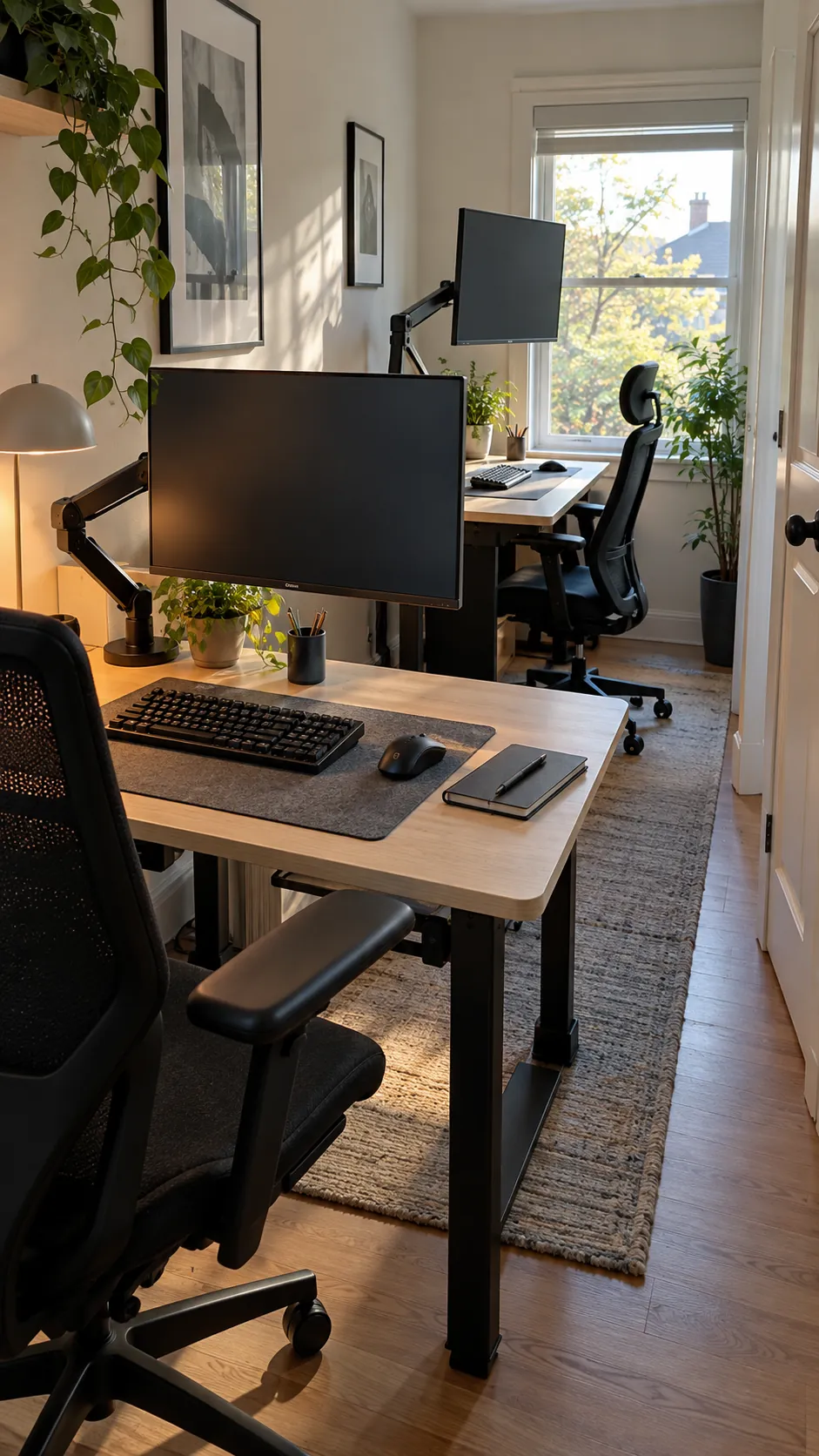
Keep the main keyboard and mouse areas independent. A narrow divider, speaker, or plant in the middle can mark the boundary, but it should never steal necessary elbow space. If one person also works at the desk, give that station a place for paper or a laptop rather than making every task happen around a controller.
Test screen glare from the window at the hours both people play. An adjustable shade often solves more than a dramatic lighting scheme. The simplest double gaming setup is the one each person can use without asking the other to move.
Give power and cables a serviceable route
Two complete stations bring more leads than one, so power planning belongs near the beginning. Locate outlets and decide where each computer, console, display, lamp, and charger will connect. Keep power strips off the floor and within reach for inspection, then route leads through separate trays or channels. Reusable ties make equipment changes easier than permanently fastening every cable.
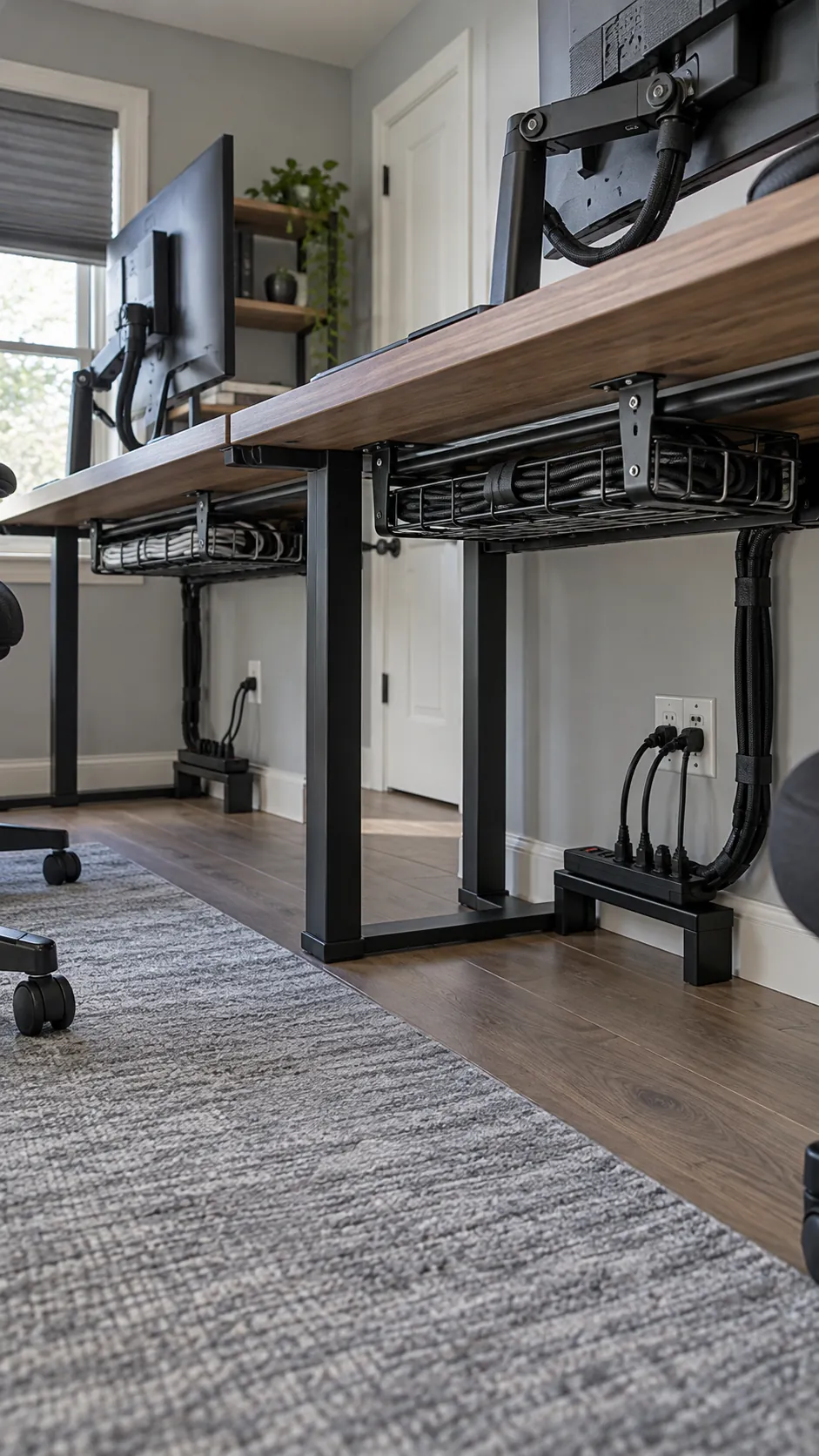
Do not stretch cords across a walking path or hide overloaded adapters behind fabric. Put a small label on cables that are likely to be disconnected, particularly displays and consoles. Leave a little service loop behind adjustable screens so moving an arm does not tug at a port. A neat appearance should not make repairs difficult.
Protect airflow around both computers
Two computers can warm a modest room quickly even when the desks look airy. Give each case open intake and exhaust space, and avoid pressing one tower against a wall or enclosing it inside a tight cabinet. Keep filters accessible so cleaning remains routine. A side shelf may lift a case off carpet while preserving floor space.
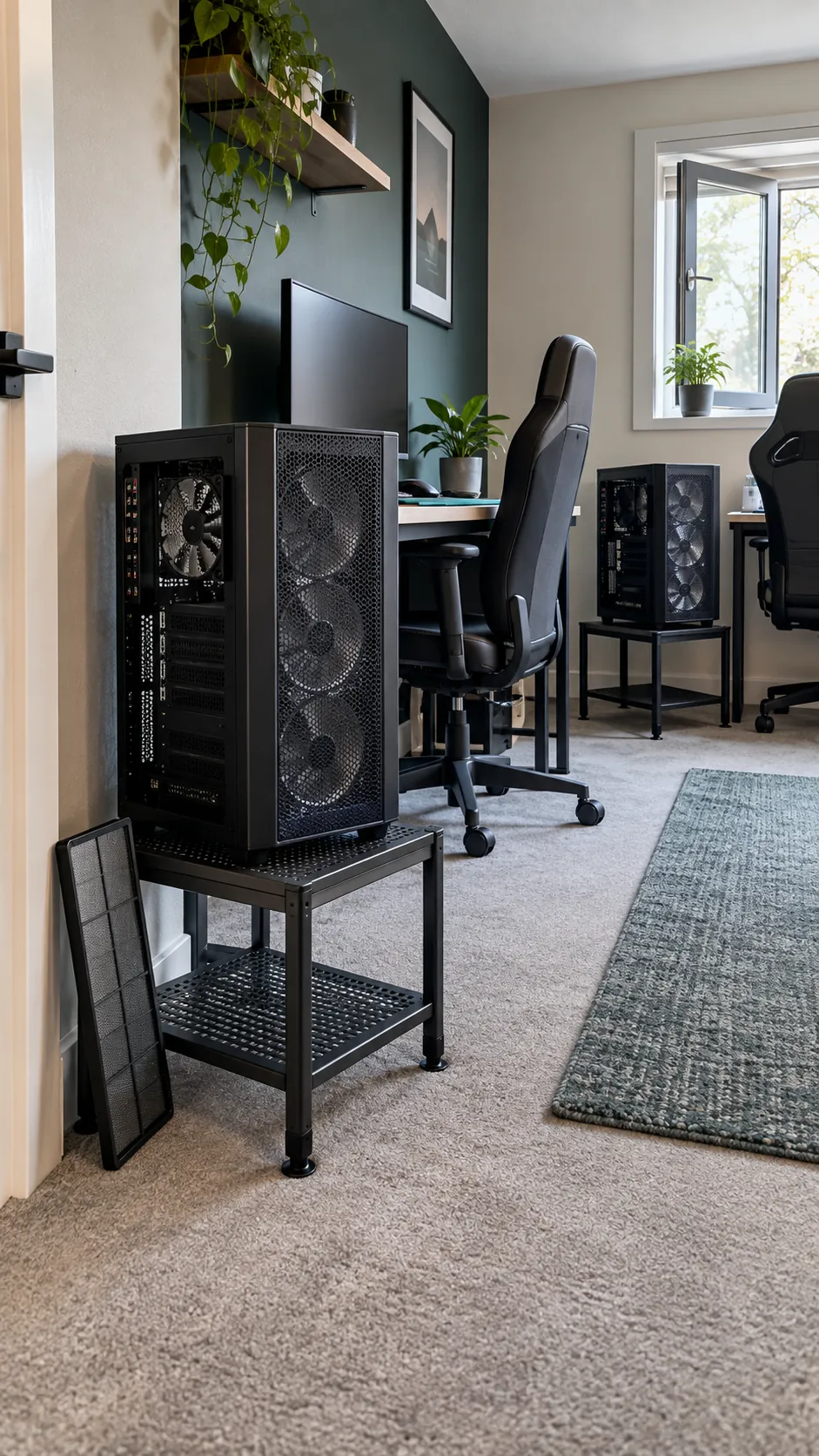
Check where the warm air goes during a real play session. If both cases exhaust into the same corner, adjust their positions rather than relying on decorative fans alone. Ventilation is also a comfort issue for the two people at the desks, so consider the room window and any safe, quiet air movement.
Separate personal light and sound
Shared rooms work better when each player can control a task light without changing the other person’s view. Use soft general light for safe movement, then aim individual lamps at keyboards or notes rather than screens. Behind screen lighting can ease the jump between a bright display and a dark wall, but keep it subtle enough not to color the whole room.
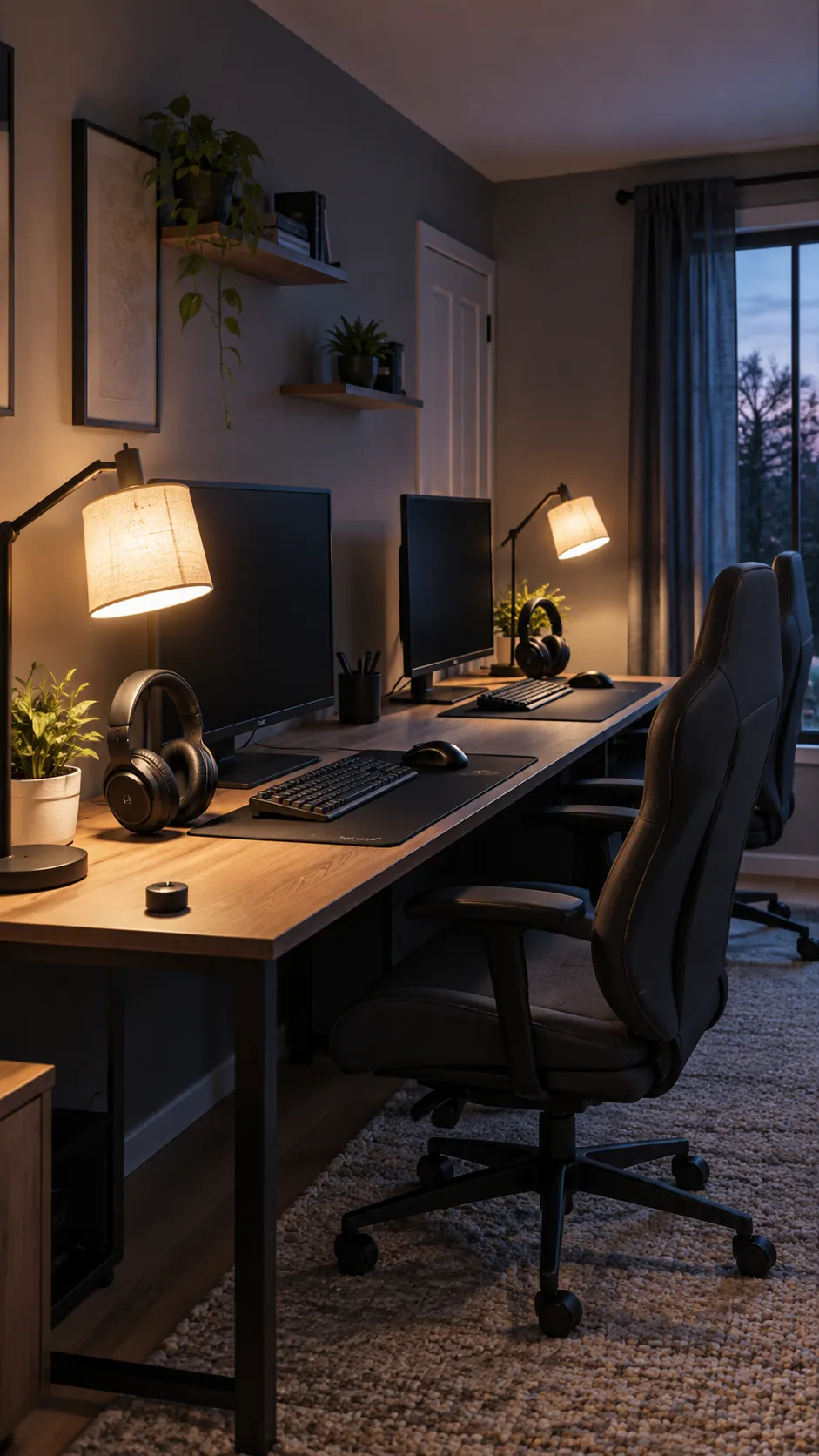
Headphones reduce competing game audio, yet microphones can still pick up the other player. Before adding acoustic panels, try repositioning microphones, reducing speaker volume, and adding ordinary soft furnishings such as curtains or a rug. The goal is clear conversation and comfort, not the appearance of a recording studio.
Share storage without merging everything
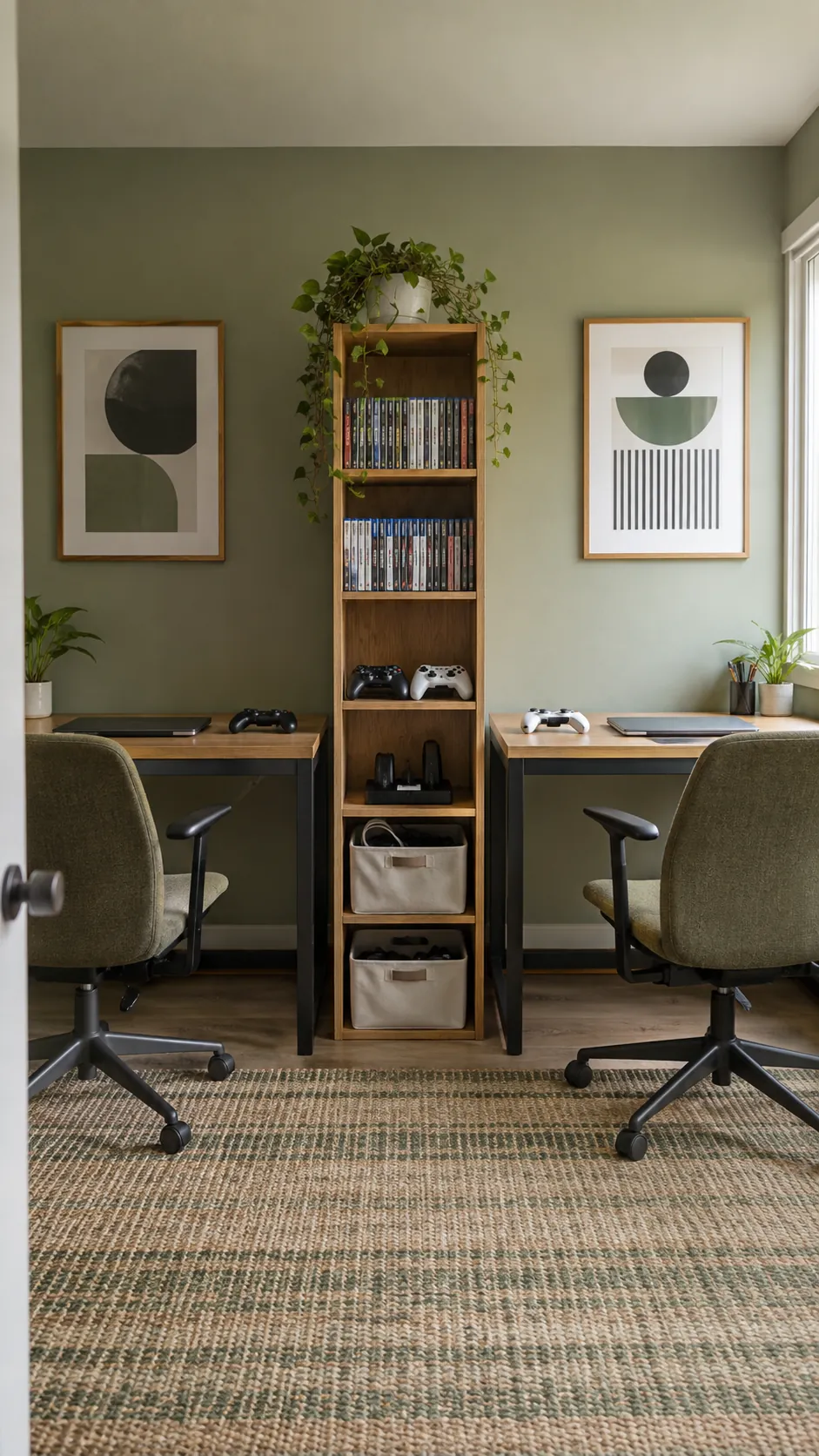
A common shelf between stations can hold games, spare controllers, and chargers while each desktop remains personal. Use drawers or bins for items that would otherwise drift across the divide. Keep frequently used devices at seated reach and leave empty capacity for future equipment. When the storage has a clear owner or shared purpose, tidying requires less negotiation.
Mock up the arrangement before committing
Tape the desk and chair footprints on the floor or use boxes to represent the largest equipment. Open the door, pull out both chairs, and walk to the outlets with the mockup in place. This short rehearsal reveals whether the plan respects the room as a room, not just as a backdrop for two screens.
Buy the pieces that solve the measured constraint first. A sturdy surface, comfortable chairs, safe power access, and workable lighting usually matter before matching accessories. Once the stations function well together, add the color and personal details that make the space feel shared.