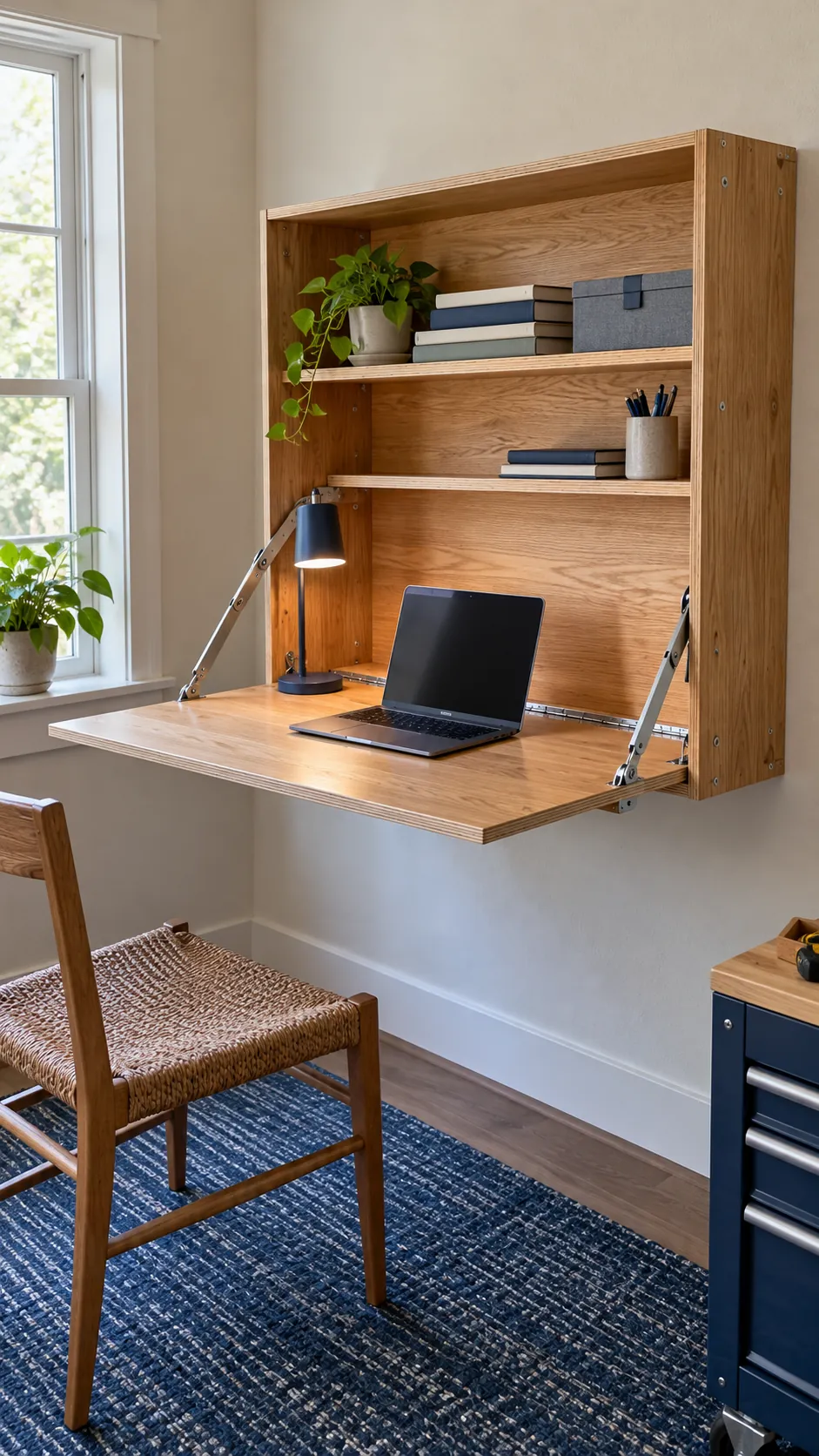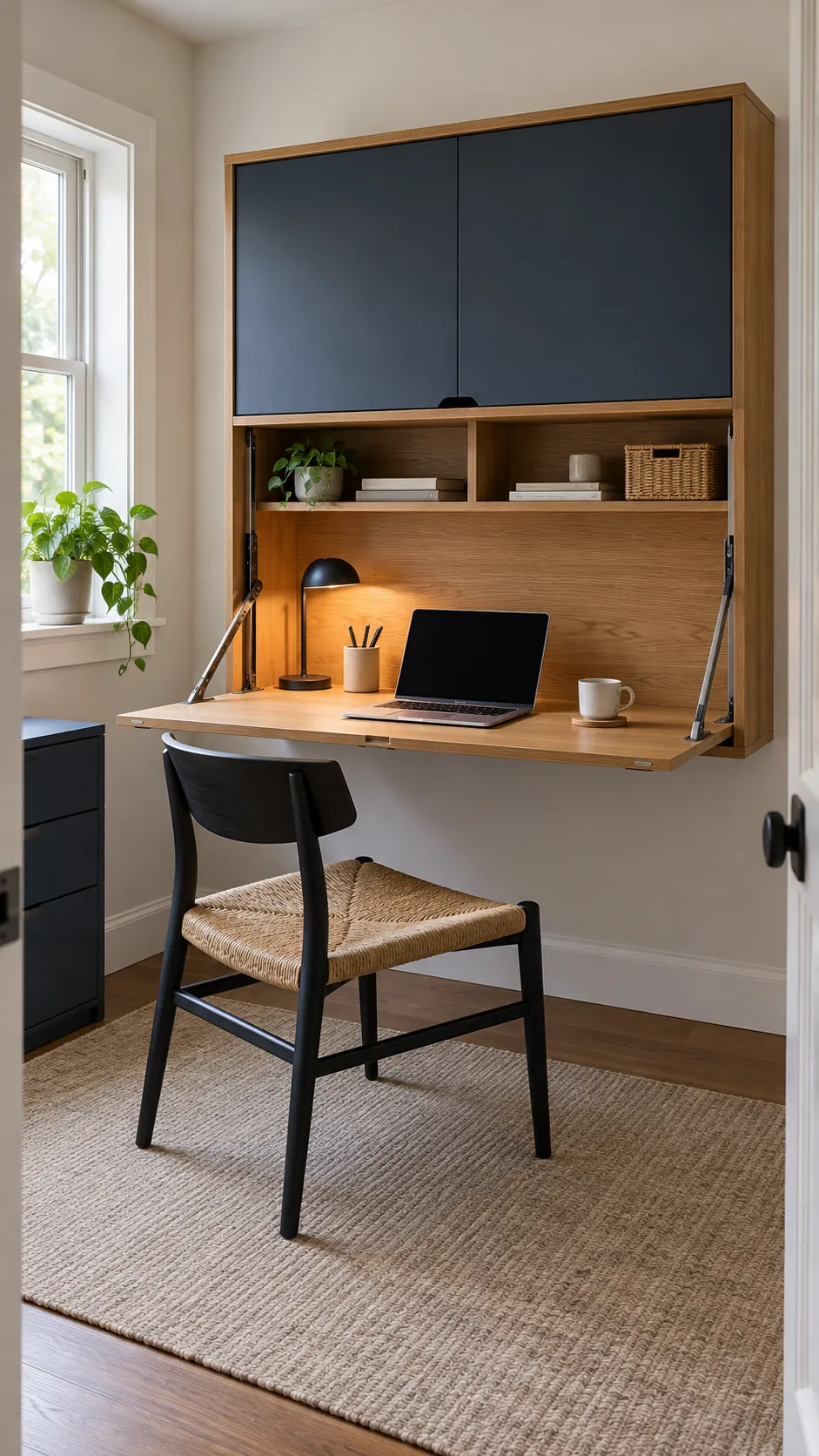
A Murphy desk turns a blank wall into a useful workspace, but the folding motion creates loads that ordinary shelves do not face. The wall connection, cabinet, hinge, supports, and latch must work as one system. Careful planning matters more than decorative details.
This guide explains a practical build sequence and the decisions that protect the user. Adapt dimensions to the room and chosen hardware. If you cannot verify the wall structure or load path, get qualified help before mounting the desk.
Plan the Desk Around the User and Wall
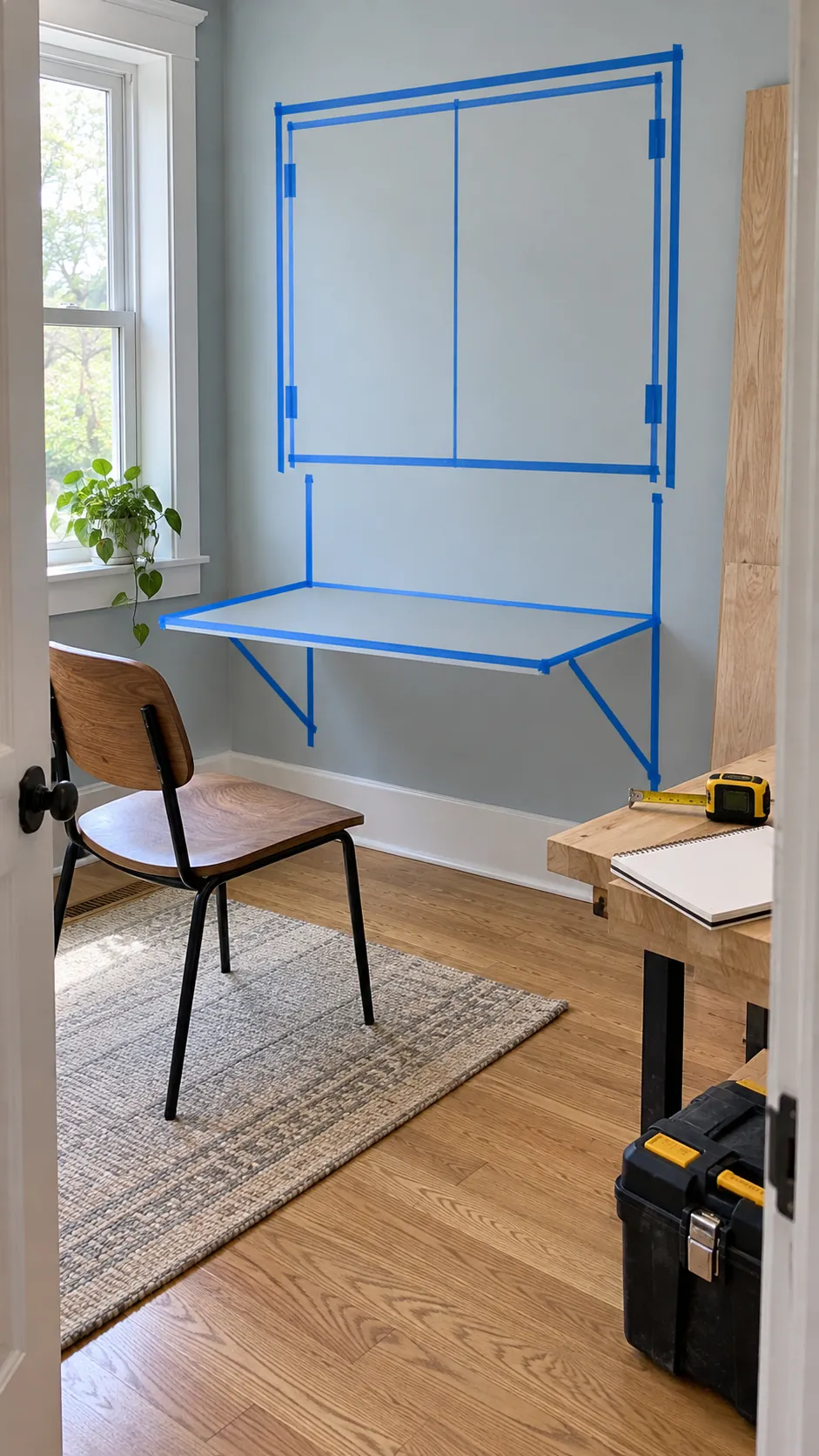
Choose the finished desktop height, width, and depth before cutting. A seated desk often finishes near standard desk height, but the user, chair, and task should decide. Tape the open outline on the wall and floor, then confirm door swing, walking clearance, knee space, monitor depth, and nearby outlets.
Calculate the weight of the desktop, cabinet, stored supplies, and normal working load. Hardware ratings do not replace sound design because the wall connection and wood around each fastener can still fail. If the wall structure or expected load is uncertain, ask a qualified builder or engineer to review the plan.
Locate Structure and Choose Hardware
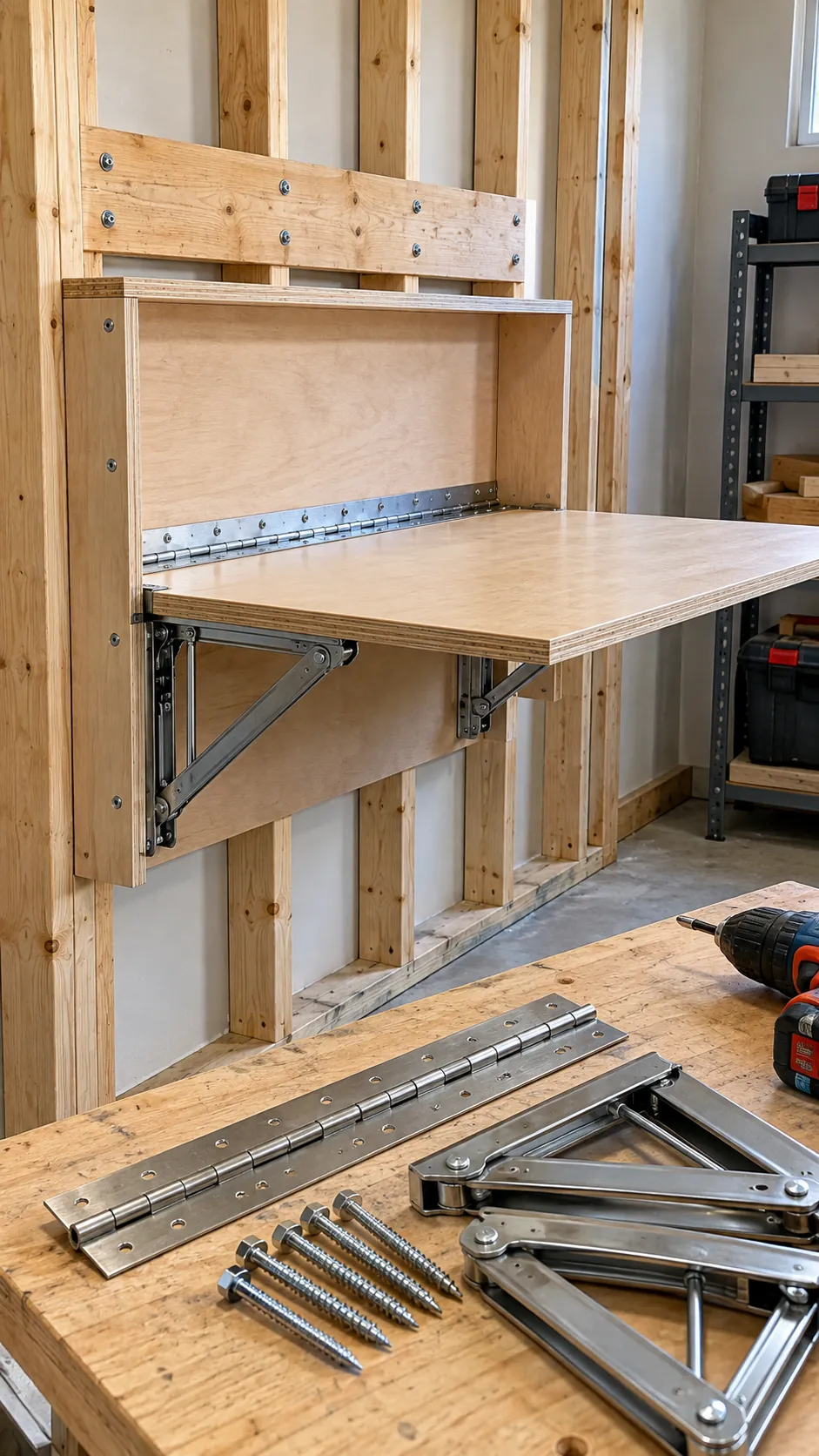
Use an appropriate detector and verification method to locate wall studs, pipes, and wiring. Do not drill until you understand what is behind the surface. Plan a mounting rail or cabinet back that fastens into structural framing at several points rather than relying on drywall alone.
Choose a continuous hinge or suitably spaced hinges for the actual desktop thickness and weight. Select folding legs, brackets, cables, or stays that carry the working load and stop the top at level. Follow the hardware manufacturer instructions for fastener size, spacing, orientation, and load limits.
Build a Square Wall Cabinet
Cut the cabinet sides, top, bottom, and back from straight stable material. Dry assemble the parts on a flat surface, check both diagonals, and correct the box until it is square. Add a strong internal rail where the cabinet will meet the wall and solid blocking wherever hinges, latches, or supports attach.
Use glue and mechanical fasteners appropriate for the material and joint. Predrill near plywood edges to reduce splitting. Sand exposed edges and apply the finish before final hardware when access will be difficult later. Keep finish away from hinge knuckles, slides, and locking parts.
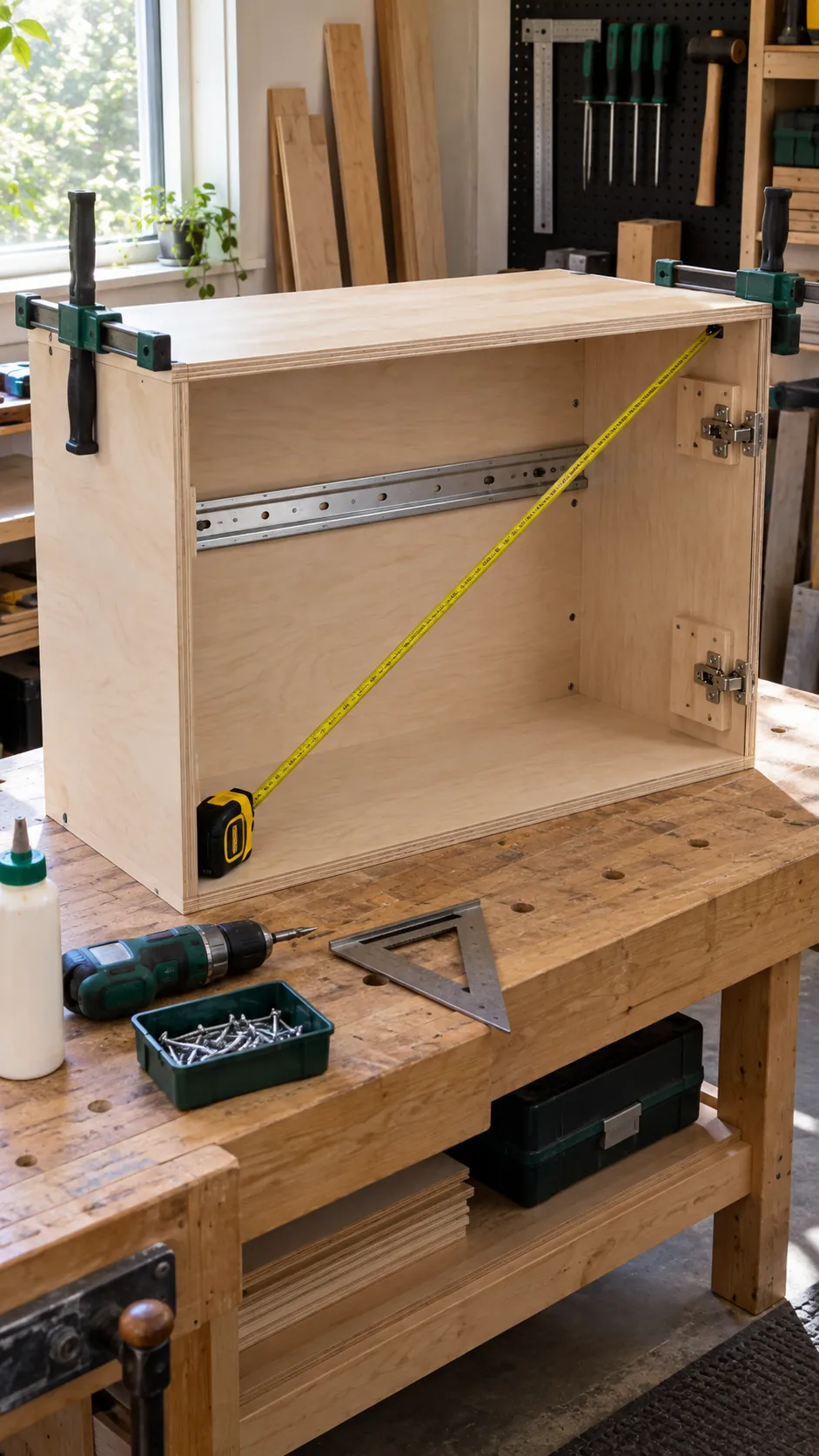
Fit the Fold Down Desktop
Cut the desktop square and ease sharp edges. Position it in the cabinet with consistent side gaps, then mark the hinge holes from the actual hardware. Predrill accurately and use every required fastener. The hinge should guide movement, but it should not be the only part holding the desk level under load.
Install the chosen supports symmetrically and adjust them until the open top is level in both directions. Folding legs must contact the floor evenly. Cables or stays must share load and avoid pinch points. Test the motion slowly before adding equipment.
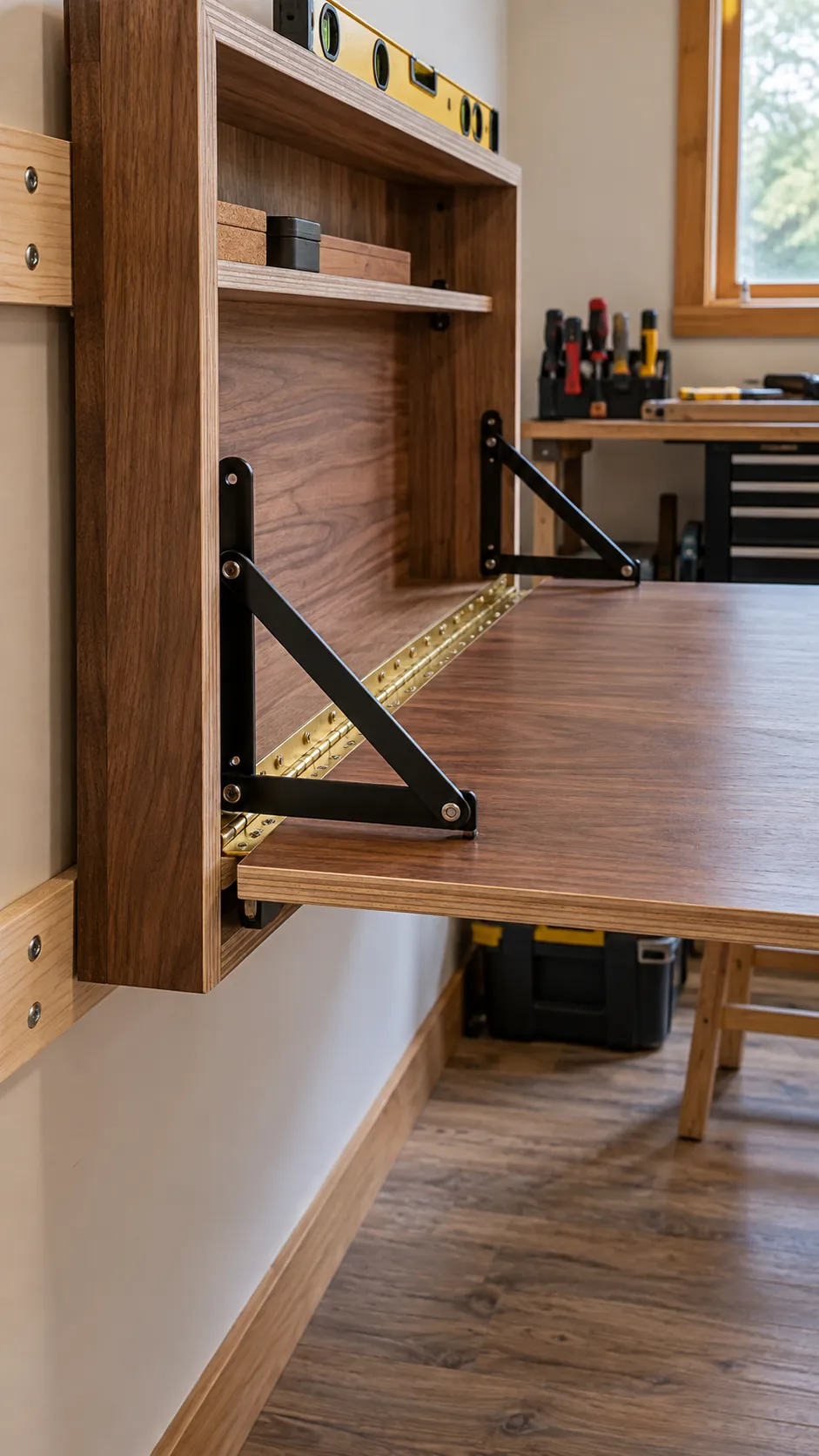
Add Storage Cable Access and a Secure Latch
Keep cabinet storage shallow so objects do not prevent the desktop from closing. Add a raised lip to fixed shelves and secure anything that could fall when the desk moves. Route power cables through a smooth grommet with enough slack for the full motion and no contact with hinge or support hardware.
Install a positive latch rated for the panel weight. Use two latches when the width or design needs balanced restraint. Add a soft stop so the front closes without slamming. Keep fingers away from side gaps and teach every user to clear the surface before lifting it.
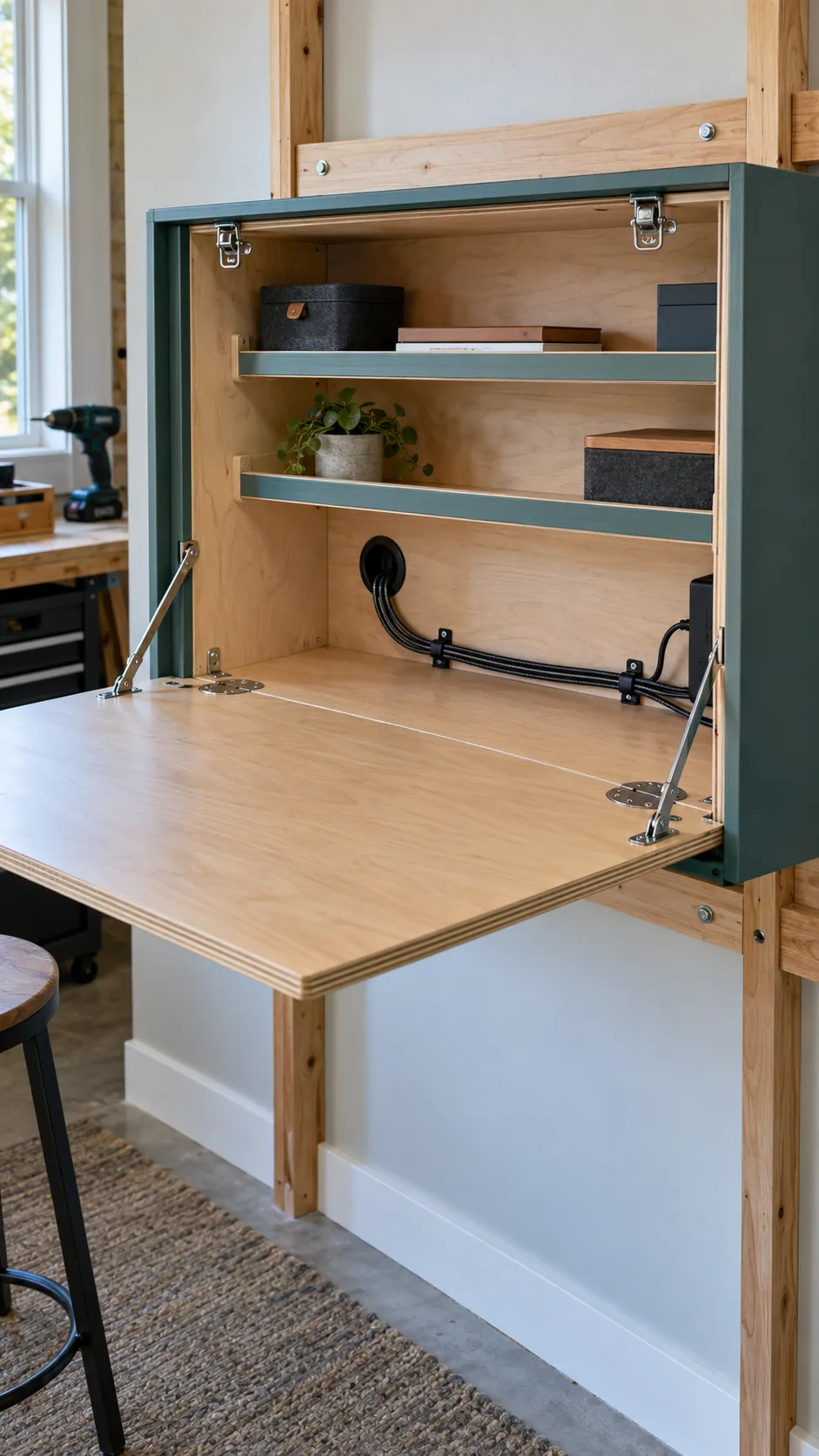
Mount Level and Test in Stages
Ask another adult to help lift and hold the cabinet. Fasten the mounting rail or cabinet into verified framing with the specified structural fasteners, then check level and plumb before final tightening. Never work beneath an unsupported cabinet.
Open and close the empty desk repeatedly while watching every hinge, support, latch, and cable. Add a modest test load in stages and stop if the cabinet moves, the top flexes, fasteners loosen, or supports bind. Recheck hardware after early use and at regular intervals. A safe compact workstation should feel solid in both positions.