
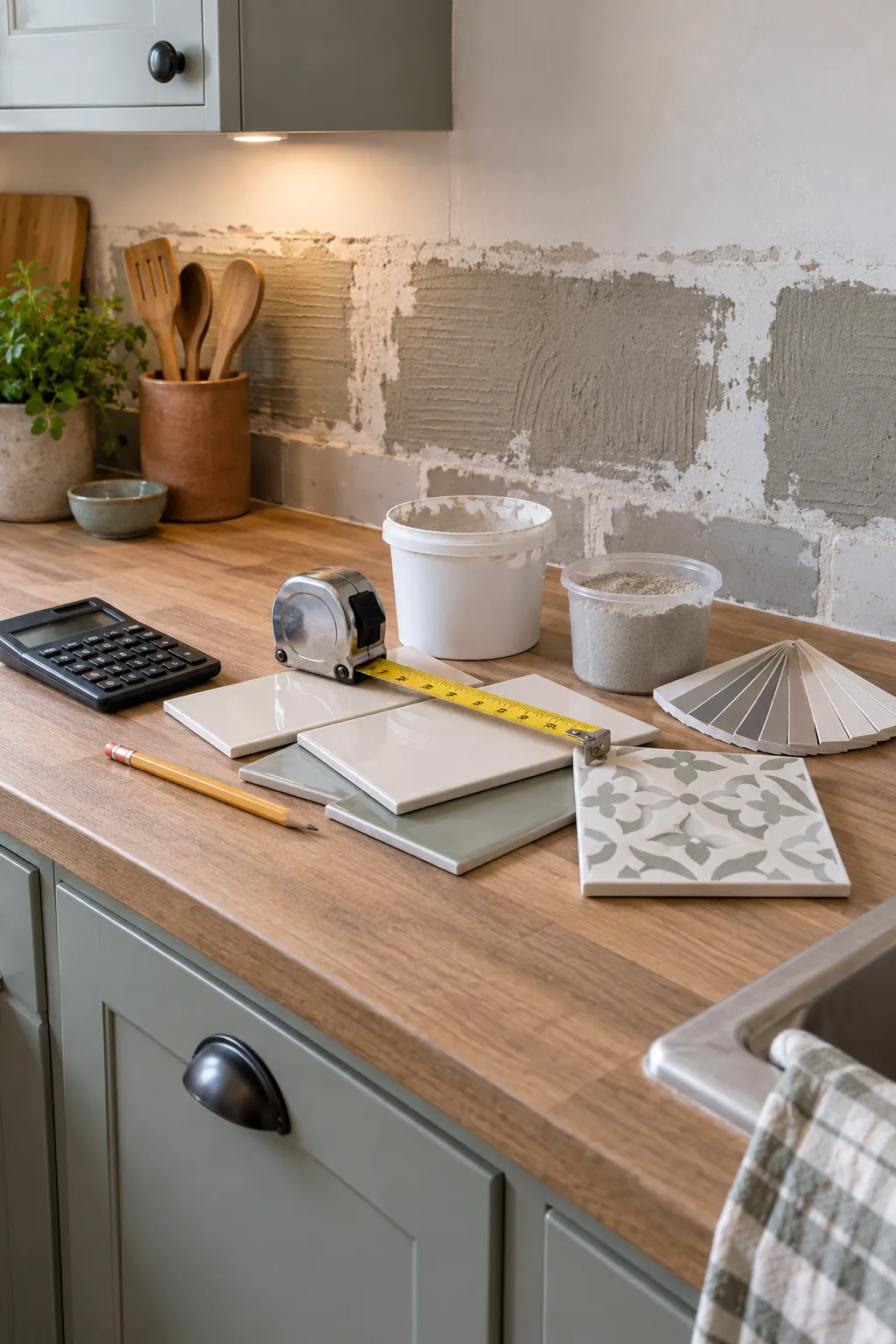
A backsplash budget can go wrong before you compare a single tile. Small measuring errors, forgotten waste, and missing supplies can turn an affordable choice into a frustrating second trip to the store. The useful number is not just the wall area. It is the installed project total built from the exact area, the layout, the material price, and the work you will pay for.
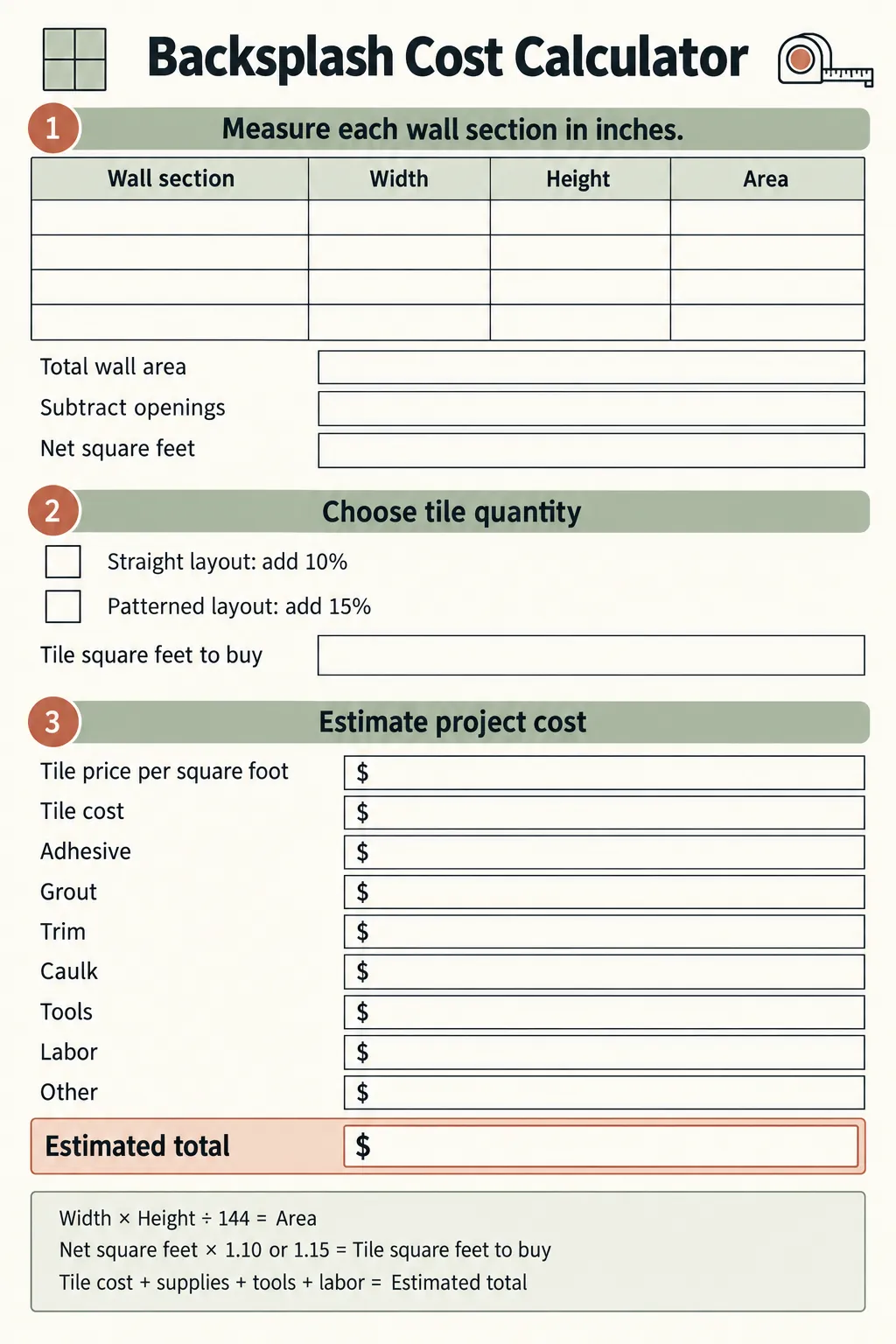
The calculator below gives you one place to record those numbers. You can use it for ceramic, porcelain, glass, stone, or peel and stick tile. It also separates tile cost from adhesive, grout, trim, caulk, tools, and labor, so a low tile price does not hide a high final bill.
Download the backsplash cost calculator
Print the page before you measure, or keep it open while you build your shopping list. Complete one line for every wall section, then combine the areas before subtracting windows and other openings. Click the preview to open the full size image, or use the download button to open it in a new tab and save it from there.
Download high-resolution printable
Measure the area that will actually receive tile
Measure each rectangular wall section in inches. Multiply width by height, then divide by 144 to convert square inches to square feet. If one section is 72 inches wide and 18 inches high, the calculation is 72 × 18 ÷ 144, which equals 9 square feet.
Handle irregular areas as separate rectangles instead of estimating one large shape. Measure the run behind the sink, each side of the range, and any return wall on its own. Add those areas, then subtract large openings that will not receive tile. Many people leave electrical outlets in the total because the removed area is small and the extra tile helps cover cuts and breakage.
Decide where the tile stops before you record the final area. A backsplash may end at the upper cabinets, continue behind a vent hood, or rise to the ceiling on one focal wall. A clear stopping line prevents you from buying for an area that will stay painted.
Add a waste percentage that fits the layout
Waste covers cuts, chipped pieces, pattern matching, and a few spare tiles for future repairs. Ten percent is a practical starting point for a simple straight layout in a mostly rectangular space. Fifteen percent is safer for diagonal patterns, herringbone, many corners, fragile material, or tile with strong shade variation.
Multiply the net area by 1.10 for ten percent waste or by 1.15 for fifteen percent waste. Round up to the next full carton based on the coverage printed on the box. Keep the carton calculation separate from the square foot calculation because stores sell whole cartons, not partial ones.
Turn tile quantity into a material estimate
Multiply the purchase quantity by the tile price per square foot to estimate tile cost. Then add every supporting material as its own line. Typical categories include adhesive or thinset, grout, edge trim, color matched caulk, sealer when the tile or grout requires it, and disposable supplies such as sponges and mixing buckets.
Check the product coverage instead of guessing. Adhesive and grout coverage changes with tile size, trowel notch, joint width, and surface condition. A peel and stick tile quantity calculator may not need adhesive or grout, but it can still need primer, a cutting tool, edge trim, or extra material for pattern alignment.
Tool costs depend on what you already own and how the tile must be cut. A manual cutter can suit many straight ceramic cuts. A wet saw may be necessary for porcelain, stone, narrow pieces, or repeated detailed cuts. Compare rental cost with purchase cost for the number of days you realistically expect to work.
Estimate labor without hiding the scope
A backsplash labor quote may be based on square feet, a project minimum, or a fixed total. Ask what the quote includes. Surface preparation, old backsplash removal, drywall repair, outlet extensions, difficult patterns, natural stone sealing, and cleanup may be separate charges.
For an early planning figure, multiply the net square feet by the quoted labor rate and record any fixed charges below it. Do not use the waste adjusted tile quantity for labor unless the installer specifically prices that way. Labor normally follows the installed wall area, while material purchasing includes waste.
A very small kitchen can have a high labor cost per square foot because setup, cutting, grouting, and travel still take time. Complex edges and many outlets can matter more than raw area. The calculator makes that visible by keeping labor and materials separate.
Compare options on the same basis
Run the worksheet once for each serious option. Keep the measured area and waste assumption consistent, then change the tile price, supplies, tools, and labor. This produces a fair comparison between a lower priced tile that needs professional cutting and a higher priced option that is easier to install yourself.
Also compare the finished edge plan. An unfinished outside edge can make an inexpensive backsplash look incomplete, while metal trim, bullnose tile, or a carefully planned termination adds cost. Record the trim length and price before you decide which option fits the budget.
Check the total before you buy
Recheck every wall dimension and confirm carton coverage at the store. Make sure the tile, adhesive, grout, and sealer are compatible with one another and with the wall surface. Add sales tax, delivery, and a small contingency when those costs apply, because the worksheet total is only as complete as the lines you fill in.
Buy all tile from the same production lot when color variation matters, and keep a few matching pieces after installation. The best budget is not the smallest first number. It is the number that lets you finish the backsplash without surprise purchases, rushed substitutions, or a half completed wall.