
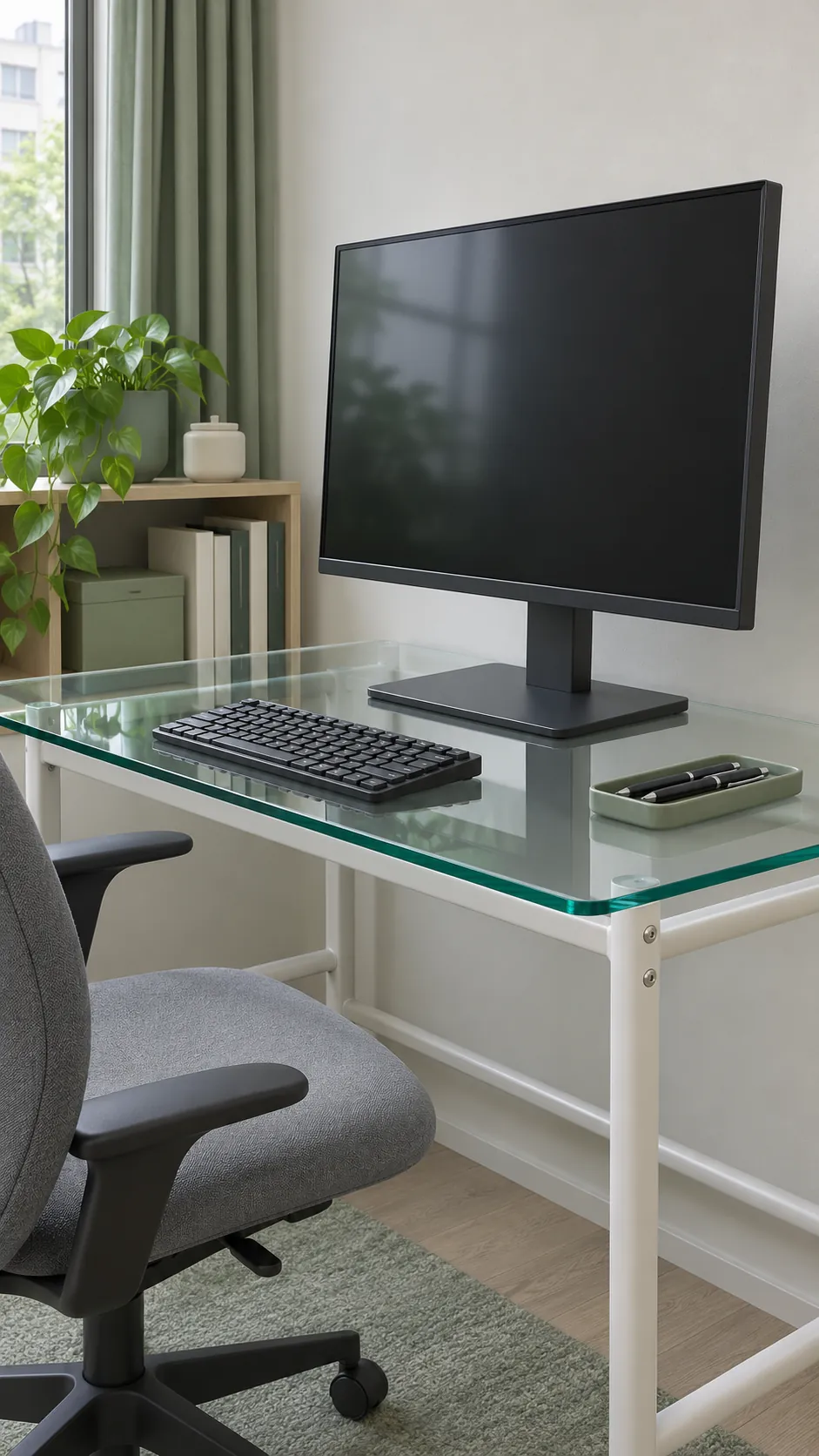
A desktop can hold a monitor on its stand and still be unsuitable for a clamp. The clamp squeezes a small area, and an extended arm adds leverage at the edge. Use a clamp on hollow or glass furniture only when the desk and mount makers approve the exact mounting point and hardware. If you cannot confirm that, keep the screen on a supported stand or consider an independent mount.
Find out what the desktop is made of
Look up the full model number. A wood finish may cover solid timber, plywood, particleboard or a thin skin over a hollow core. Thickness tells you whether a clamp can open wide enough, but it does not tell you what is under the clamp pad. Check the desk drawings and any material descriptions before ordering hardware.
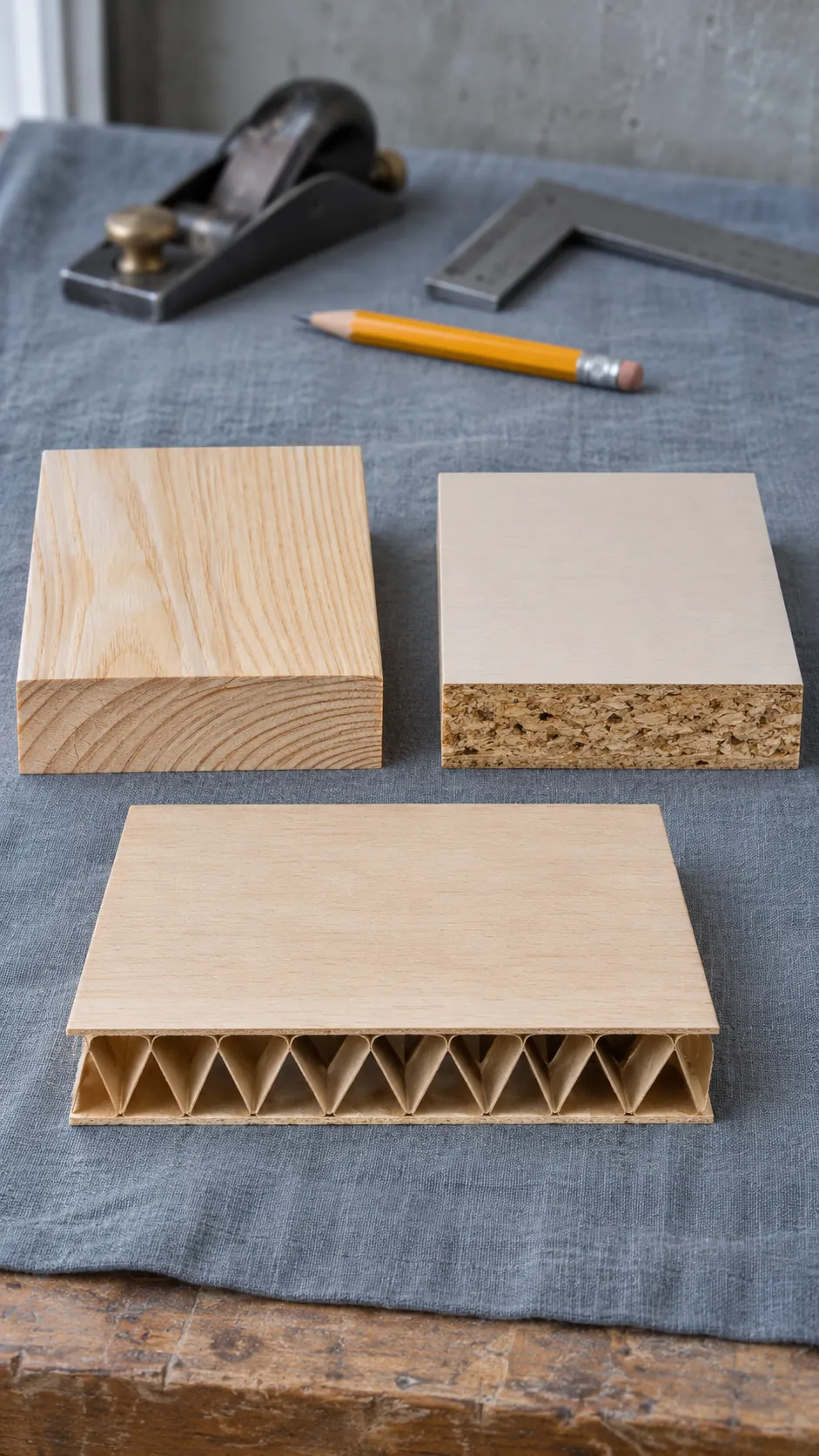
If the desk has a factory cable hole, you may be able to see part of the construction there. A solid edge strip can conceal a hollow center, so the edge alone may tell you very little. Ask the manufacturer to identify any zones suitable for point loads from mounts.
Use only approved points on a hollow desk
Some hollow desktops have solid inserts where the frame attaches. They can also have solid areas intended for specific accessories. Use an insert for an arm only if the desk manufacturer approves that use, and check whether both clamp pads fit entirely inside the specified mounting zone.
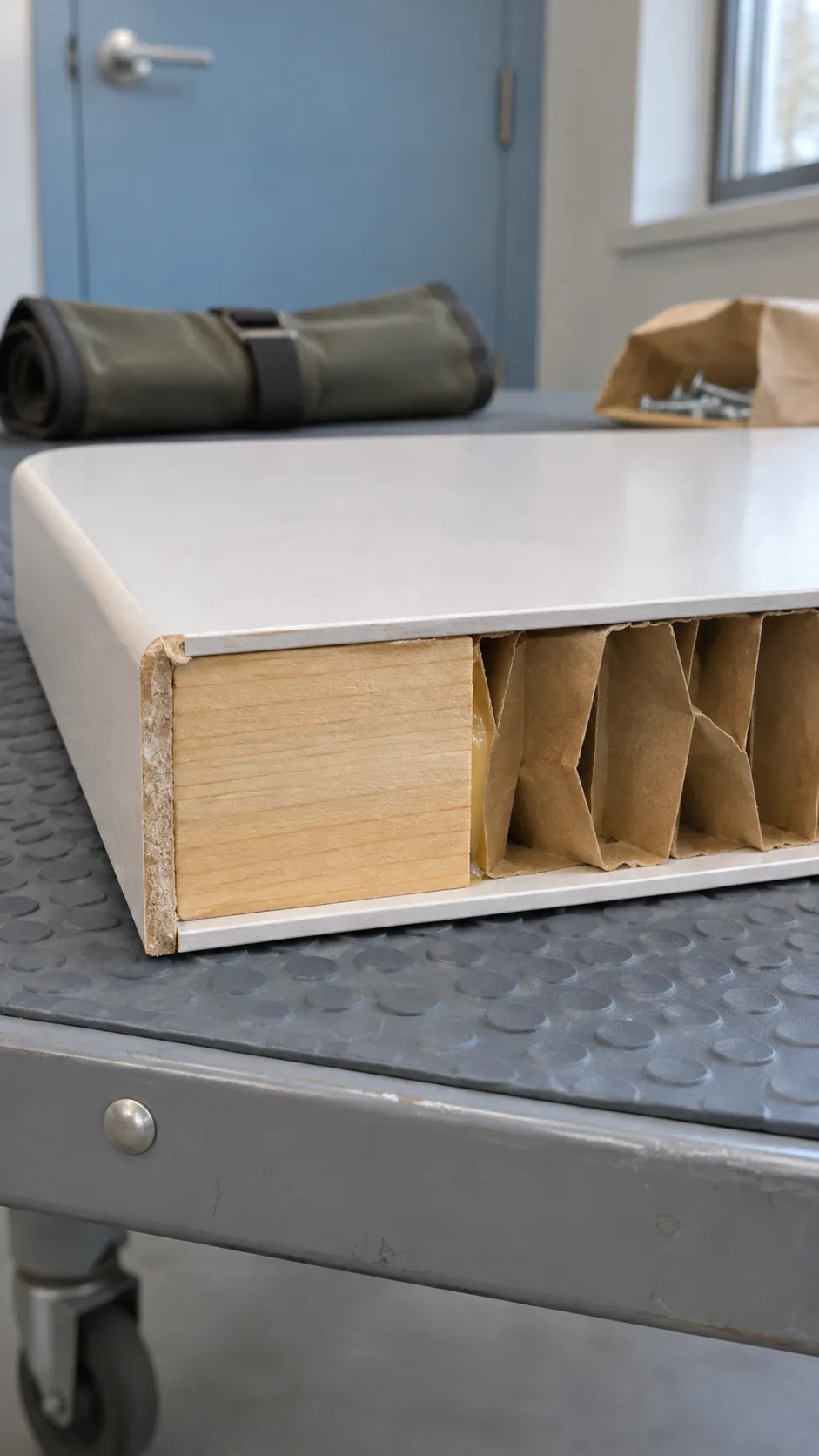
A thin outer skin can dent or crush as the screw is tightened. Extending the arm then adds more leverage at the attachment. If an existing mount is tilting or the surface has started to sink, stop moving the arm and support or remove the screen safely before removing the clamp. Do not tighten harder to compensate.
Keep ordinary clamps off glass
Glass edges and surfaces can be sensitive to concentrated force, chips and contact with hard metal. Tempered glass still needs a mounting method approved for that specific desk. In one discussion about a glass desk with a steel frame, a reader asked whether spanning the glass and frame with a larger clamp would work. An uneven stack of materials can keep the pads from sitting flat, so check for a factory approved attachment point that bypasses the glass.
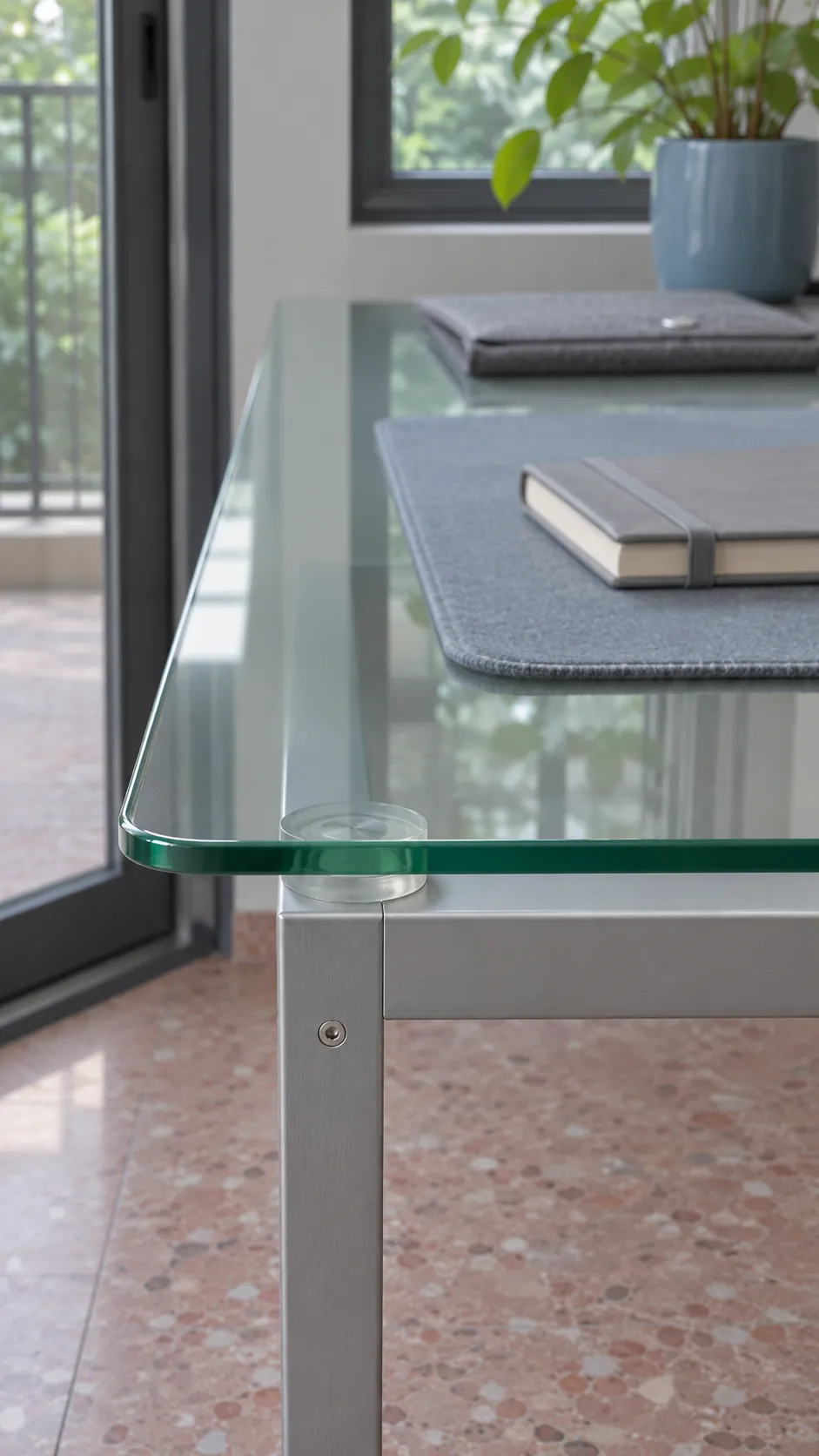
Do not drill tempered glass. If you want to keep the existing glass top, verify the desk’s load limit and how it applies to the feet or base of any stand. For damaged glass, contact the maker about repair or replacement before adding equipment.
Understand what reinforcement plates can do
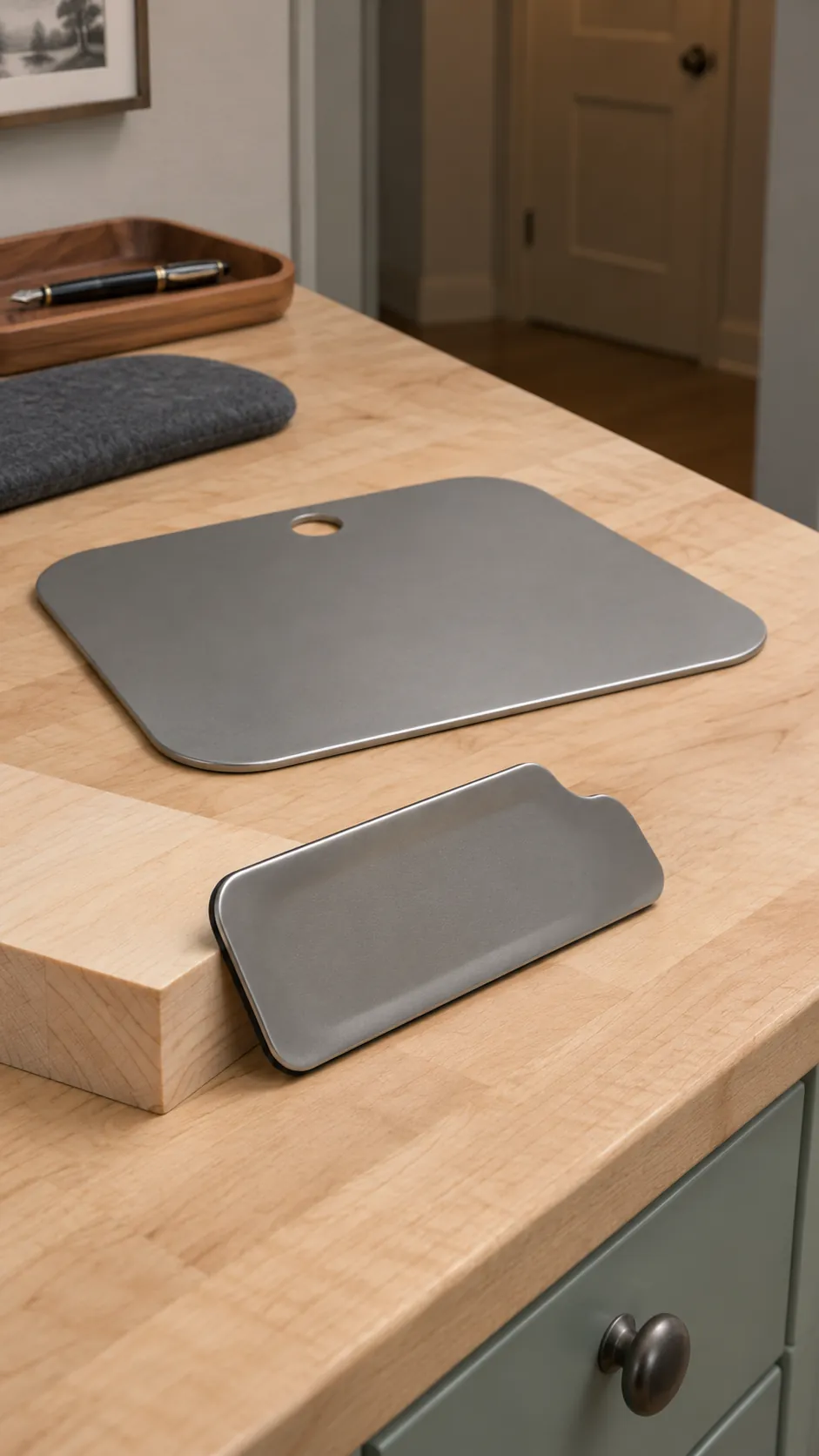
Plates can spread clamp pressure over a wider area when the desk and mount makers allow them. A plate cannot add a structural core where there is none or certify glass for clamping. If a compatible kit has an upper and lower plate, install both as instructed. Check the clamp can open over the desk and plates together, and that both plates have flat, unobstructed contact.
Check the monitor and the whole mount
Look up the bare monitor weight with the original stand removed. Include adapters or accessories if the mount manufacturer counts them in its supported load. Match the VESA hole pattern and use the screw type and depth specified for the monitor. For a spring arm, check its minimum and maximum weight range.
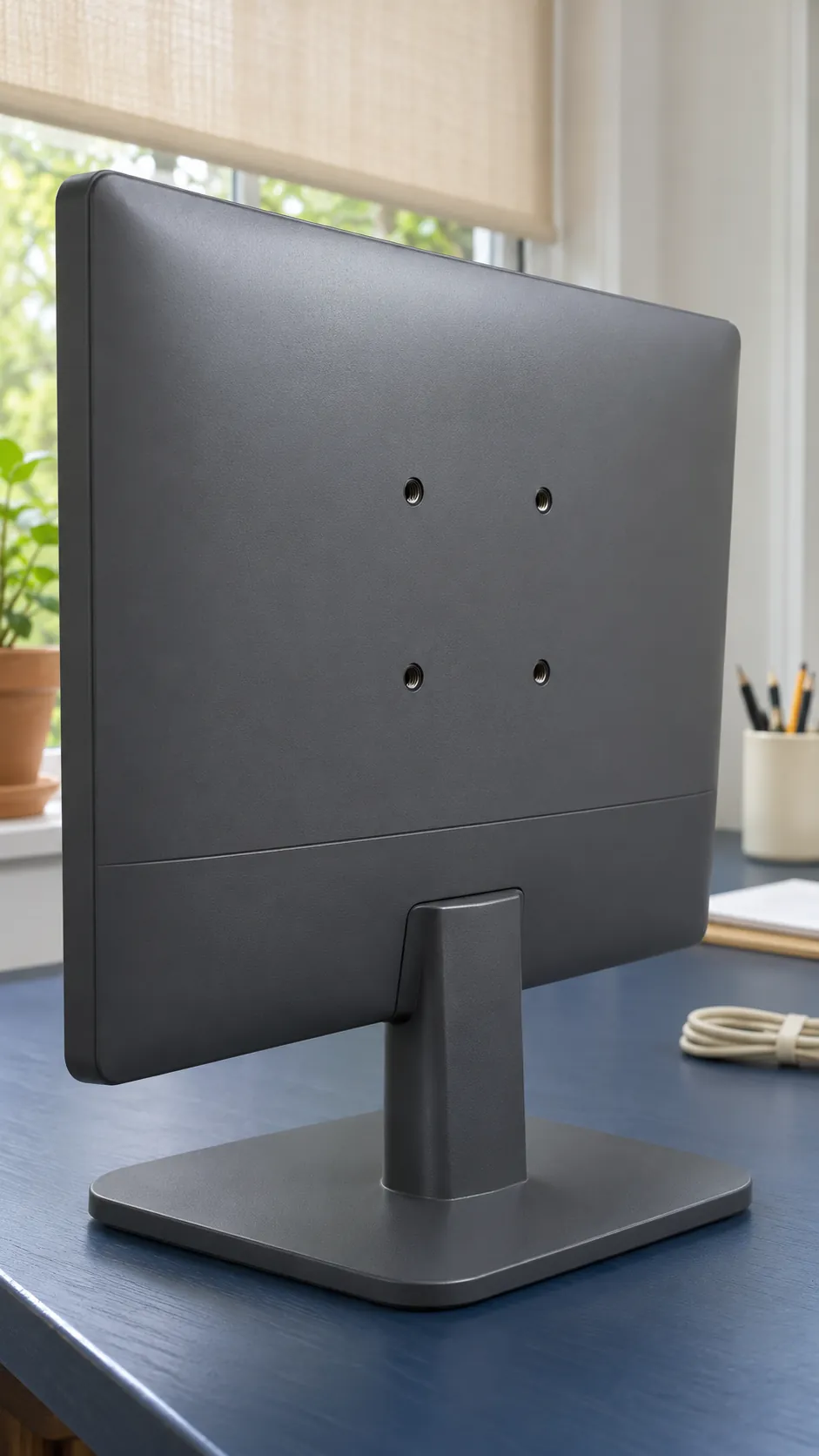
The monitor weight limit describes what the arm can carry. The desk has its own limits at the attachment point. Read both sets of instructions, including any restrictions on arm reach or on mounting two screens from one point.
Pick a mount that fits the desk you have
The monitor’s original stand is the simplest choice if the desk supports its load. A freestanding VESA stand can give you height or tilt adjustment on a permitted surface. Confirm the footprint and weight of the whole assembly. A wall mounted arm can keep the entire load off the desk if your wall and lease permit the specified fixings.
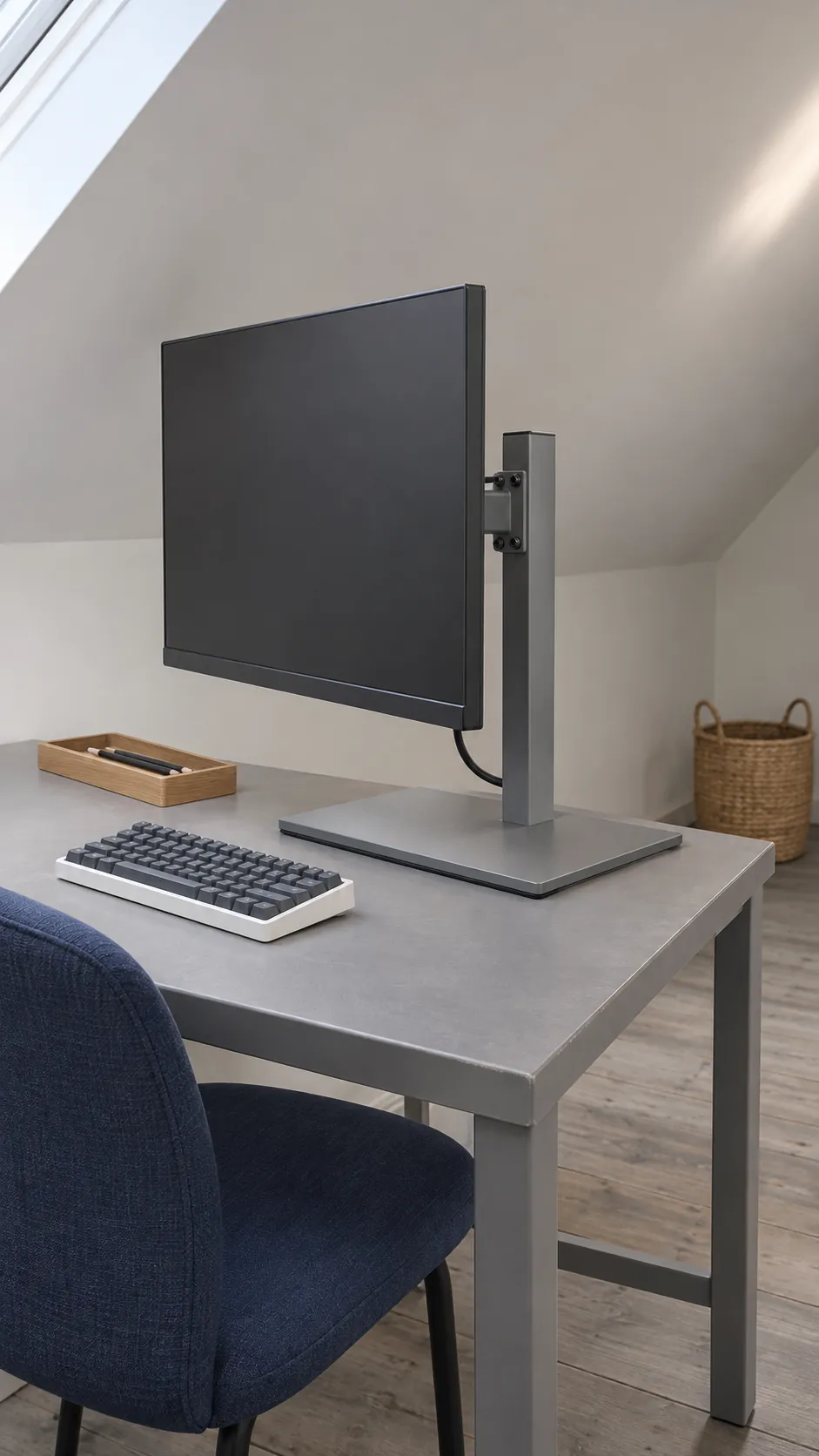
If you need a desk clamp and cannot confirm compatibility, choose a desk that explicitly supports the mount. Take the desktop model number, mounting point and monitor weight with you when you compare options.