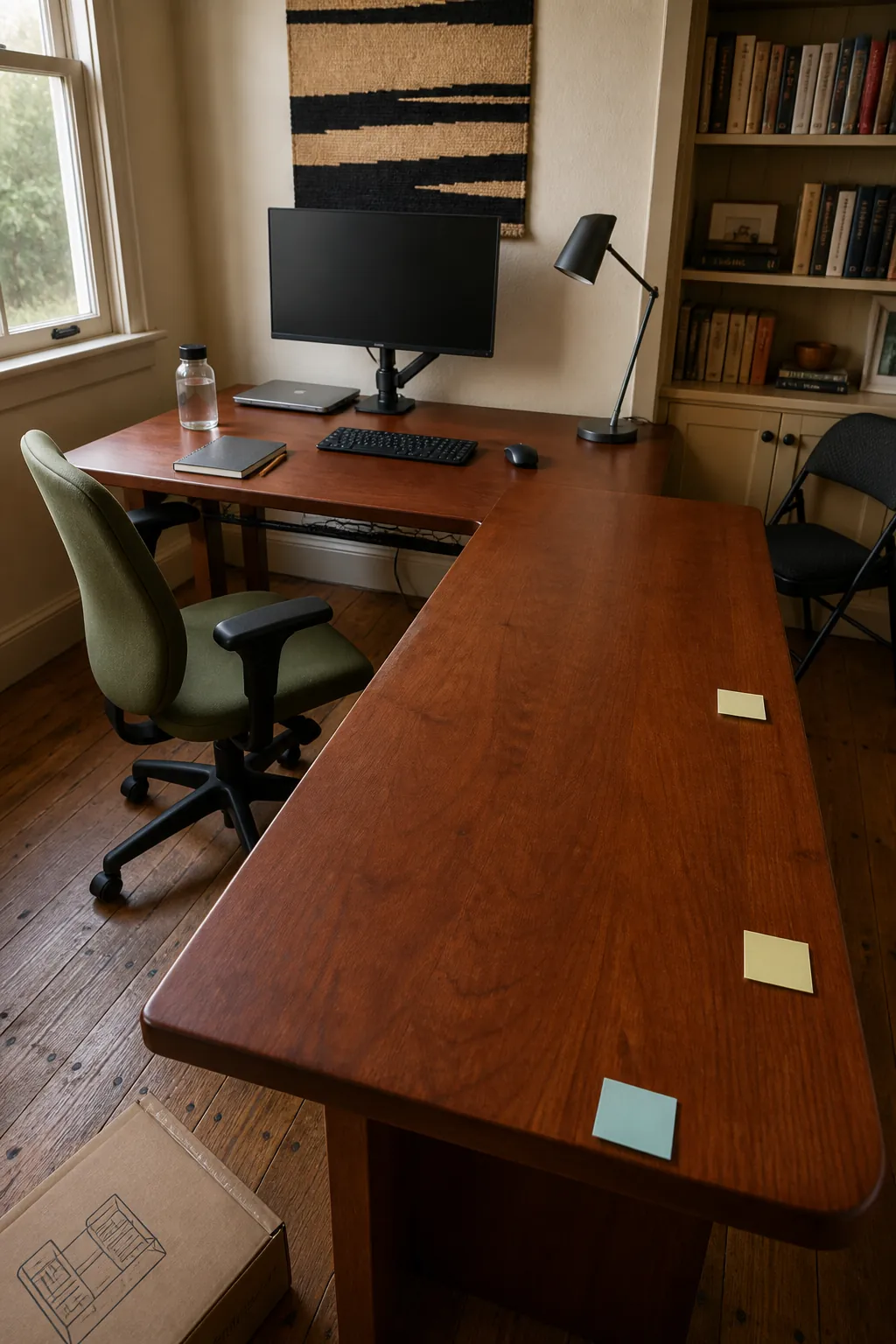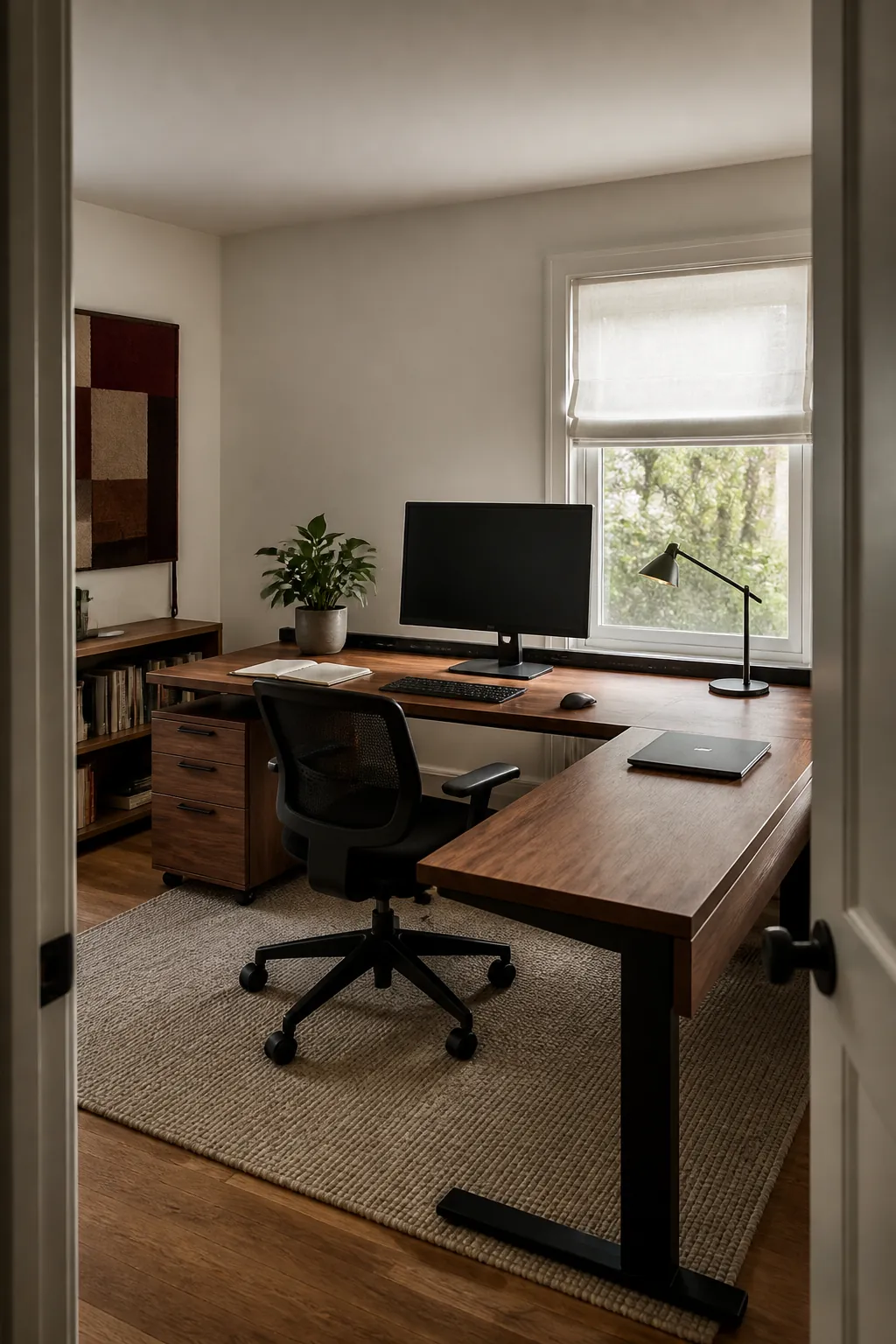
An L shaped desk only earns its footprint when both surfaces support a clear job. More space can still produce shoulder strain, crowded screens, and unreachable storage if the chair, monitor, and return are arranged by appearance alone. Measure how you work first, then assign every zone around comfortable movement.
Measure the Working Depth Before Width
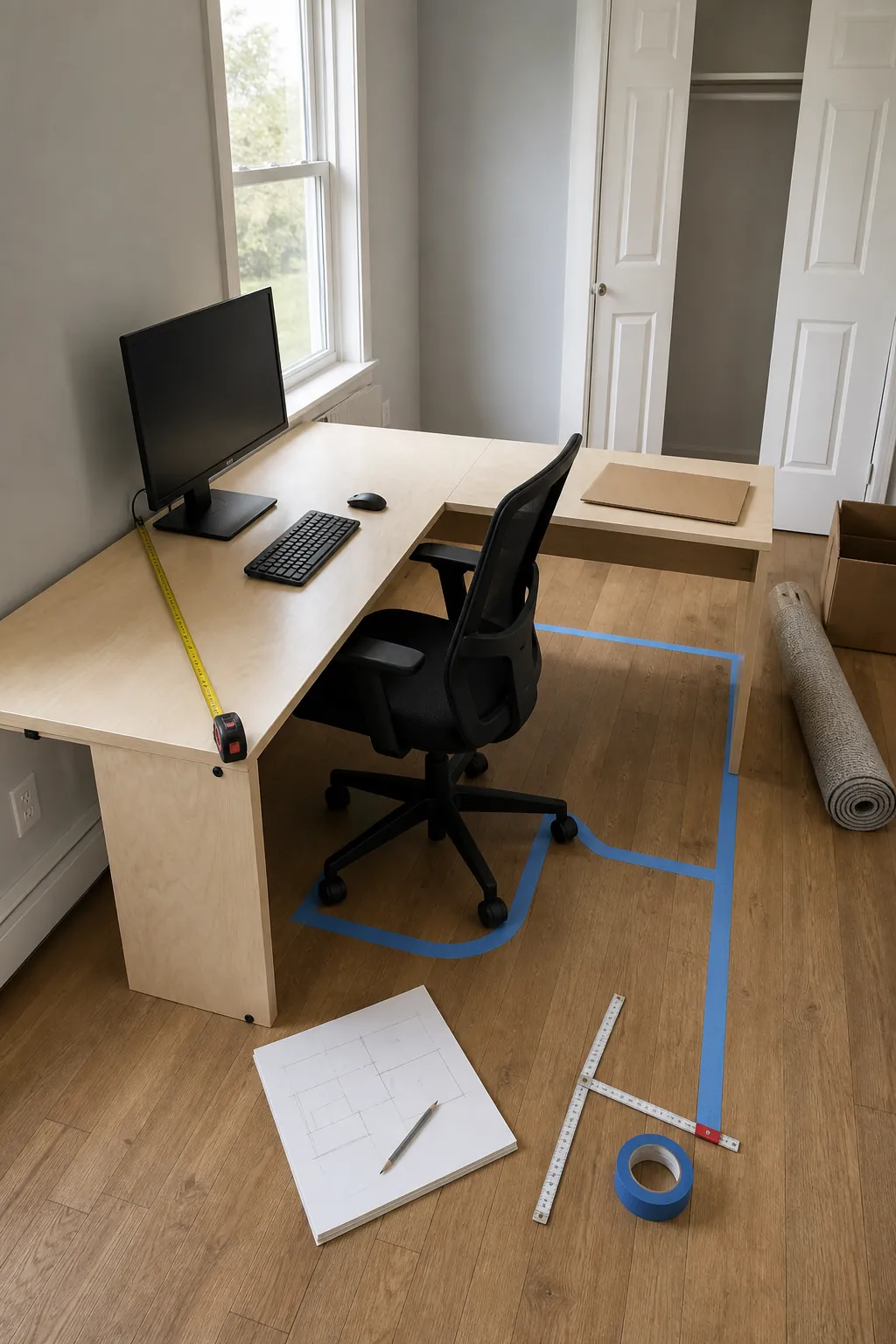
Desktop depth determines whether your screen, keyboard, and forearms can sit at comfortable distances. Tape the proposed outline on the floor and place boxes at desk height to test the footprint before buying. A shallow return may work for storage, but it should not become the main computer position if it forces the monitor too close.
Choose the Return Side by Daily Movement
Put the return beside the hand that reaches most often for notebooks, samples, or a second device. Door swing, window access, and chair clearance can matter more than handedness, so test the full room path. A reversible desk is useful when the space or your work pattern may change.
Align the Main Screen With Your Torso
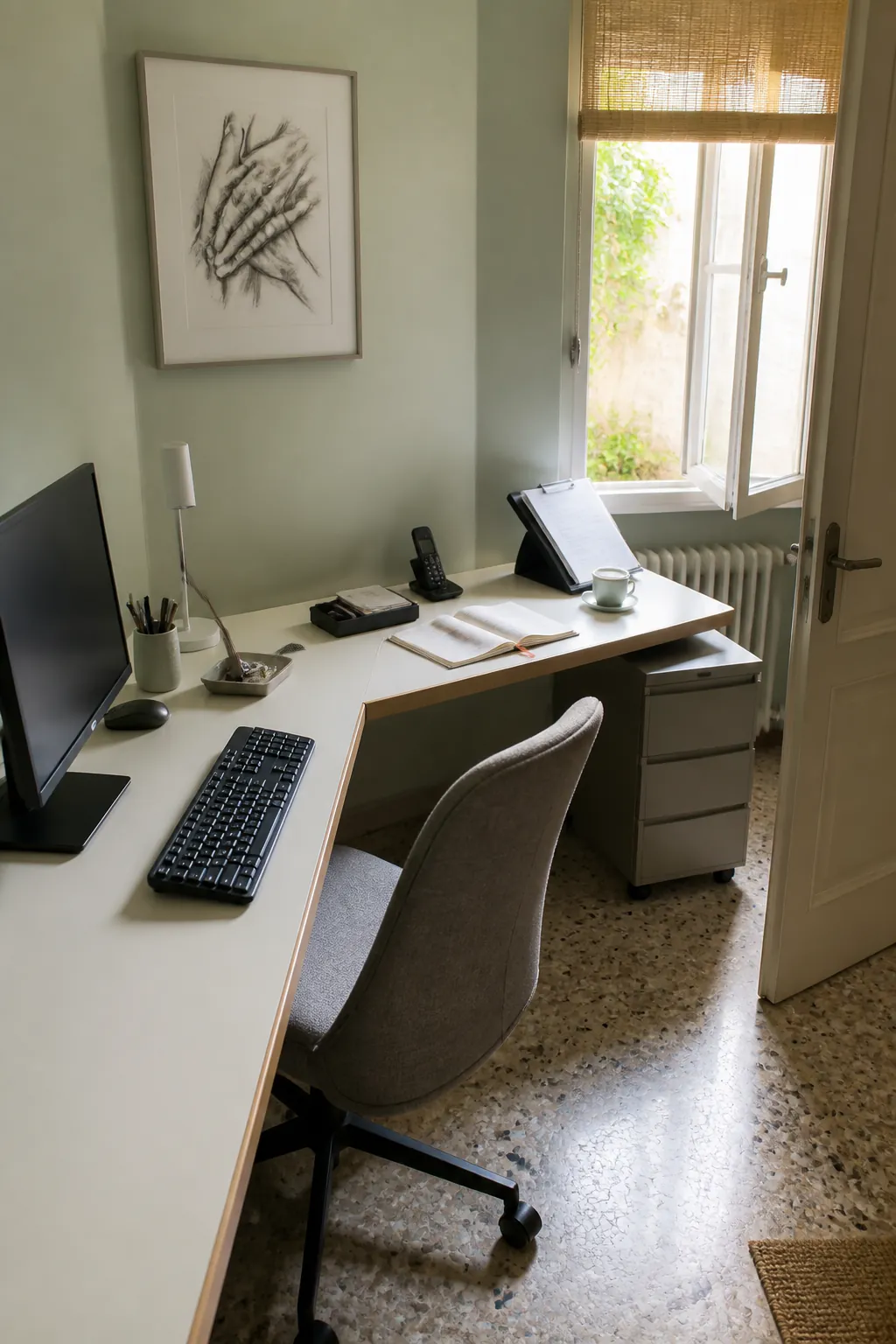
The display used most should sit directly ahead of your keyboard and chair. Secondary screens can angle inward from the return, but they should not pull your normal posture toward the desk corner. Monitor arms recover depth and allow fine adjustments when their clamps and weight ratings suit the desktop.
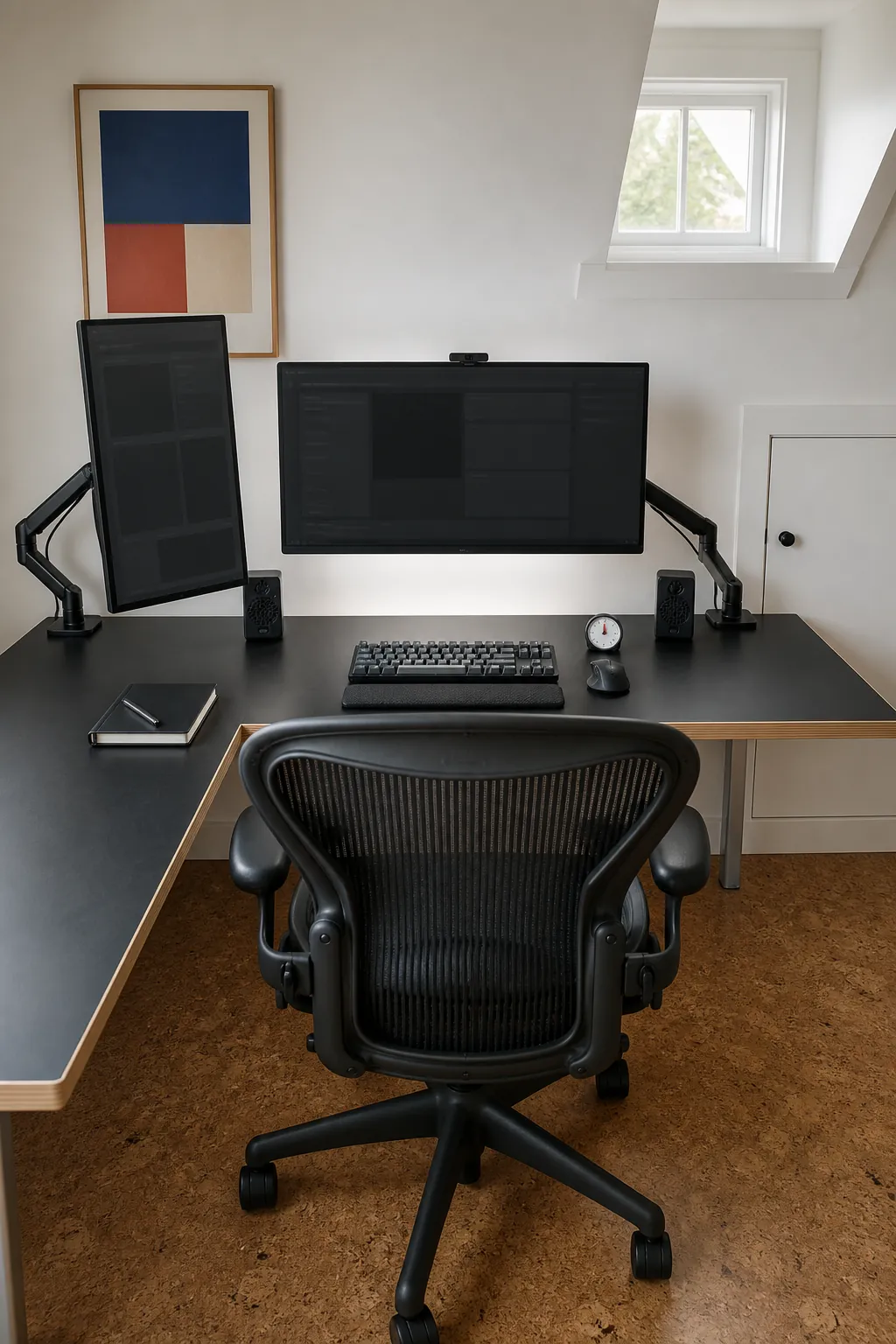
Support the Mouse Arm and Keyboard
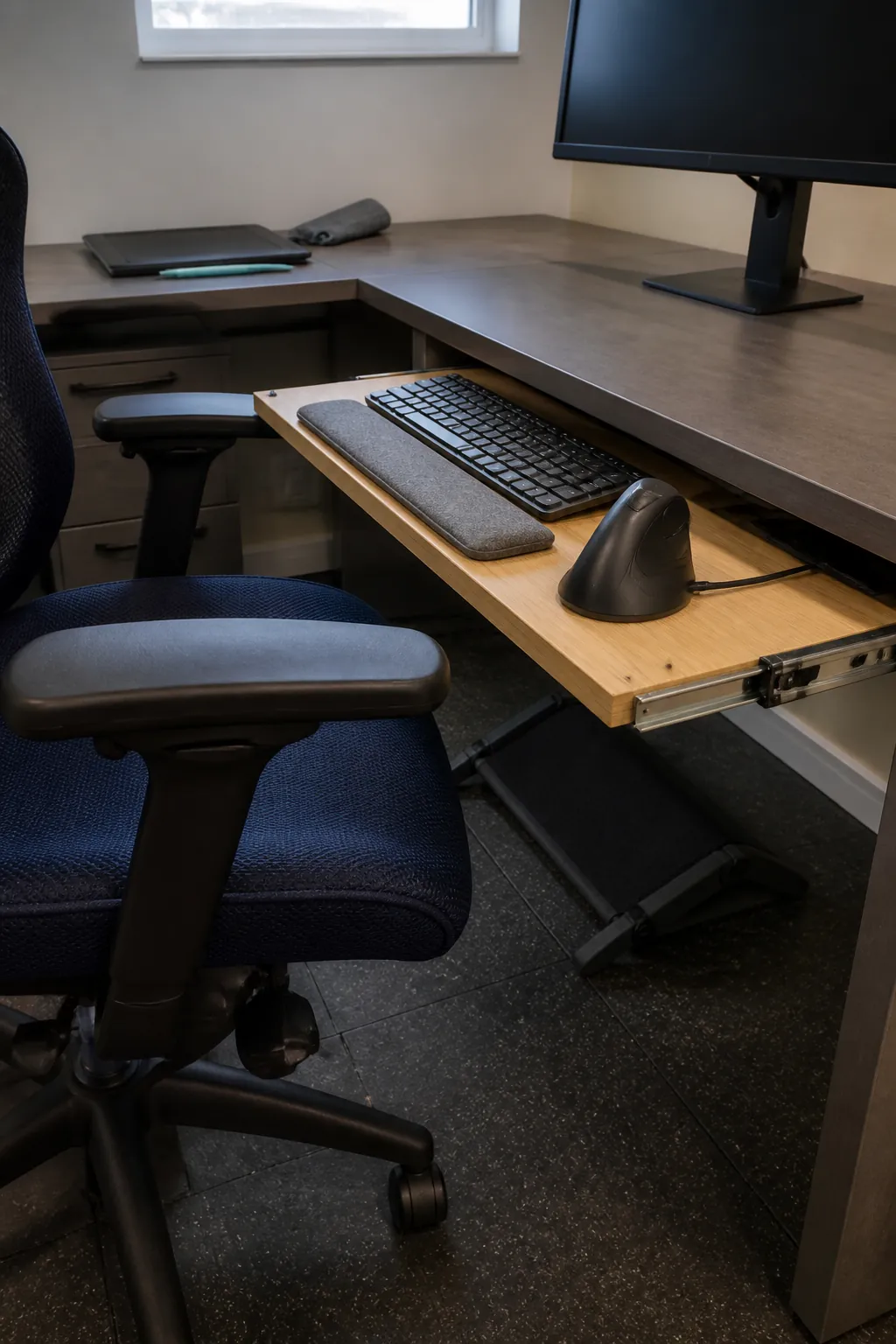
Set the chair so relaxed shoulders and bent elbows place your hands naturally over the input devices. If the desk edge prevents the chair from coming close, move the active station to a straight run or add a suitable keyboard tray. The return should never force your forearm to rest against a hard side edge for hours.
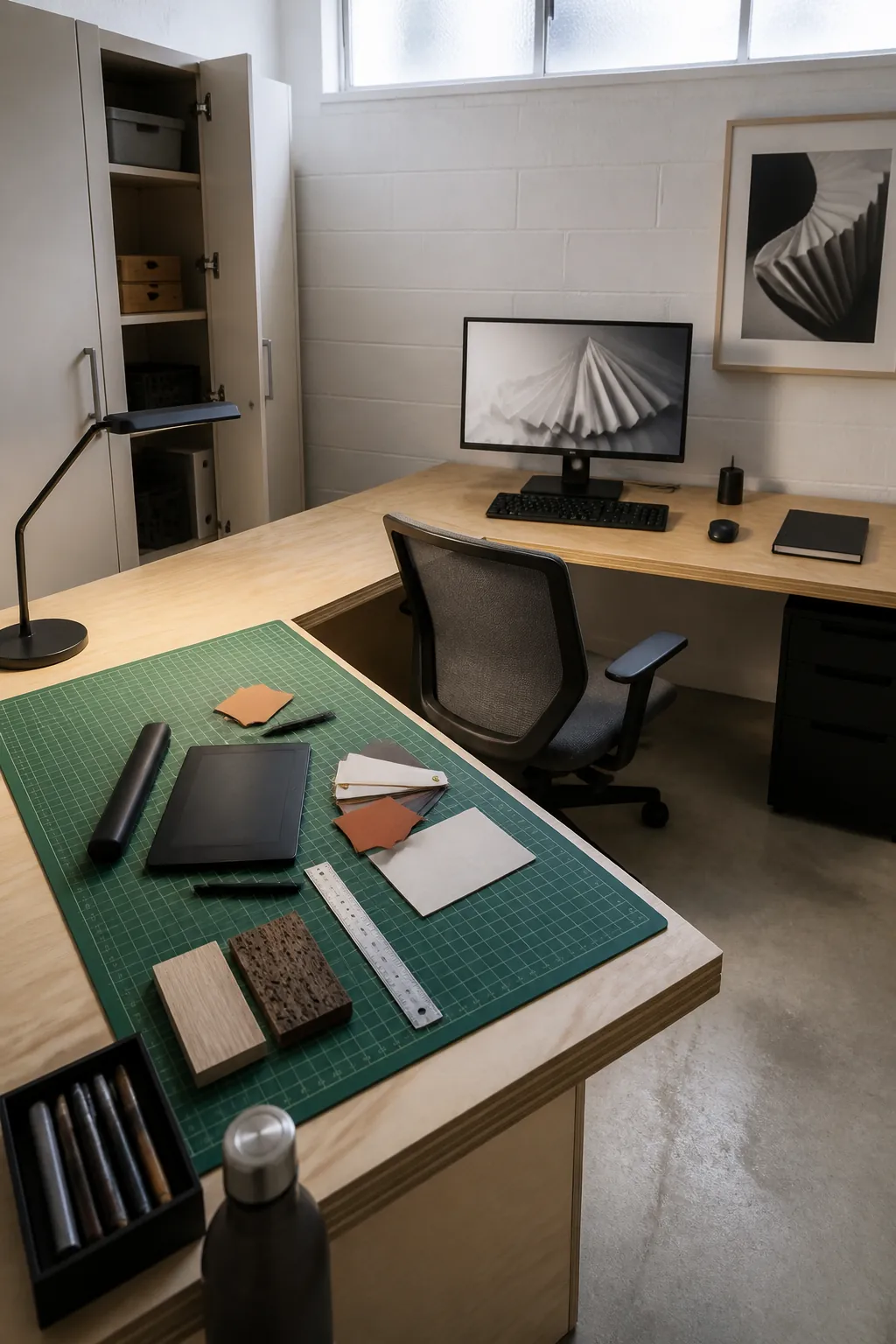
Divide Work From Creative or Gaming Tasks
Use one surface for focused computer work and the other for a genuinely different activity. A drawing tablet, project materials, or gaming controls can remain ready without invading the primary keyboard area. Keep only the equipment each zone needs so the extra surface does not become storage by default.
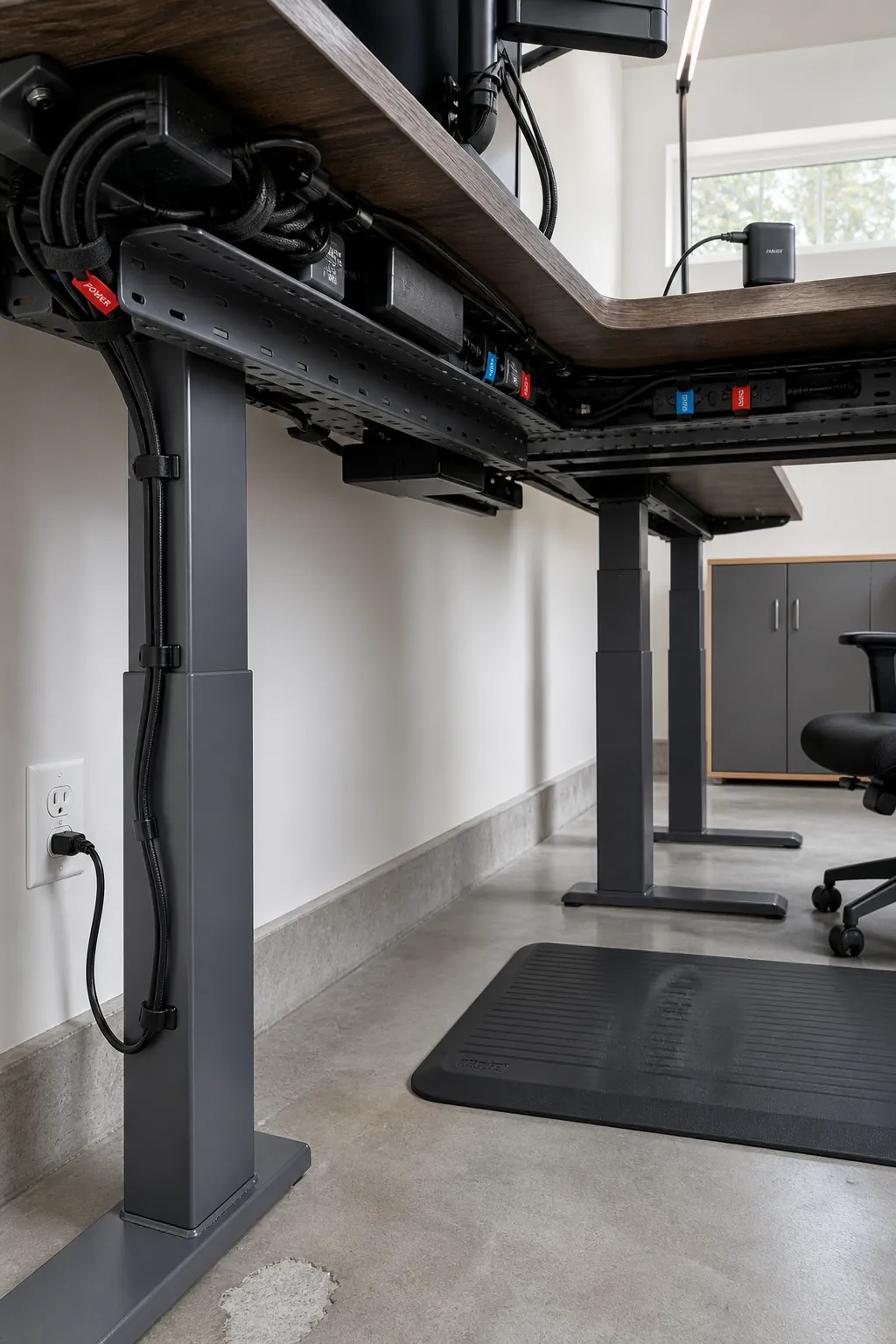
Route Cables Around the Inside Turn
A continuous tray beneath the rear edge keeps power and data away from chair casters. Give monitor arms and a moving standing frame enough slack, especially where the two desk runs meet. Separate cable groups and label their ends so future equipment changes do not require dismantling the whole system.
Keep Storage Beyond the Knee Zone
Drawer units belong near the outer ends unless they are intentionally supporting the top. The inside corner needs uninterrupted room for knees, chair movement, and a change of posture. Frequently used supplies can sit on the return, while archives and printer stock move to lower storage farther away.
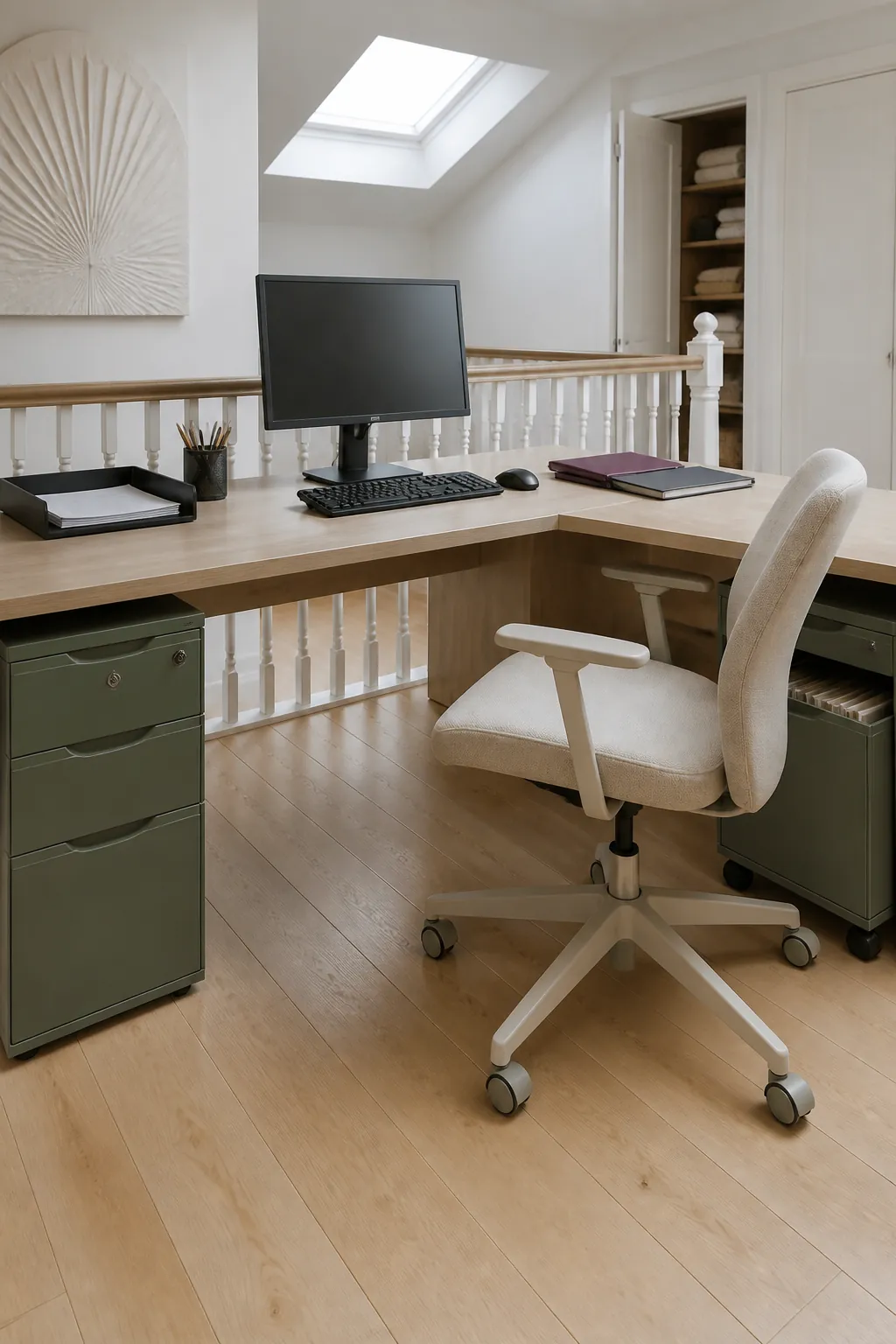
Test the Setup Before Adding Accessories
Work with the essential screen, input devices, and lighting for several days before filling the open surface. Notice where paper lands, which direction you turn, and what repeatedly interrupts reach. Buy an organizer only when a consistent problem gives it a specific purpose.