
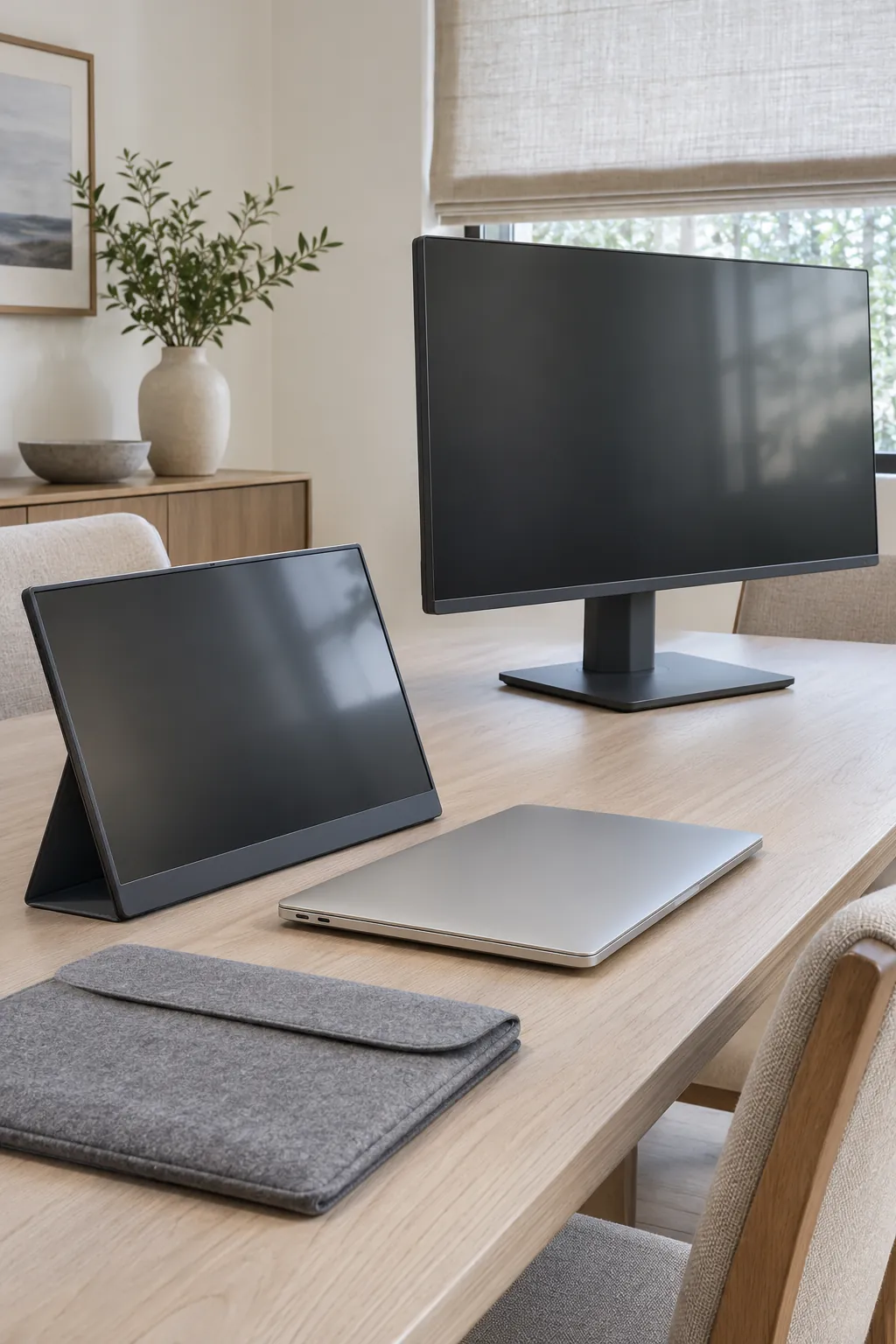
The best second screen for a dining table is one you will still set up on a busy morning. A portable monitor usually makes sense when the table needs to be clear every night. A desktop monitor earns its space when a larger view or better height adjustment matters most and there is a safe place to leave it.
Decide what the second screen will hold
Try a typical task before shopping. If the laptop holds the work and the other screen keeps a chat window, notes or a reference page visible, a portable panel around laptop size may be enough. Someone in this discussion about a second screen that can be put away described wanting exactly that kind of extra space for notes and a task list.
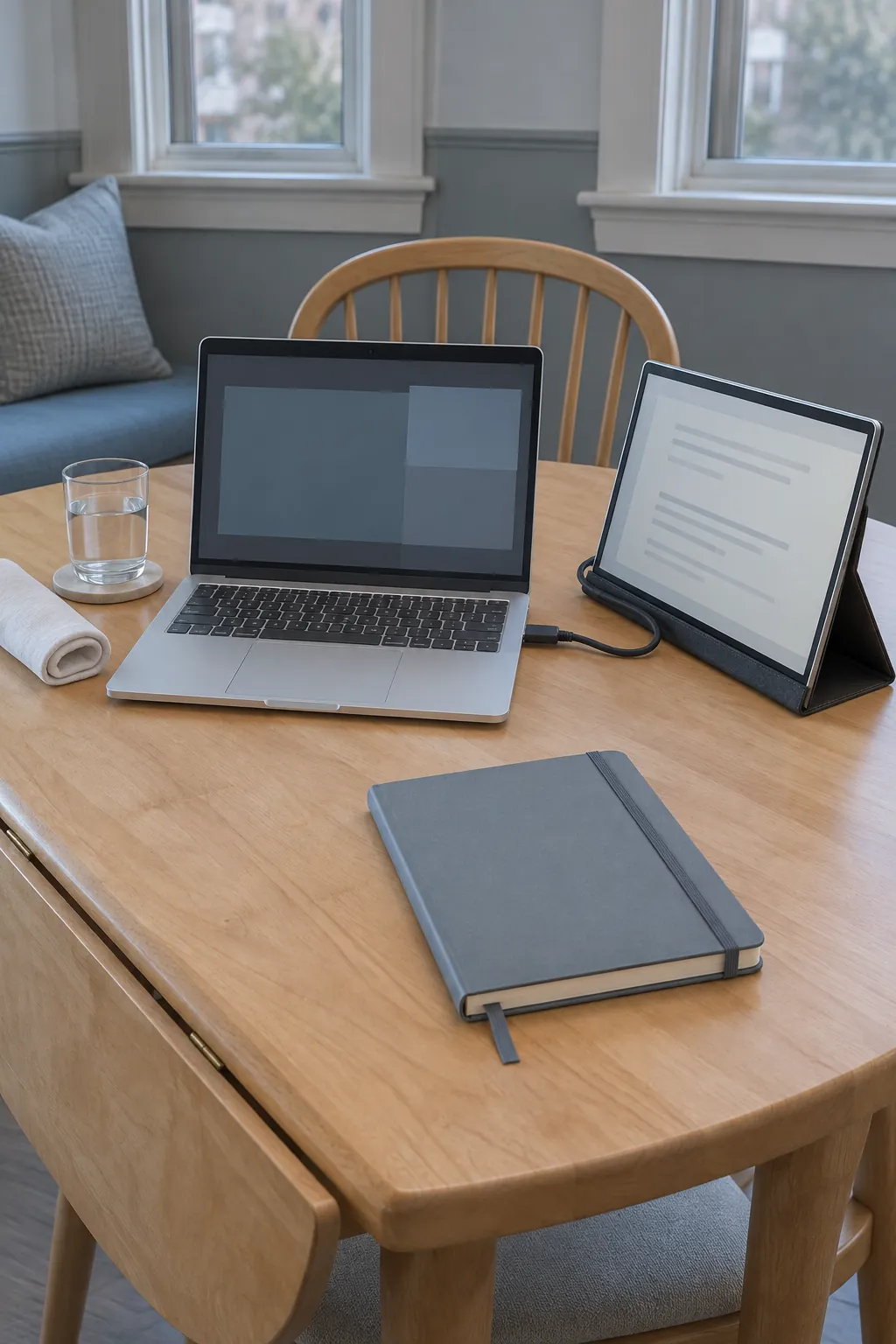
If the monitor will be your main screen for spreadsheets or documents side by side, a larger desktop display gives you more physical room to read. Open your actual apps and set the text to a comfortable size. Compare what fits on the screen at that setting. Resolution and scaling affect the layout, while physical size affects how large the text looks from your chair.
Measure the stand and the storage spot
Mark the usable area of the table around your laptop, keyboard and mouse. Measure the portable screen with its kickstand unfolded. For a desktop monitor, measure the base front to back and include the rear plugs. Check whether the panel clears shelves when you lift it and whether the stand can stay attached in storage.
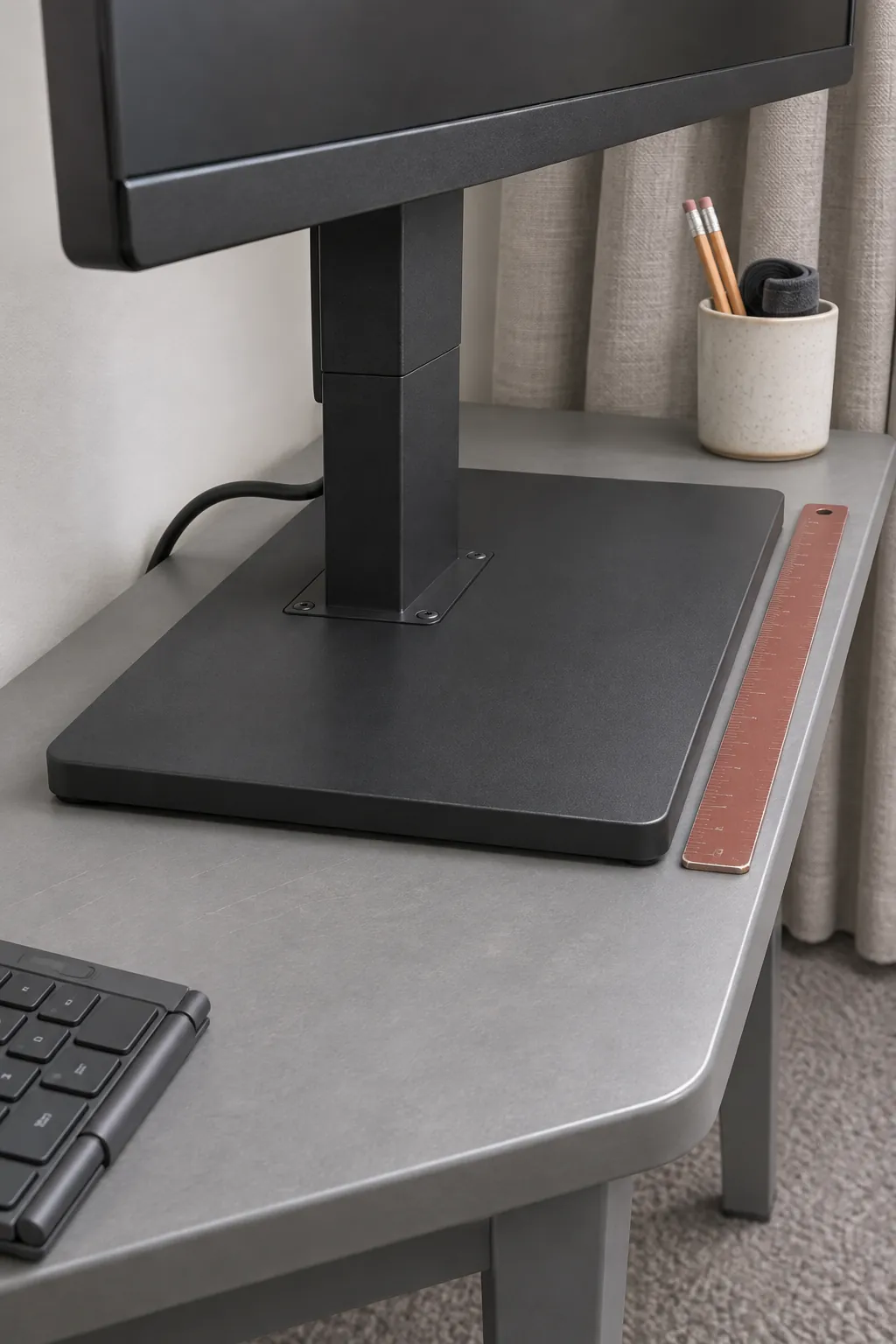
Measure the opening of the cabinet or drawer as well as the space inside. A lightweight panel in a fitted sleeve can go into a shallow drawer. A desktop monitor needs a place where its base stays stable and the screen will not get knocked. Check that you can carry it there by the points its maker recommends.
Confirm video and power before buying
A USB C socket can accept a cable without supporting a display signal. Check whether the specific computer port supports video output and whether the monitor accepts video over its USB C input. Use the cable supplied for video or one that supports the display connection. If the screen relies on the computer for power, verify that the port can supply enough, especially when the laptop runs on battery.
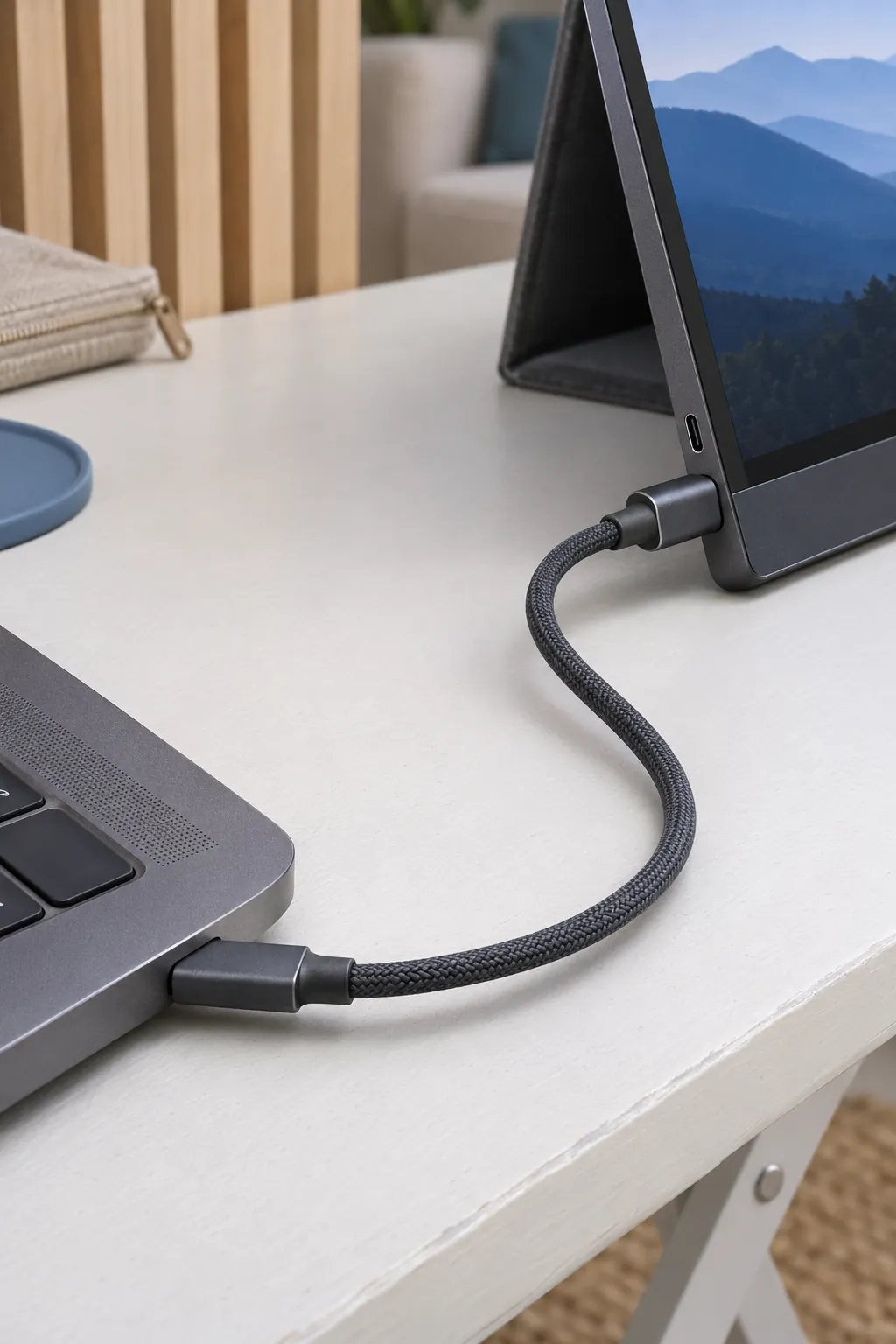
Some portable screens take video over HDMI and need separate USB power. Check which HDMI connector the model uses. For a desktop display, plan for its power cord and a compatible video connection. Count the cables and the outlets you will need each time you set up.
Set the screens at a height you can use
An integrated kickstand is convenient but usually keeps a portable screen fairly low. A folding monitor stand can raise it if the stand is rated for the panel and supports it without blocking ports. Put the screen you look at most directly ahead. Keep the other close enough that moving between them does not require a large head turn.
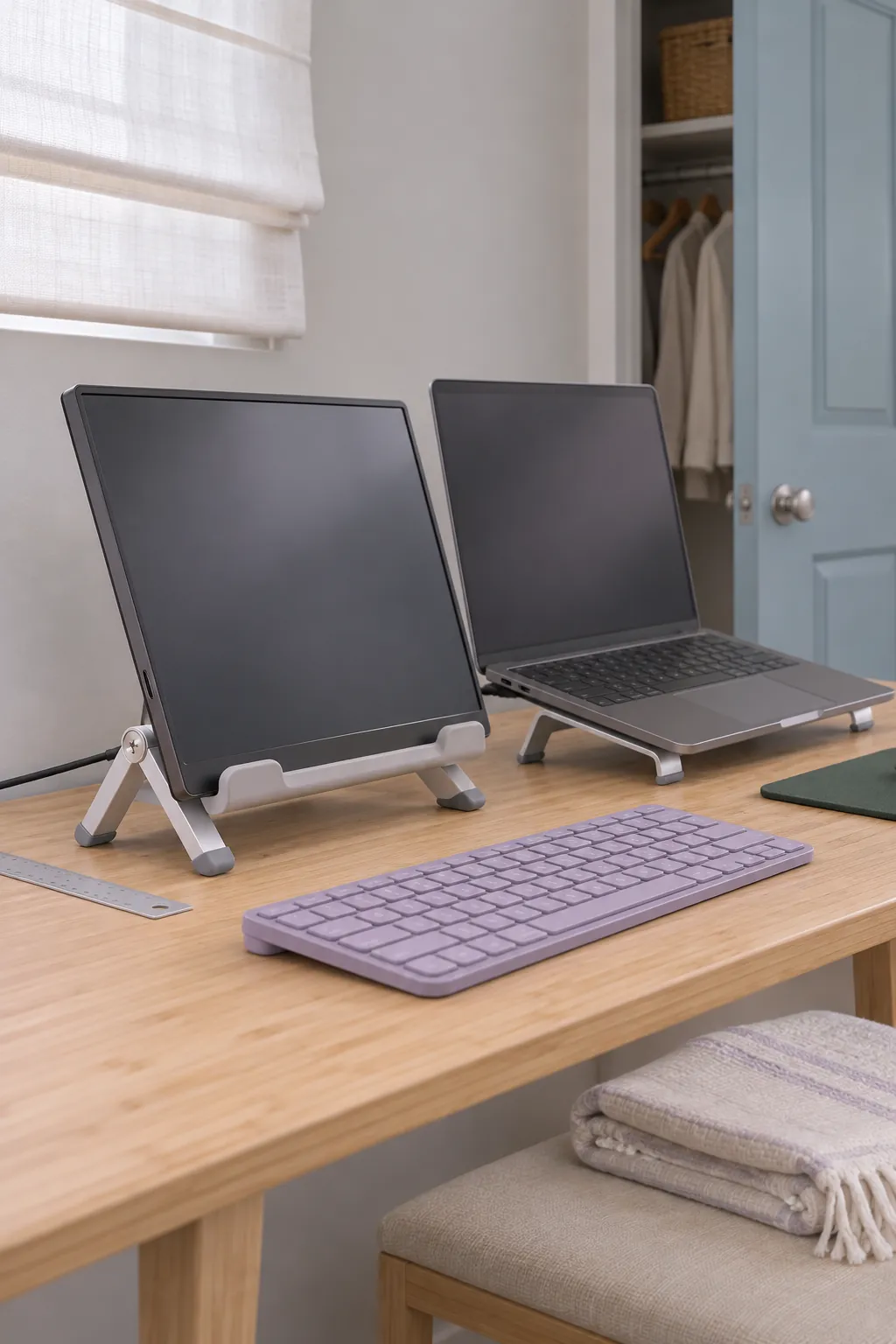
A desktop monitor with height and tilt adjustment may be more comfortable as the main display during long work sessions. If raising the laptop brings its keyboard too high, use a separate keyboard and include it in your storage plan.
Try the full setup and teardown
Set up the screen from its storage spot, plug in the cables, and see how long it takes to get to work. Put each item back in the order you will use at the end of a real day. Place the portable screen in a fitted padded sleeve before stacking anything nearby. Keep leads in a small pouch so connectors do not press against the display.
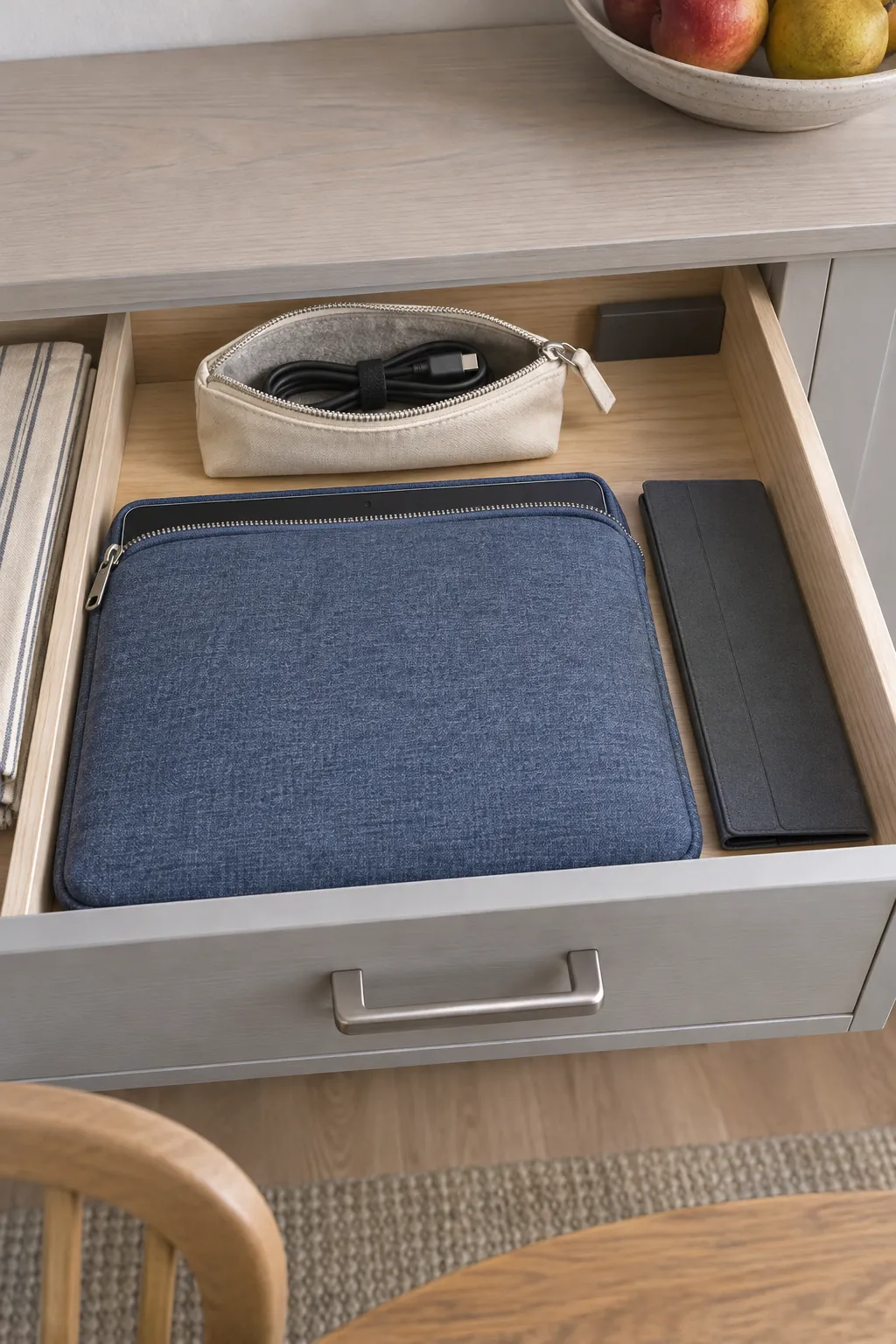
Try the route with the desktop stand assembled before committing to that option. If it is awkward to carry through a doorway, see if it can live on a sturdy side table and connect only when needed.
Make the choice based on an ordinary workday
Choose the portable display if the table needs to be cleared often and the smaller screen can do its assigned job. Choose a desktop display if you work mainly on that screen, can leave it at a good height and have a safe place for it when the main table is needed. Use the ports and screens you already own to test the routine if you can.
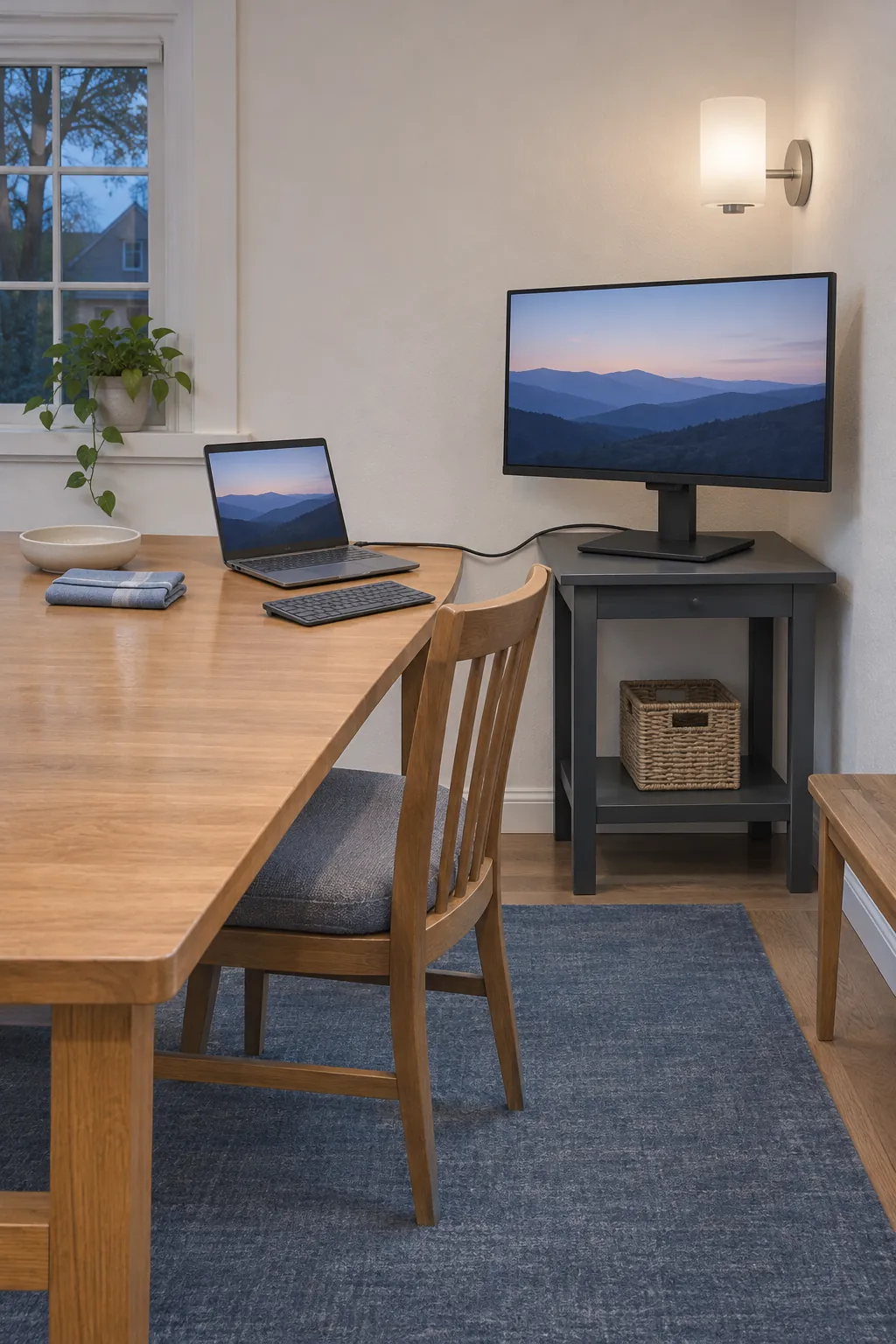
After a typical evening, ask which item you would be tempted to leave on the table. If it is the monitor, check that your choice still makes sense when you have to move it every day.