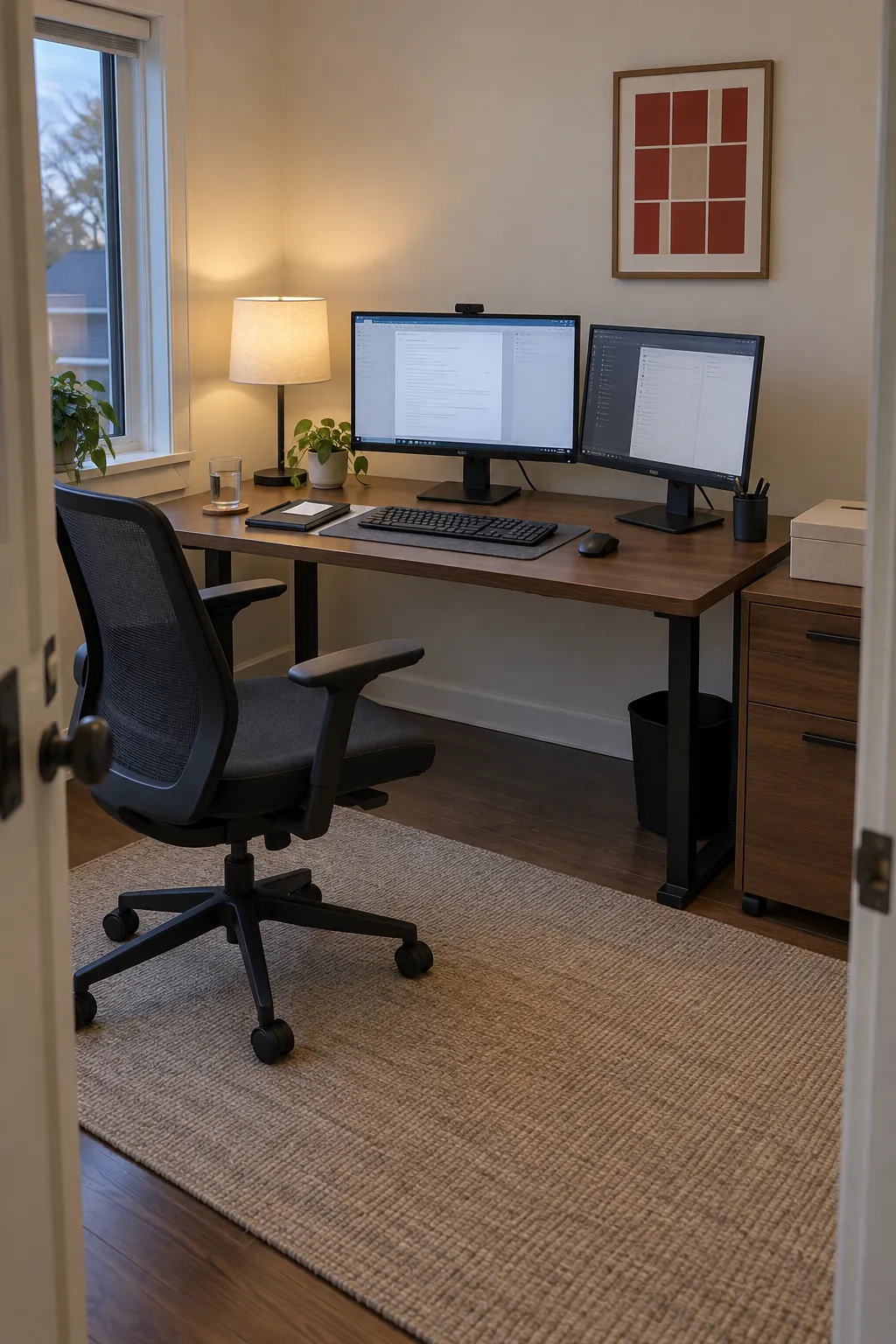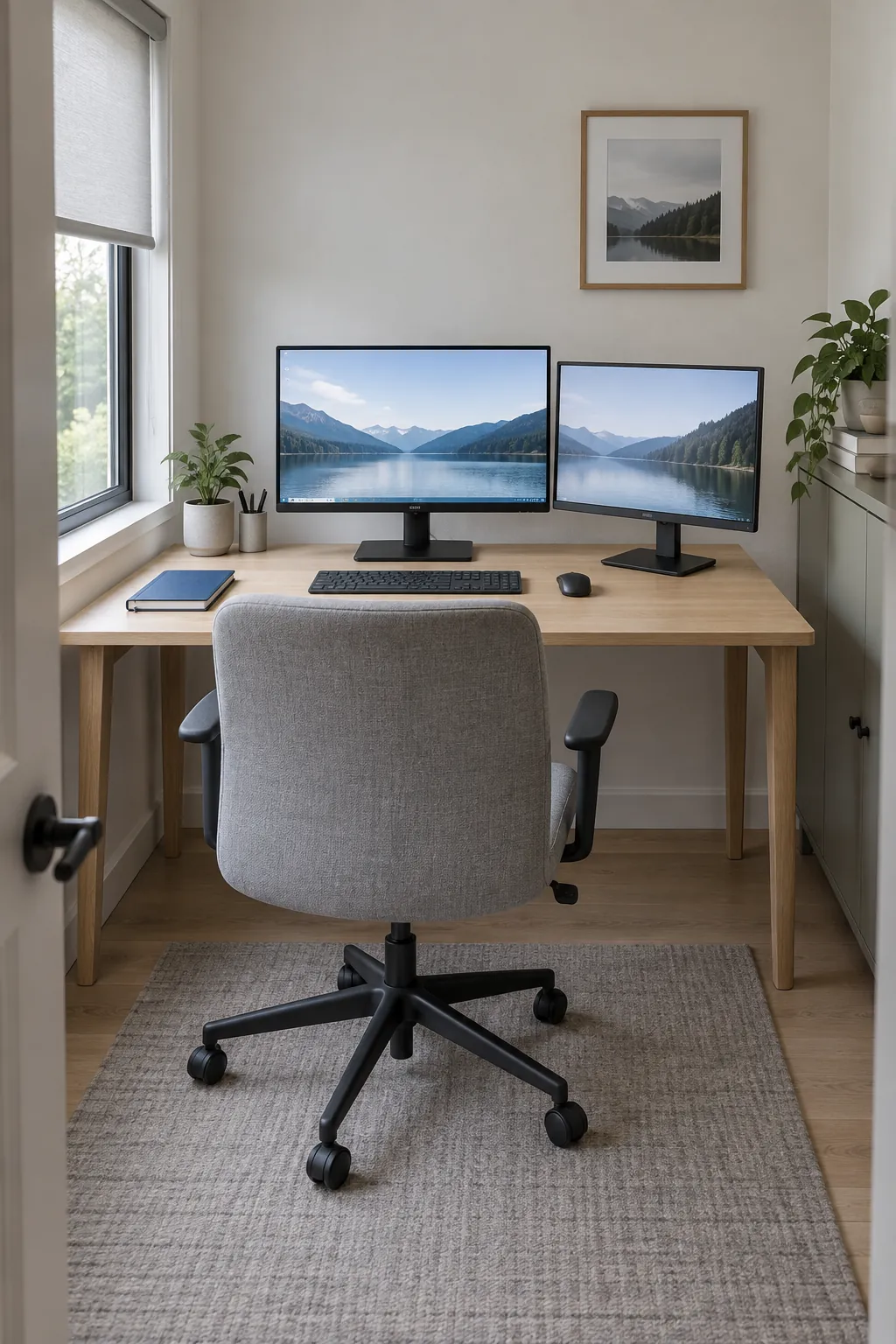
The extra screen is easy to buy; finding a comfortable place for it is the harder part. A stand can consume your writing space, an arm can need room behind the desk, and a dock can have display limits that its socket count does not reveal. Work through the physical fit and connection chain before you organize the accessories.
Measure the equipment footprint, not just the screen diagonal
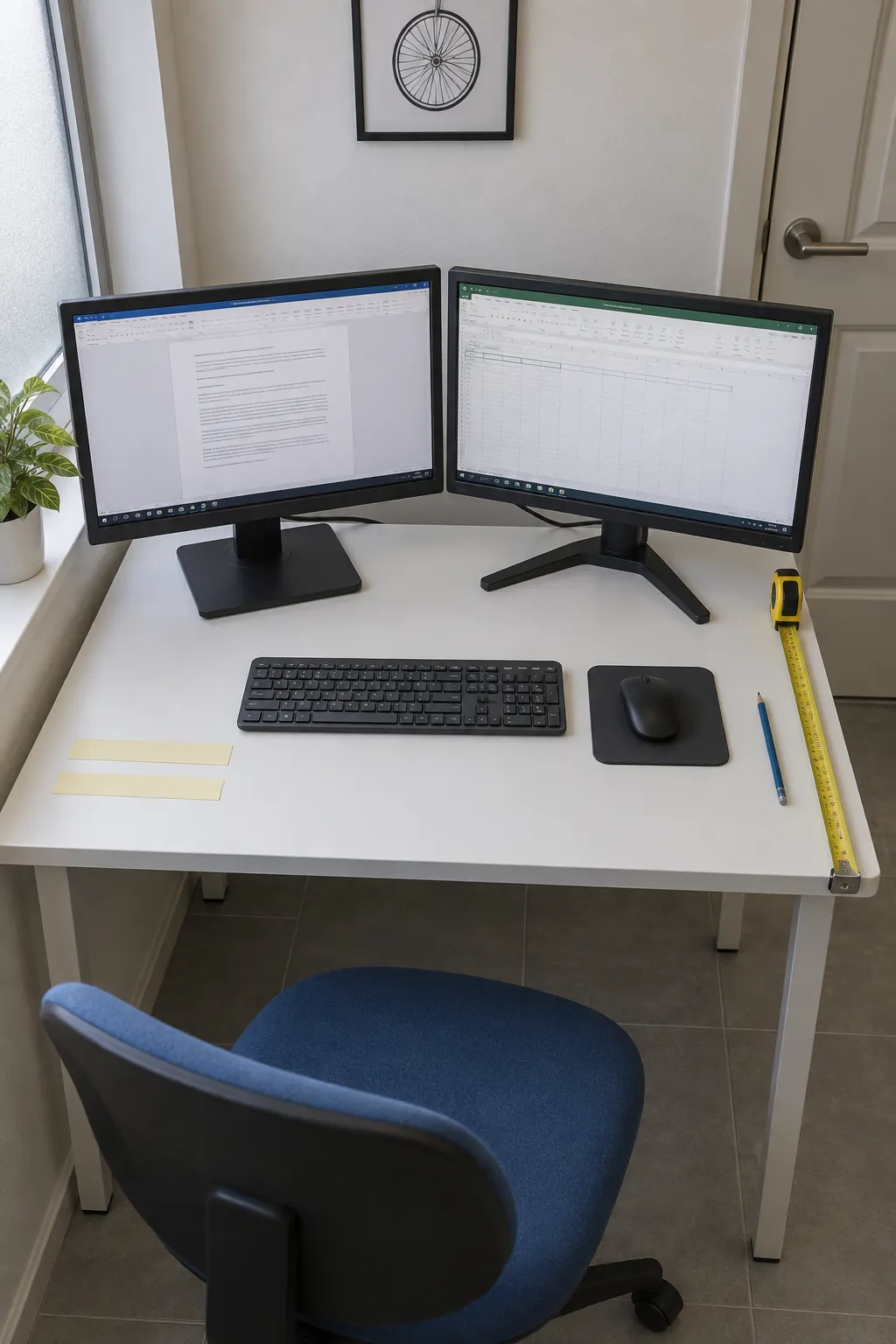
A monitor’s advertised diagonal does not tell you how much desk it consumes. Measure the complete width of each panel, the stand’s front to back footprint, and the usable desktop depth after cables and skirting boards are accounted for. Then place your keyboard, mouse, and a notebook on the surface before deciding where the screens belong.
A strip of removable paper on the desk can mark the proposed stand footprints without committing to new hardware. Sit in your normal chair and check whether you can read comfortably while leaving your hands in a relaxed working position. If the screens fit only by pushing the keyboard to the edge, the arrangement needs a smaller footprint or a different desk.
Monitor arms do not automatically solve a shallow desk. Some elbows need clearance behind the surface or push the display forward when folded, so compare the arm’s movement diagram with the wall gap you actually have.
Choose the center of the desk from your main task
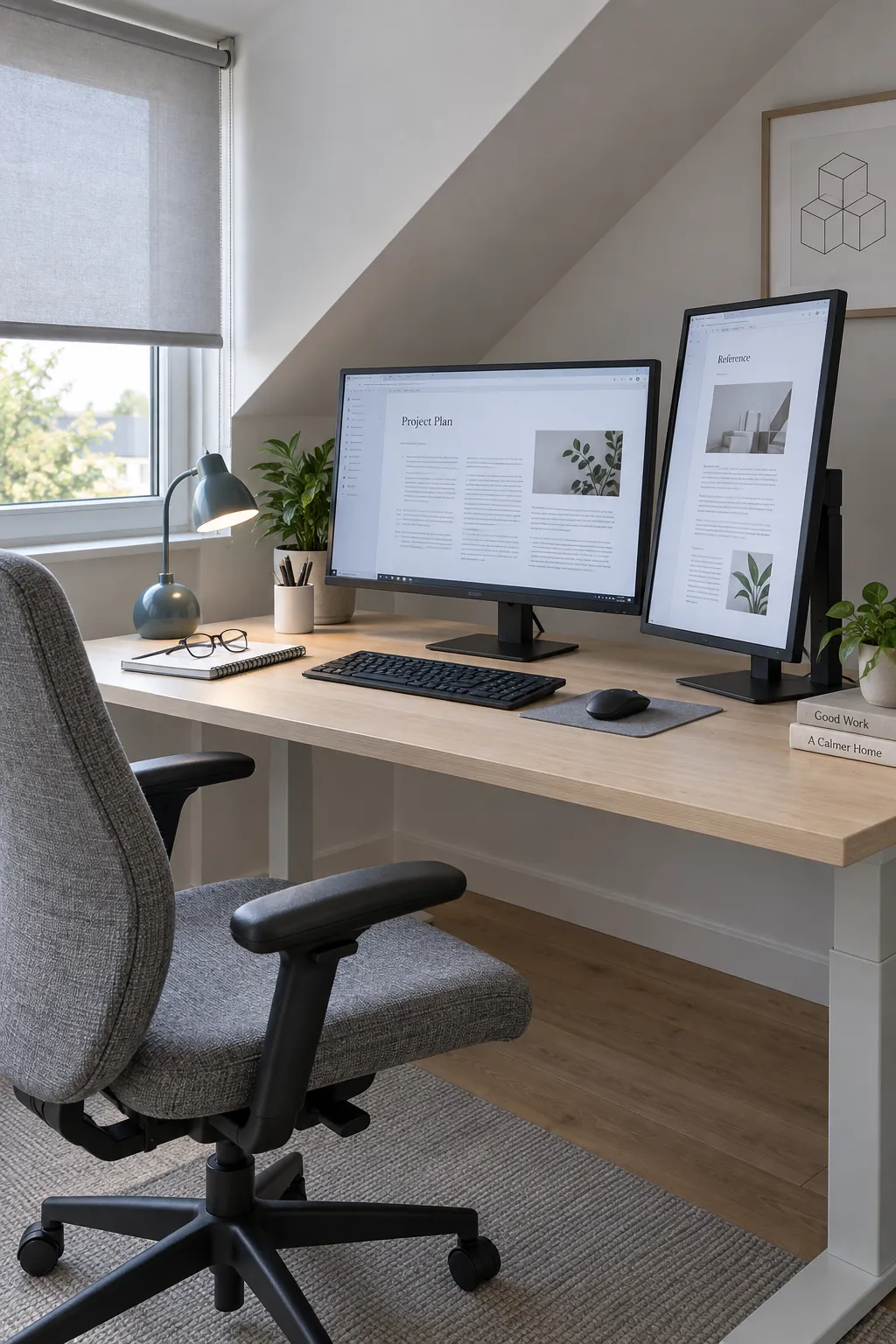
Put the screen you use most directly in front of your keyboard. Keep the second close beside it and angled inward for reference, rather than centering your chair on an empty gap simply because the setup looks symmetrical. If you genuinely divide attention evenly between two displays, a shallow arc centered on their join may work better.
Test this with real work: edit a document, compare a spreadsheet, and join a call. Notice which screen makes you turn repeatedly and which one you barely use. A portrait reference display can reduce the total width, but it should suit the documents you read and the monitor’s rotation support.
Verify the whole connection chain before buying a dock
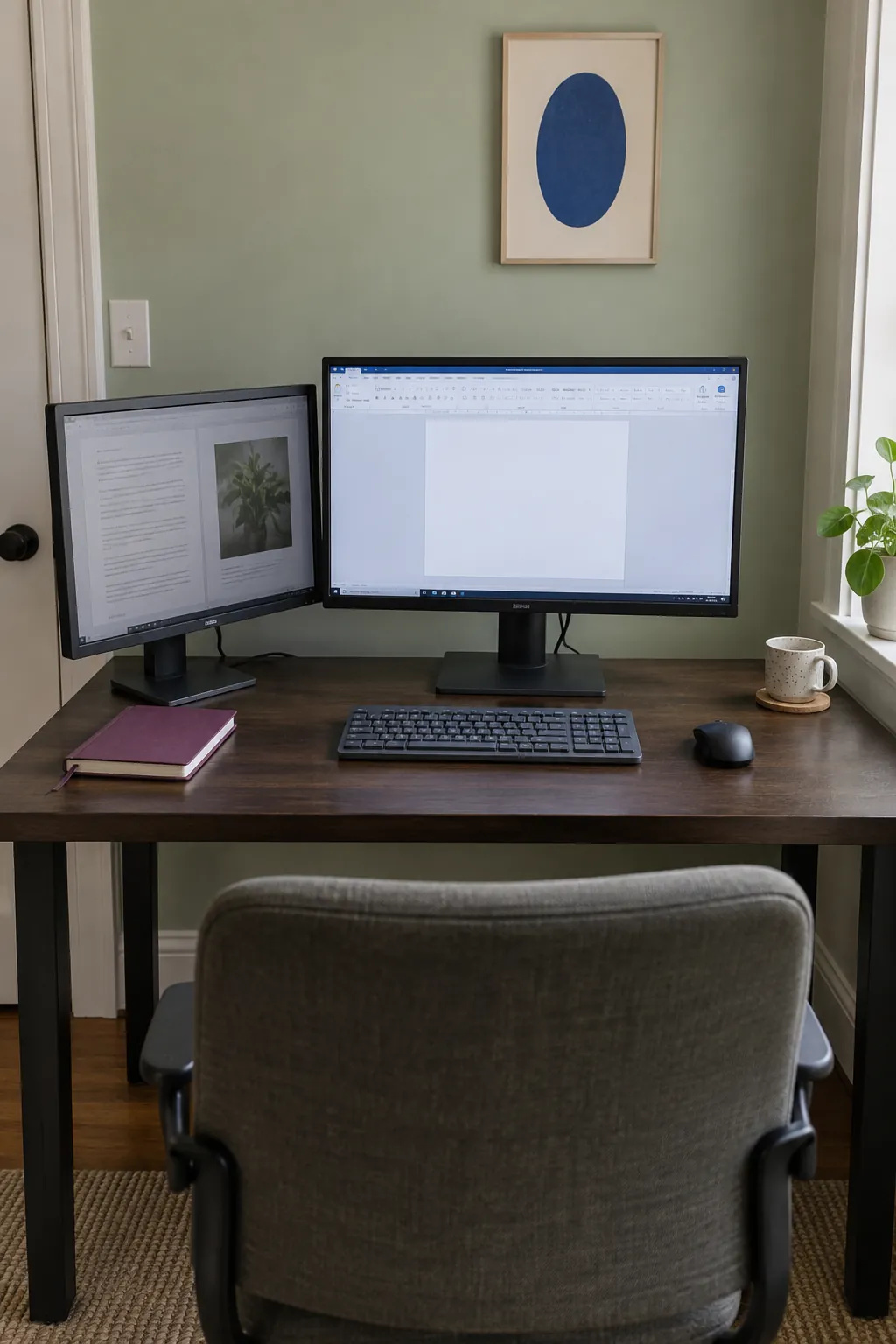
Start with the exact computer model and its supported external display count. Then check the dock, cable type, monitor inputs, resolution, and refresh rate as one chain. A dock with two video sockets can still have limits that prevent the combination you expect.
A basic video splitter commonly duplicates one image; it does not necessarily create two independent desktops. Some docks use additional software or drivers, which may need approval on a managed work computer. Ask your IT team before buying hardware that depends on software you cannot install.
For a desk set up with laptop and monitor equipment, also decide whether the laptop screen stays active. That choice changes both the number of displays the computer must support and the physical space you need. Keep the manufacturer’s ventilation and power requirements in mind if the laptop will run with its lid closed.
Connect and test both displays before hiding the cables. If one stays blank, check its selected input and test the cable and display individually, then compare the working combination with the dock’s specifications. Change one part at a time so you can identify the cause.
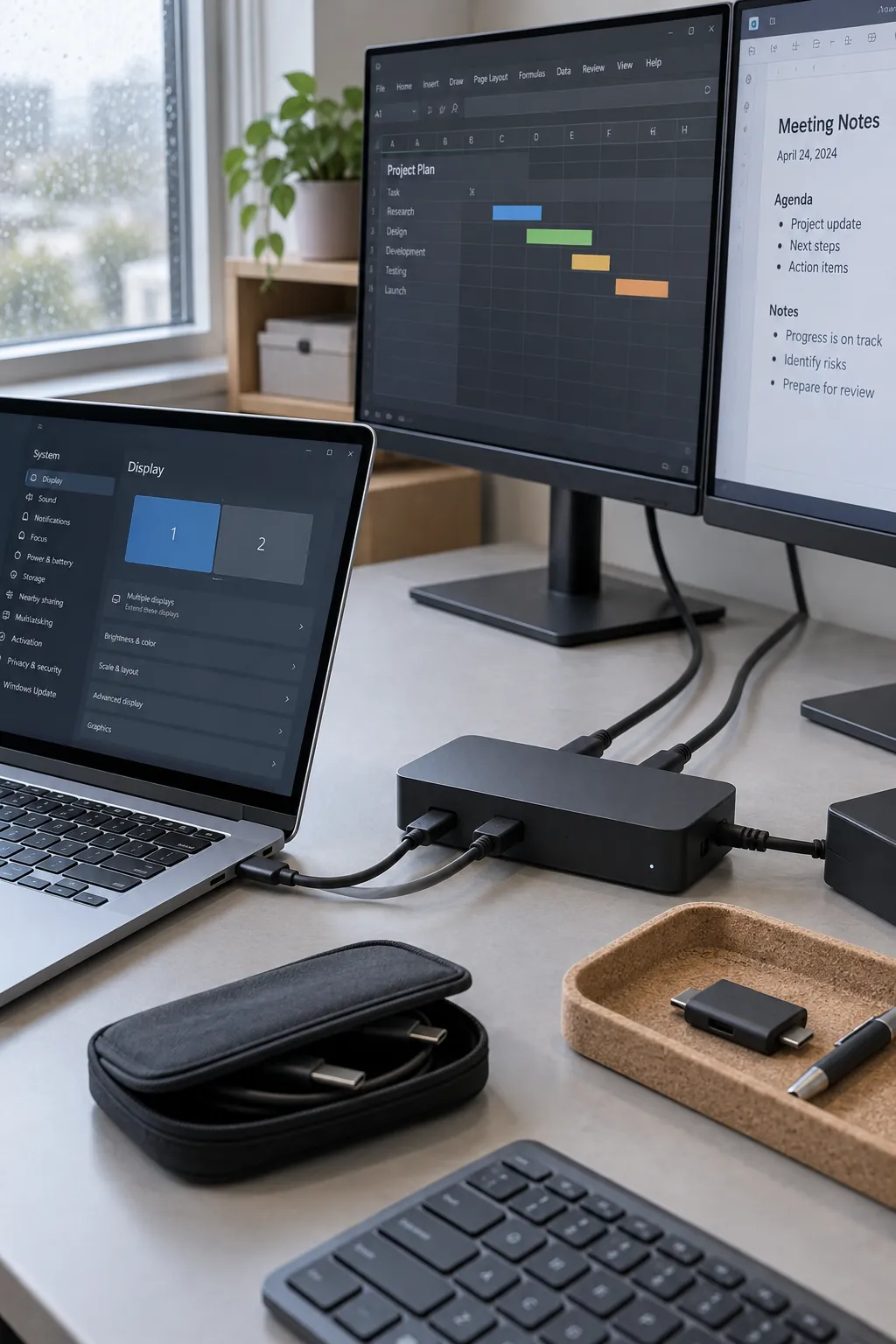
Adjust height, text size, and lighting together
Set the chair and keyboard for comfortable use before treating screen height as fixed. Adjust each display so you can read its main working area without repeatedly lifting your chin or leaning forward. The top of a display is often around eye level or a little below, but your vision, glasses, screen size, and task can call for a different position.
Increase text scaling when the content is too small instead of solving every readability problem by moving closer. Match the software display arrangement to the screens’ physical positions so the pointer crosses where you expect. If the panels differ in size or resolution, each may need its own scaling setting.
Check glare with a dark window open on each monitor, then adjust the blind or desk angle. A lamp should light your notes without shining into the panel or your eyes. Persistent discomfort deserves individual ergonomic or healthcare advice, not an assumption that buying a riser will fix it.
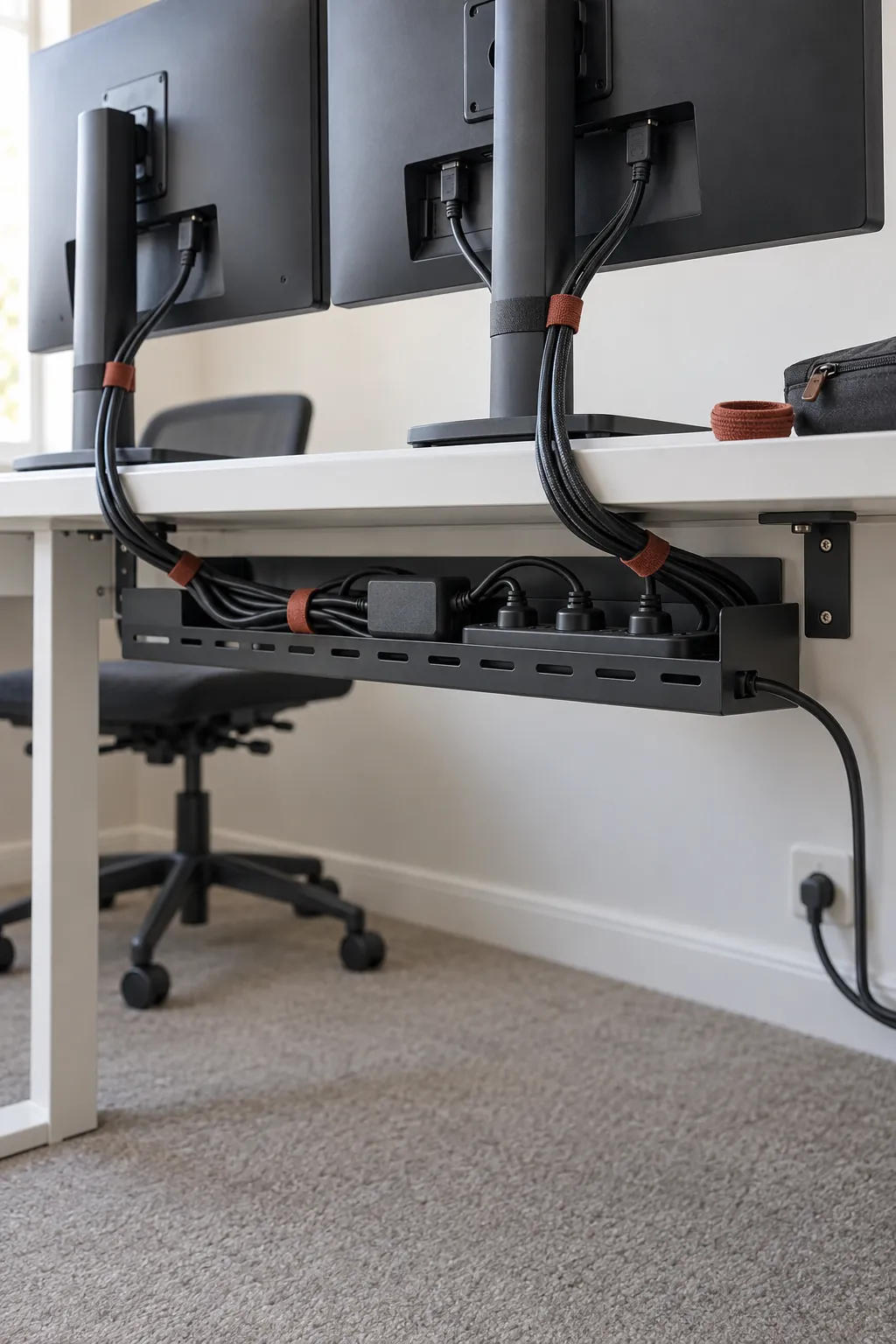
Route cables for the changes you will actually make
Keep connections reachable until you know the two screen desk setup works through a full day. Leave modest slack near adjustable arms and laptop connections, and support heavy adapters rather than letting them hang from their leads. Reusable ties make it easier to change the route later than a tightly wrapped permanent bundle.
If the desk moves between sitting and standing, test its entire travel while watching every cable. A lead that looks tidy at the lowest setting can pull tight or catch on nearby furniture when raised. Keep the walking route clear and follow the desk manufacturer’s guidance for attaching a power strip.
Run a normal workday before adding more equipment
Spend a day with the actual applications you use, including calls, reading, and any paper tasks. Keep a short note of repeated annoyances: reaching around a stand, losing the pointer at a screen boundary, glare in the afternoon, or turning toward a rarely used display. Fix the recurring problem first.
An office desk setup at work may also need a quick reset for the next person. Save useful display settings where your system supports it and keep a small clear area for a laptop or notebook. At home, a closed accessory box can make the same surface easier to share after hours.
A triple monitor setup is worth considering only when you can name a continuing task for the extra screen and accommodate its connection and space needs. More panels can make the viewing area wider without making work easier. Keep the second display only as far away as its role requires, and let the working day decide what stays on the desk.