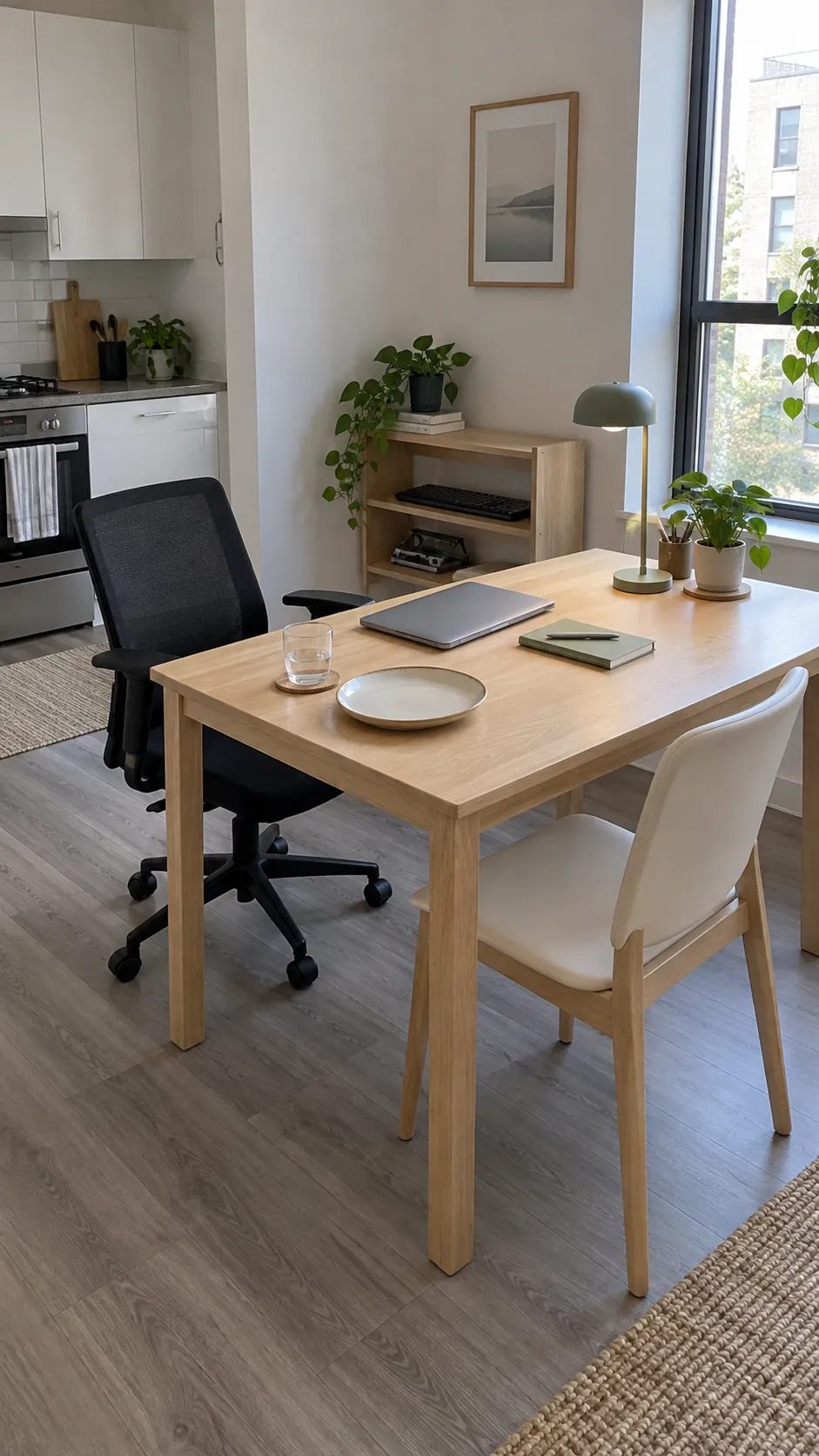
Dinner feels like another task when you must move a monitor, untangle a charger, and balance a plate beside your keyboard. The useful purchase is a surface that fits your body, your room, and the daily change from work to eating. Start with those tests before deciding which table looks best.
Start With the Work You Actually Do
A laptop that comes out for an occasional email needs less permanent space than a monitor, keyboard, mouse, and notebook used all day. Put your actual equipment on your current table before shopping, then measure the area it occupies with room to move the mouse and rest your forearms. Record how many people eat there on an ordinary day, since occasional guests should not dictate the footprint you live around every morning. A dining table desk combination works best when its everyday size serves both activities without requiring a room rearrangement.
If two people need the surface at the same time, decide whether they will work opposite each other or share one long edge. Opposite seating needs enough depth to keep screens, cables, and papers from spilling into the other person’s area. A single shallow table may be excellent for one laptop and unsuitable for that shared setup, even when its product listing says it seats four.
Measure the Room With Chairs in Use
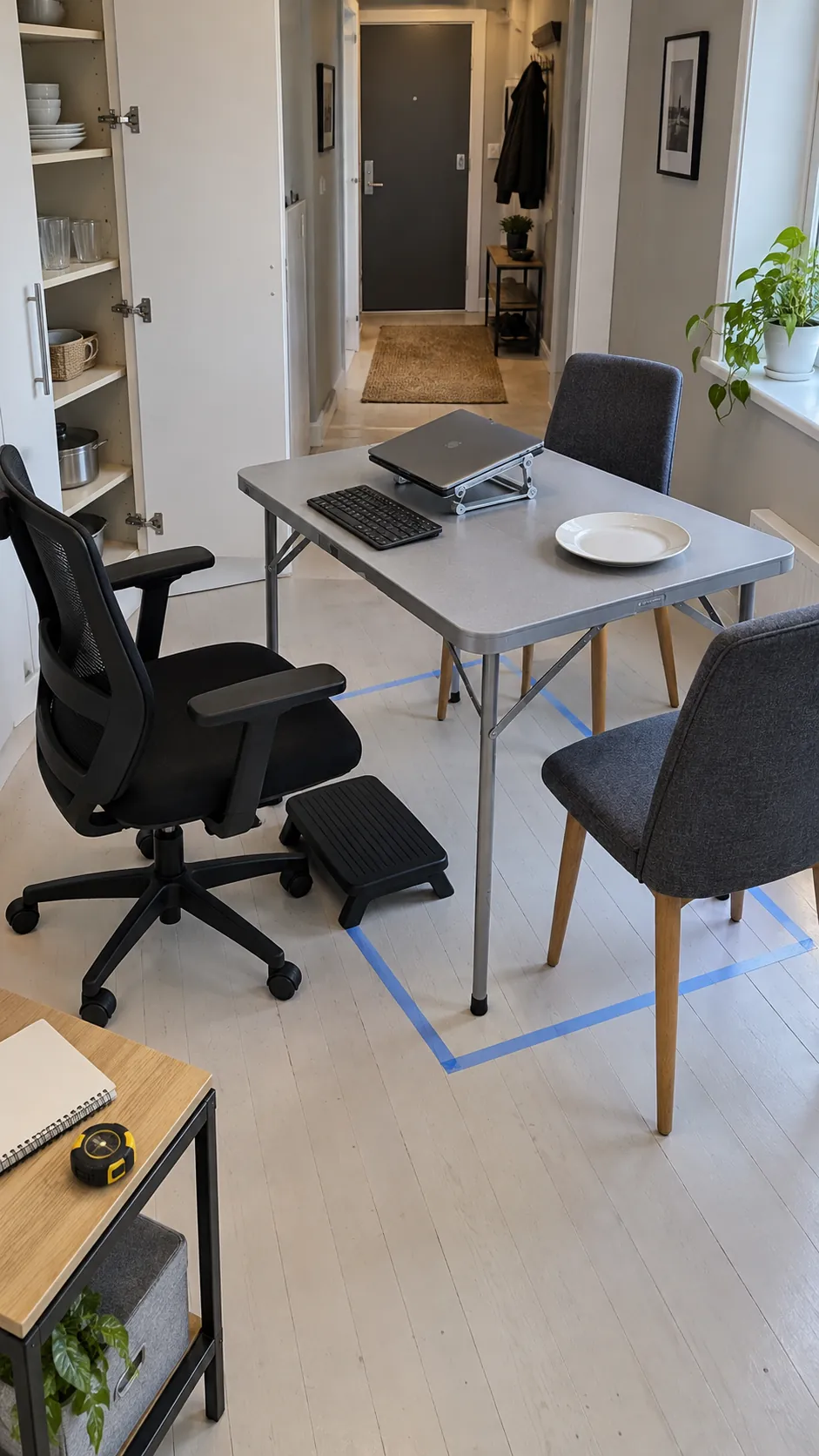
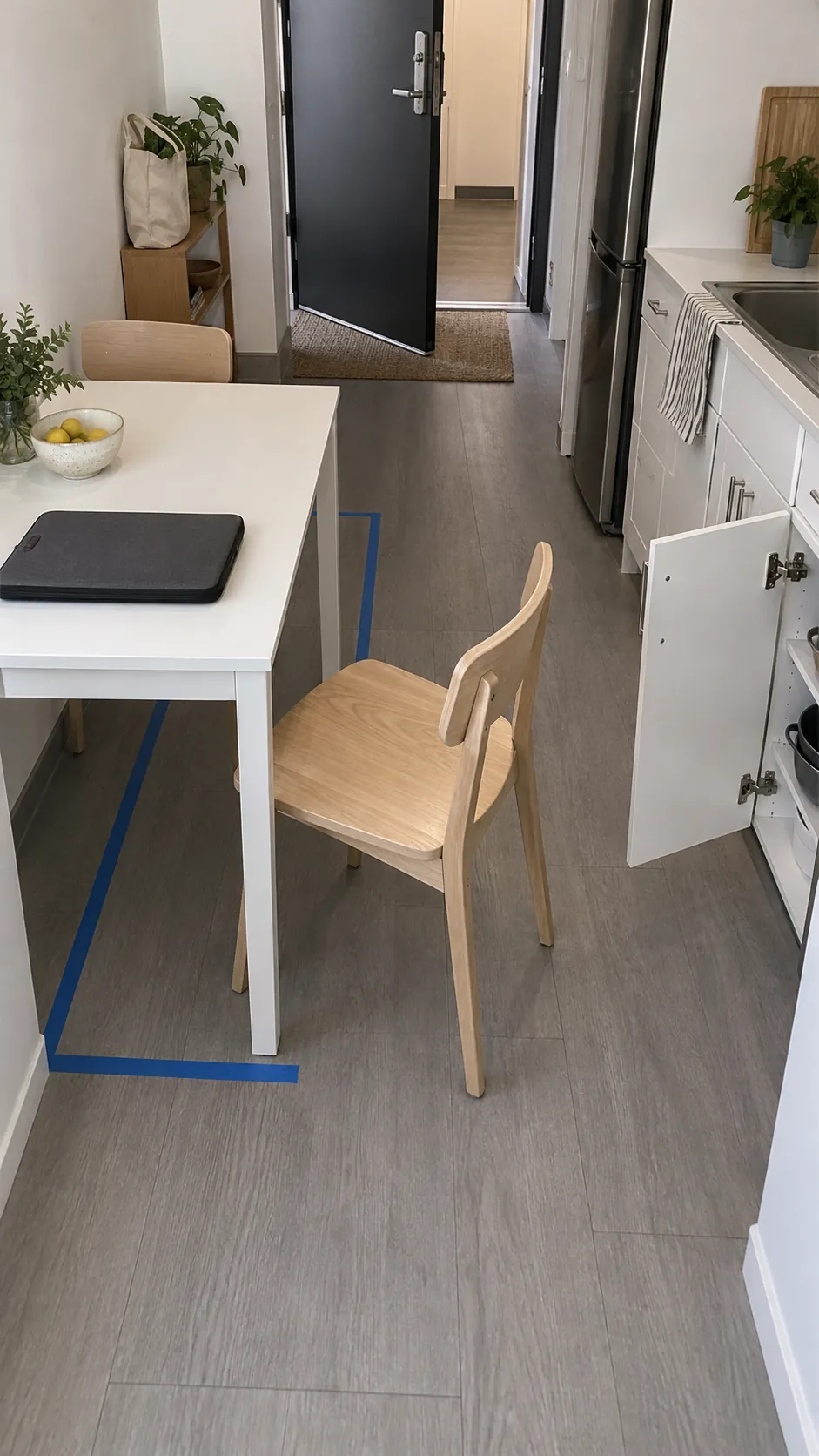
Mark the proposed tabletop footprint on the floor with removable tape, then put a real chair at the edge. Pull the chair out to the position you use when standing up and walk past it with a bag or laundry basket. Check the route to the kitchen, bathroom, balcony, and front door, including every nearby door swing. A table that fits only when all chairs are tucked in does not fit your daily routine.
Match the Table Height to Your Working Position
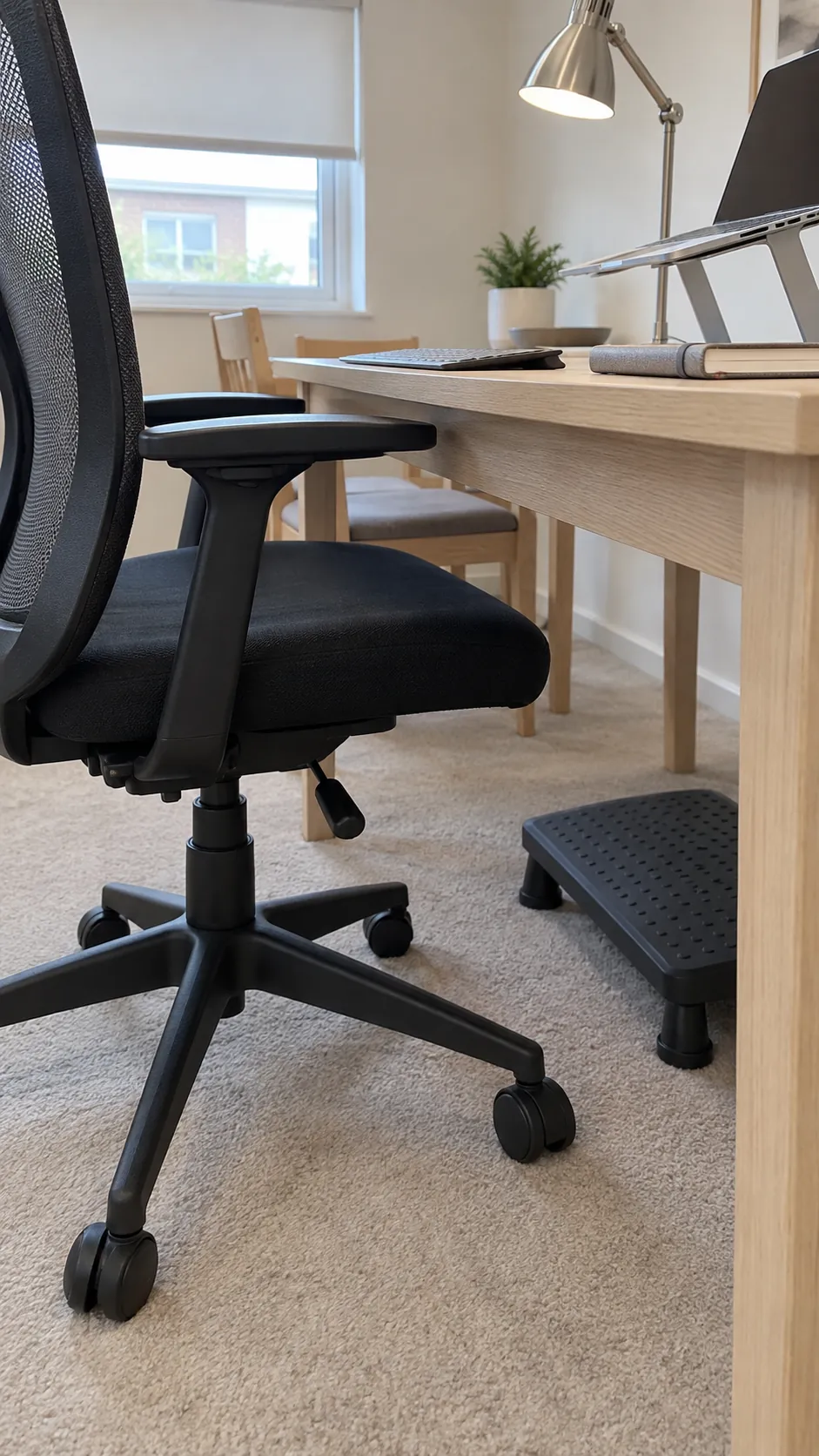
Standard dining tables often sit around 28 to 30 inches high, but that range is a shopping reference rather than a guarantee of comfort. The important relationship is your chair, your body, and the height of the keyboard surface. Sit with shoulders relaxed, elbows near your sides, and feet supported, then check whether you can type without lifting your shoulders or bending your wrists sharply. An adjustable office chair can help, but it cannot rescue every fixed tabletop height.
If raising the chair leaves your feet hanging, use a stable footrest rather than leaning forward to reach the floor. Check the space beneath the tabletop too: a deep apron, drawer, or crossbar can hit your thighs even when the top height looks right. Bring the actual measurements of your chair seat range and armrests to the showroom, and test whether the chair can approach the table closely enough.
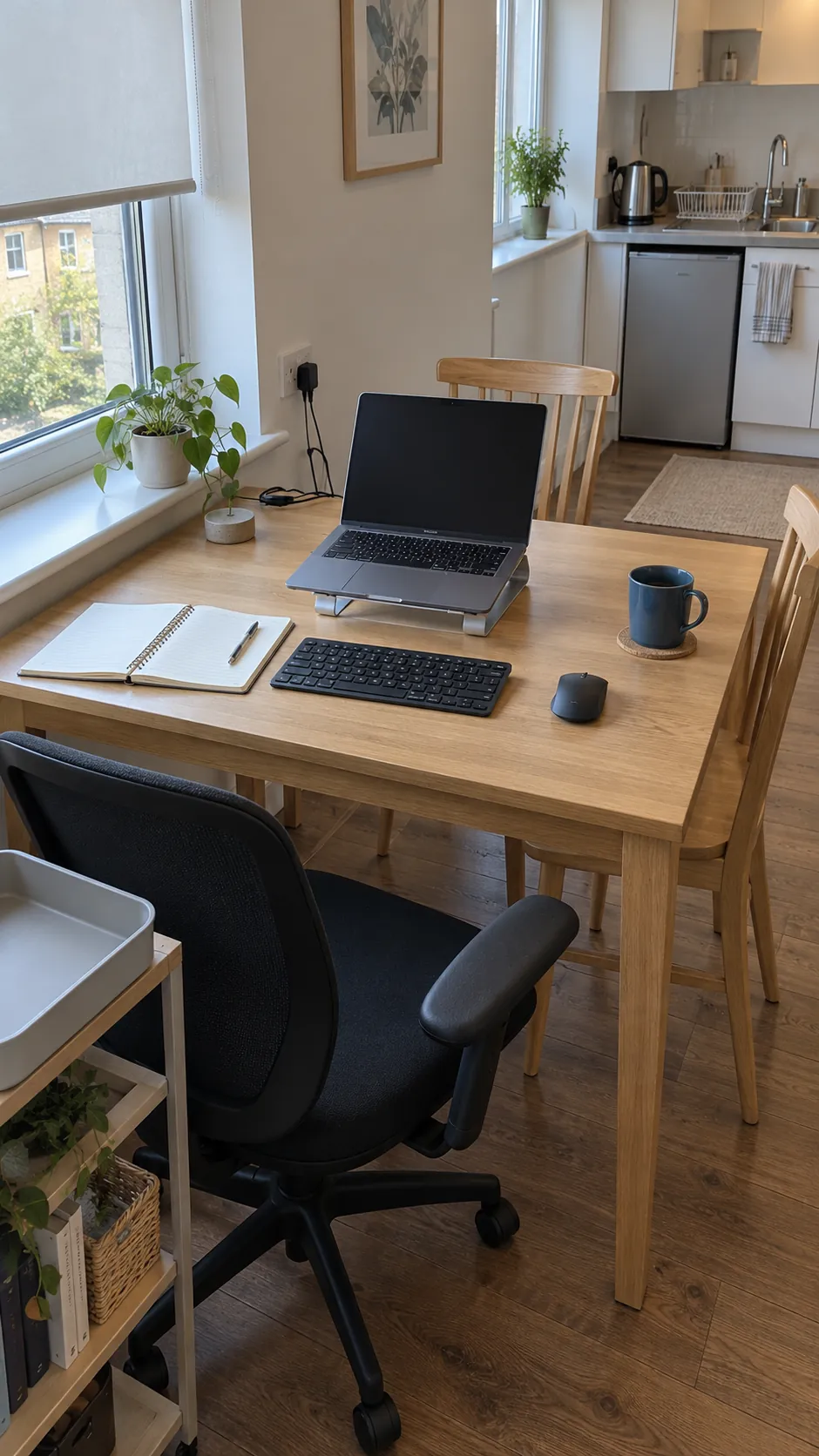
A laptop alone ties screen height to keyboard height, which can make long sessions awkward. A separate keyboard and mouse let you raise the laptop on a stable stand while keeping your hands at a comfortable level. Position the display so you can read it without craning your neck, and take regular movement breaks; this furniture choice should not be presented as treatment for persistent pain.
Choose the Shape Around the Hardest Constraint
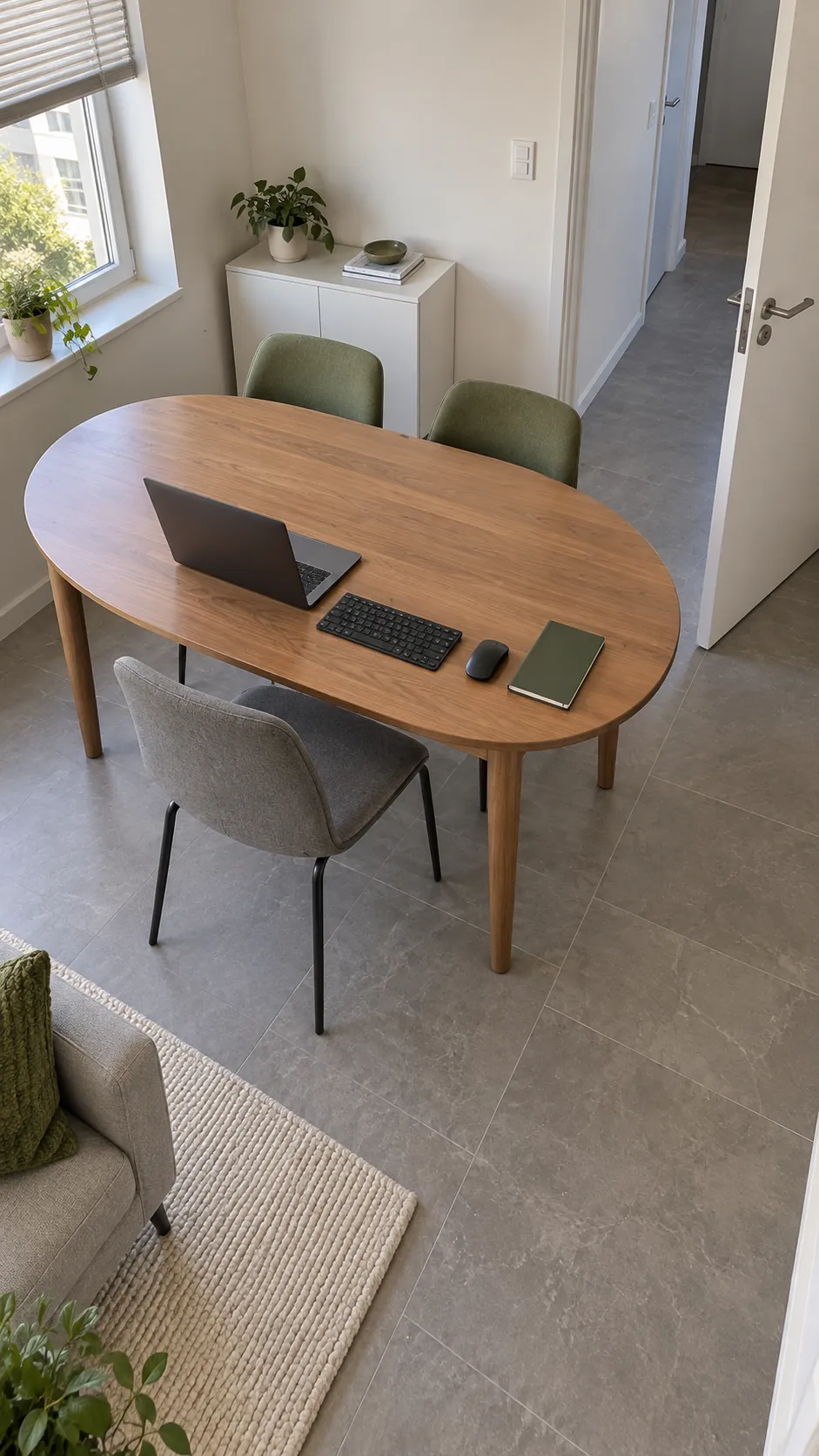
A rectangular top gives a straight working edge and often fits against a wall when meals need only two seats. Check the distance between its legs, because a wide top can still have a cramped usable seating opening. Rounded corners can soften a tight route, but the leg position and chair clearance matter more than the outline alone.
A round table can make walking around a corner easier, especially with a pedestal base. Its curved edge may give you less predictable space for a keyboard, notebook, and monitor than a rectangle of similar advertised width. Compare the actual equipment arrangement on both shapes instead of treating round tables as automatically better for small rooms.
Treat Folding and Extension Features as Daily Work
A drop leaf or extension table can reduce the resting footprint, but check what happens when the leaf is open and a chair is pulled out. A leg that supports the leaf may occupy the place where your knees or footrest need to go. Ask how the mechanism locks, where a removable leaf is stored, and whether you can operate it without lifting a heavy computer setup.
For occasional guests, expanding a compact everyday table may be a sensible compromise. For daily work, a joint running beneath the keyboard or mouse can become irritating if it is uneven. Test the fully assembled top with light typing pressure and inspect the manufacturer’s stated load limits, especially before mounting any equipment.
Give Work Equipment a Place to Leave the Table
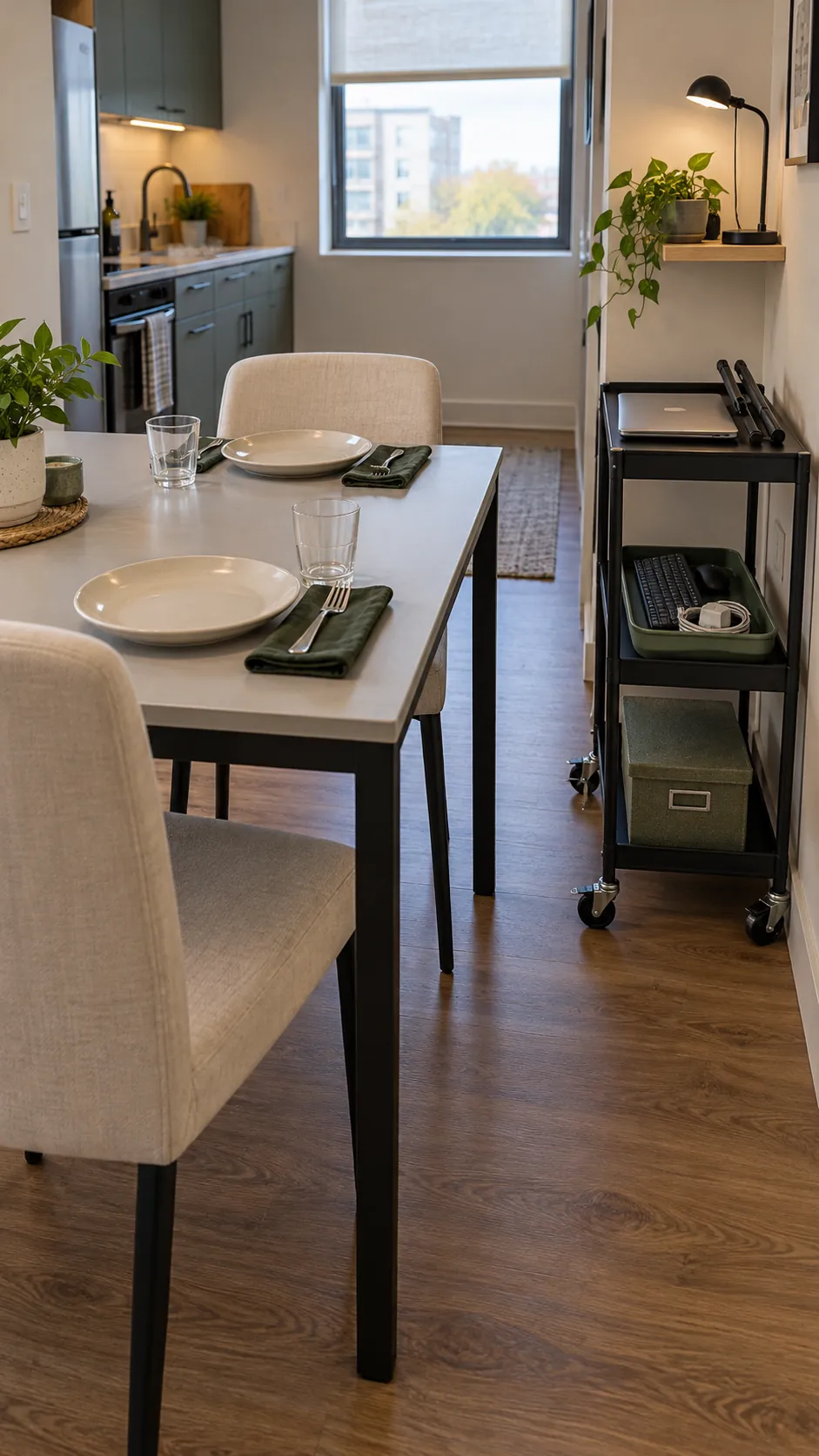
Plan the reset before choosing the table, because a surface covered in cables will not become a dining area simply because you bought dining chairs. Keep a nearby shelf, drawer, or small cart for the keyboard, laptop stand, chargers, and papers. Measure the largest item that must be stored, including a monitor base if you intend to move the screen. A cart helps only when it has a parking place that stays out of the walking route.
A monitor arm may free tabletop space, but its clamp needs a compatible edge, enough thickness, and a surface the manufacturer permits. Glass, hollow tops, tapered edges, and some extension mechanisms may be unsuitable. Check the table and arm instructions together before buying, and do not assume every dining table can accept a clamp.
Route power from an accessible outlet along the room edge, with slack for normal chair movement and no cable stretched across the floor. Use equipment rated for the task and keep liquids away from sockets and electronics. A removable desk mat and a small equipment tray can make clearing the table straightforward without promising that a permanent monitor will vanish at dinner.
Check the Finish, Stability, and Light
A matte, smooth tabletop is usually more pleasant for a mouse, writing, and video calls than a deeply textured or highly reflective surface. Follow the manufacturer’s cleaning guidance and use suitable protection for hot dishes rather than assuming a durable looking finish is heatproof. Press gently near the working edge to check wobble, and look for loose joints or a base that interferes with chair feet. Small space home office planning should include the window angle, since a screen facing a bright window may be hard to read while a window directly behind you can complicate calls.
Make the Purchase Pass a Full Day Test
Before ordering, rehearse a working session, a meal, and the change between them using your taped footprint and current furniture. Put the chair, footrest, screen stand, and storage container where they will actually sit. Open the nearest cabinet and walk every regular route while the chair is occupied by its full footprint. This reveals conflicts that a clean product photograph hides.
Write down the tabletop size, underside clearance, base footprint, chair compatibility, storage plan, delivery route, and return terms. Choose the smallest table that passes your real work and dining tests, rather than the smallest table available. If a fixed dining surface cannot provide comfortable typing and supported feet, let that failed test guide a different furniture choice before you spend money.