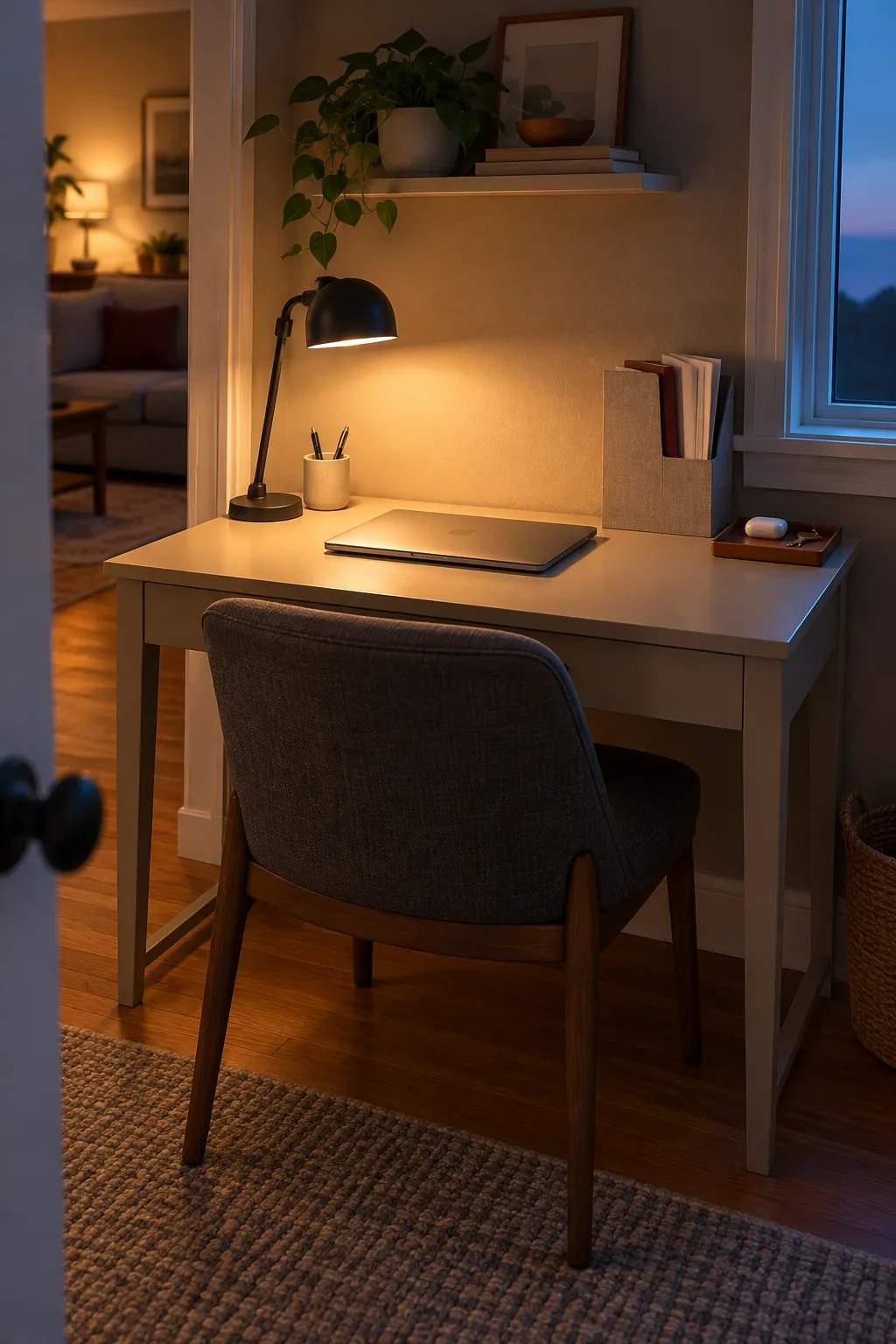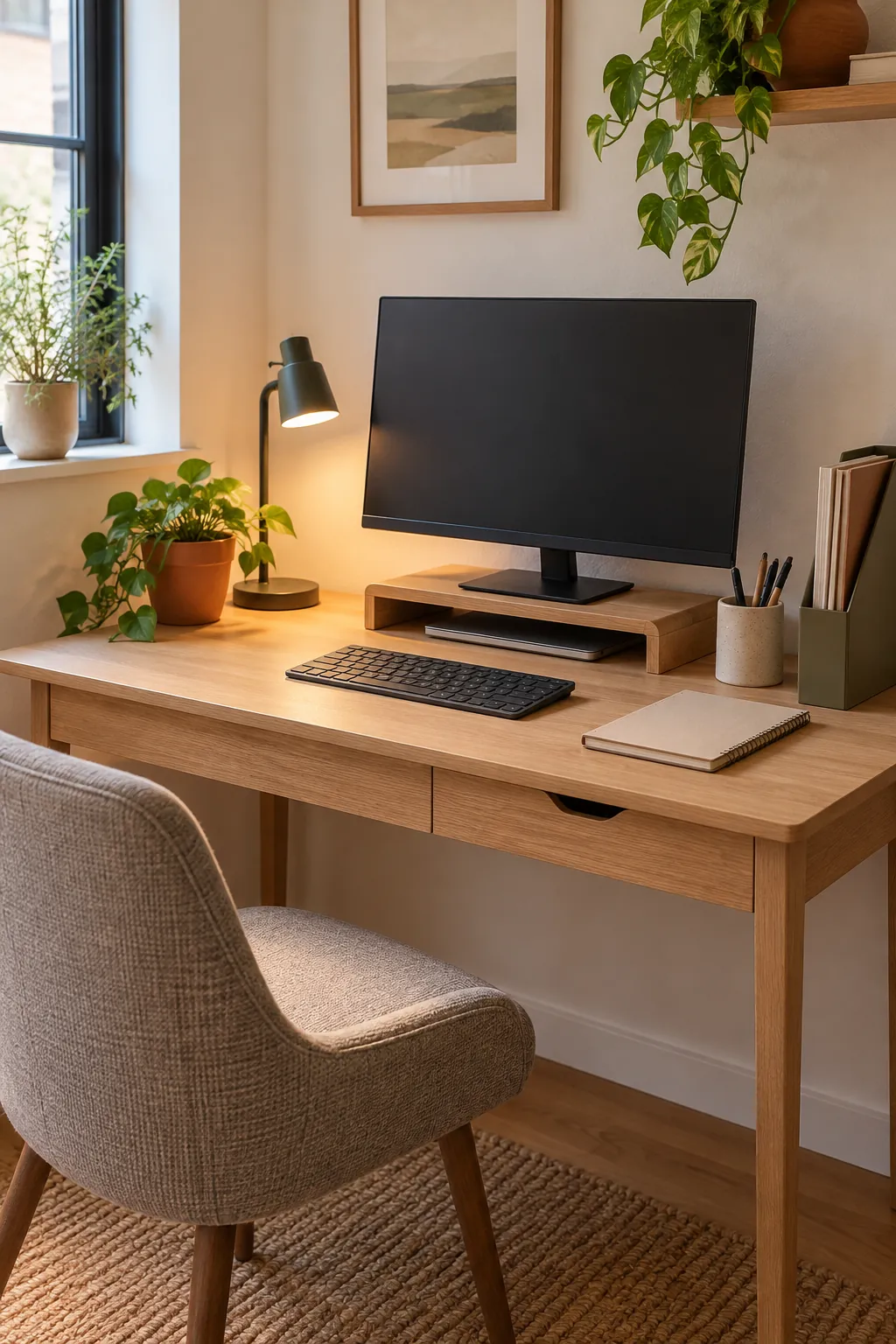
A small desk becomes frustrating when every useful object competes for the same few inches. Papers spread into the keyboard area, cables catch on notebooks, and supplies stay visible because there is nowhere obvious to put them. The best fix is not a larger collection of organizers. It is a simple system that protects working space and gives each necessary item one easy home.
Reset the desk around the work you actually do
Start by removing everything from the desktop and the nearest drawer. Sort the contents into items you use every day, items you use occasionally, papers that need action, and things that belong elsewhere. This first pass matters because no storage product can compensate for keeping too much within arm’s reach.
Return only the tools that support your normal work. A laptop, notebook, one pen, and task light may be enough for a minimal desk setup, while drawing or paperwork needs a different group of essentials. Put duplicates and spare supplies in another cabinet so the small desk serves current work instead of acting as general storage.
Protect a clear central work zone
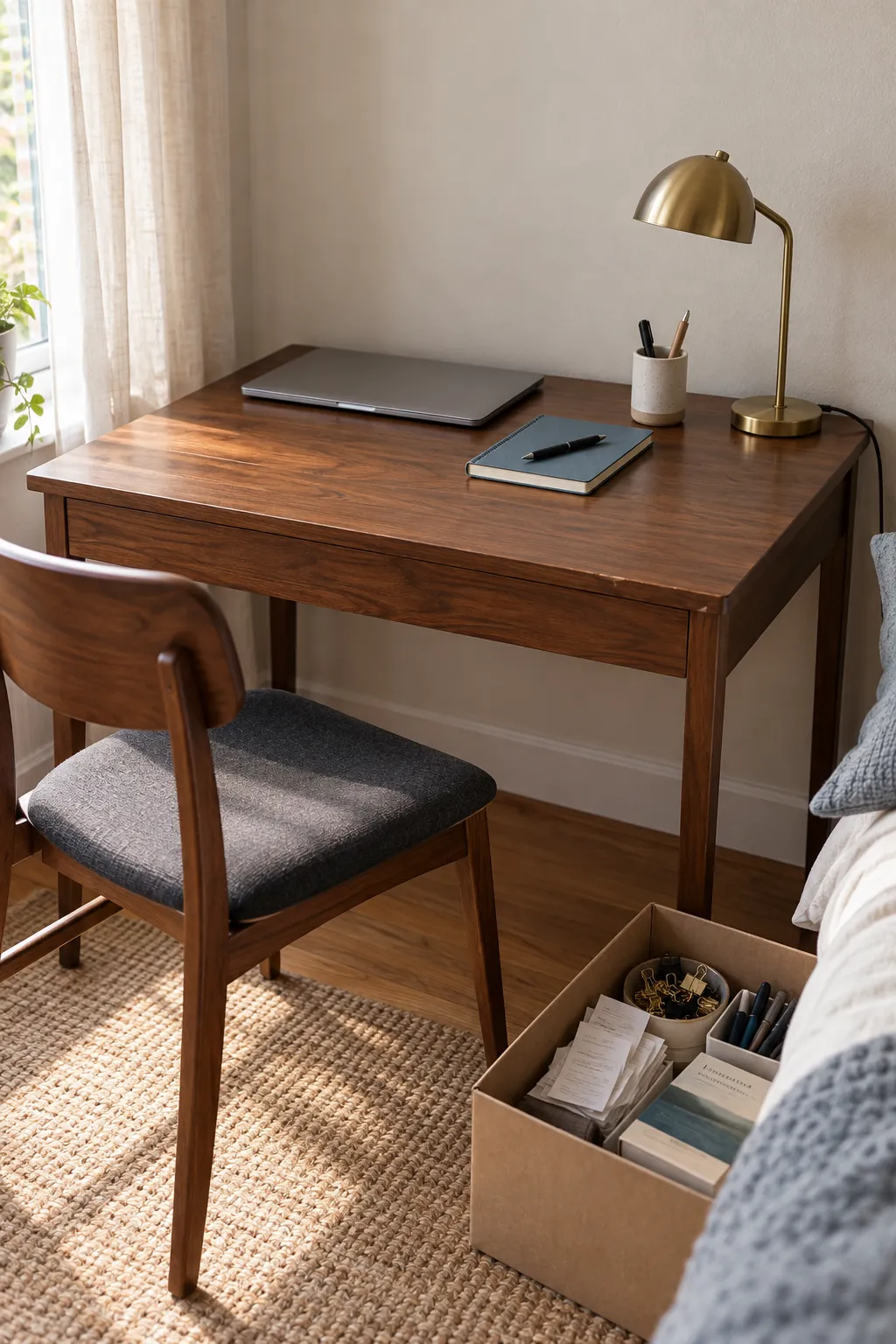
Reserve the middle of the desktop for active work. The clear area should be wide enough for your keyboard and mouse, or for an open notebook if you work by hand. When this space stays open, the desk feels usable even if storage sits around its edges.
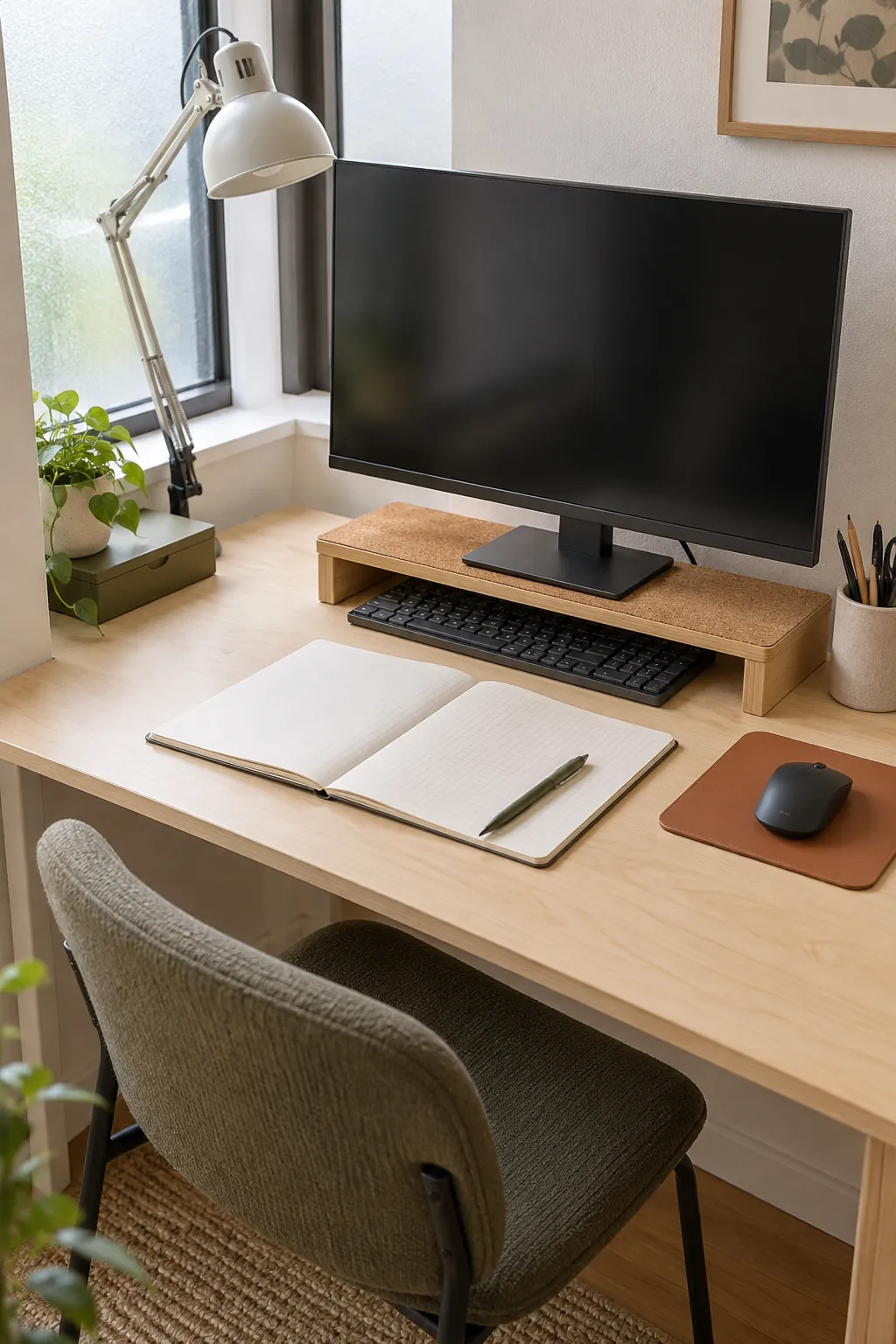
A monitor riser with storage can recover the shallow space beneath a screen. Choose one with room for the keyboard or a slim tray, then avoid filling every open compartment with decor. If you use a laptop, a stable stand and compact external keyboard can create the same separation between screen space and working space.
Give every item a home based on reach
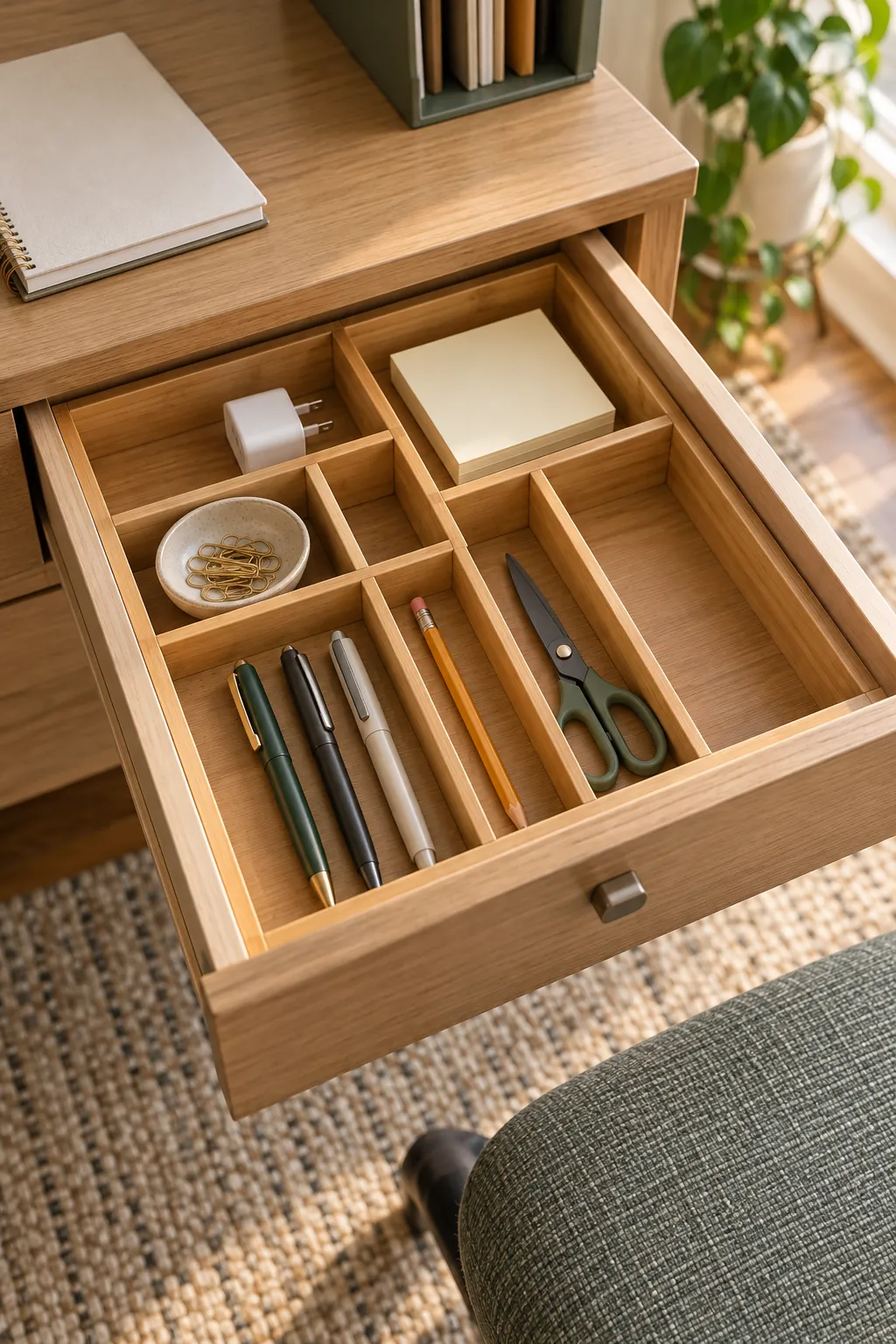
Place daily tools in the easiest locations and occasional tools one step farther away. One small cup can hold the pen and marker you use often. A drawer can hold refills, clips, sticky notes, and other supplies that do not need to remain visible.
Desk drawer dividers prevent the drawer from becoming a hidden pile. Measure the interior before buying trays, and leave one compartment partly empty for an item that is in use. Shallow containers usually work better than deep bins because every object remains visible without digging.
Paper needs a clear decision path. Keep one upright file or slim tray for documents that require action, then move completed papers to permanent files or recycling. This approach answers a common problem with generic advice: it explains where a new paper goes the moment it reaches the desk.
Use height and hidden edges for storage
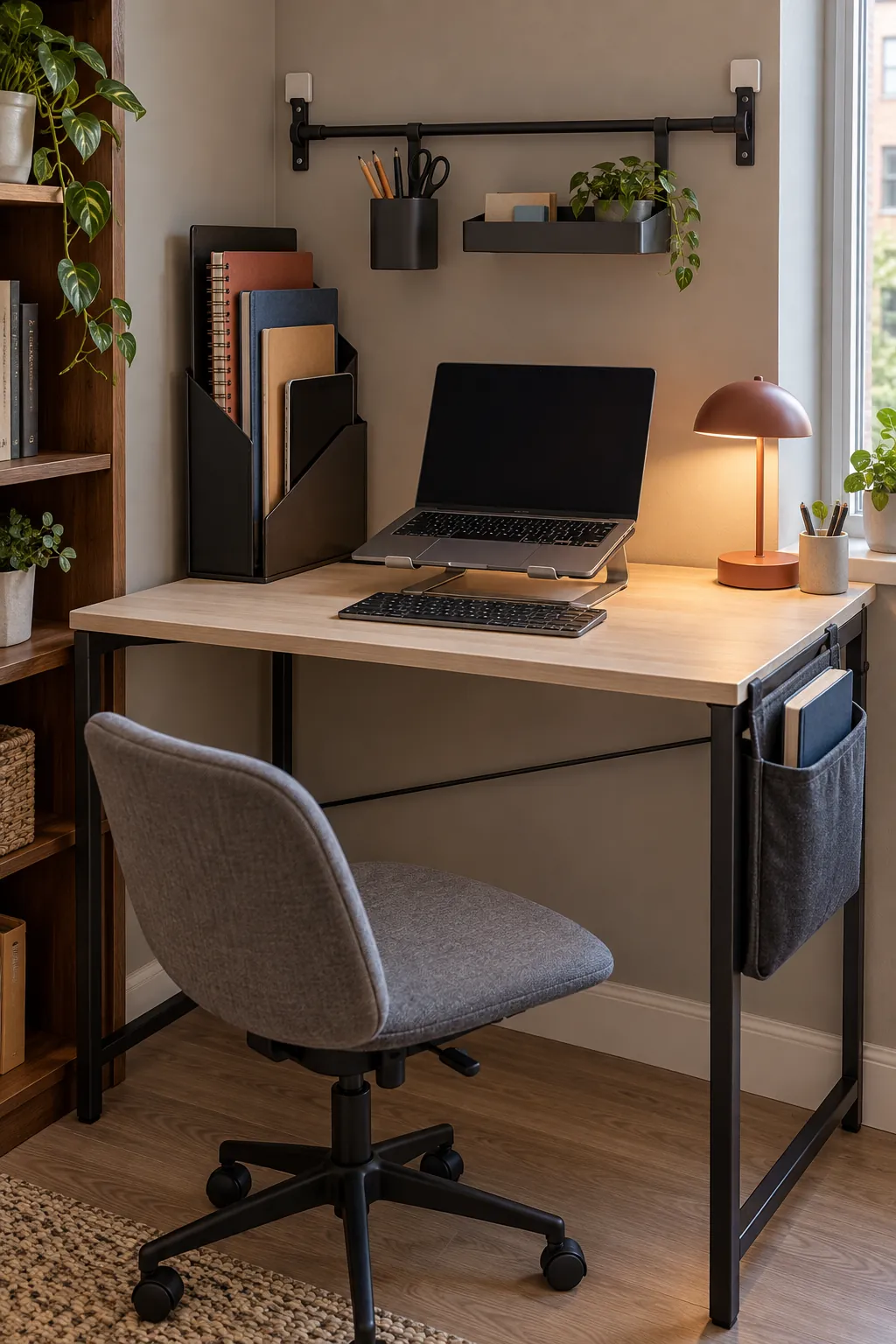
When the desktop is narrow, move storage upward or underneath instead of spreading sideways. A vertical desk organizer can separate notebooks, current folders, and a tablet in a footprint only a few inches wide. Keep its contents limited so it remains a working tool rather than another crowded shelf.
Wall mounted office storage can work above a desk when drilling is allowed. A shallow rail, pegboard, or narrow shelf keeps lightweight supplies visible without occupying the work surface. Renters can use a rolling cart beside the desk or a removable side pocket, provided it does not crowd the chair or block movement.
Under the desk, use only compact workspace accessories that leave clear legroom. A slim drawer attached near the front edge can hold small tools, while a cable tray belongs toward the back. Check knee clearance before mounting anything because storage that interferes with posture will not remain useful.
Control cables at three points
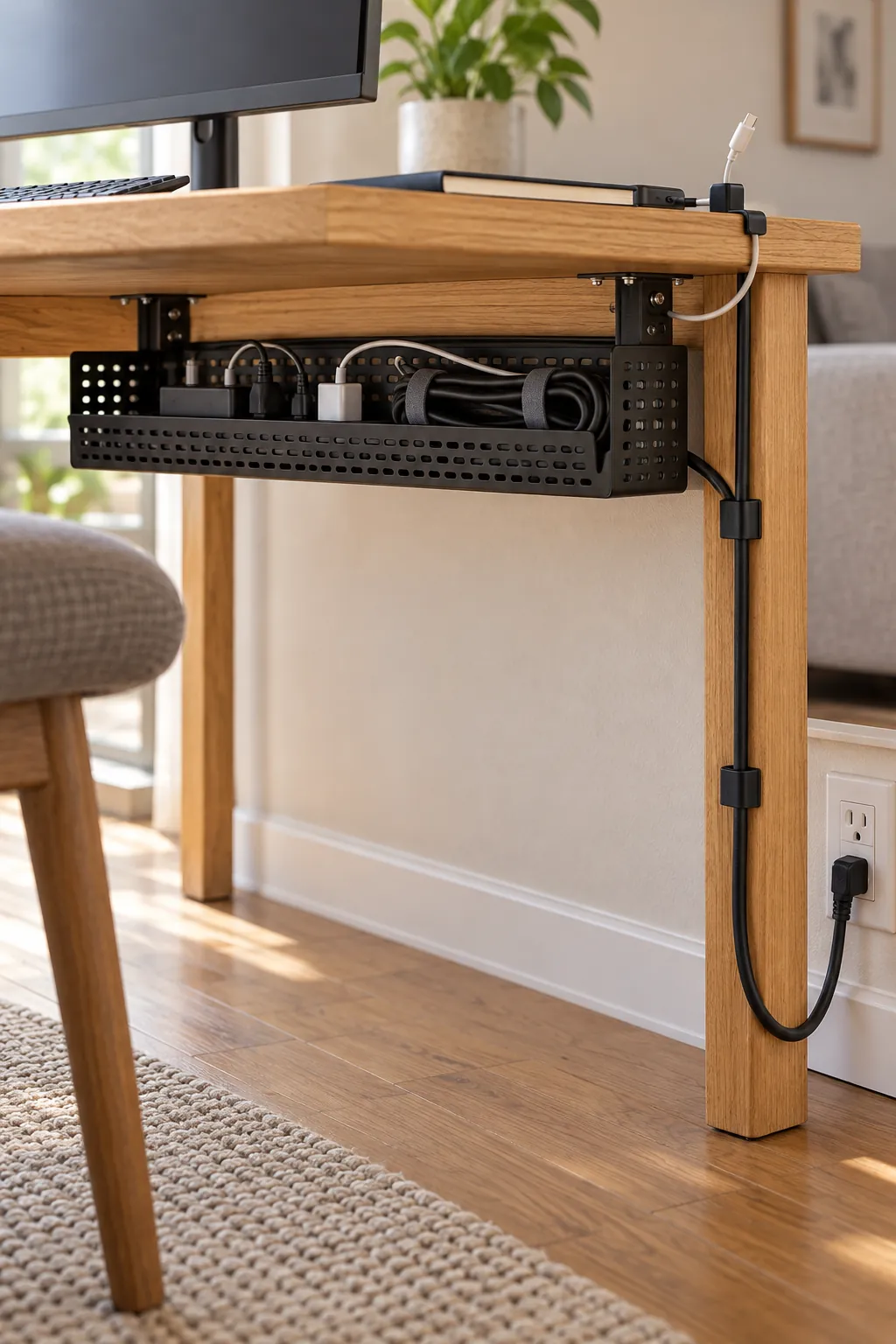
Good cable management ideas solve three separate problems: excess length, movement on the desktop, and the route to the outlet. Gather extra length in a tray beneath the rear edge. Secure the charging end with a clip so it stays available instead of falling behind the desk.
Guide the remaining cord down one desk leg with soft ties or removable clips. Keep power connections ventilated and easy to inspect, and never compress plugs inside a container. Label similar chargers near the power strip so you can disconnect one device without tracing every cable.
Finish with a short closing reset
A useful organization system must be easy to restore. At the end of work, return loose tools to their assigned homes, place unfinished papers in the action file, and clear cups or dishes. This should take about two minutes because every object already has a destination.
Notice which items repeatedly remain on the surface. If you use one every day, improve its storage location rather than forcing it into an inconvenient drawer. If you rarely use it, move it away from the desk. This small review keeps the system responsive and stops clutter from quietly rebuilding.